Not MFT that I know of, (but I believe at its introduction the original FourThirds was informed to have something to do with some kind of prior cine format).
In the days of film photography, Olympus had the Pen-F half-frame camera series using 18×24 mm of a regular 135 film.
edit: Just a github cache problem, all fine now. Tri-X now follows upstream’s column layout thanks to the hint of @huge_raw_tinkerer
and sorry @mikae1 the exporter script changed once again But deleting the folder in the config directory and downloading via the module should work just fine. spektrafilm_export_data.py (17.7 KB)
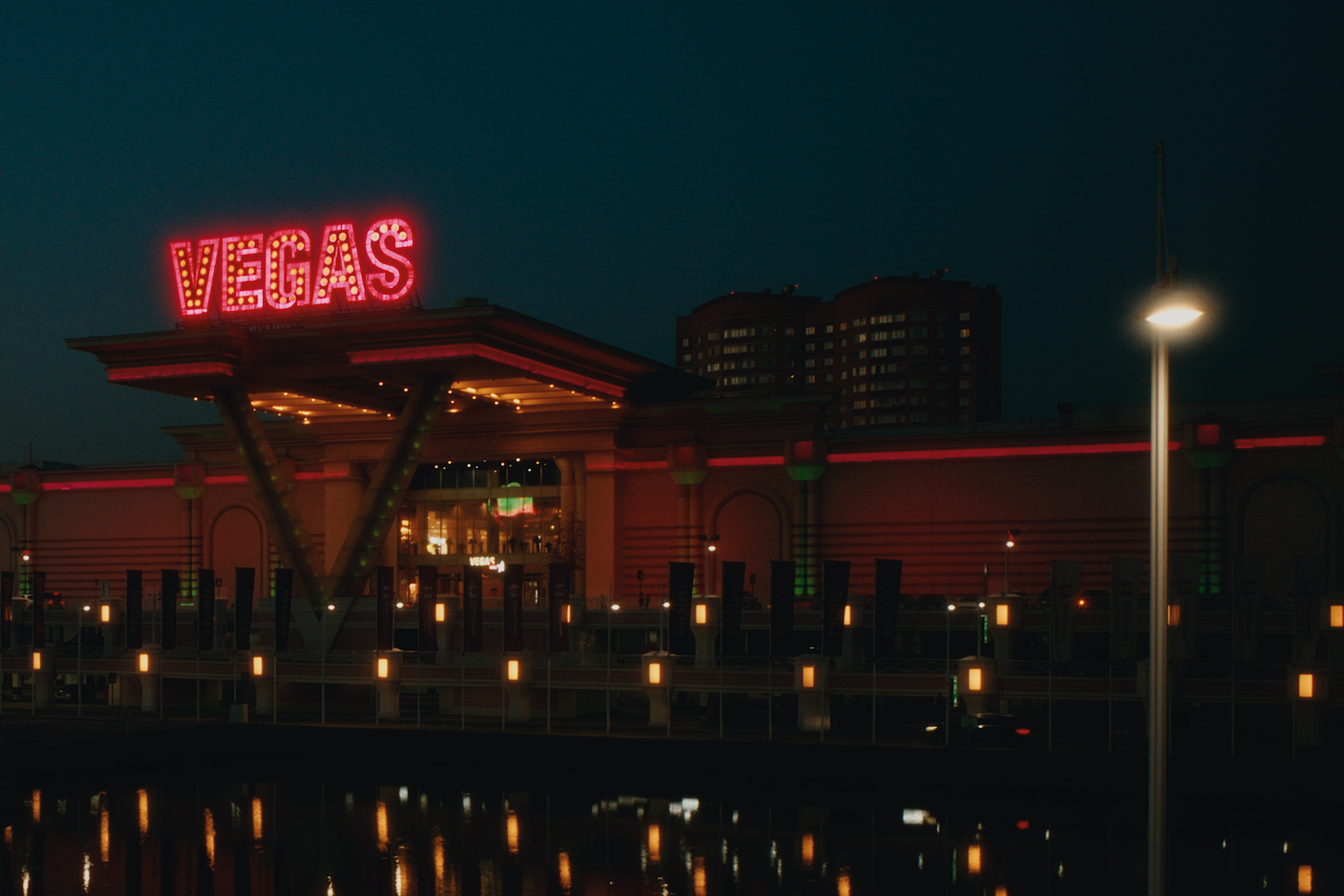
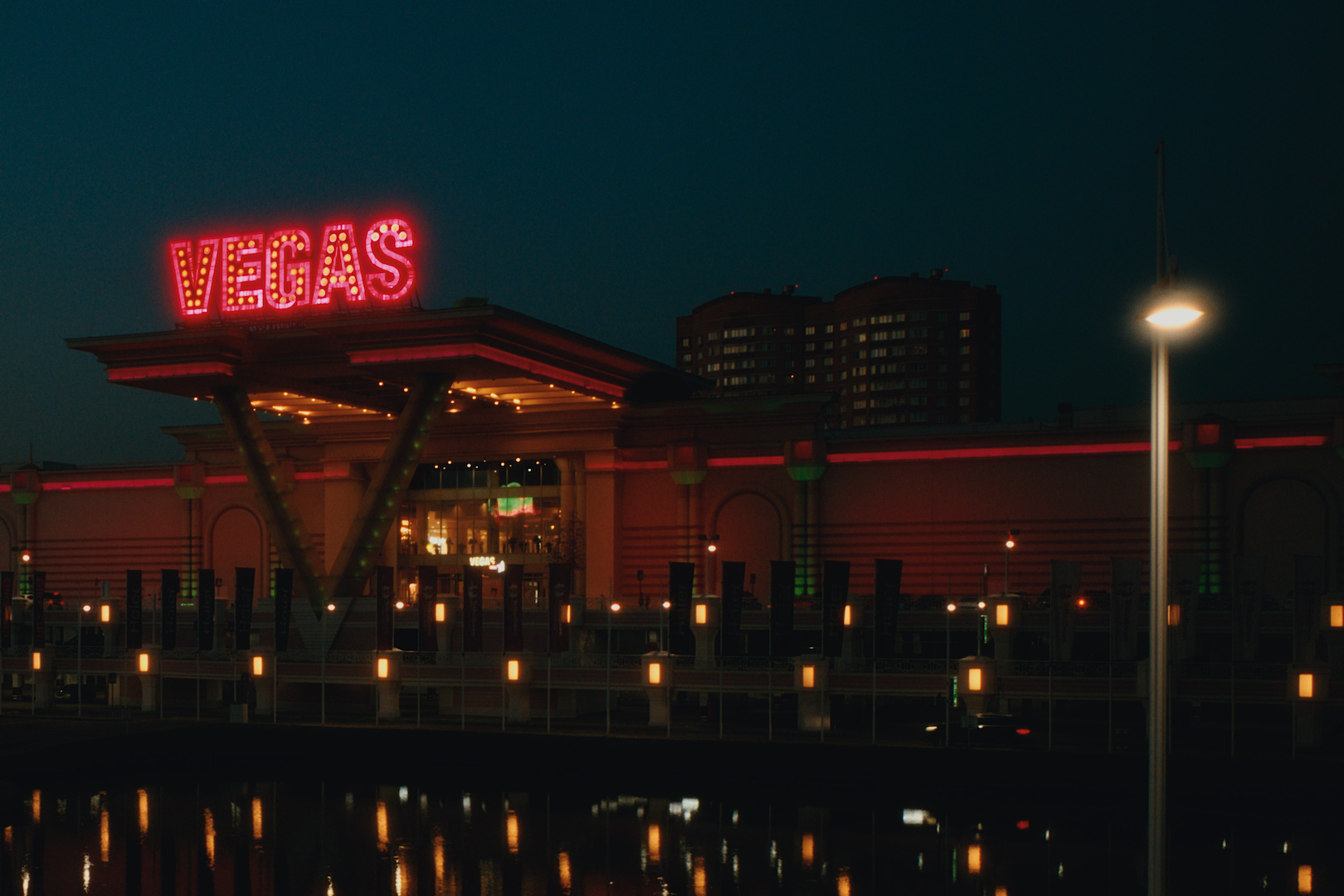
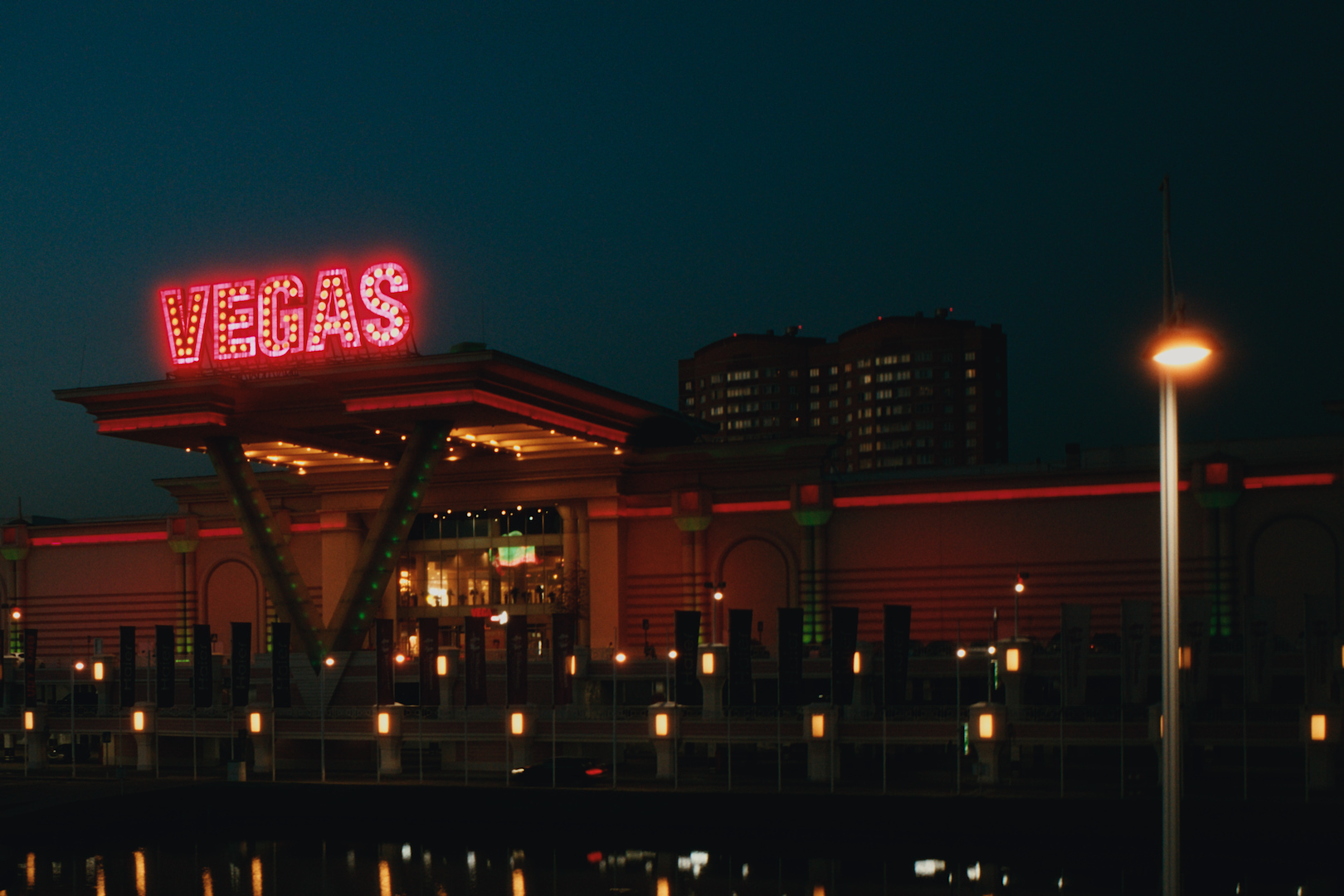
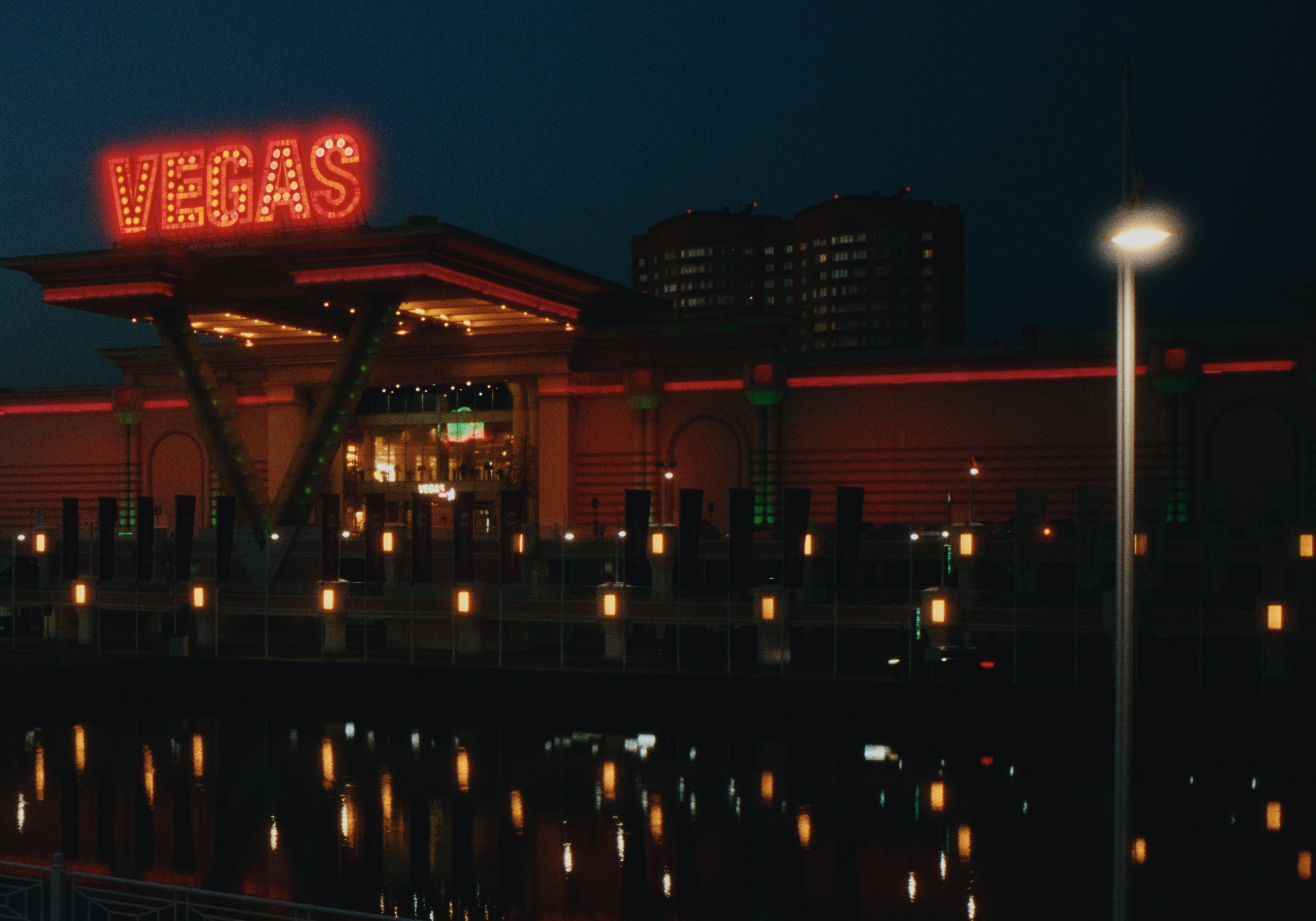
Experimenting with night time shots now, below is a crop of:
shot with a diffusion filter, halation set to default
shot with a diffusion filter, halation set to boost highlights +2EV
shot without a diffusion filter, halation set to boost highlights +2EV, enabled blackpromist with settings to match the diffusion size on the light pole on the right
It’s interesting that halation just paints the existing diffusion pink, but when the diffusion is emulated by the spektrafilm itself it blends really nicely with the halation. Though it’s only visible on specs of artificial light like this. I tend to shoot without a diffusion filter at night anyway because I find it too strong usually, so this emulation will come in handy
I don’t think it’s a bug, here’s the rendition from the spektrafilm gui, you can also see that it’s added the halation around the original source of light and just painted the existing diffusion pink
Overall the diffusion and halation is working quite nicely, I really like how they blend into each other. It’s a bit unclear from the descriptions that halation would amplify the diffusion, but it makes sense logically. When boosting highlights with halation on night time shots the things get crazy real fast, but I don’t think this is the fault of the module and it’s more likely the fault of the original maths from spektrafilm
Yes, that’s important and something that is required for integration.
There is different options, one possibility is to store all data into a new darktable.org repository (as done for AI models) and have a way to download them. The second important point is to ensure that ids used by Spertrafilm are stable across releases.
But please, all those implementation details should be discussed into GitHub, not here. TIA.
Took me until this morning for the lightbulb to go on, but… even more lens correction instances!
3x with two of them (one at 2x, one at 1.5x) + DorS and grain
If you are upgrading from an older build, delete the spektrafilm folder from your darktable config directory first, so the module doesn’t keep using outdated data and, possibly, fails in attempting to do so:
Enable Preferences → Security → “allow spektrafilm to download data packs”.
Restart darktable — the setting only takes effect after a restart.
Open the spektrafilm module on a photo. If a data pack is missing, a “download data pack” button appears — click it and the module downloads the data pack it needs, verifying the download before it’s used.
@difrkaguilar I don’t have the capabilities nor github machines to build darktable for older macOS versions. Here someone did it but he does have a particular special setup to do it.
(Edit: unfortunately the image gets converted to sRGB after uploading, and the effect is less visible then).
I see the same in Andrea’s reference implementation using hanatos2025 without bandpass filter. It goes away with the bandpass filter or alternatively arctic2026beta04 there (preview, not scanned yet):
Not sure if it’s necessary anymore, but on my mac (silicon, latest) the config directory has always been ~/.config/darktable, and creating a folder under ~/Library/Application\ Support never worked.
The download features worked correctly for me with no issues. I think it would help if the tooltip regarding enabling the checkbox in the settings would also say what submenu you could find it in (it was in “security” for me, but it took me a hot minute to re-read through the “darkroom” and “processing” categories).
Did some QA testing of the downloading functionality:
Deleting the spektrafilm folder while in lighttable and then entering darkroom works correctly (it offers to download the packs again)
Deleting the spektrafilm folder while in darkroom and then proceeding with the edit resets the effect of the module to as if it is disabled, but all the controls are still clickable and intractable. The case is very unlikely to happen so I don’t think any special treatment is needed here
Pressing “download” and then turning off the internet connection makes it hang, restoring the connection also continues the downloads and it finishes correctly
Re-entering the darkroom with the download hanging due to internet instability keeps the state in tact (loading being stuck at the same % as it was), then restoring the internet connection continues the downloads and finishes correctly
Editing a photo using the spektrafilm module, going back to lighttable, deleting the spektrafilm folder (case: user reinstalled the darktable), opening the photo again - the photo is displayed as if the spektrafilm module is disabled, then downloading the spektrafilm files restores it to the correct state
Same case as above: downloading it at a different photo, then returning to this photo, and the spektrafilm module state is restored correctly as well
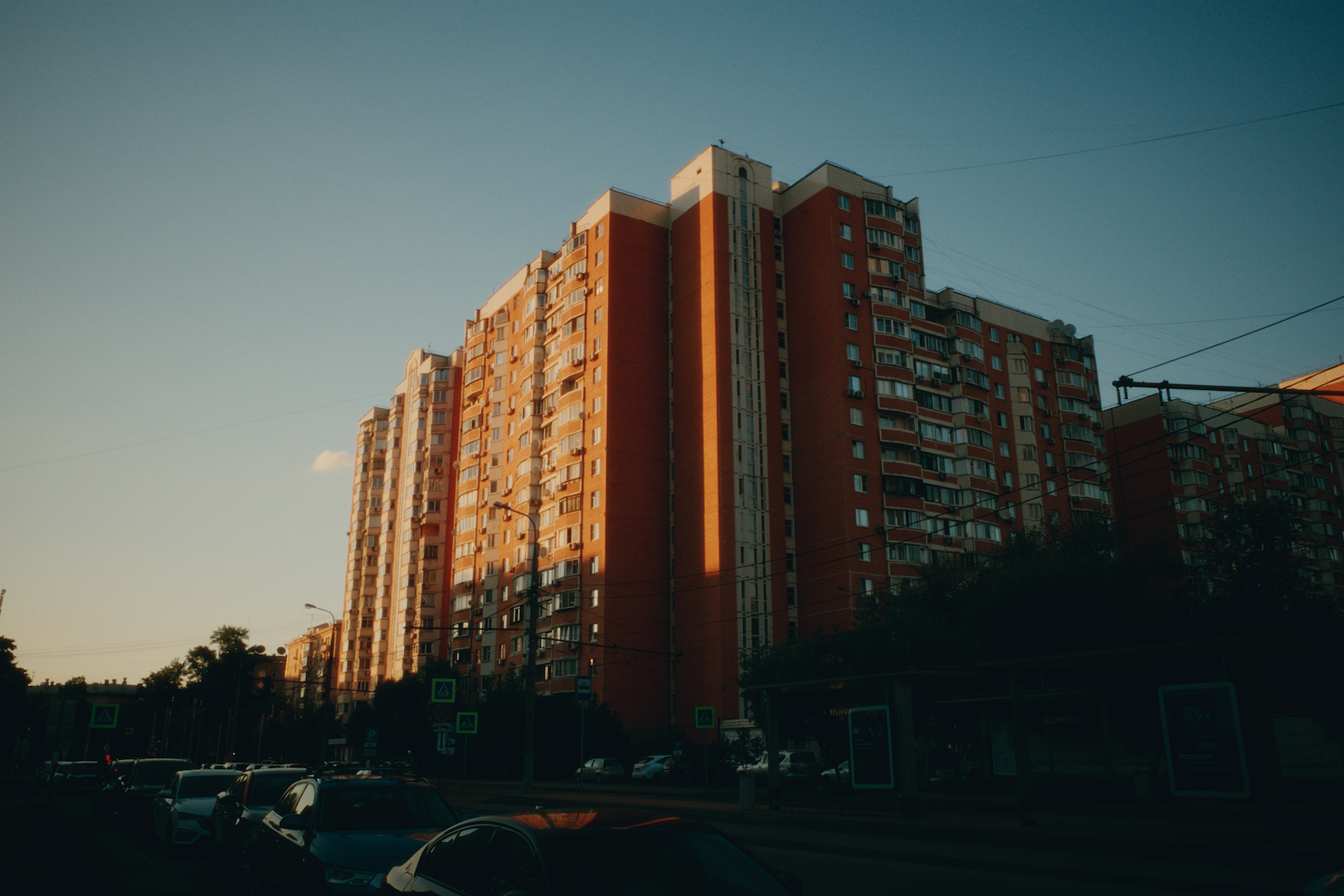
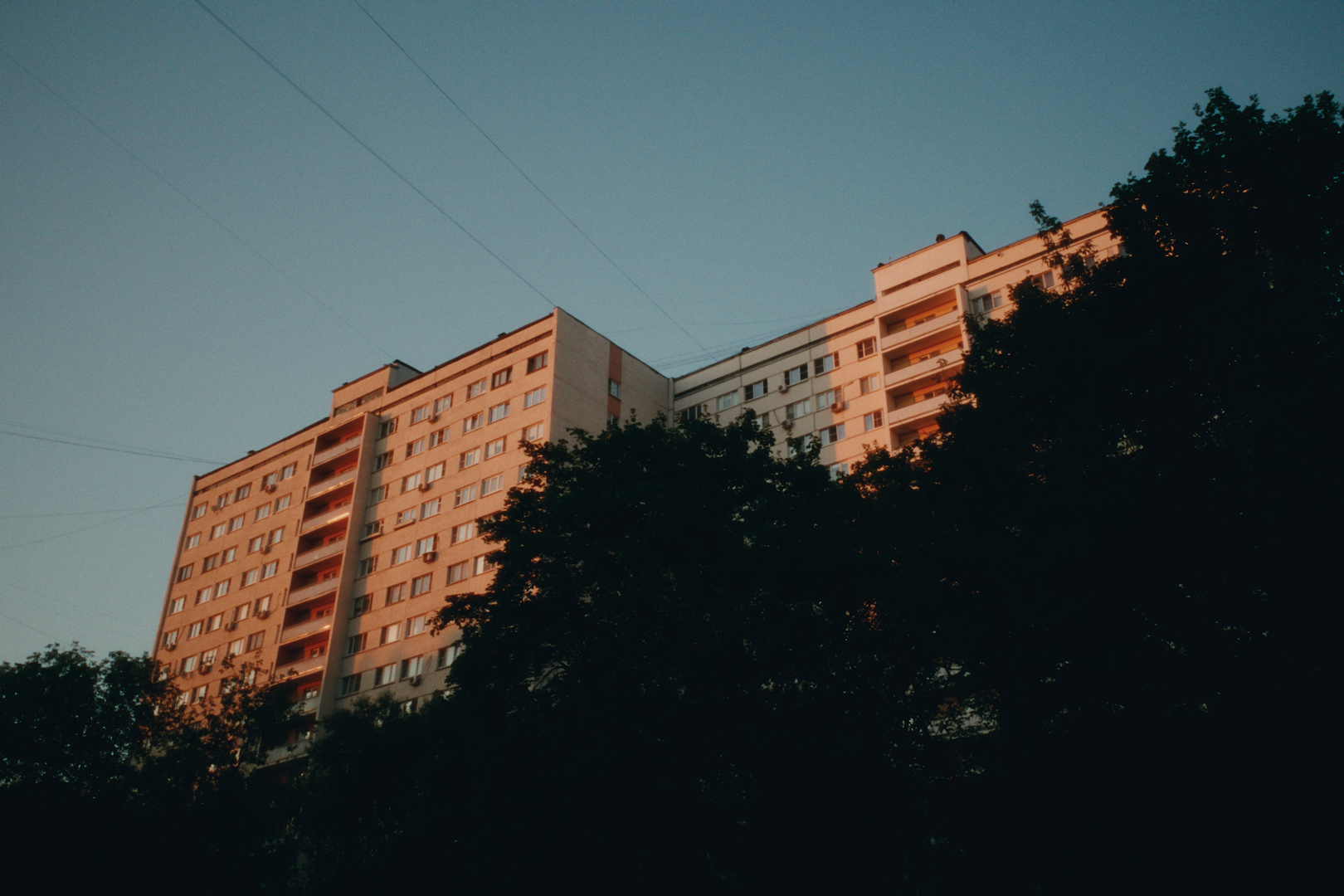
Sunsets do look marvellous with this module. Also I finally figured out how to use various films and print papers correctly.
For example this is gold200 printed on fuji crystal archive, but the paper naturally has green shadows, so if you correct it with print filtration to look less green and less cold, you naturally gain magenta and yellow in the midtones and highlights, which works wonders for sunsets it seems. Also here I experimented with preflash instead of controlling the contrast via tone equalizer, these are all single-module (+ legacy white balance hard set to 5600K) edits
 But deleting the folder in the config directory and downloading via the module should work just fine.
 ?
 Deleting the spektrafilm folder while in lighttable and then entering darkroom works correctly (it offers to download the packs again)
 Deleting the spektrafilm folder while in darkroom and then proceeding with the edit resets the effect of the module to as if it is disabled, but all the controls are still clickable and intractable. The case is very unlikely to happen so I don’t think any special treatment is needed here