I encourage anyone to experiment with preflash. You can get pleasing results, such as those creamy highlights with a magenta or yellow tint at sunset.
2 Likes
Latest commits add surface adaptation and fix an opencl crash when more then one opencl runtime is available.
@geni1105 To be honest I didn’t notice much of a color change with this, but might be worth trying anyway
I fear that this might be due to different internal camera handling and nothing we can influence. But I might be wrong.
1 Like
Edit: never mind, had to follow the steps above
- Enable Preferences → Security → “allow spektrafilm to download data packs”.
- Restart darktable — the setting only takes effect after a restart.
- Open the spektrafilm module on a photo. If a data pack is missing, a “download data pack” button appears — click it and the module downloads the data pack it needs, verifying the download before it’s used.
Latest MacOS (ARM) build broke my Spektrafilm. It’s not doing anything at all now, weird
did you delete the folder in the config folder?
I have a suggestion to make. Can we see the name of the print paper even when ‘auto’ is selected? Instead of just seeing ‘auto (follow film stock)’, it would be nice to see, for example for Kodak Portra 400: ‘Kodak Portra Endura (auto, follow film stock)’.
It can be confusing which print paper is selected if you only see ‘auto’ and don’t know what paper is corresponding to the current film stock.
3 Likes
I was a bit too fast with the post, fixed it a min later. Thanks.
Working fine! Coming along super nicely. Makes me want to pick up programming again. Thanks for the great work (the rest too).
3 Likes
Good suggestion, like the preflash creamy highlights one (:
@ho4 great photos! Good catch the one from ~/.config/darktable in macOS as well, I’ve added that to the table
New builds should be up in 30 minutes. For the curious ones, here is the live progress of the build steps when they happen, like right now. Seems to be peak hours for the build machines at Github. The macOS Intel one is painfully slow. Just landed a patch that should make it somewhat faster now, because yes, and always like testing limits with LLMs. Huge fan of Deepseek v4 Flash by the way.
2 Likes
I had the same error a few days ago (on macOS). Solution is to merge the PR into darktable master instead of directly building the PR branch.
1 Like
Yes this is true. @piratenpanda I don’t know how are you doing your own builds, it seems like you have in your machine a bauhaus recent fix commit from master or something, but only locally as it isn’t available in your branch for some reason 
You might want to rebase to upstream/master, which you are going to need anyway to properly merge the PR at some point onto darktable repo
My builds basically:
- Clone Benjamin’s
spektrafilmbranch 1-to-1 onto my Arecsu/darktable spektrafilm-draft branch - Rebase to
masterbranch fromdarktable-org/darktablerepo - Force push to my own
Arecsu/darktablespektrafilm-draftbranch - Build
2 Likes
Thanks @piratenpanda @Arecsu @geni1105
THose little tips are very helpful to keep it all sorted out… I appreciate the the time that you take to answer and provide feedback. Its a little tricky, at least or me to keep up with all the goings on around the project…
Keep up the great work everyone…
2 Likes
PRs should not rebase that’s why I am not doing it.
I am running my modified PKGFILE on arch
The policy in darktable is to rebase your branch onto master; not to merge master into it
2 Likes
Ah, let me try that. Done. Sorry for not doing this. Should be good now
3 Likes
Should be fixed.
Well it all depends, you can rebase a PR if you need to get access to some fixes that have already landed on master. As already said here we don’t want master being merged into topic branches.
1 Like
For what exactly? Unless I misunderstand what we’re referring to here, our film format choices are about a certain look, and don’t correlate in any way to the size of the sensor used to record the image.
1 Like
I misunderstood the purpose of this parameter: I thought it would be there to indicate which sensor size had been used, hence my suggestion.
Still, films like Kodak Gold have been sold in various formats, among them APS-C/H and 110, which is roughly the size of MFT, so some might be interested in simulating them. Granted, you can always use the custom size.
1 Like
I love the things you all are building, can’t wait to see the result!
I don’t know any of the ins-and-outs of this module.
But maybe a word of caution. With new features you have to be aware of what they all ‘scope creep’. Maybe start the main 35mm films first and get everything working. You can always do a second release of the module with (all) the speciality film later. But sometimes when you try to do it all at the same time, you end up with nothing working at all…
The format functionality is already there and defines how grain, halation etc look. So adding more presets doesn’t add much code just a mapping between a number and the name.
1 Like
Just upgraded to today’s version and gave some recent photos a quick run. Usually I like my photos a little softer but went for a bit of a sharper look this time. On that note, does anyone have any advice for sharpening? It seems like you lose grain if you choose 8x10 for example - ideally I’d keep some visible grain. Maybe I should be sharpening in the “scanner” tab?
FYI I’ve been editing all of my photos solely in the spektrafilm module and it’s been fantastic. No need to touch any other modules.
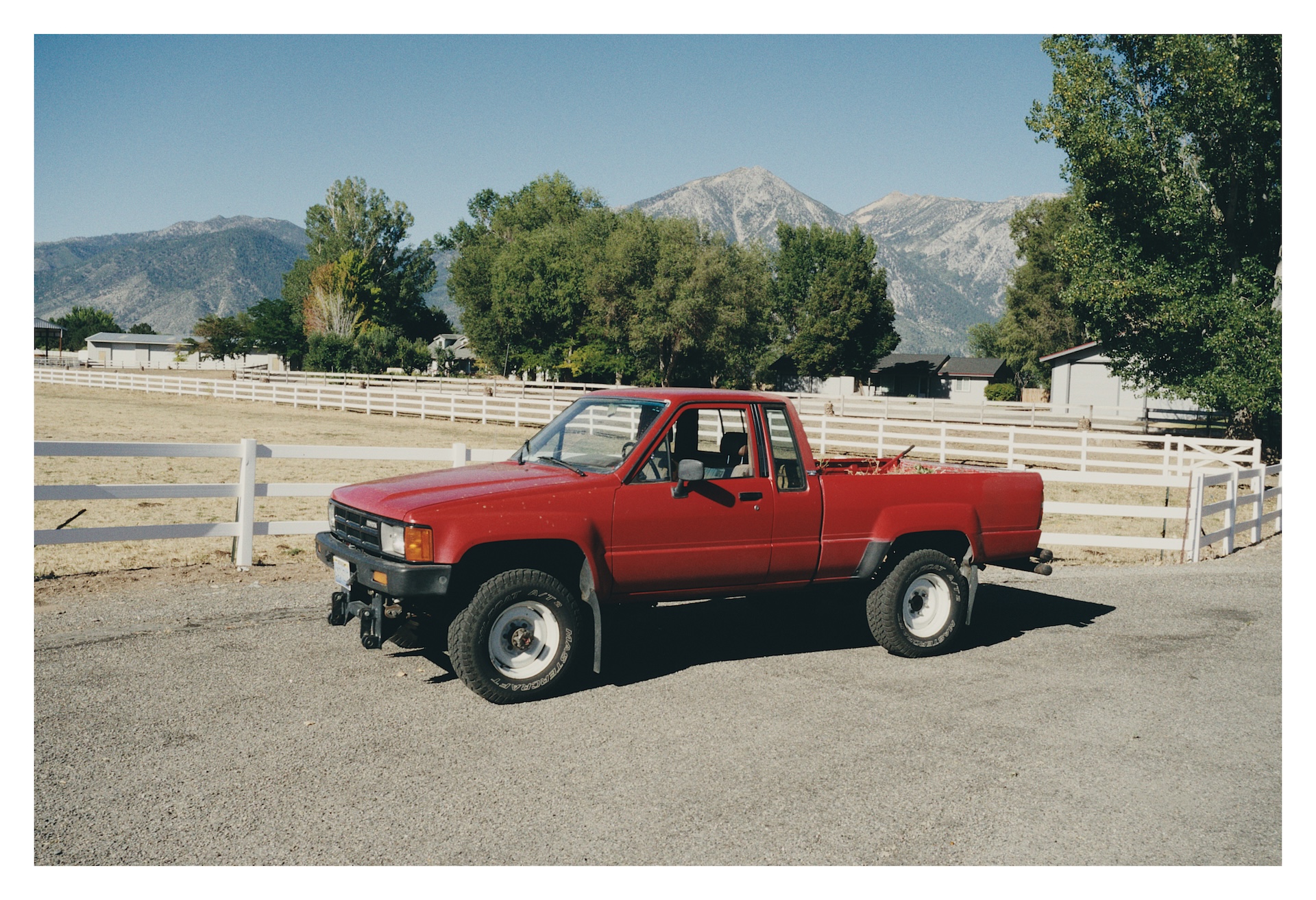
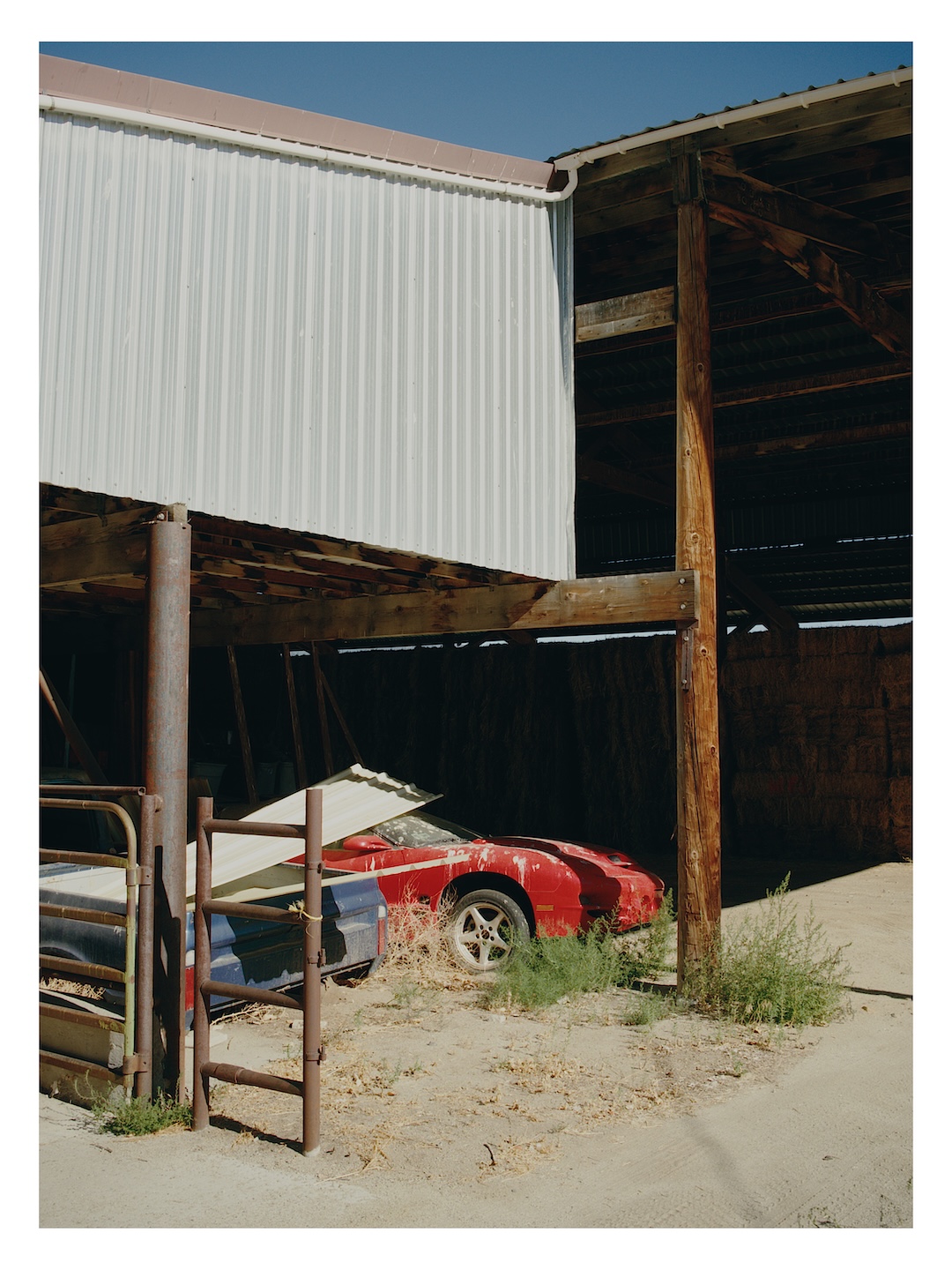
Otherwise, not running into any issues. The “download packs” button worked perfectly.
5 Likes