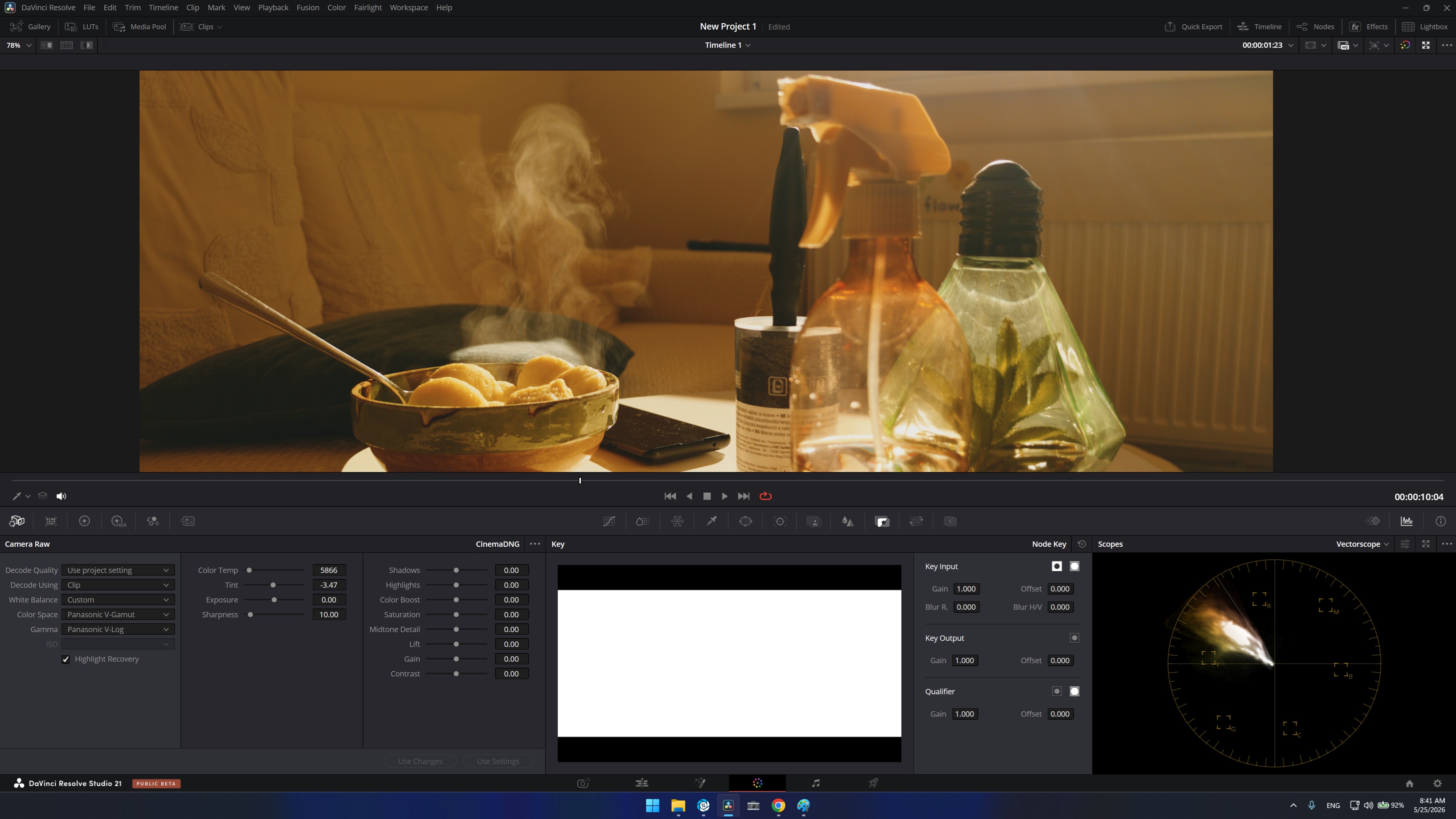
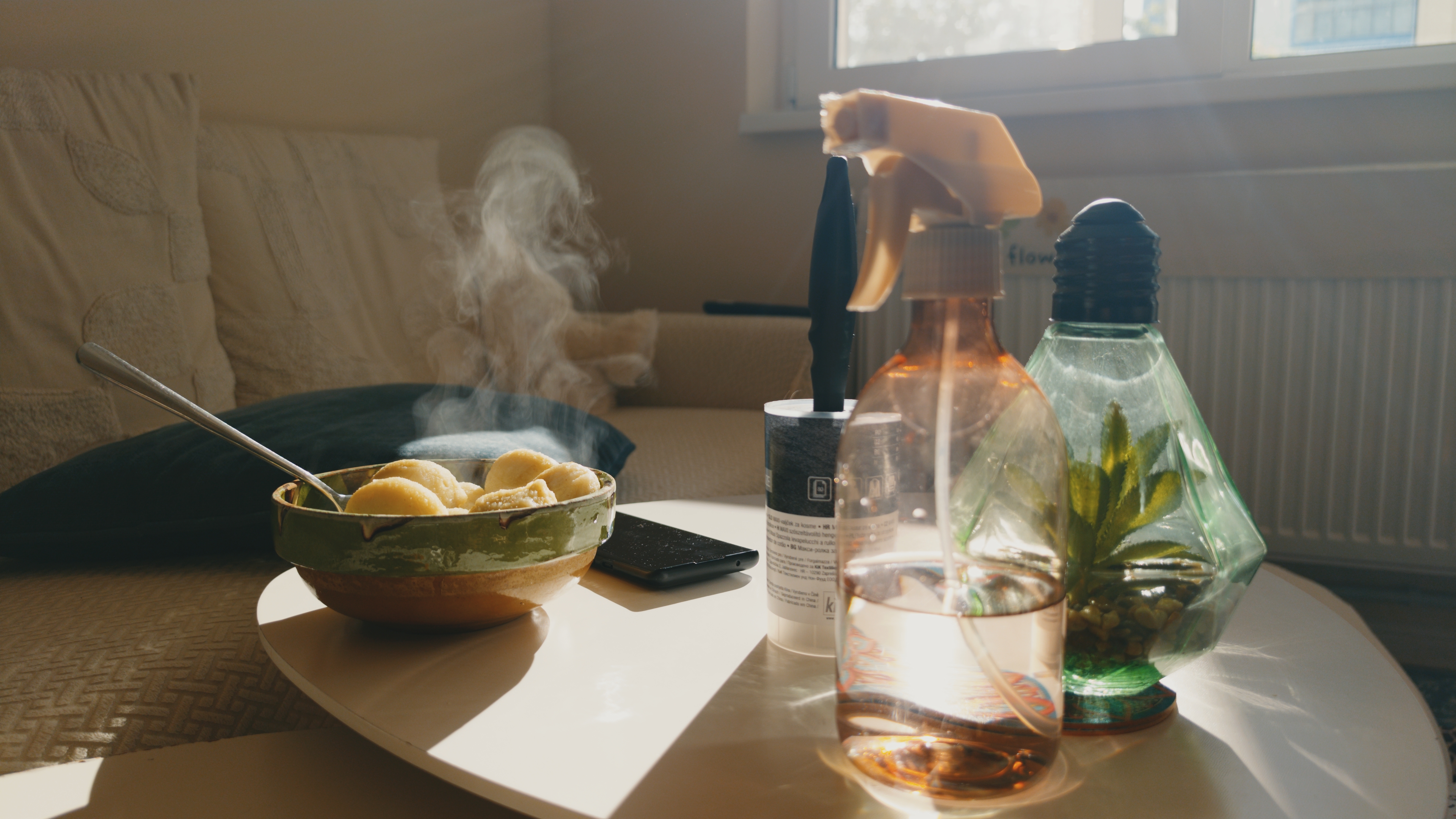
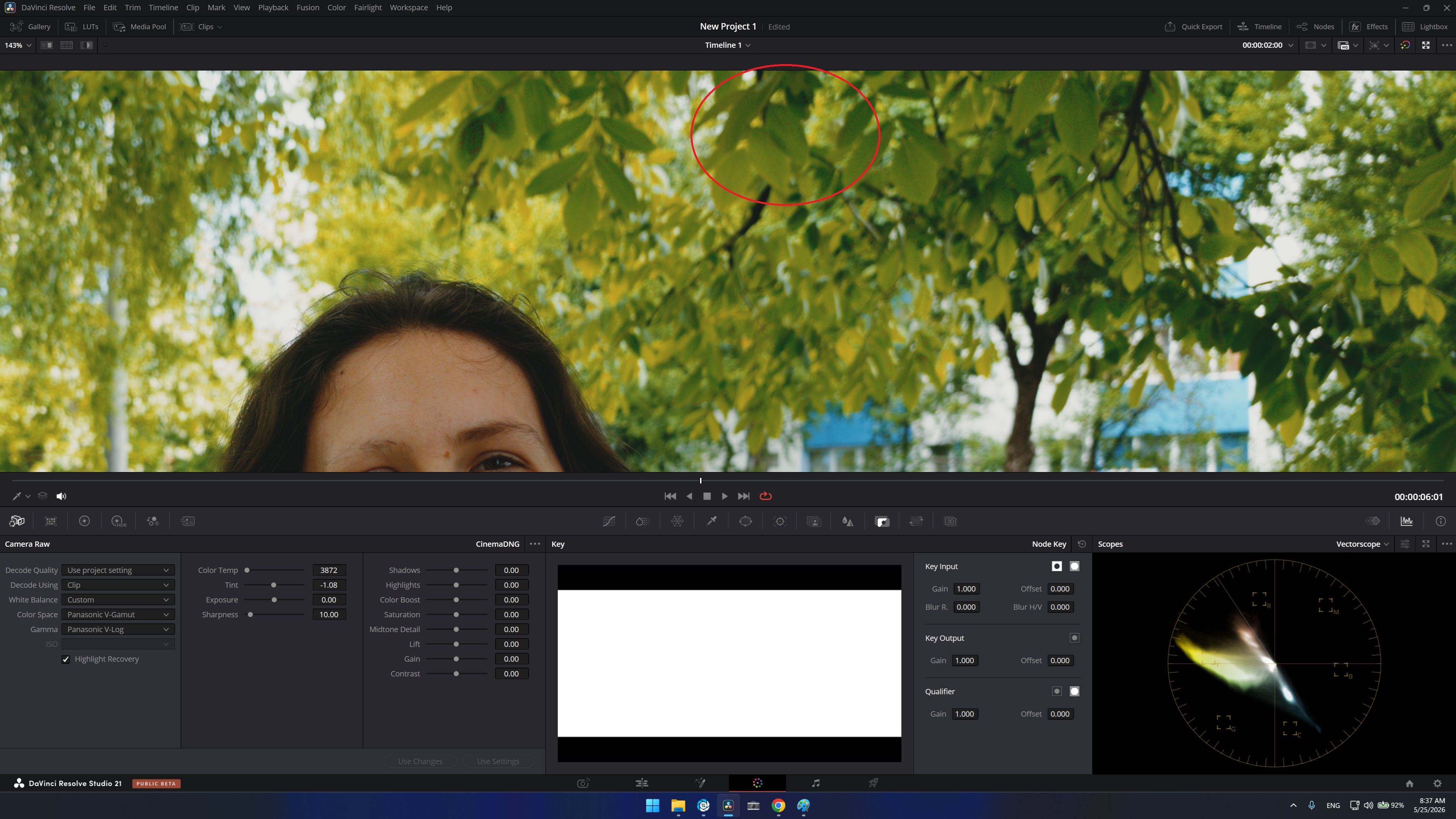
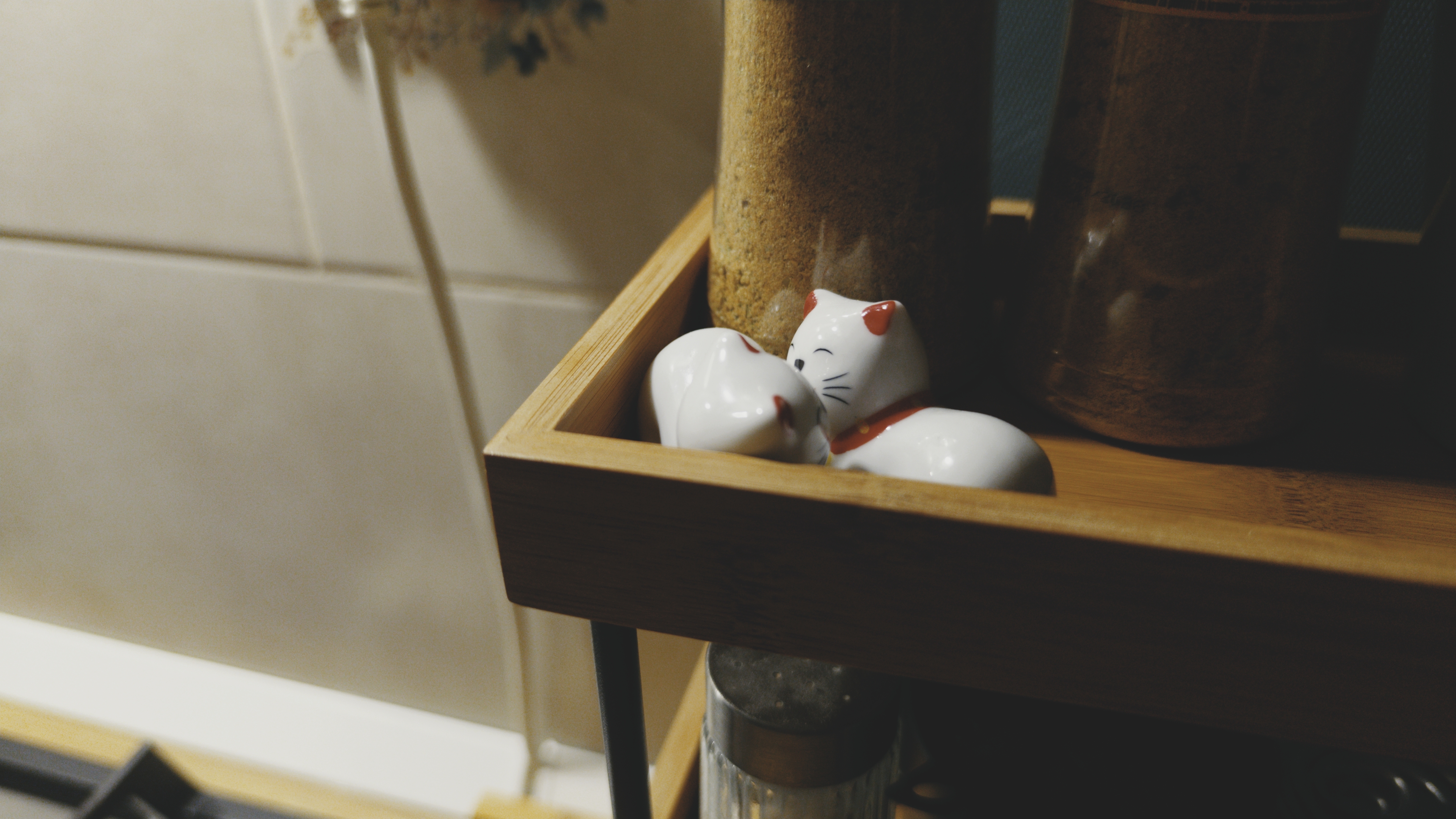
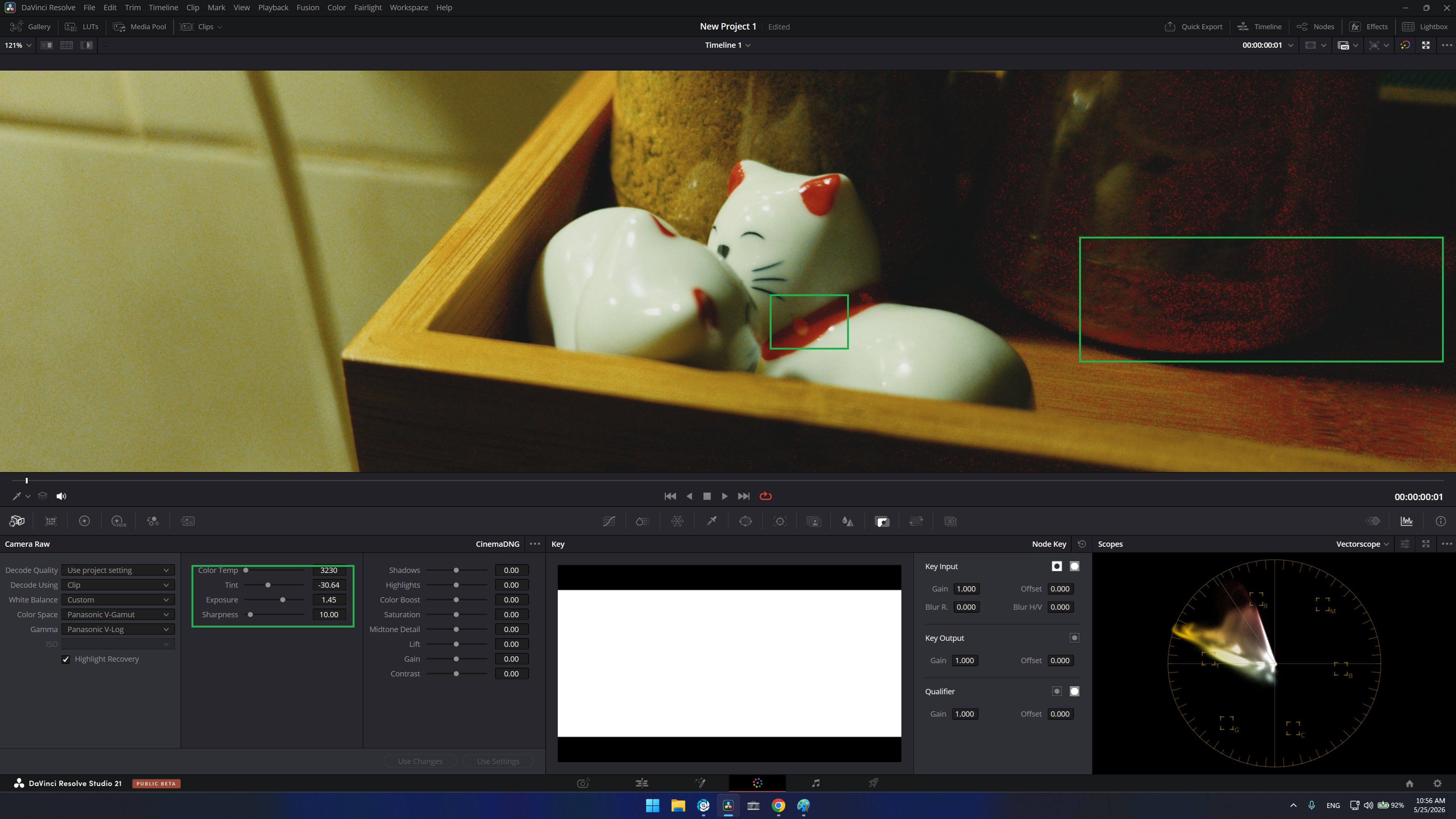
@arctic I think i discovered why the red artefacts show up. I am still not sure if it is from me or the LUT itself. When I play with temperature in Camera RAW, shifting a bit in the temperature brings those artefacts. The curous thing is that they don’t happen in every image, seems like it has something to do with the greens/yellows in the image?
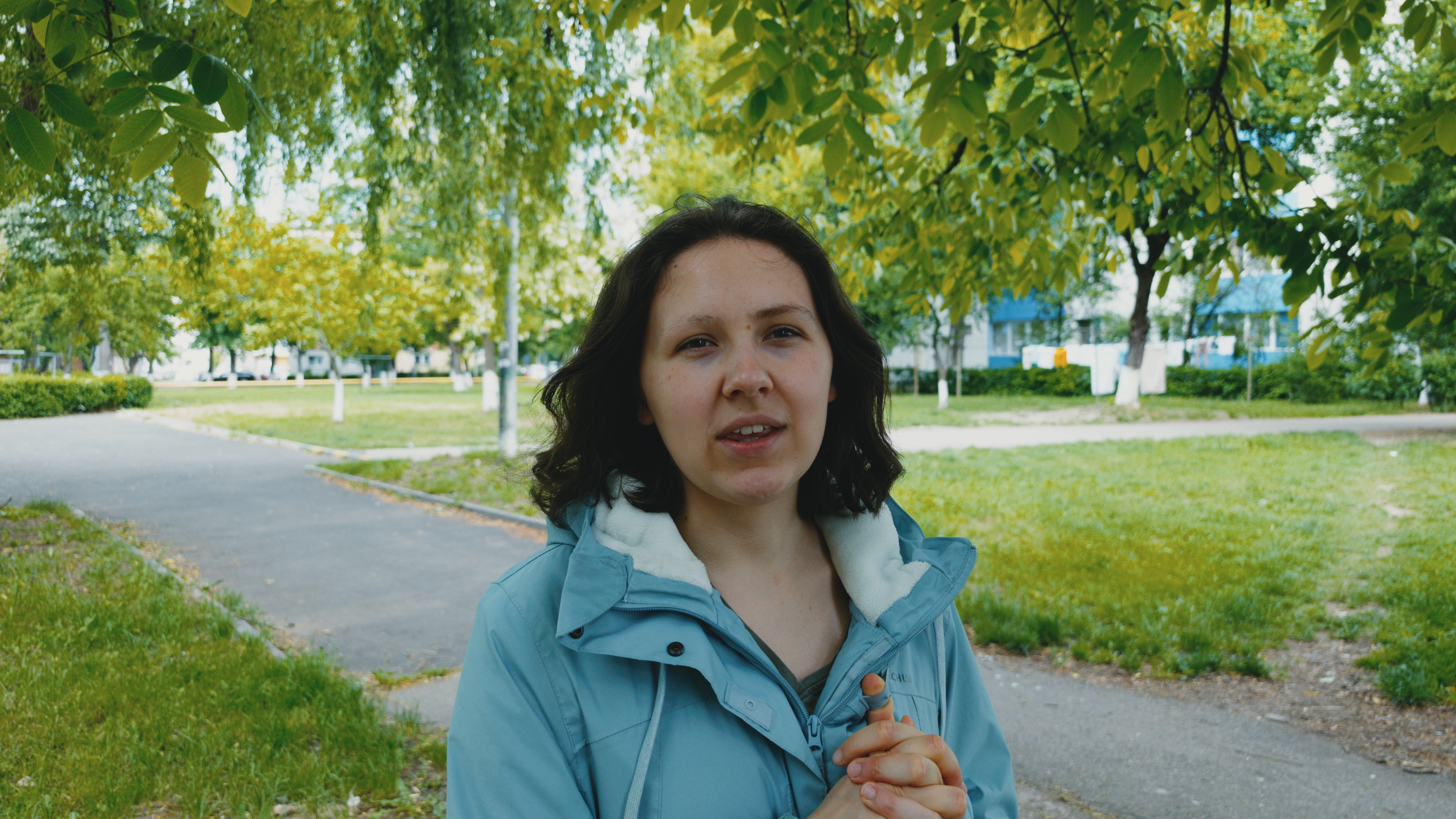
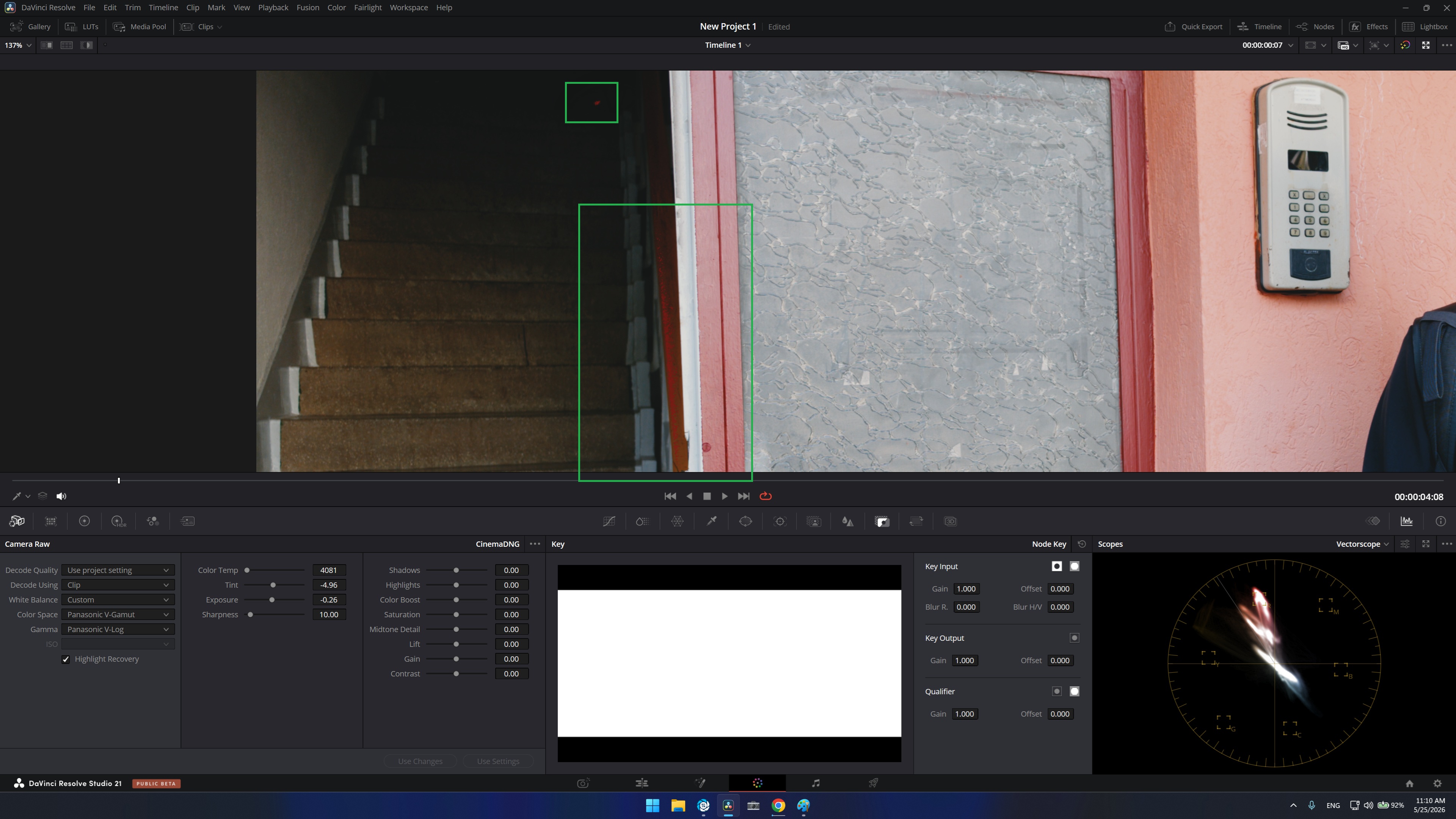
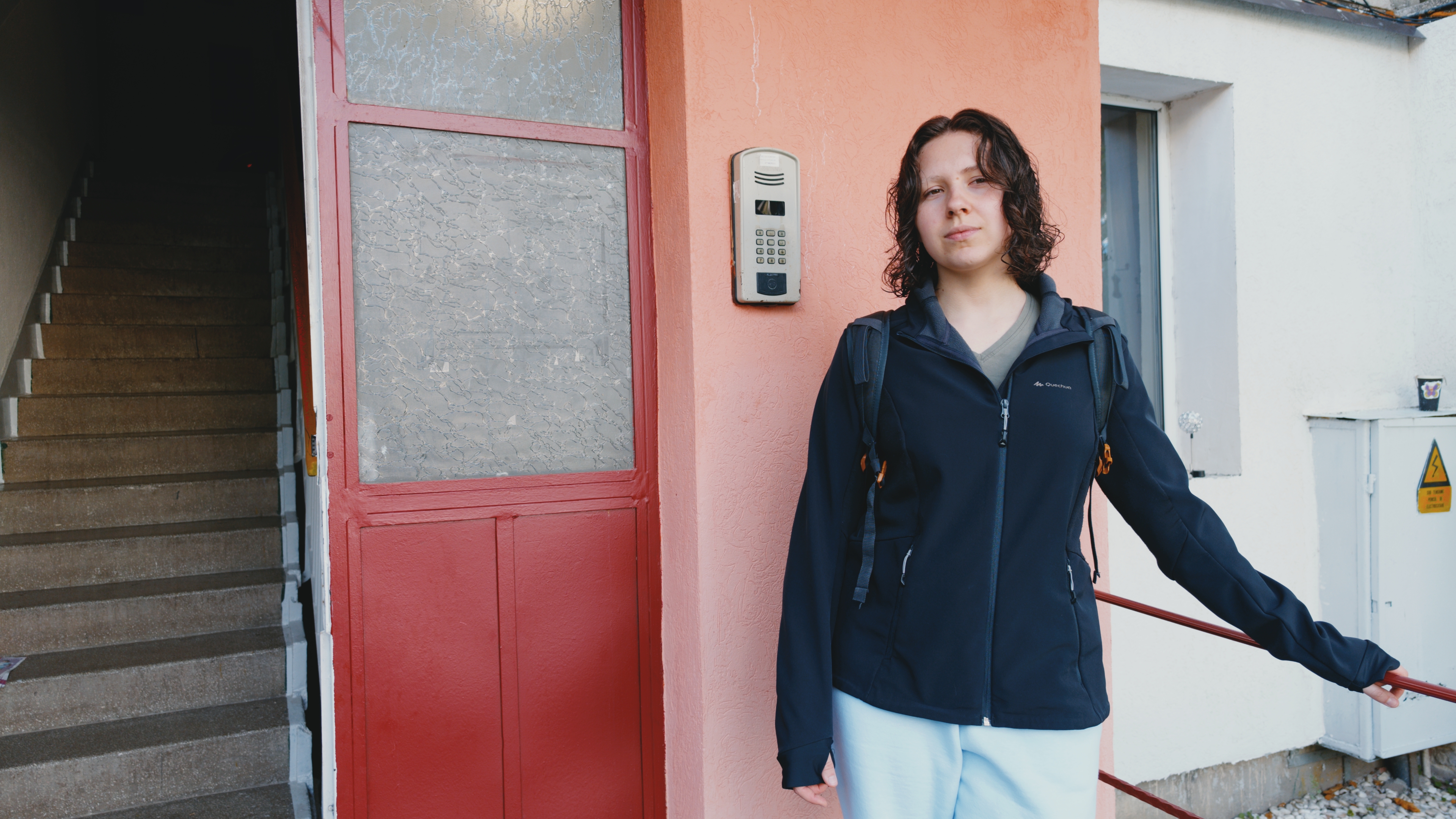
for example i pushed another image, no artifacts.
ianal but i’ll adopt whatever you’ll finally decide for for the vkdt module code and potentially generated luts from that, too, to not generate loopholes.
for the little i know about this, i agree that Cineon is somewhat legacy and related to older digital intermediate workflows. still works but new intermediate like Davinci Intermediate or ACEScct are made based on more modern workflows.
exactly! for now i implemented this inputs:
> spektrafilm-lut list input
ACES2065-1
ACEScc
ACEScct
ACEScg
ARRI LogC3 (EI800)
ARRI LogC4
Adobe RGB
Apple Log
Blackmagic Film Gen 5
Canon Log 3
DCI-P3
DJI D-Log
DaVinci Intermediate
Display P3
Fujifilm F-Log
Fujifilm F-Log2
Nikon N-Log
P3-D65 Linear
P3-D65 PQ
Panasonic V-Log
ProPhoto Linear
ProPhoto RGB
RED Log3G10
Rec.2020
Rec.2020 Linear
Rec.2100 HLG
Rec.2100 PQ
Rec.709
Rec.709 Linear
Sony S-Log3
Sony S-Log3 (S-Gamut3.Cine)
sRGB
sRGB Linear
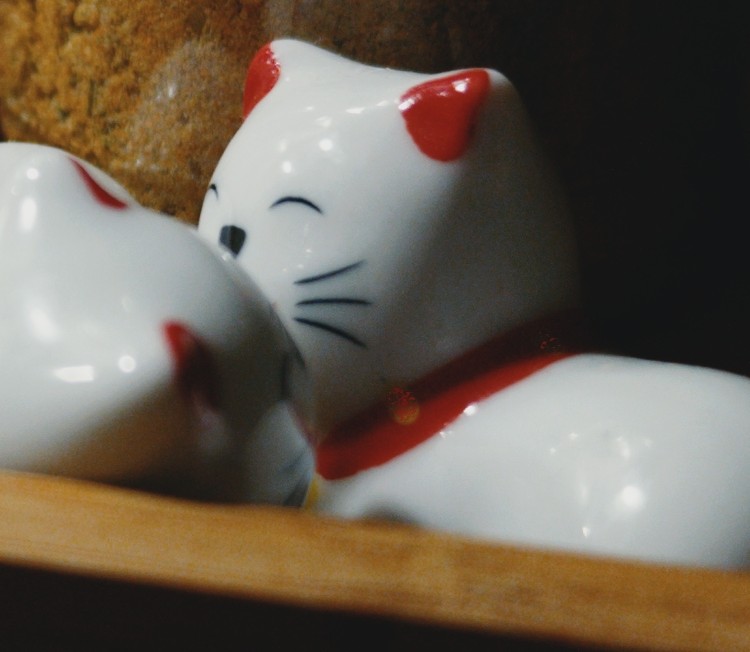
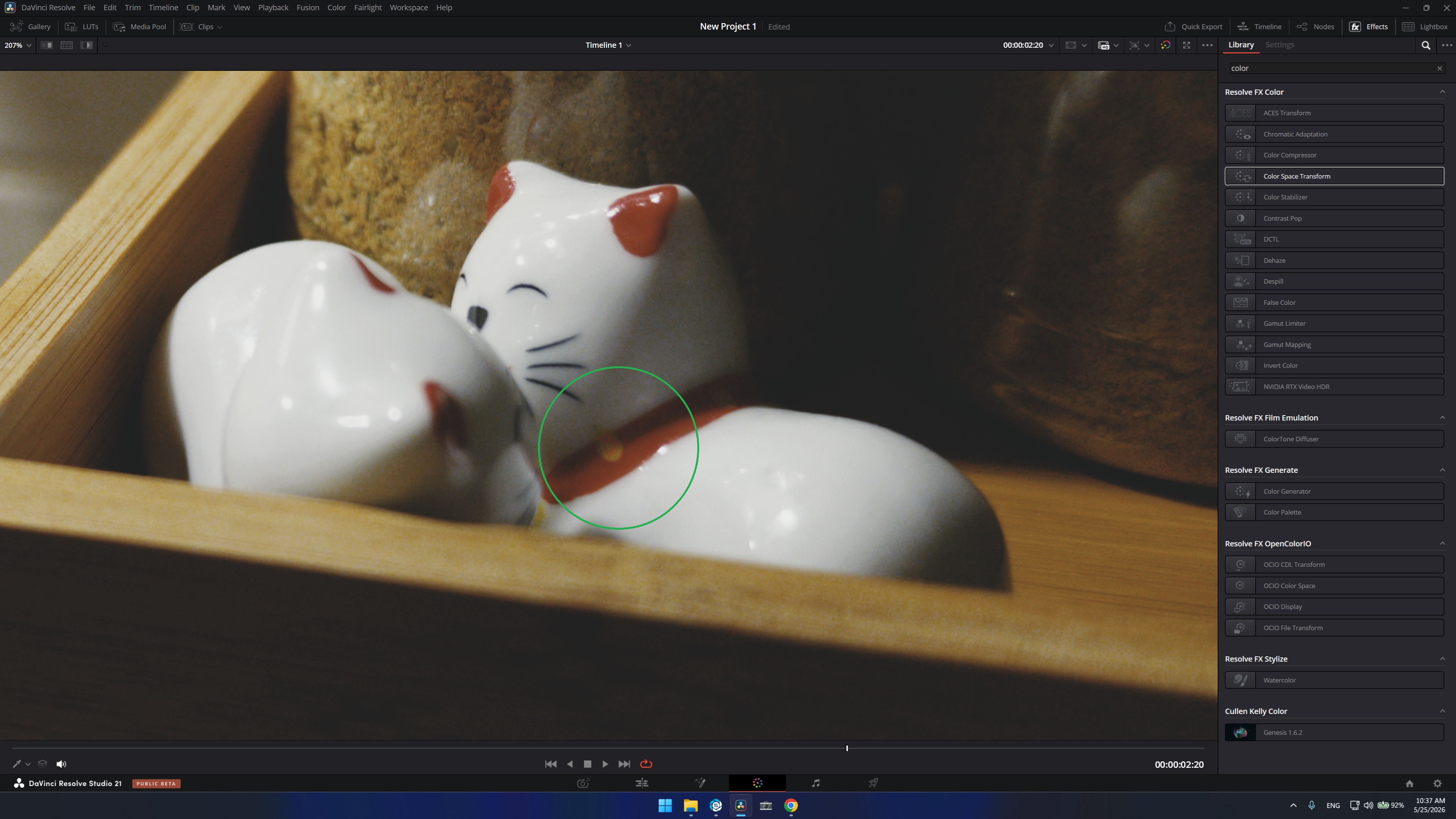
Hey there @arctic - thank you for the fast reponse. tested both and the artefacts are still there, but on the davinciiintermetdiate it just so seems the artefacts now show only on the yellow spot of the kitten and not in the background anymore, while with vlog they show just as the previous lut.
Also, the overall colors changed(probably beacuse of rec2020, they shifted) I will leave here the artefact zoomed in, the result and the result from the first lut to see the shift in color. thanks!
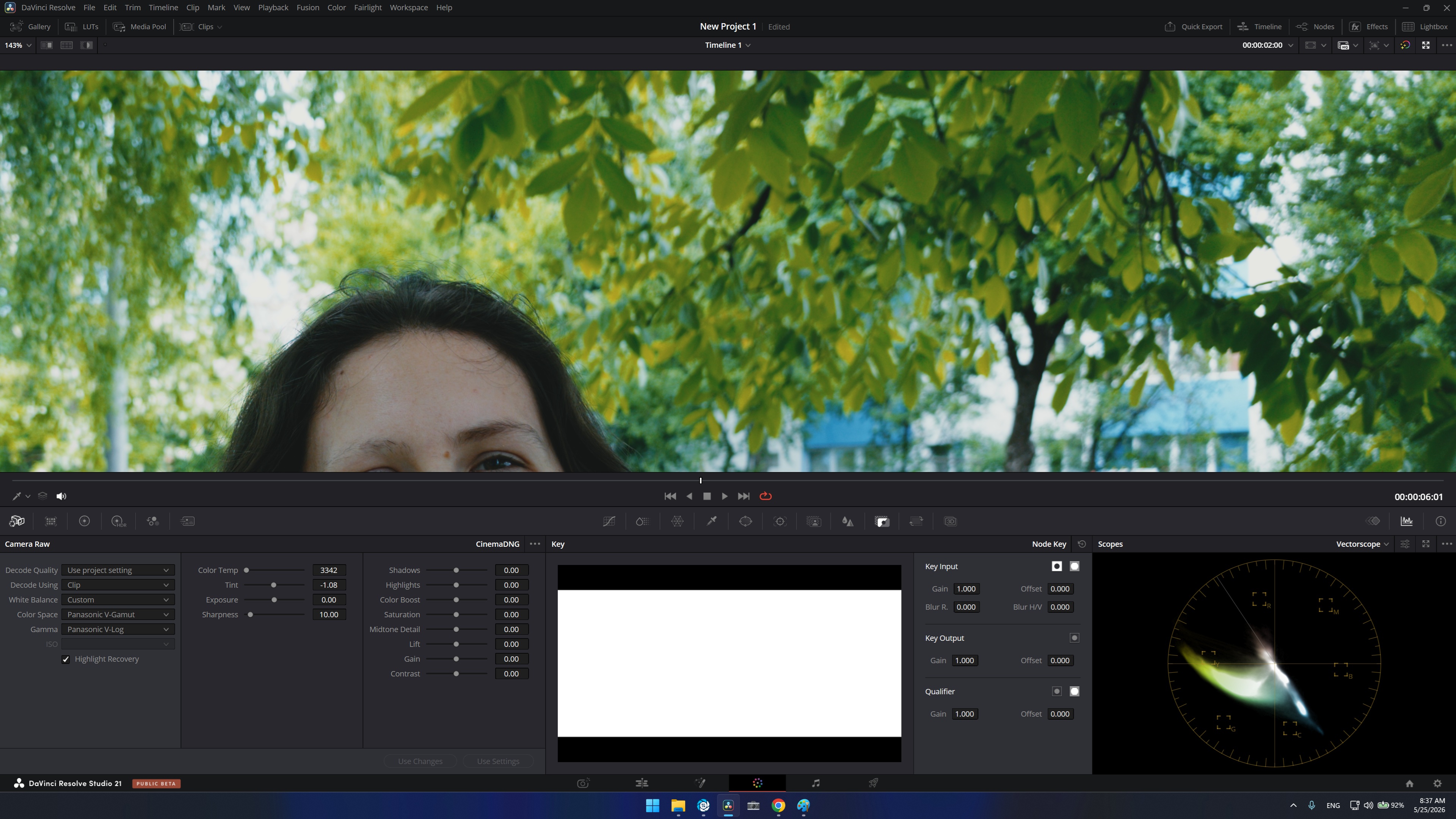
@arctic - I found out more. It has to do with Tint in Camera Raw. it seems like Tinting towards green is what brings these artifacts!!! Most certainly has to do with Temp and Tint. Something breaks when using these. I skipped them and tried to use them in the HDR Wheels as well, inputting the right input and gamma. They still break exactly the same.
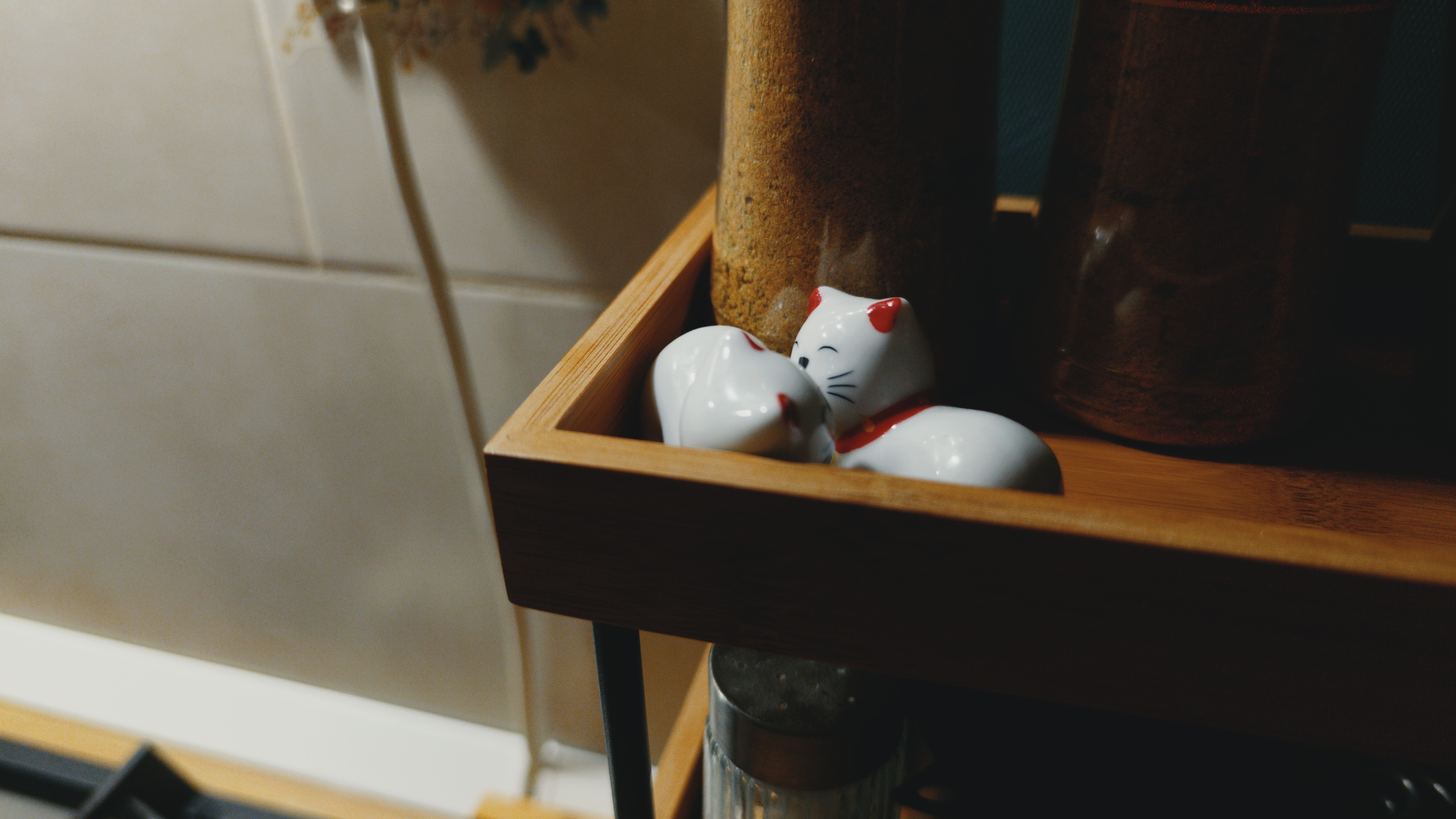
@arctic I left a wetransfer link with the original DNGS. More info with another image. Strange where the artifacts show up. You know what - I left you here the original dngs as a wetransfer link. You can straight up load them in Resolve, go to Camera Raw and select Decode Using - CLIP and you can test if you want to find out more. I might be the one doing something wrong. But nevertheless this will give you the full view of what might be going on!
I went on and played with exposure as well in camera raw. went to extremes. It seems that in all truth the problem is with a specific pallete of orange. if you increase exposure in any of the two photos where the artifacts show up you will see it has to do with aa type of orange that doesn’t eat up very well.
Sorry for writing so much. I hope this helps. Thanks a bunch! I will donate to your project as well!
Well if you intend to make separate film and print luts then this is the way. Film lut would stay in intermediate/wide colorspace and the print lut would convert to rec709 or any other delivery/viewing colorspace. Just the same as in real life. Negatives are the intermediate medium and during printing the final look is created That would allow advanced users to create some really convincing film looks
Another use case would be full control over tone-mapping! Instead of relying on a lut to do it (which won’t always work for some tricky scenes), users would have full control over tone-mapping and gamut-mapping.
@Vesnic thank you for the testing. i’ll design a quality check that tryes to see if noise in the orange areas is a problem and why! this is exactly the kind of things that we should find and fix.
my idea for now is to have a few topologies for the LUT bundles.
the simplest topology expose in between a normalized film density space that is optimal to inject grain noise (i.e. fluctuation of the density on the film) and have properly colored grain. this is made of 2 LUTs. the first one is only about the film. the second one is about printing and scanning. thus there is no strict separation film + print LUTs. it is more film + fiilm-print LUTs.
3 LUTs and 4 LUTs topologies can expose “log exposure” spaces to add halation and diffusion filters (in camera or enlarger).
technical LUTs, if necessary, can be included in the bundles out of spektrafilm-lut. i just had not considered them for now.
 but i’ll adopt whatever you’ll finally decide for for the vkdt module code and potentially generated luts from that, too, to not generate loopholes.

 That would allow advanced users to create some really convincing film looks
