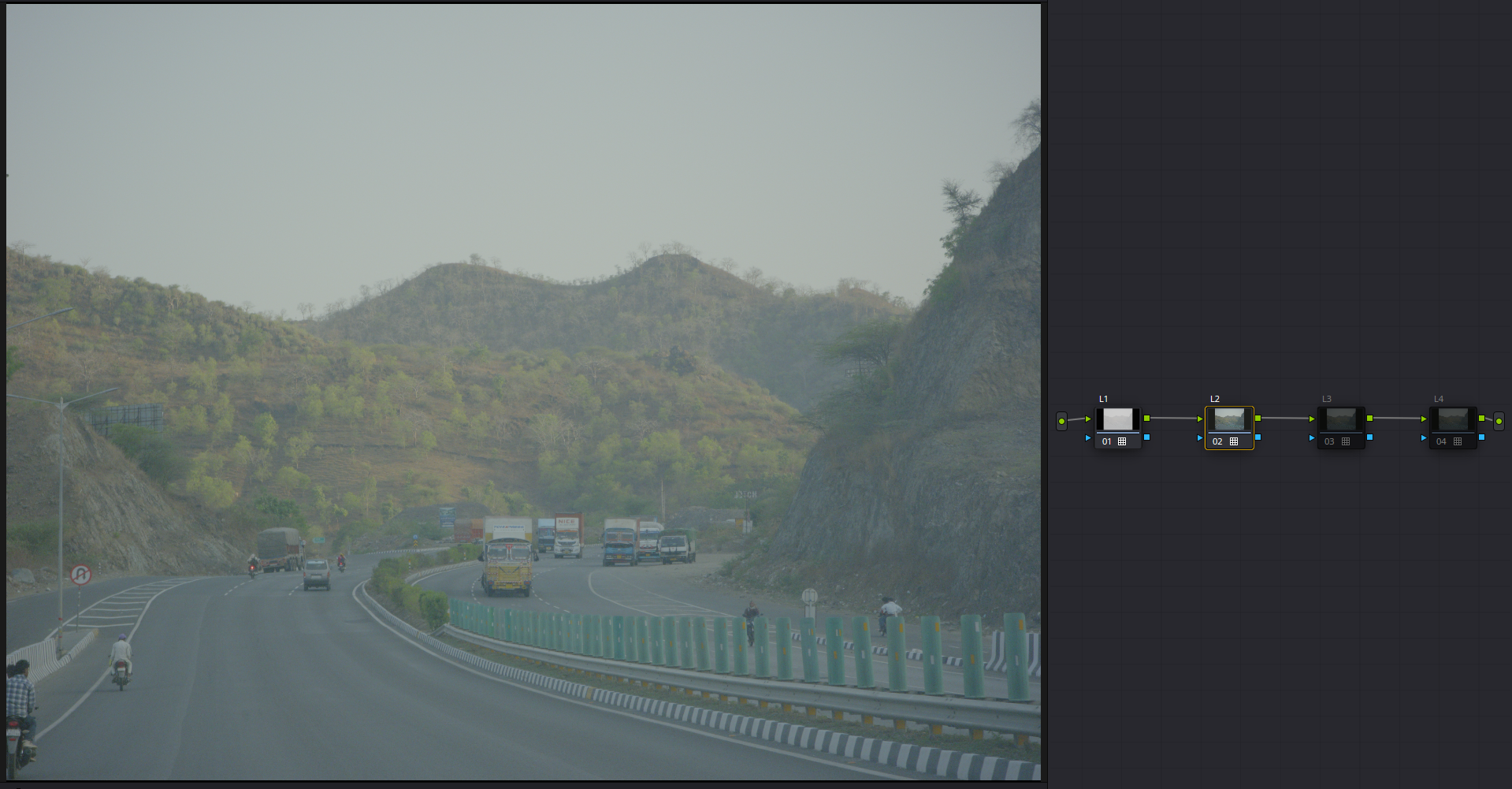
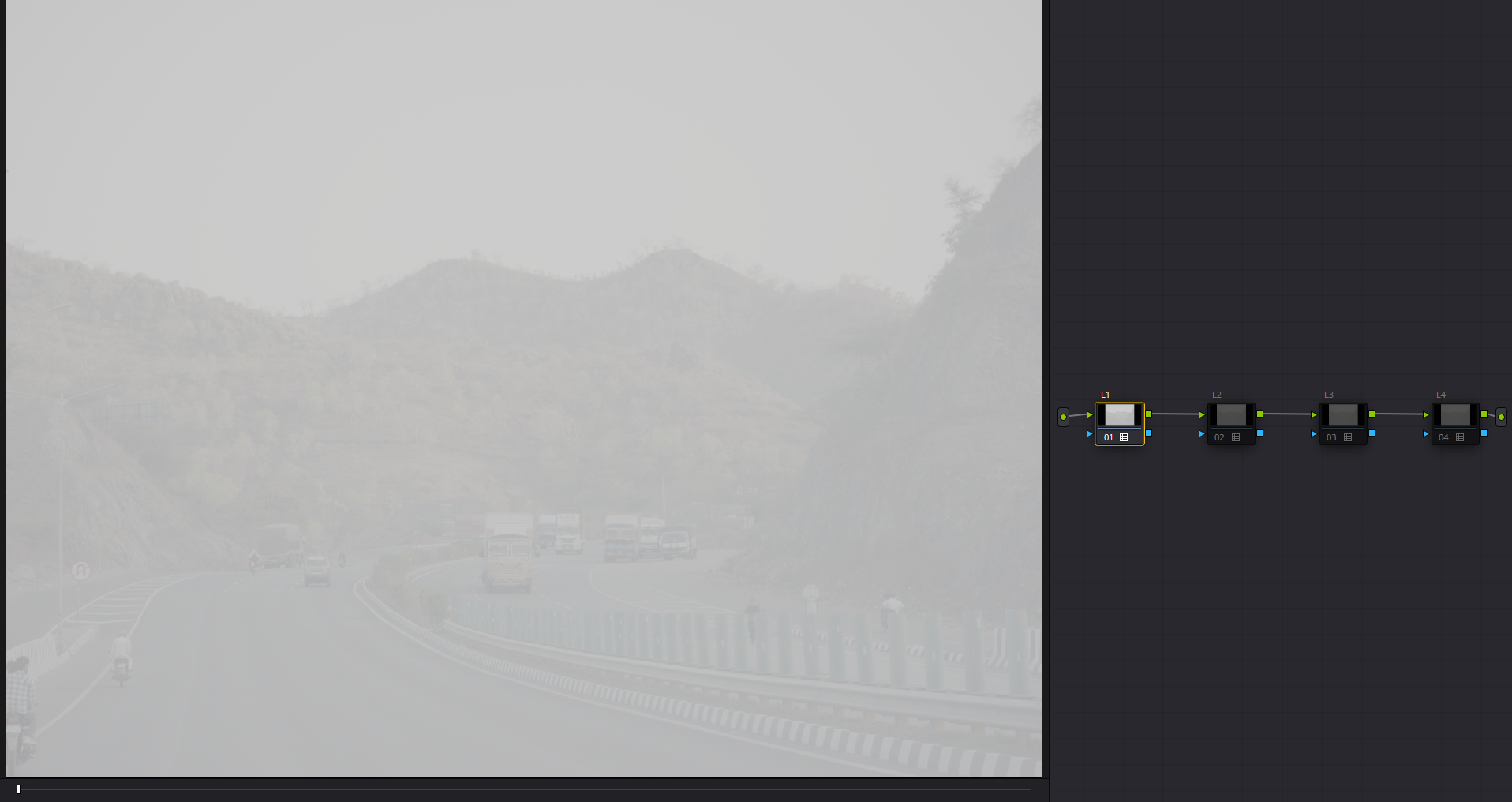
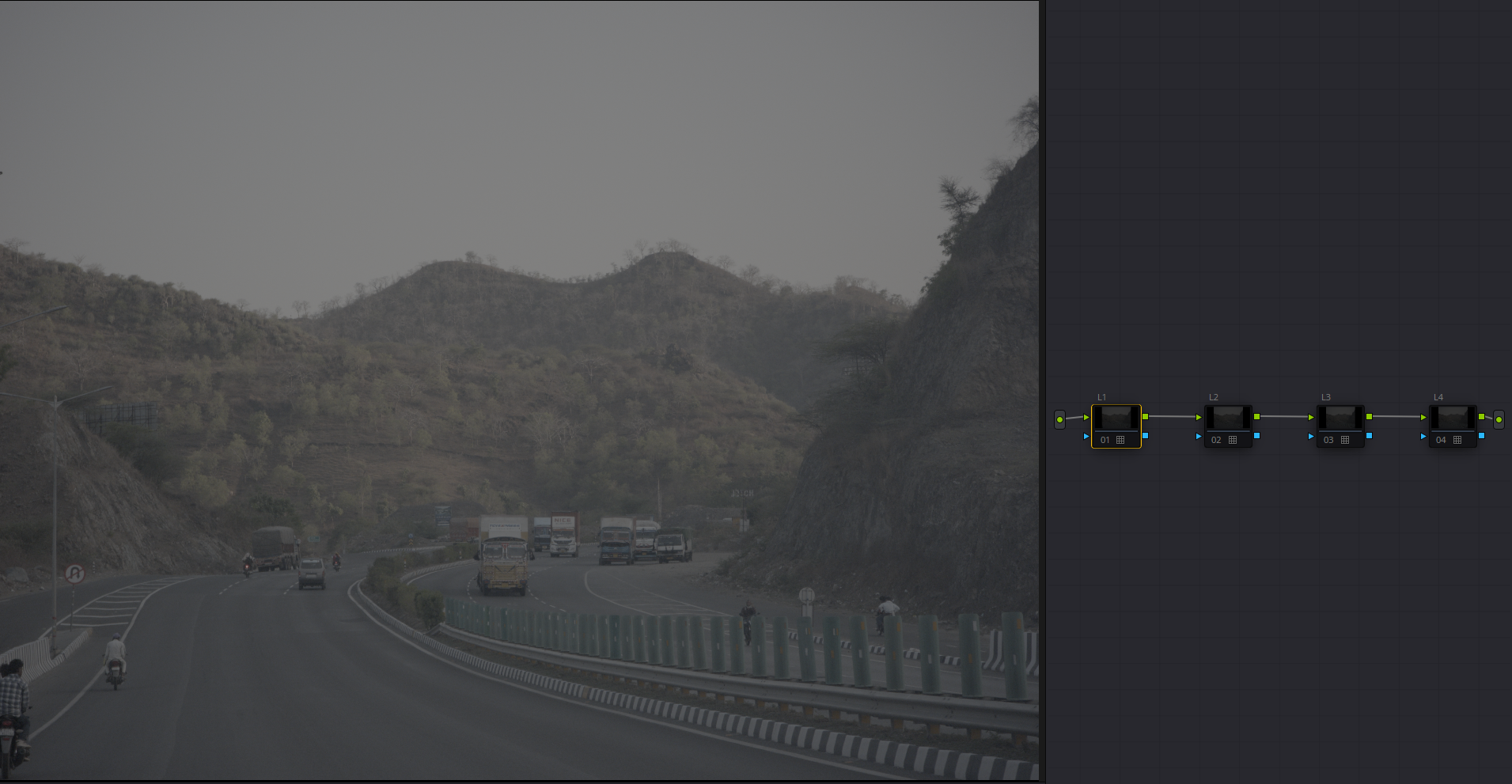
Hi @age,
Thank you! I hadn’t understood this limitation. It seems the best option would be to stick to sRGB or “gamma” Rec 709 (I assume gamma 2.4). Will try that later when I have some time.
I appreciate your comment.
Hi @age,
Thank you! I hadn’t understood this limitation. It seems the best option would be to stick to sRGB or “gamma” Rec 709 (I assume gamma 2.4). Will try that later when I have some time.
I appreciate your comment.
so given all this information - in the end, am I doing something wrong, or is there something wrong with my files, or is there any solution to this?
There you go @Revanza_Pratamasyah 
Every lut outputs Rec2020 so CST after the lut is the same for ACESCCT and DWG.
Andrea did not specify gamma for the luts but gamma 2.4 seems to give normalized images.
@arctic I found something interesting but have no idea if it’s serious or not.
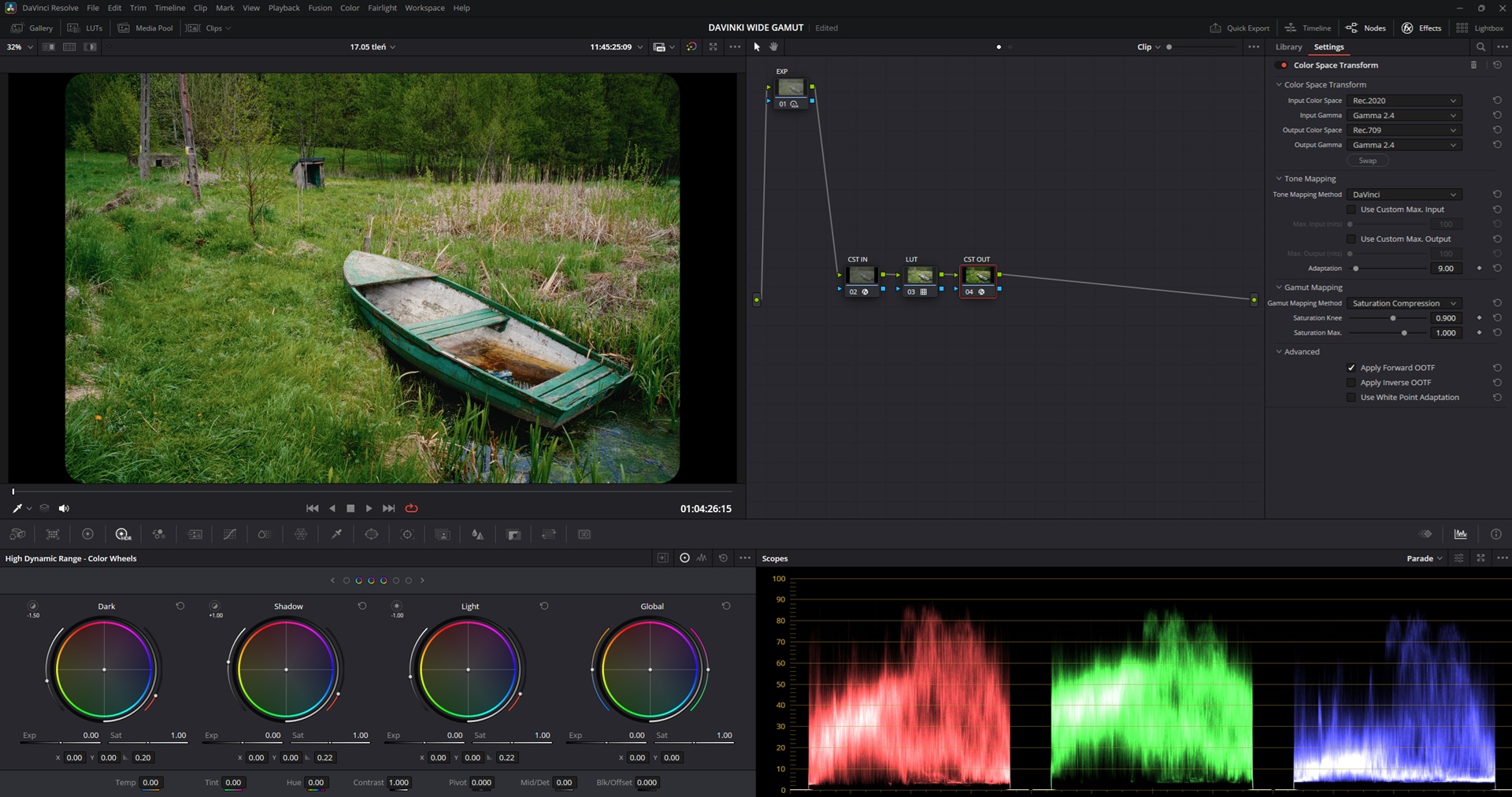
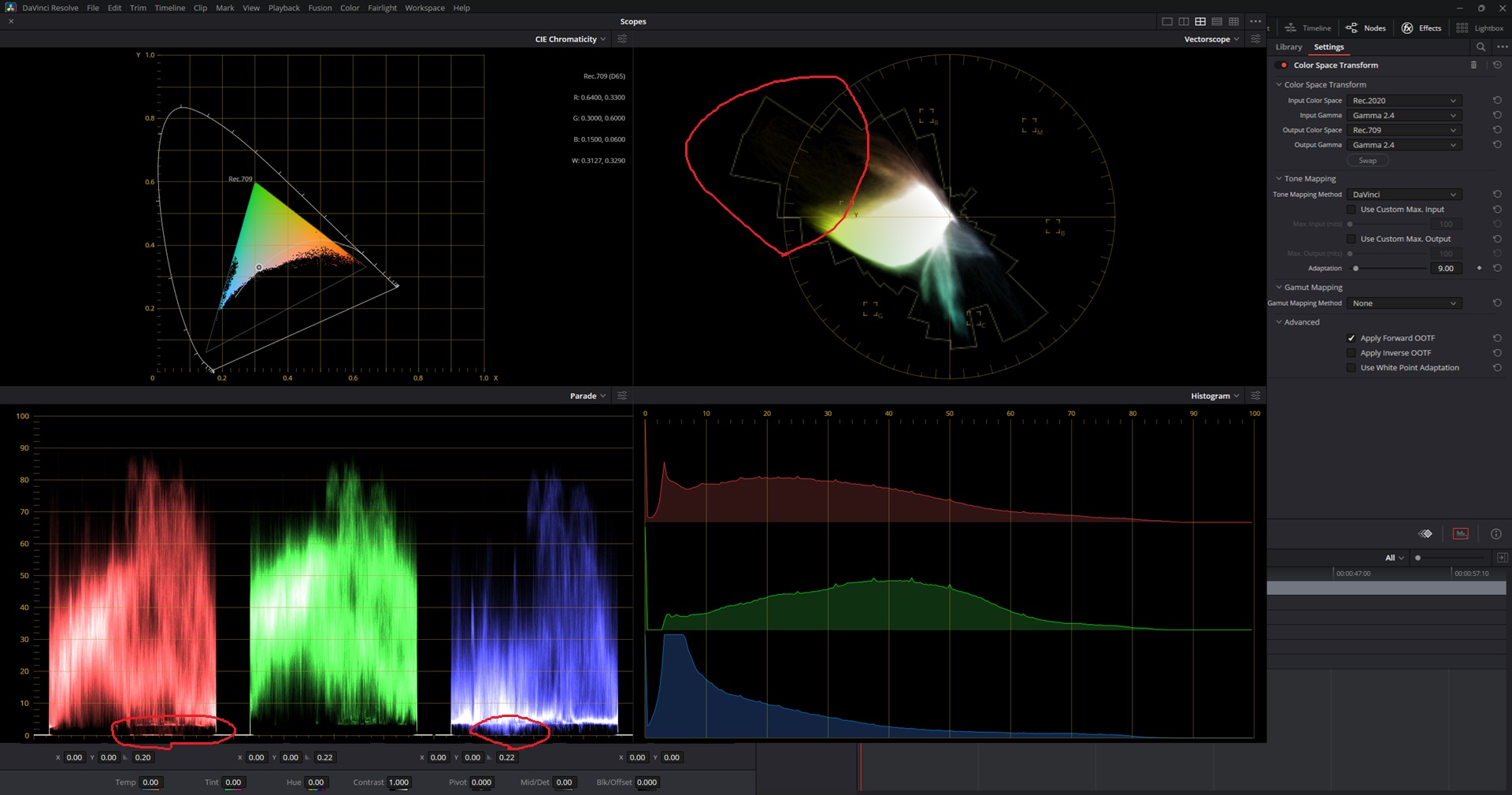
CST after the lut converting rec2020 to rec709 with gamut mapping option turned off produces these weird behaviours on parade and vectorscope graphs:
Gamut mapping off:
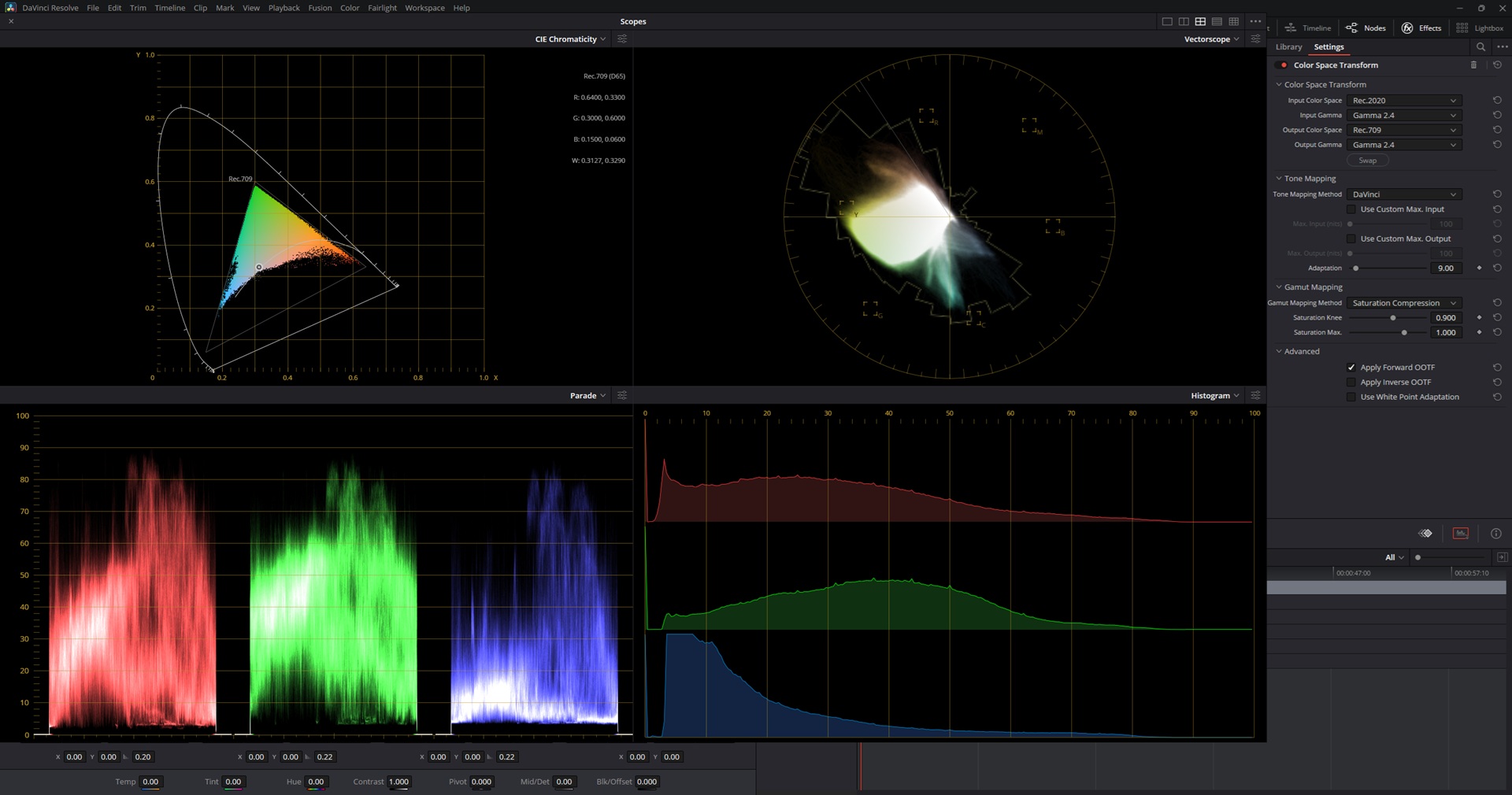
And here with gamut mapping on:
The chromacity graph also backs down a tiny tiny bit from green edges of rec709 triangle.
Actually I found it some time ago with my experimental luts from haldclut images  Always thought it was an issue with my worklflow in creating these.
I don’t see any artifacts in the video clips ever though!
What you see is out-of-gamut(rec709 here) colors needing negative values in order to be represented without information loss. However on export, these negative numbers would get clipped introducing artefacts.
The gamut mapping pushes those out-of-gamut values into rec.709 so they can be represented by positive numbers only.
Another video with new gold200_supraendura test luts from @arctic! Used davinci intermediate variant.
Shot on Lumix S5IIX with Minolta MD 50/1.4 & 28/3.5
Added some of my old Eurorack ambient music
Enjoy!
Very calming, I like the GREEEEEENS a lot…Gold200 it is!
I wonder how this video would look with fuji paper…the greens will surely change a lot.
@arctic I went in depth with the issue and it is a matrix problem on my side, when the panasonic matrix is applied, the tag messess up something in the matrix.
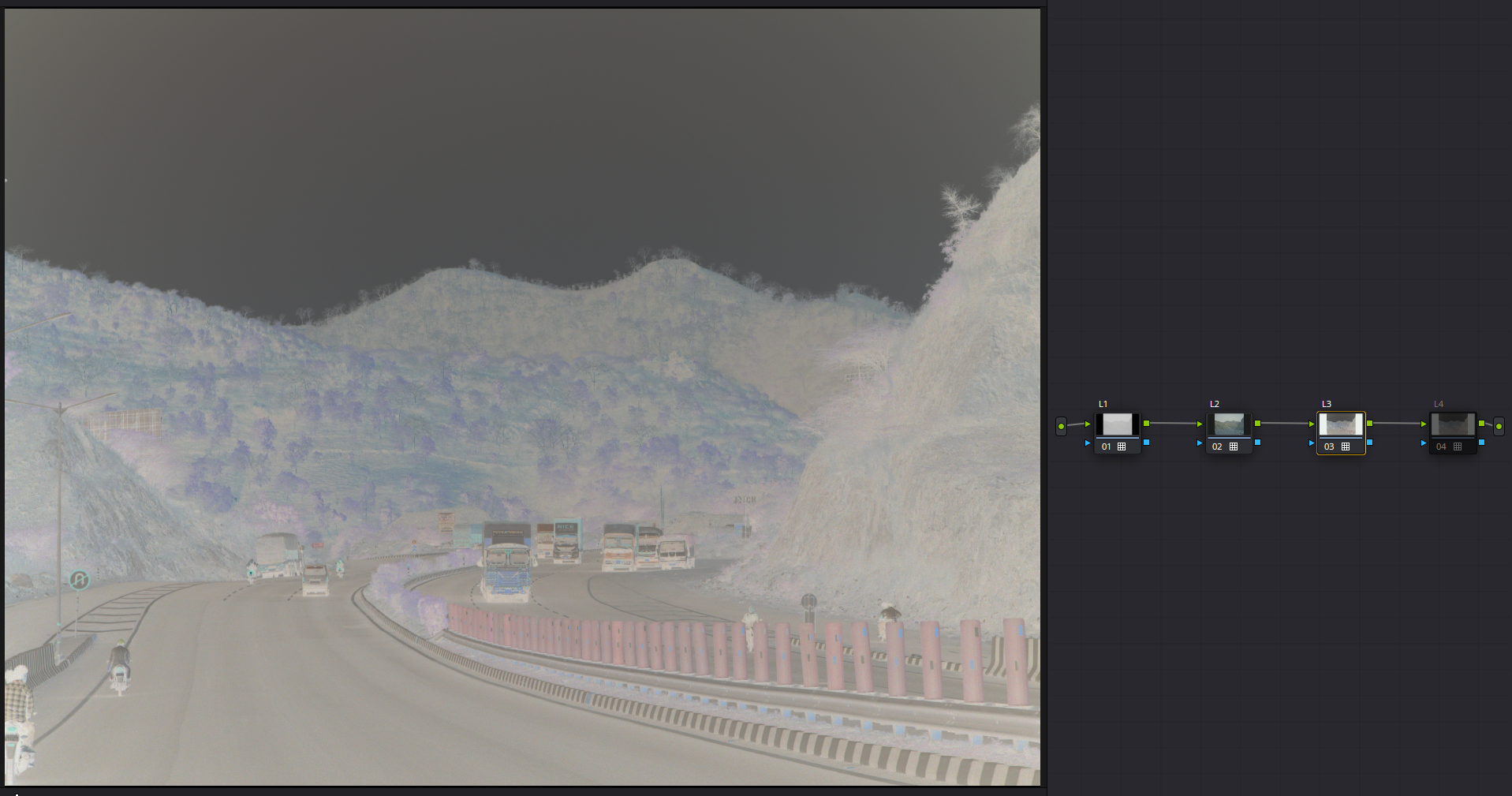
production of yesterday night, i hacked a tap system to the spektrafilm runtime so it is easier to get intermediate variables and i created an export scripts for 2lut, 3lut, 4lut topologies.
here is an example of 4lut topology:
spektrafilm_v032_gold200_supraendura_4lut_davinciintermediate_srgb.zip (1.8 MB)
i might have in mind a 6lut topology also, eheheh
if anyone would like to try to assemble them in a node tree and see if everything looks right would be cool! there is an autogenerated README and a JSON file with all the info necessary for the wiring. is it explained well enough?
what would you like to be shipped with the luts that would make the life easier when adding the luts to DaVinci Resolve or similar program? i am not very proficient in video making. i only used Sony Vegas for some video gigs long time ago.
maybe we should provide a DCTL?
any feedback is welcome, especially negative/constructive one 
This is nuts. I never knew luts could be used like that xd.
Yes a DCTL is a very polished experience with probably way more control but where you can add spatial effects and all that as well but then if we already have the port from someone else and you don’t want to work in that direction then this gives A TON of control because people can chose where to do what just like how it is in spektrafilm. I don’t understand How this can affect data because from my understanding I never do anything after applying luts unless necessary. If it is non destructive then I love it
Just felt great applying each lut like a stage!
If you have a single lut that bakes everything for SOOC and this Bundle for post production then I don’t have anything to argue over . I am just happy you care so much that you are going beyond what people usually do with luts.
sRGB has similar limitations too because highlights above 1.0 are “clamped” to 1.0.
While Darktable doesn’t have a true logarithmic color space like acescct, it supports rec2100 PQ and that’s good, with PQ highlights above 1.0 are compressed in the 0-1 range like in a log color space.
Hi Arctic, could you make a new kodak gold 200 version lut with:
Input rec2100 PQ
Output rec2100 PQ
This should enable Darktable to test the luts
hey @age, lunch brake here, so much activity after the release of @chaert-s
here is the lut, i am not sure if i have done the HDR part correctly, i just matched the midgray
spektrafilm_v032_gold200_supraendura_1lut_rec2100pq_rec2100pq.zip (575.0 KB)
in general i think the output of the film sim should be display referred so it is a bit strange to have it in a HDR format. let me know if it works
Yes, in fact it would be just SDR wrapped in a HDR color space.
In the Darktable’s 3D module, you need to set “application color space” to REC 2100 and this happens within the module:
Working space ( for example linear rec2020) to 2100 PQ => 3D LUT => 2100PQ to working space
Hi @age
Thank you very much. No wonder I had some challenges yesterday! I need to learn a few things, which is good.
FYI in darktable’s LUT 3D I see the following application color spaces:
sRGB
Adobe RGB
gamma Rec709 RGB
linear Rec709 RGB
linear Rec2020 RGB
linear ProPhoto RGB
There are some additional options in “input color profile” (also output) including PQ Rec2020 RGB and PQ P3 RGB, but I don’t see Rec2100. So perhaps I need to update my configuration. I’ll dig in to that later.
Sorry, I remembered it wrong, Rec2100 PQ is called PQ Rec2020 RGB inside Darktable
Luts are looking good!
Here is some arri test footage with new 4-lut:
Do I understand correctly that “printer lights” style adustments should be done after lut-3?
Also, black point seems to be higher from previous luts you shared. Adjusting black and white points should be done after the last lut correct?
DCTL or OFX plugin would be wonderful!
from a quick search online Rec2100 PQ should be equal to Rec2020 PQ.
rec 2100 PQ is BT.2020 primaries + ST.2084 PQ.
Rec2020 PQ is a “friendly name”.
but correct me if i am wrong
the yellow flowers on the lush greens look so nice
There is no PQ one in the LUT module though.
Sorry @arctic @Doug-Phoenix I don’t know why I remembered that is possibile to use Rec2020 PQ inside the 3dlut, I’m just testing only now and it’s definitely not possible.
Thanks, @age
I had the same impression. It was worth a try!
Meanwhile I’m going to enjoy these great LUTs in Resolve. I might even get adventurous and try spektrafilm and/or vkdt. But one step at a time for now.