myhui
March 12, 2026, 5:55am
59
gwbarn:
I’m going to assume this is a colour management mismatch. Try changing the ‘display colour profile’ in Darktable; you can access it in Lighttable or by right clicking the softproof icon in Darkroom.
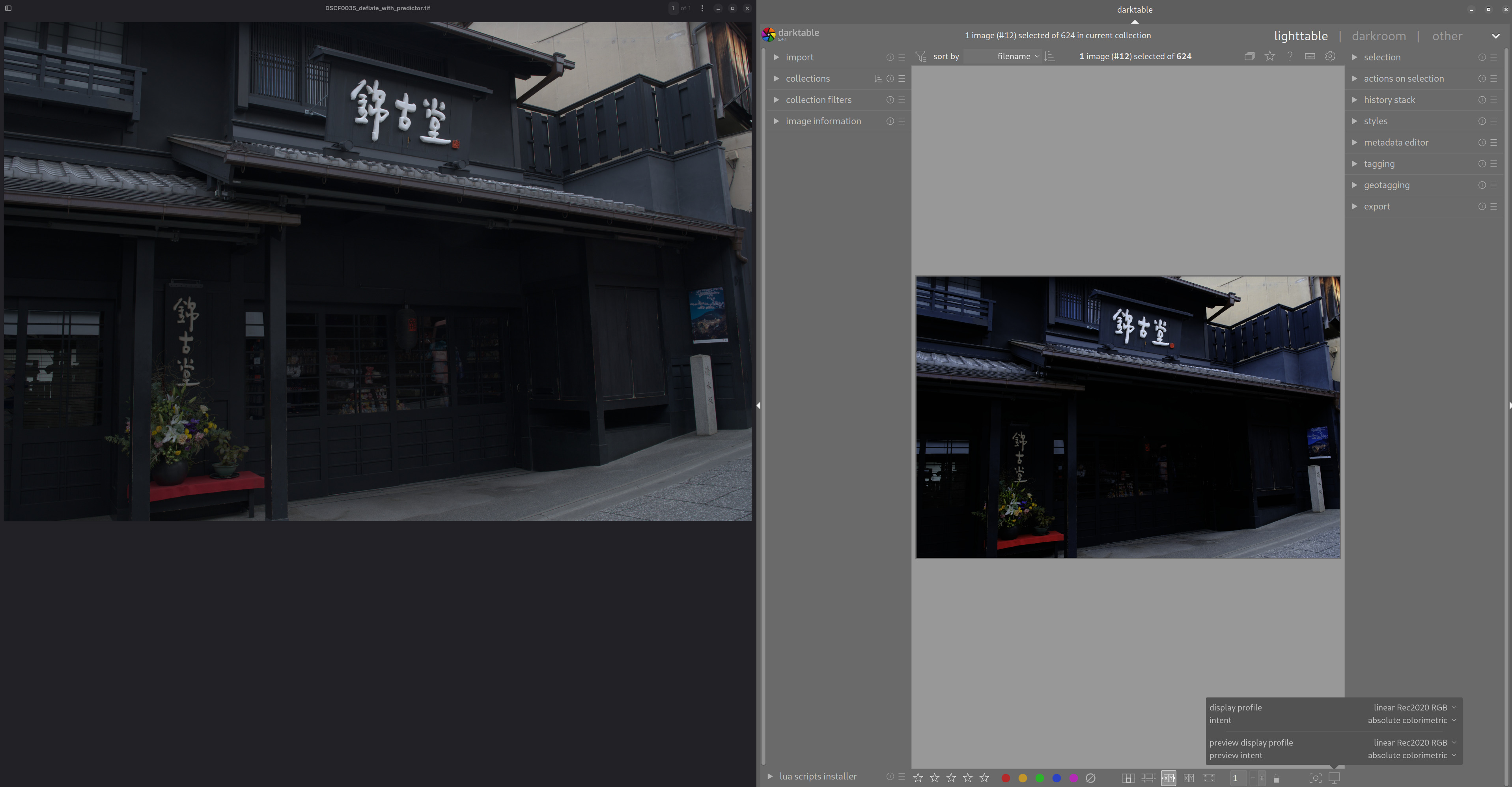
You are correct: I select display profile = “linear Rec2020 RGB”, intent=“absolute colorimetric”, and the DT raw image is slightly darker than the generated JPEG, JXL, or TIFF.
The left side is the TIFF: