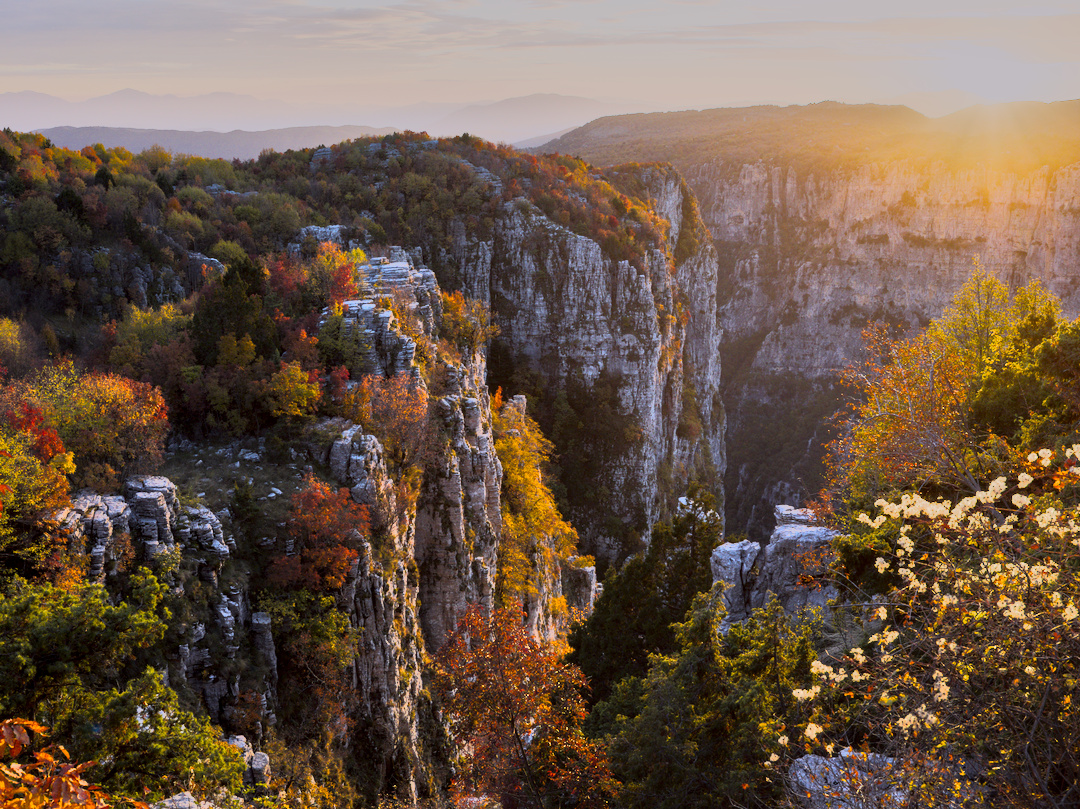
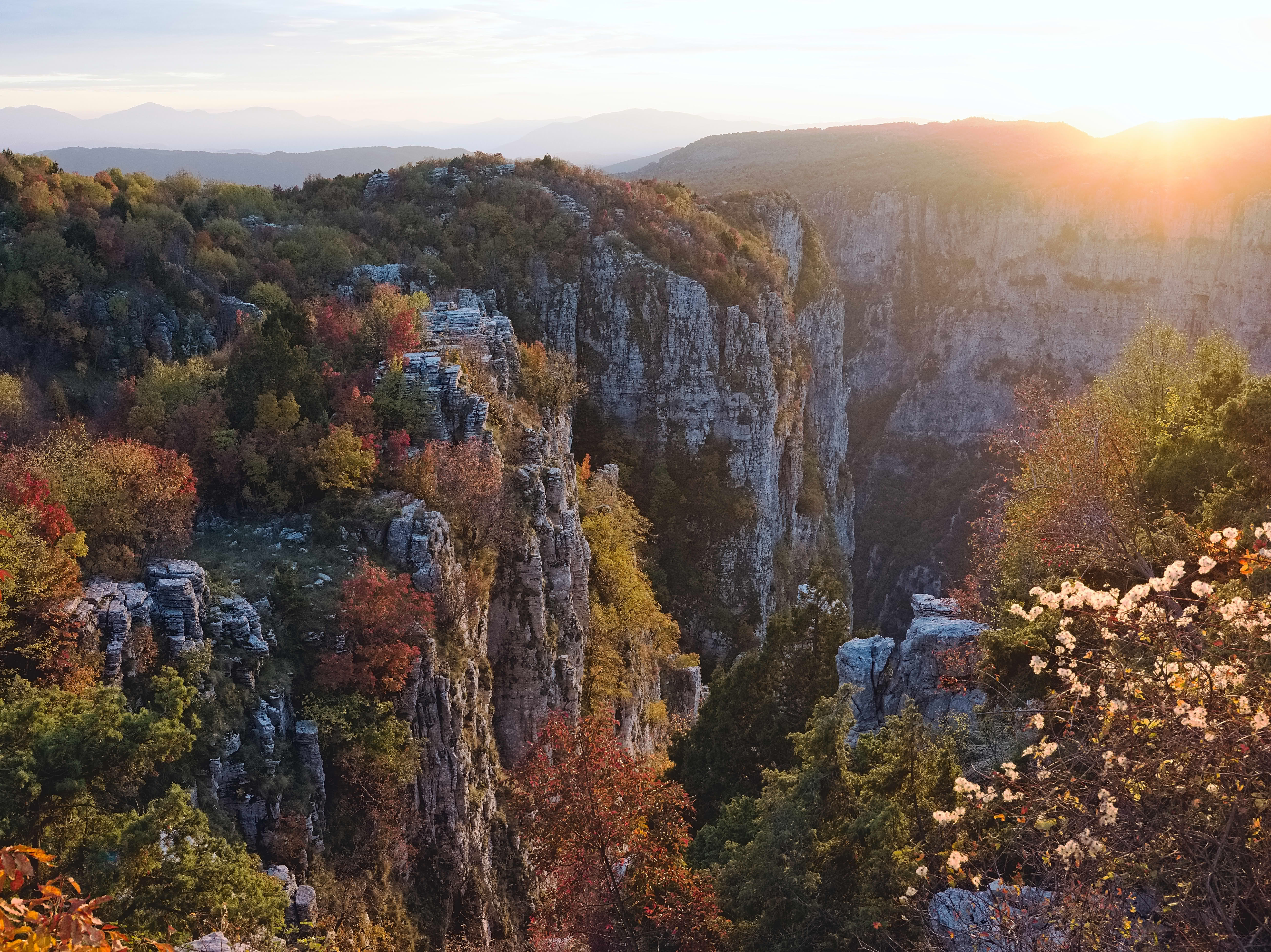
I’m a relatively new user, just installed 5.4 and was hoping AgX would solve my problem, but so far it didn’t - probably I am missing something!! My image is of a sunset where I mostly blew out the sun. In Lightroom (also other software, but Lr is typical) the sun stays harshly blown out but at least there is some pleasing contrast on the distant mountains. When I use darktable and try to tame the sun with Agx, the mountains are really muted and not pleasing. Maybe I’m missing what I should be doing here. Any tips welcomed!!
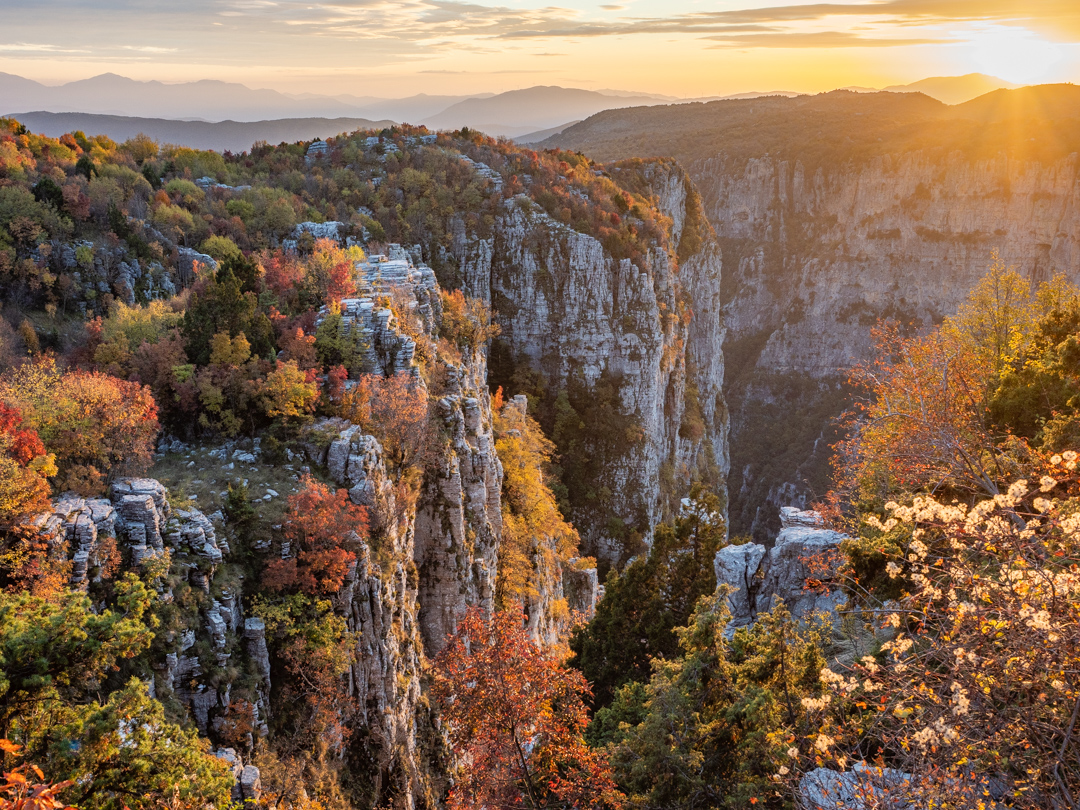
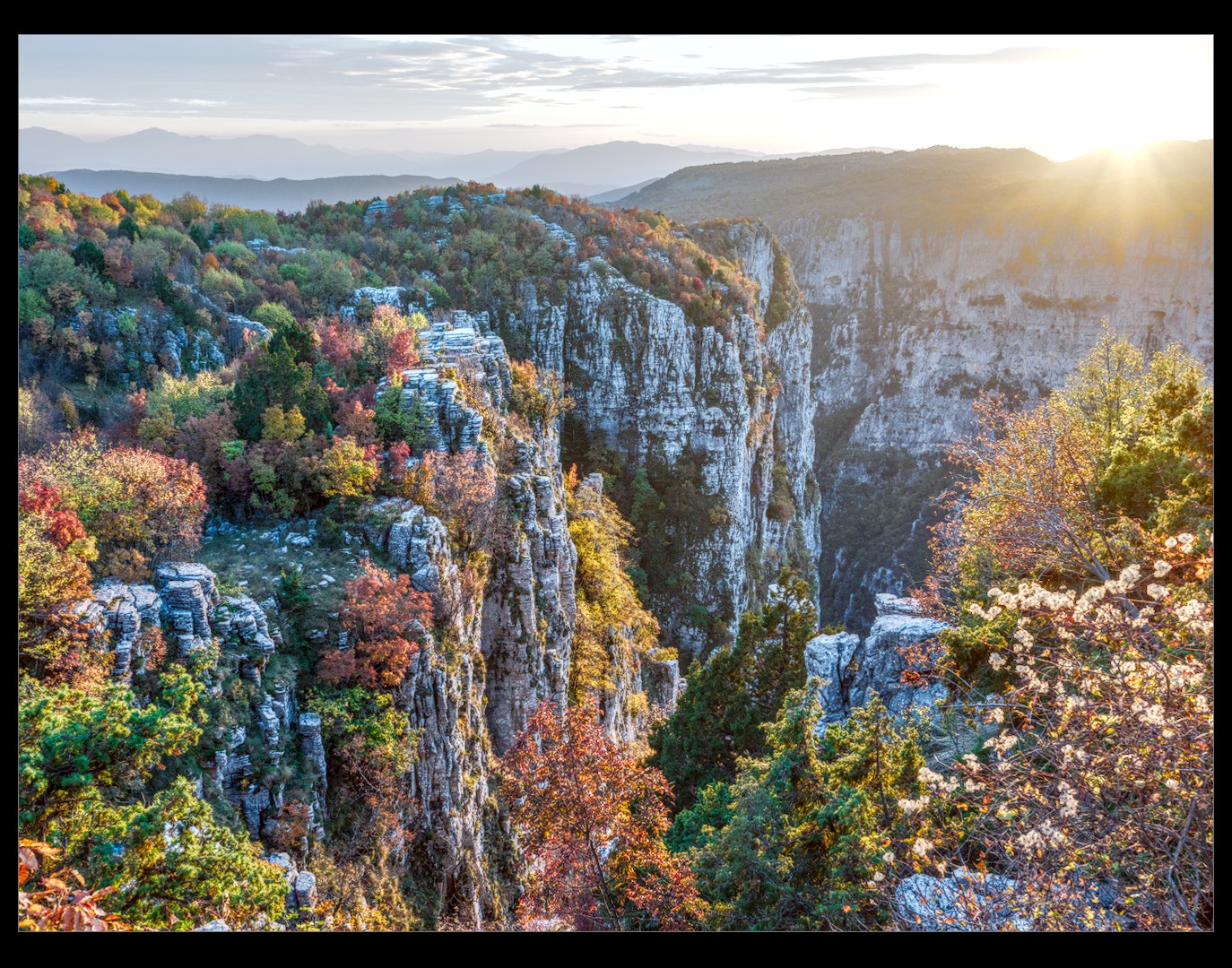
Ooh - thanks - awesome work guys!! It will take me a bit of time to look into the edits to see what is doing the heavy lifting! Really helpful and good learning experience!
Lightroom uses local contrast enhancement when it compresses highlights
AgX uses a simple, per-pixel tone curve (local contrast is reduced along with global)
you can move the pivot (use the output picker) to select the part of the tonal range with max contrast
since AgX is a per-channel curve, contrast (slope of the curve) is also related to saturation: lower contrast/slope (e.g. in the shoulder) leads to desaturation
tone equalizer is still your friend (to keep local contrast while compressing global), and so are local contrast, contrast equalizer, diffuse or sharpen (to increase local contrast without increasing global)
After some more experimentation, this is a key point - setting the pivot using a “box” in the sky gives a much better result. As you say, some boosting of saturation is required as well in this case.
As there is no xmp from you I can just guess. I every case you should lift your highlights.
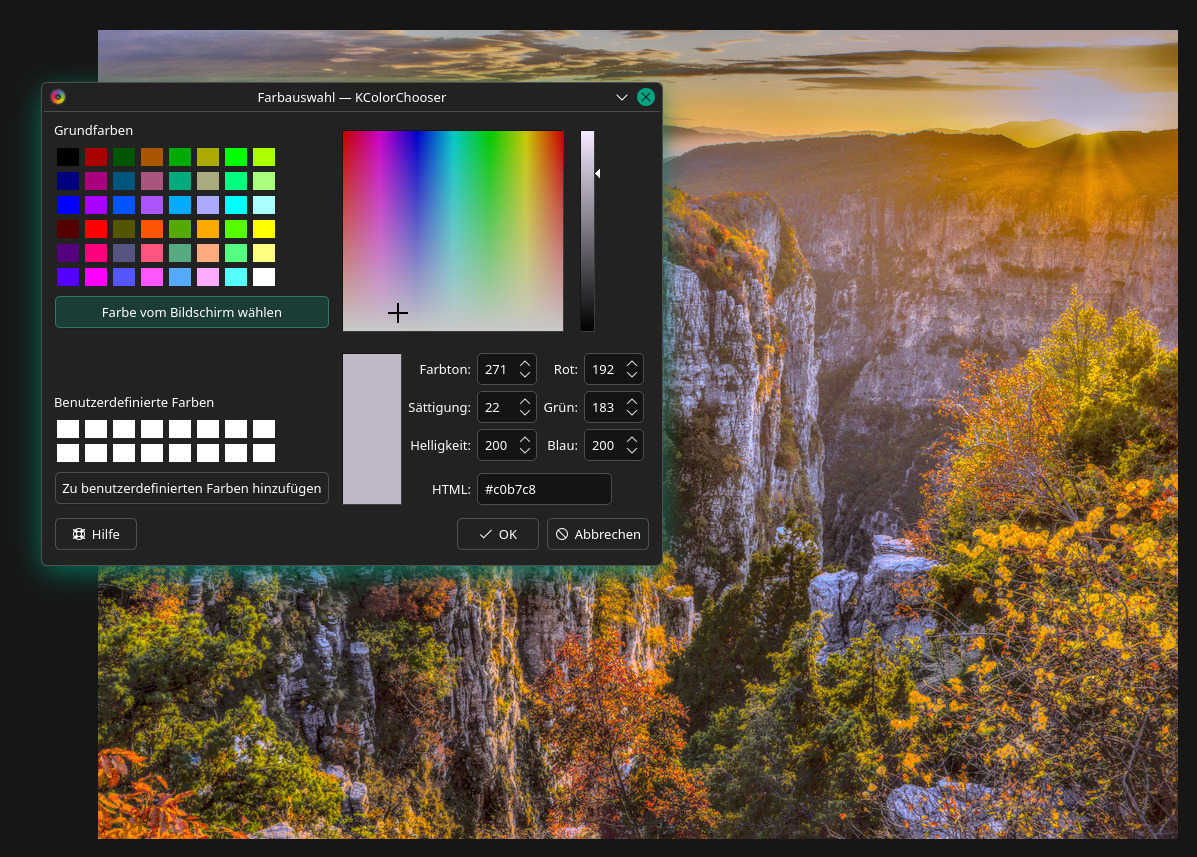
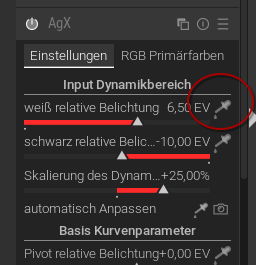
One possible way is to use on AgX the this picker on the sun:
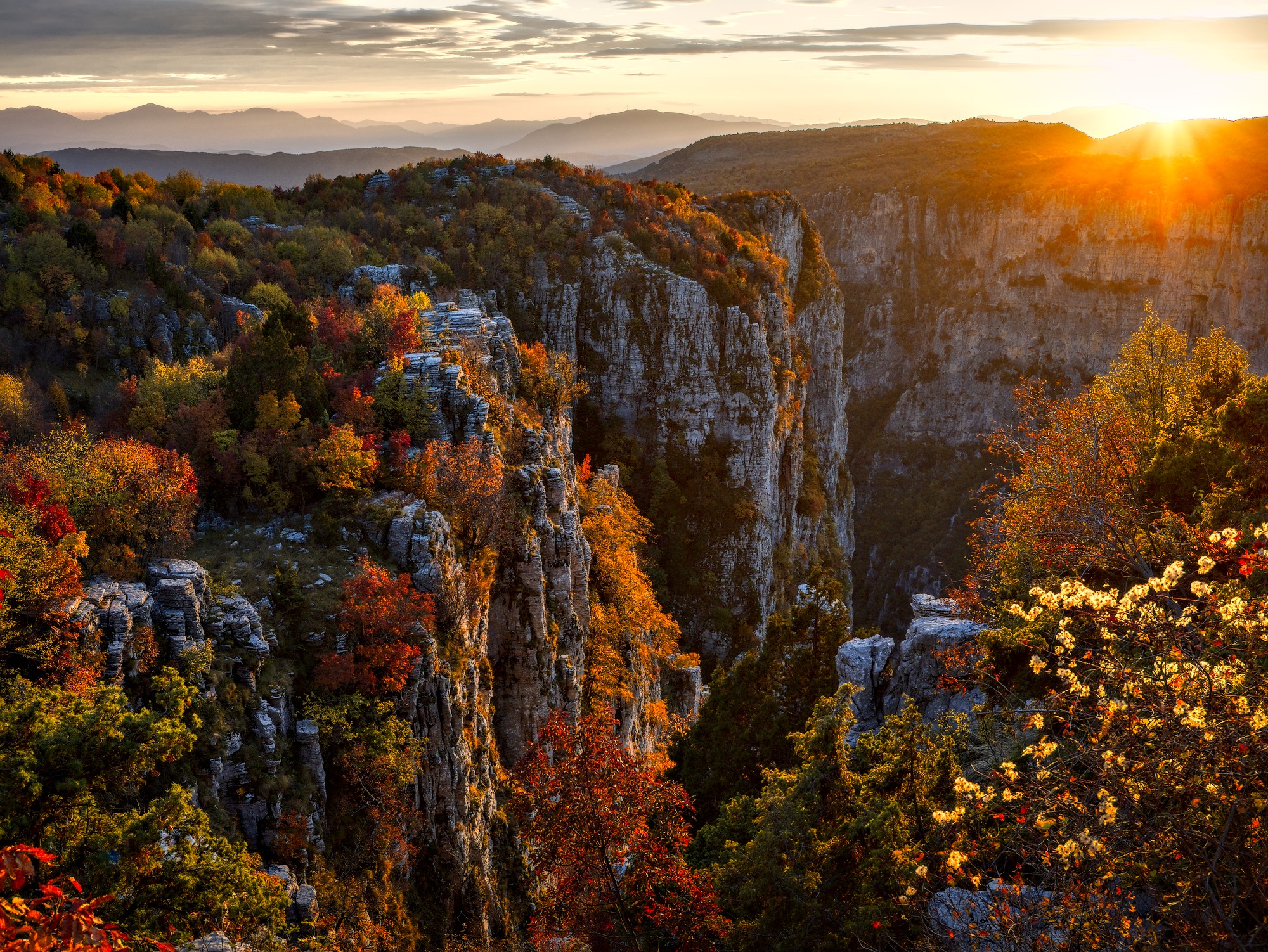
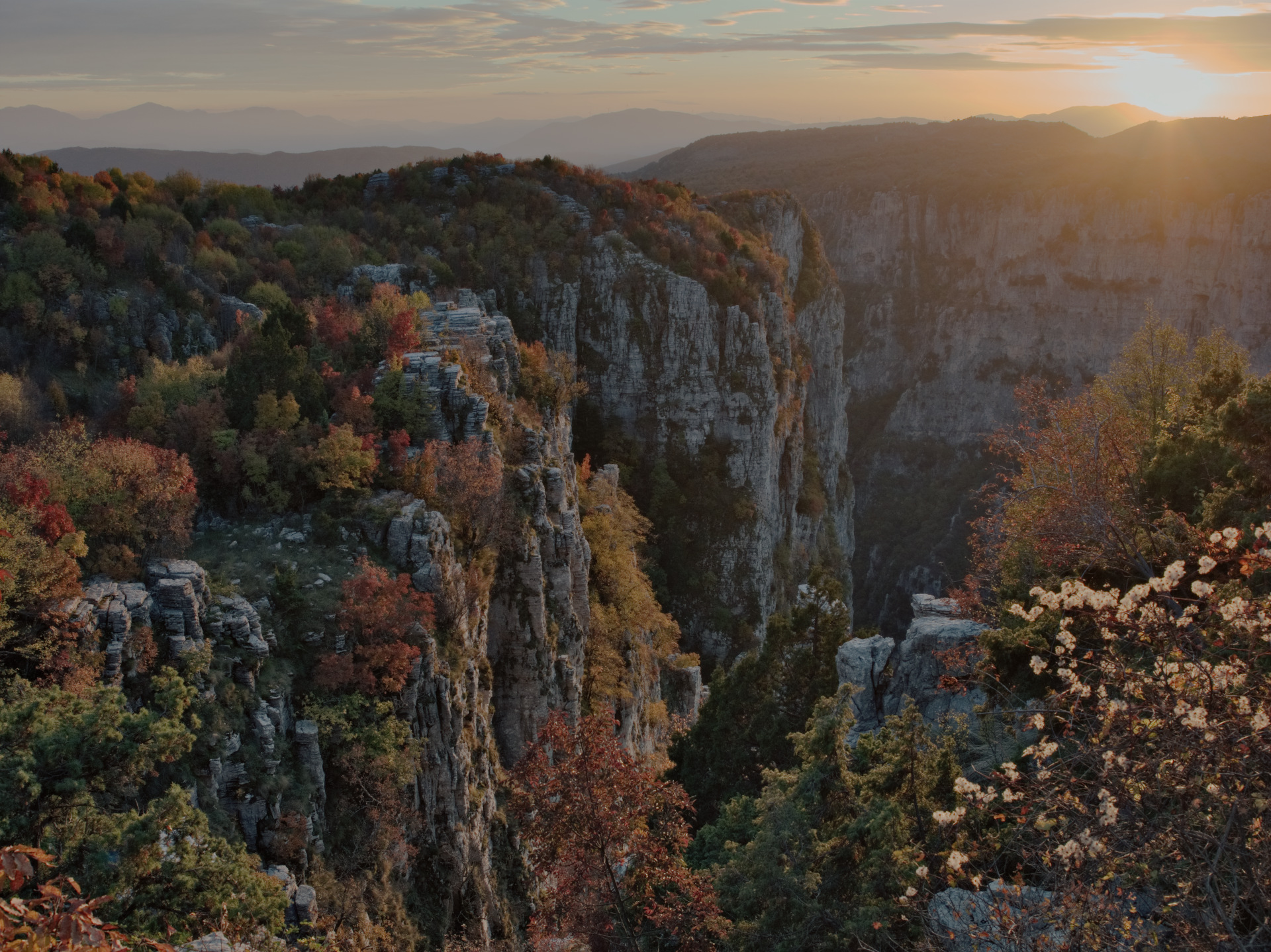
My first entry ever brings nothing new to the table, but it was nice experimenting. Using Darktable 5.4. I went about this very haphazardly, running in circles with my edits. Thank you for the play!
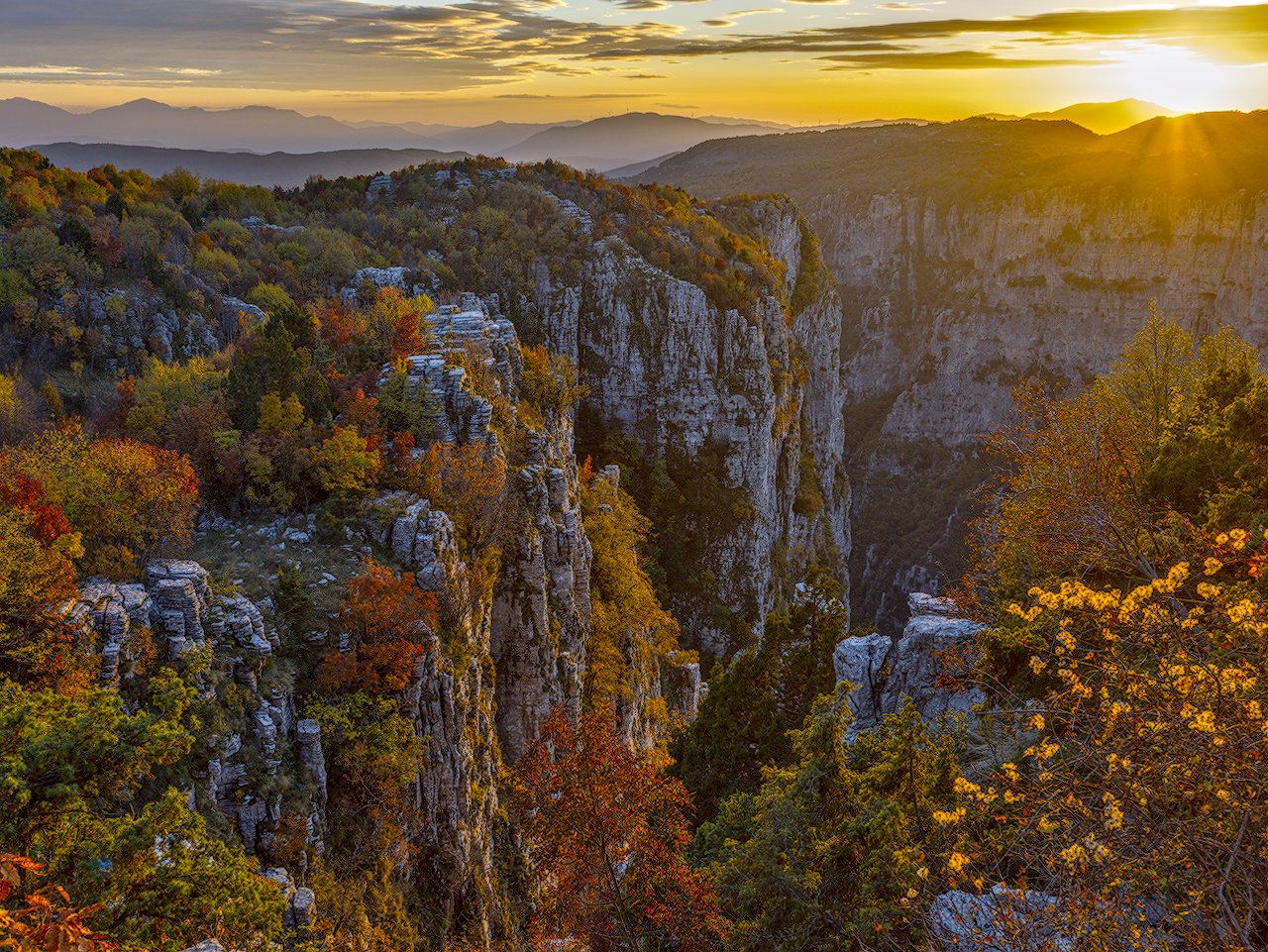
(edited, meant to upload this one) (and again, now with XMP added, not just edit history in jpg)