Not so much … but you have made a completely different edit !!!
For comparison things should be equal edits … at least for me .
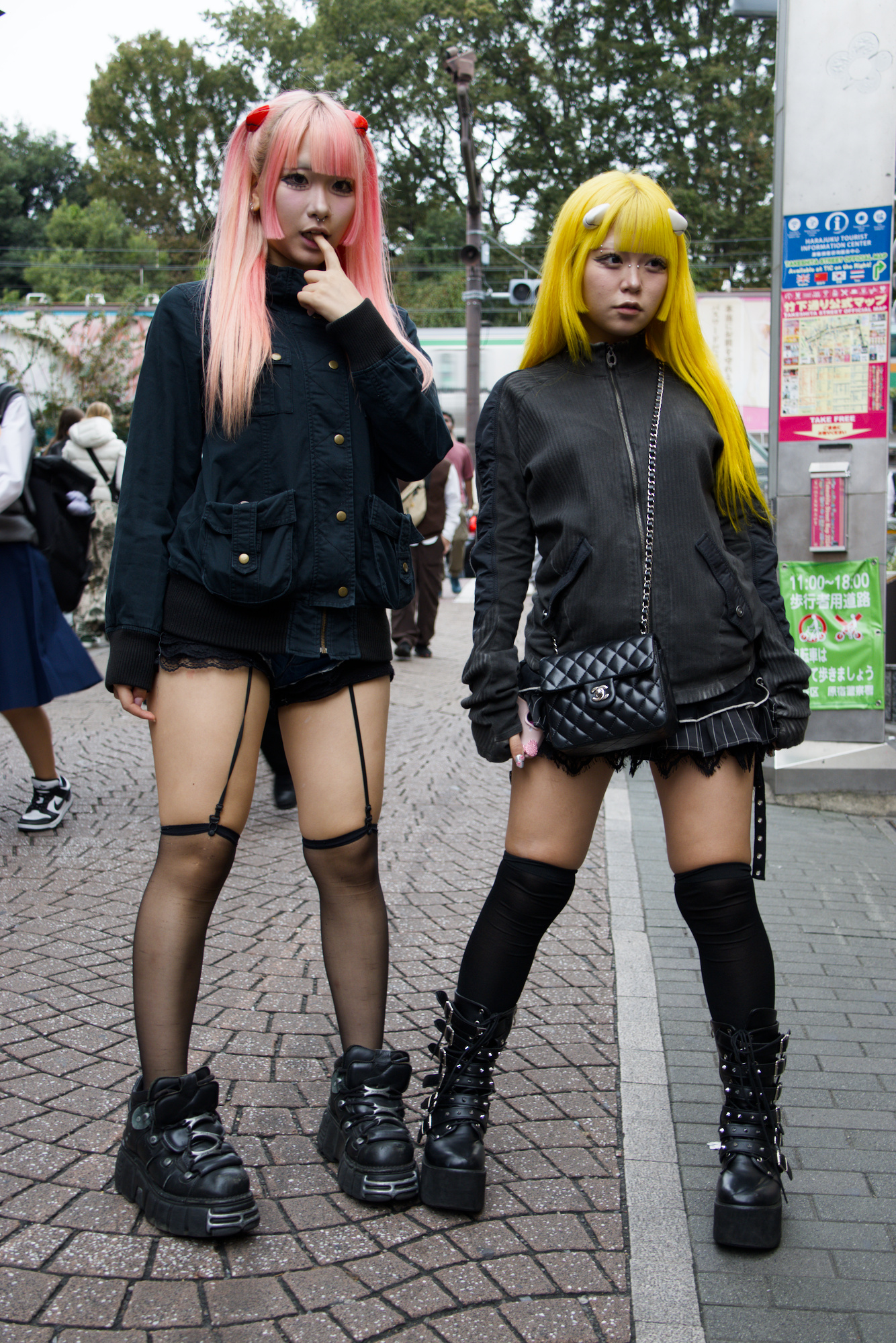
looks ok to me …
but how does the mask look like ?
1 Like
Looks much better!, for me the left shoulder / arm of the left girl is still a bit ‘strange’, It is like there is some light leaking over her shoulder but I don’t see the light source.
I am curious. What did you adjust? Better masking? Or did you feather the mask differently?
I suspect using the mouse scroll to shrink the mask size a little and then using the feather slider and contrast together should be able to refine the edge and minimize halo effects
1 Like
@priort , Exactly! That’s what I would do and it works.
1 Like
Thanks for your replies.
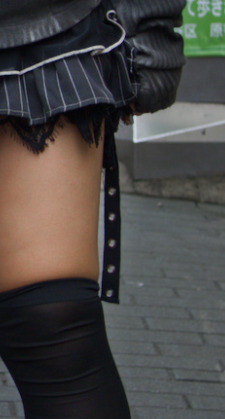
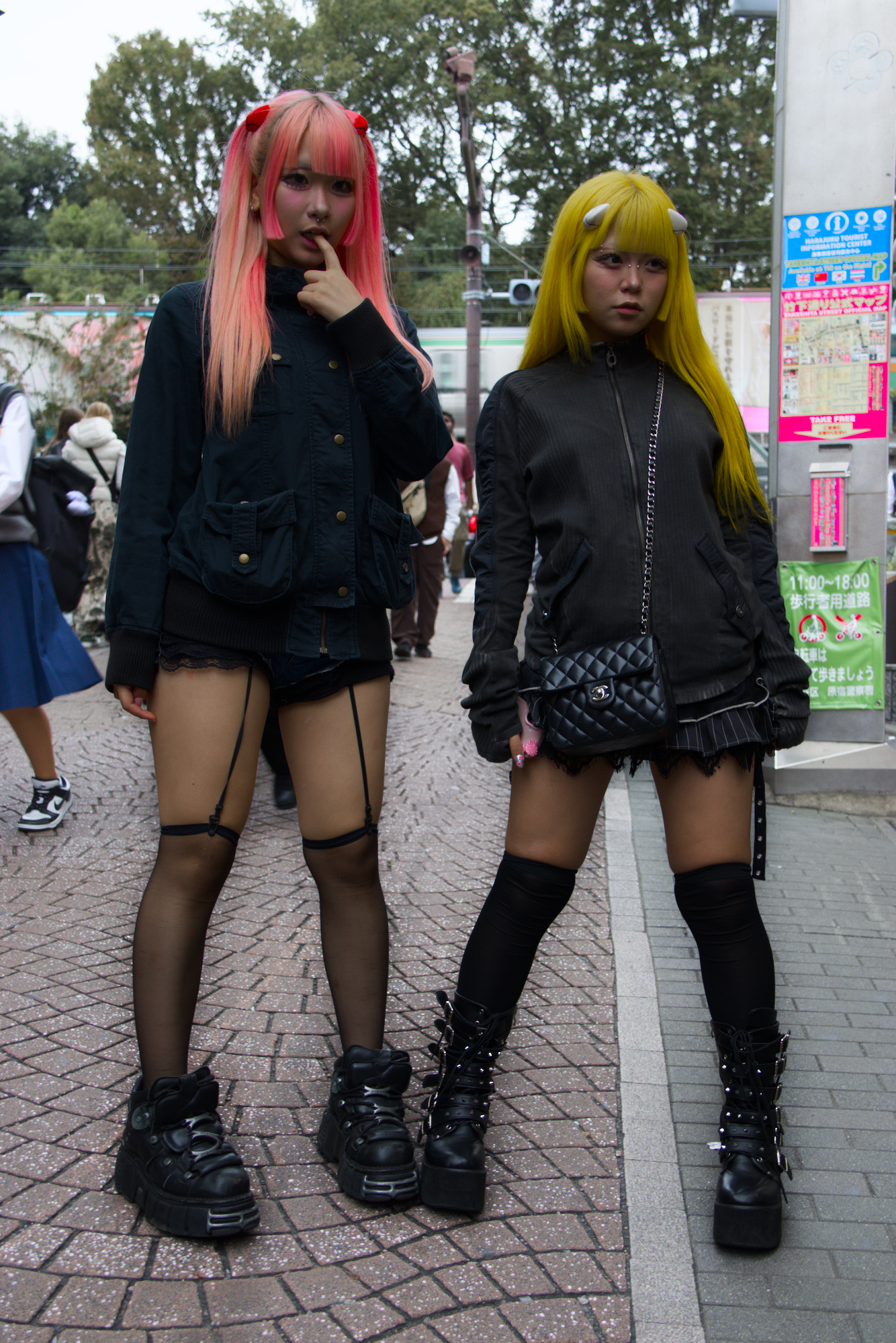
The second and third post has no masking hence no halos. I wasn’t trying to trick you I was trying to see if you were imagining halos in the first image. I am pretty sensitive to halos and use a 43 inch monitor so I really notice them. In my view the AI masking did a pretty decent job for an image that would be difficult to mask. The only slight halo I detect is around the dangling strap on the girl with yellow hair. I could personally live with that.
Also, I was only testing the AI masking. I decided to do extra instances of exposure because this module is very sensitive to halos and artefacts. For me the important lesson was how the feather radius, opacity and contrast help finish the AI mask selection. What I would love in DT is an eraser function to rub out parts of the mask that are unwanted. I am not sure if that is possible with how DT creates and works with masks. Just on my wish list.
Now I have another question… Could you try invert the mask (which would then by a background mask) and bring the exposure of the background way done…
I am very curious to see if that works as well, because this is a situation where I also have seen lot’s of halo’s in the past…
@anry
I have the ORT set to cuda and it is working and initializes. It is used for the denoising in neural restore but the masking with the SAM model uses CPU …is that a model thing or am I likely still missing something in my config??
LOL …that was a cool trick .
No need to have a 32" monitor to identify any haloing because of luma / color changes … they are even visible on a crappy office screen .
Unavoidable to have them when you blur any mask !!! I would say most prominent between a radius of 1 to 15 px , depending on image resolution .
Even more so … when your selection is a vector and not a pixel mask .
But if the user is fine with the haloing … might not even see it as a halo , then work that way .
I your demo … there is haloing going on along ALL edges . Mostly visible when dark meets mid tones or brighter parts . It can be discussed if it is important to avoid it or should it bother the user / viewer .
All i want to say in the end … that the halos are a fact , wether one wants to see them or not .
I hope i made it clear
1 Like
BTW … a very easy way to make the halos visible , even the faint ones , is to use a levels adjustment .
Masking models have two parts: encoder and decoder. Encoder, which analysis image at the beginning, is a big one and is leveraging GPU acceleration. Decoder model, which detects mask, is a tiny one, and is faster just on CPU.
But is that for AI objects also the best way to deal with the masks?
I am really wondering from what I am seeing there if the halo’s in the images are shown are caused by the used models or that it is caused by the vectorizing algorithm.
I was very excited to see object masking entering darktable. But I am starting to worry that for my use case this will be of much help.
Could you please upload a demo of this mask shrinking … and how do you perform it ?
At least I am not able to perform a mask shrinking without deforming the mask ?!
Maybe I am missing something here , if so , I would like to learn
Is it that easy … ?
Please upload a demo for us to see !!!
If you position yourself within the shape and scroll the mouse wheel up/down (or swipe up/down the touchpad) the mask will grow/shrink from the center.
I often do that by mistake when I am trying to scroll or zoom the view 
1 Like
darktable can‘t use raster masks the same way as vector masks. So just if you’re sure, that the AI generated mask doesn’t need any tweaks or needs to be combined with parametric masks, a raster mask would make sense…
So if you want to have options using AI masks, you need them getting vectorised
(post deleted by author)
THX for your comment … it does not work as you described .
It does shrink … yes , but not like you said . It is not shrinking from the outside to the inside or center of the mask … all around the edges for the same amount . A weird shift towards whatever direction is present …
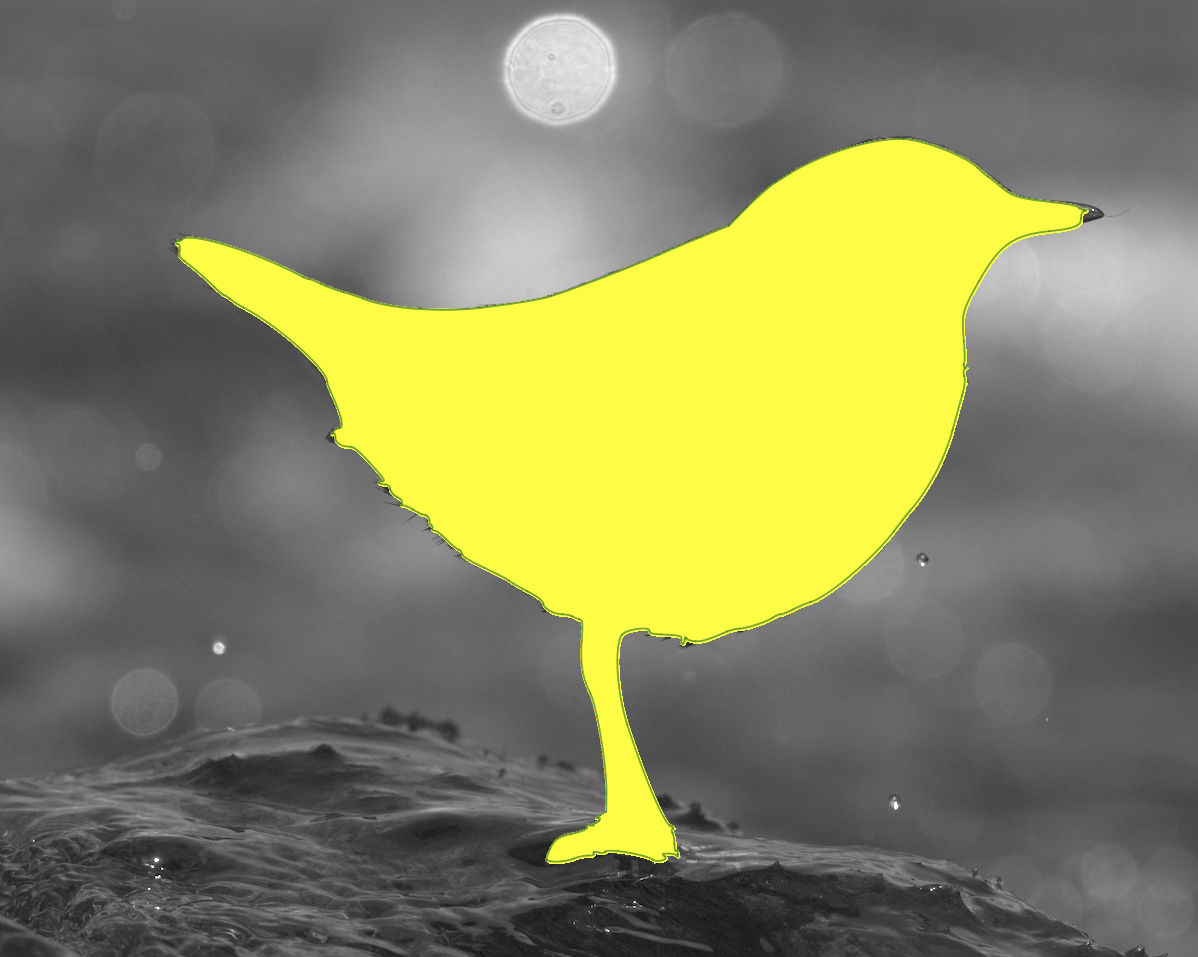
Mask created with AI Base plus model of Sam2 …
Here are two demos …
First image shows the original created AI mask
Second image after using the Magic Mouse to shrink the mask
Wonder what suggestions are coming or why that is ?