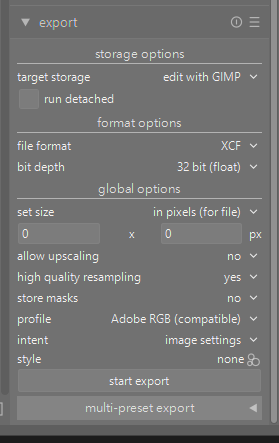
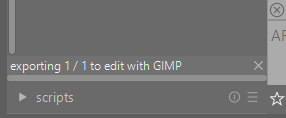
I select a RAW photo and try to export it using the “Edit with Gimp” plugin, but I get no error message, and Gimp doesn’t open for editing the photo.
Windows 11
Darktable 5.3
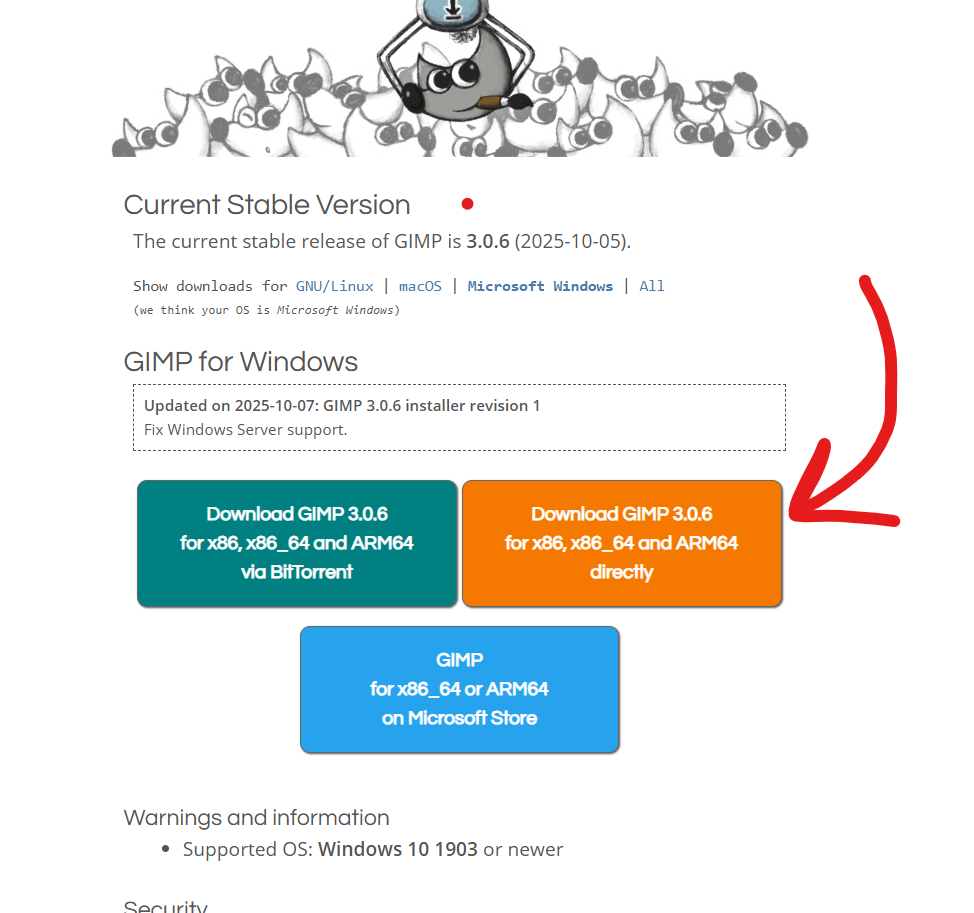
Gimp 3.0.6
I select a RAW photo and try to export it using the “Edit with Gimp” plugin, but I get no error message, and Gimp doesn’t open for editing the photo.
Windows 11
Darktable 5.3
Gimp 3.0.6
How do you have gimp installed…you can do msix and zip intaller if I recall…if you have it installed as the “app” via the msix installer I think it fails… I’m just going from memory of something similar but if it jogs something with you that might be the source…You could also try the external editor scipt as well…
EDIT:
Check near the end of this thread…
If gimp is installed from the app store it is in a private space not accessible to darktable.
Your upload failed
I was having the same issue. I had to add the location Gimp was installed to the PATH Environment variable.
Gimp installed to C:\Users{YOUR USER NAME}\AppData\Local\Programs\GIMP 3\bin\ rather than C:\Programs
Right click on the gimp start icon, click properties to see where it is starting from, add that path.
There is a script in tools called executable_manager. If you open it you can select an executable and enter the correct path for it.