Hm, wouldn’t it then be an option for you to simply use Rawtherapee instead?
2 Likes
Even though D&S is a quite mighty tool, I don’t like it that much. I don’t know if it’s the fault of my hardware, my settings, my workflow or whatever. The preview doesn’t allow me to judge how the result of D&S really looks after the export.
But I love Capture sharpening. The only downside is that there is no possibility to autoadjust it. So I have to touch the demosaicing module on every picture.
The best tool is the one you know, let’s stop being silly. You could plop yourself down I’m am F1 car, but it’s probably no good as you likely won’t be able to pilot of as well as you can a Honda civic.
1 Like
What preview and export settings have you tried?? Especially if you are scaling and more so than with almost any module in DT there can be a substantial difference in preview between default and HQR (which is slow)with DorS.
When exporting and setting HQR to yes it should match pretty well with a preview with that enabled as well. Using no for export should match the default DT preview. Zoomed out a preview setting of no will actually often look much sharper than when you set it to HWR preview but when zooming to 100 percent there is less difference between the preview modes
1 Like
I would suggest that you open a PlayRaw with an image you have trouble sharpening in darktable, also posting your preferred RawTherapee edit, and see if people can bring darktable close. If they can, then you can learn how they did it, and if the hassle is worth for you.
If you decide to do it, read About the Play Raw category.
5 Likes
If you want a challenge to extend the awesomeness of capture sharpening even more: EigenCWD: a spatially-varying deconvolution algorithm for single metalens imaging
Physically based defringing 
I would skip the estimation of the psf but the principle of debluring differently based on radius from lens center AND color could be pretty powerful indeed! Coma would then be that the center of the gaussian is shifted differently for the rgb channels.
6 Likes
- CS is mostly as in RT so results will be almost of identical quality.
- Just noting, the radius correction can be modified depending on distance from center.
- About automatic mode. You can already define an automatically applied preset. Make sure you set radius to zero before saving the preset if you want the autocalculation of the radius to be done for every image. (currently this is not correctly visualized in the module UI unfortunately, fix is following soon)
10 Likes
Brilliant! Didn’t knew that. Thanks a lot for information and for your work!!!
2 Likes
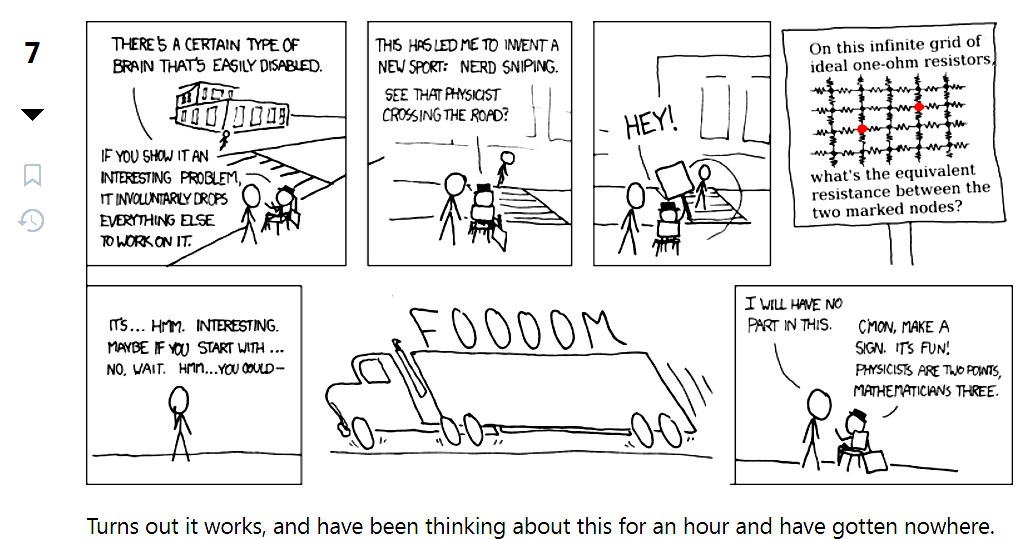
This is a nerd-snipe if I’ve ever seen one 
5 Likes
Which version of master did you try?
Agreed - totally inappropriate to the topic.
That is… Not what that means.
2 Likes
Oh. What is a nerd-snipe?
4 Likes
Thanks for this hint, works perfectly. And also for the other one from August
Very helpful  as I now may perfectly rely on the preset
I personally use an auto applied preset with radius and threshold both set to zero so both are recalcd for image and iter 8 for iso < 1000.
6 Likes
I don’t understand what was “being silly”.
The analogy seems to imply that dt is the “F1 car” and that RT is the “Honda civic”.
Quite so. Even without demosaicing, e.g. Foveon, there is a loss of MTF at say 0.5 cycles per pixel (Nyquist frequency). According to sampling theory, square pixels with 100% fill factor can do no better than 64% MTF - no matter what type of sensor, AA or not.
I have an older Sigma camera (SD9) with no microlenses, ergo a fill factor of 54% and it can go theoretically up to about 80% MTF at Nyquist - “sharper” than any conventional camera that I know of, for example my Lumix DC-G9.
So, the only way to approximate scene-referred sharpness is to sharpen the capture until there is a high value of MTF at Nyquist - assuming that the scene content itself is not over Nyquist, LOL.
It’s simply that if you use one tool regularly, but not the other, you’re much more likely to produce good results with the first one.
My first raw developer was RawTherapee. A few years ago, I had trouble with a photo in darktable, and decided to fire up RT - with disastrous results. Does it mean RawTherapee is worse than darktable? Of course not! I made a PlayRAW of the photo, and a lot of people delivered way better results than mine, independently of the tool.
6 Likes