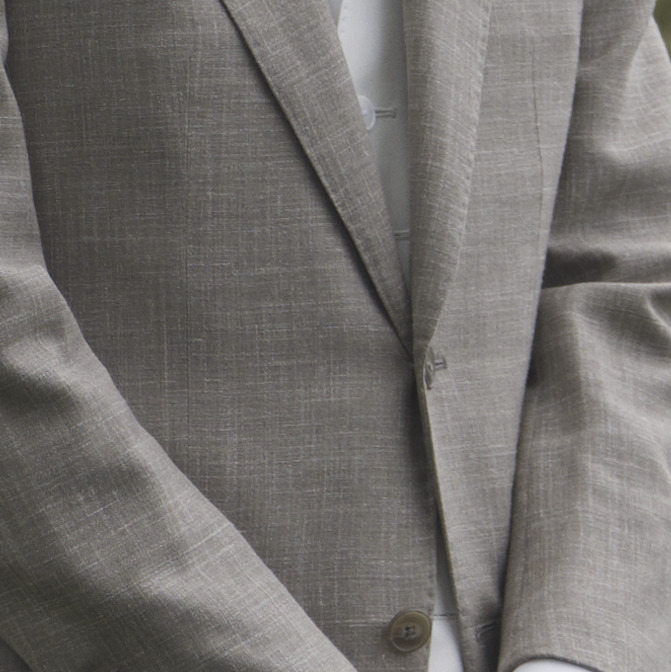
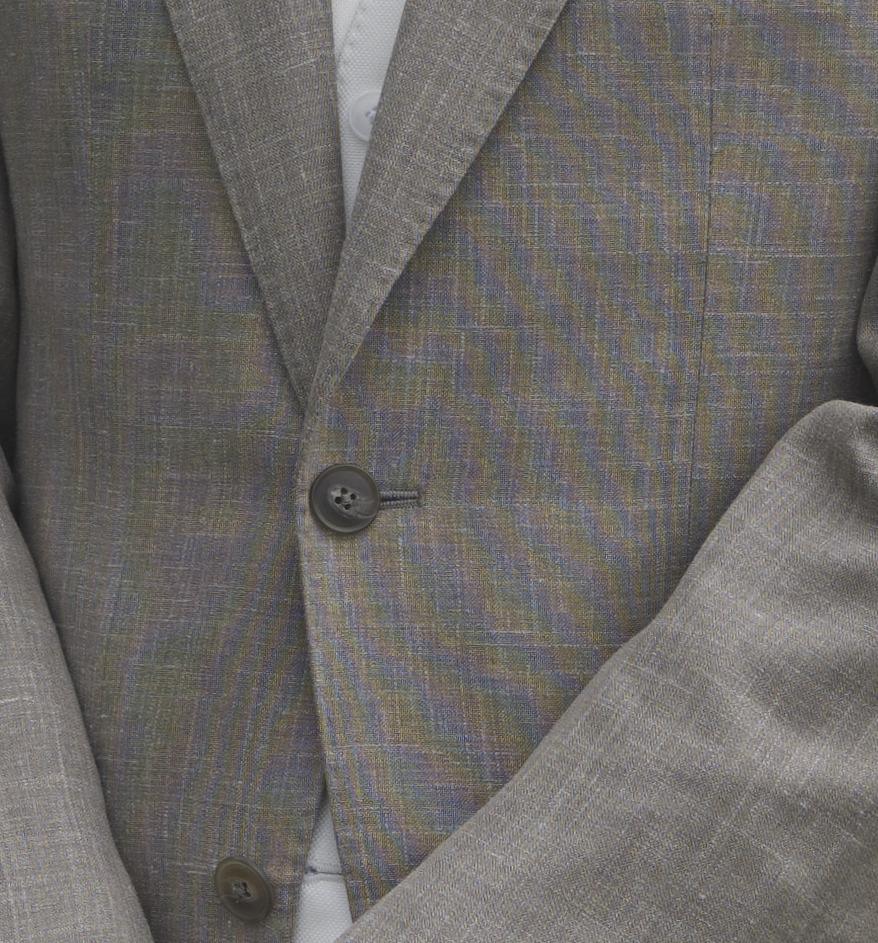
I have 2 images (raw), the first one looks normal, the second one with some color artifacts. Shot one after another, the camera and the guy position was slightly changed (rotation) between images.
I opened the second image with a few editors, the artifacts are present, so I assume that the camera introduced this.
The lens had a hood and lens protection glass.
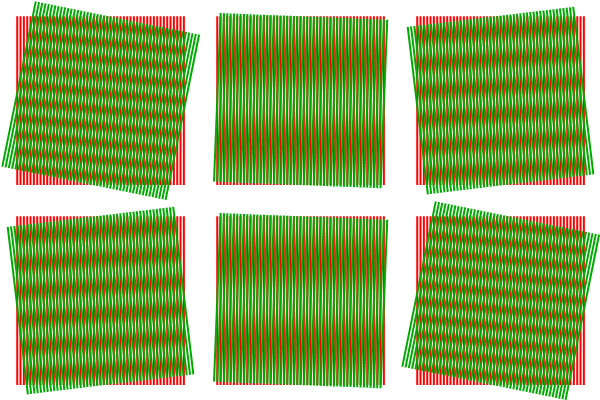
It’s a Moiré pattern which is a type of aliasing. The fine detail in the jacket is too fine for the sensor. In technical terms, you’ve exceeded the sensor Nyquist limit.
The lens MTF may be too high for the sensor and may need an optical low pass filter.
You may be able to reduce the aliasing by adding a digital low pass filter but it’s not always possible.
Moiré has been well explained here and I don’t need to add to that. BUT, I wonder if electronic shutter vs mechanical shutter makes any difference to Moiré. Probably not, but just thinking out loud.
EDIT: No mechanical or electronic shutter makes no different to moiré. I was just having a brain fart idea at 4am and thought I would share it. Sorry if this noise in the thread upset anyone.
The issue is that an alias once created looks exactly like the wanted signal. If you filter the image to reduce the aliasing you also reduce the wanted fine detail. You need to reduce the fine detail before it hits the sensor by optical filtering or changing zoom level.
There are some AI tools that claim to recognise aliasing and create a fixed image, but classical sampling theory goes against this.
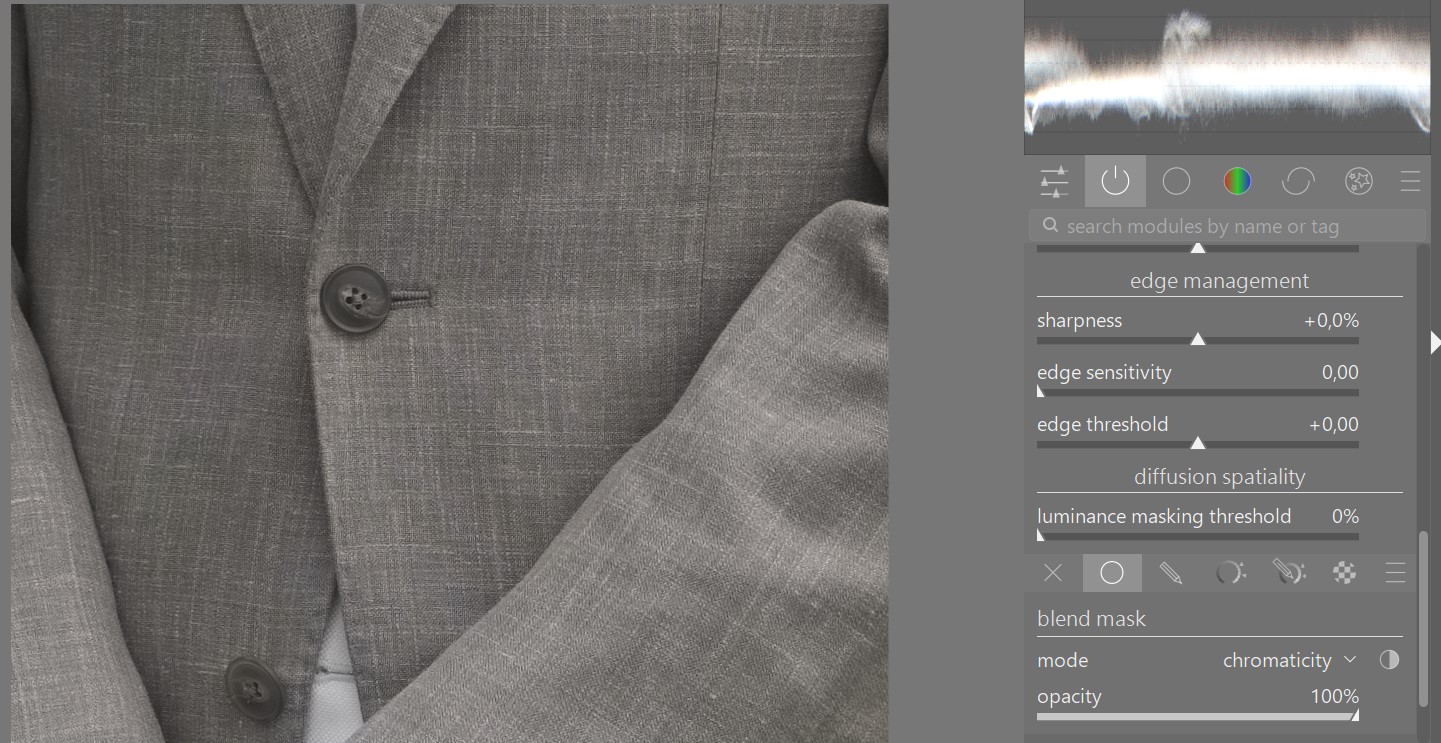
in Darktable Diffuse or sharpen can deal with this effect pretty well.
Just set it to bloom preset with at least 4 iterations and change the blend mode to chromaticity.
Local masking of the moire parts should also be used otherwise this method reduces color contrast of the whole image.
I tried the diffuse and sharpen method. On this image it works perfectly. But I then I tried it on some other images (without moirés) and on some I produced an unwanted glow effect on top of the already teasered loss of chromacity.
So use it with care and open eyes.
Switching the demosaicing isn’t enough. You have to use heavy chroma denoising as well.
All moire related problems are pretty difficult to correct. As mentioned some demosaicers work better than others; vng4, lmmse or amze are often more stable. rawtherapee offers IGV which is also well suited but gives less details.
All try-to-fix methods after demosaicing come with a hefty quality loss. @Iain and @garagecoder from gmic team worked on this some time ago, not sure how far they got. Maybe we can do some fresh dt work on this …?
No, it may remove the aliasing (and wanted parts of the image). It won’t work on every image and you may need to soften it so much it becomes unusable.
Correct, but other things can. AFAIK some cameras with IBIS can move the sensor just a bit to simulate a low-pass filter. Maybe Sony?
I agree with others that moire is a problem best dealt with during capture, then demosaicing as the second best, after that it becomes quite difficult.