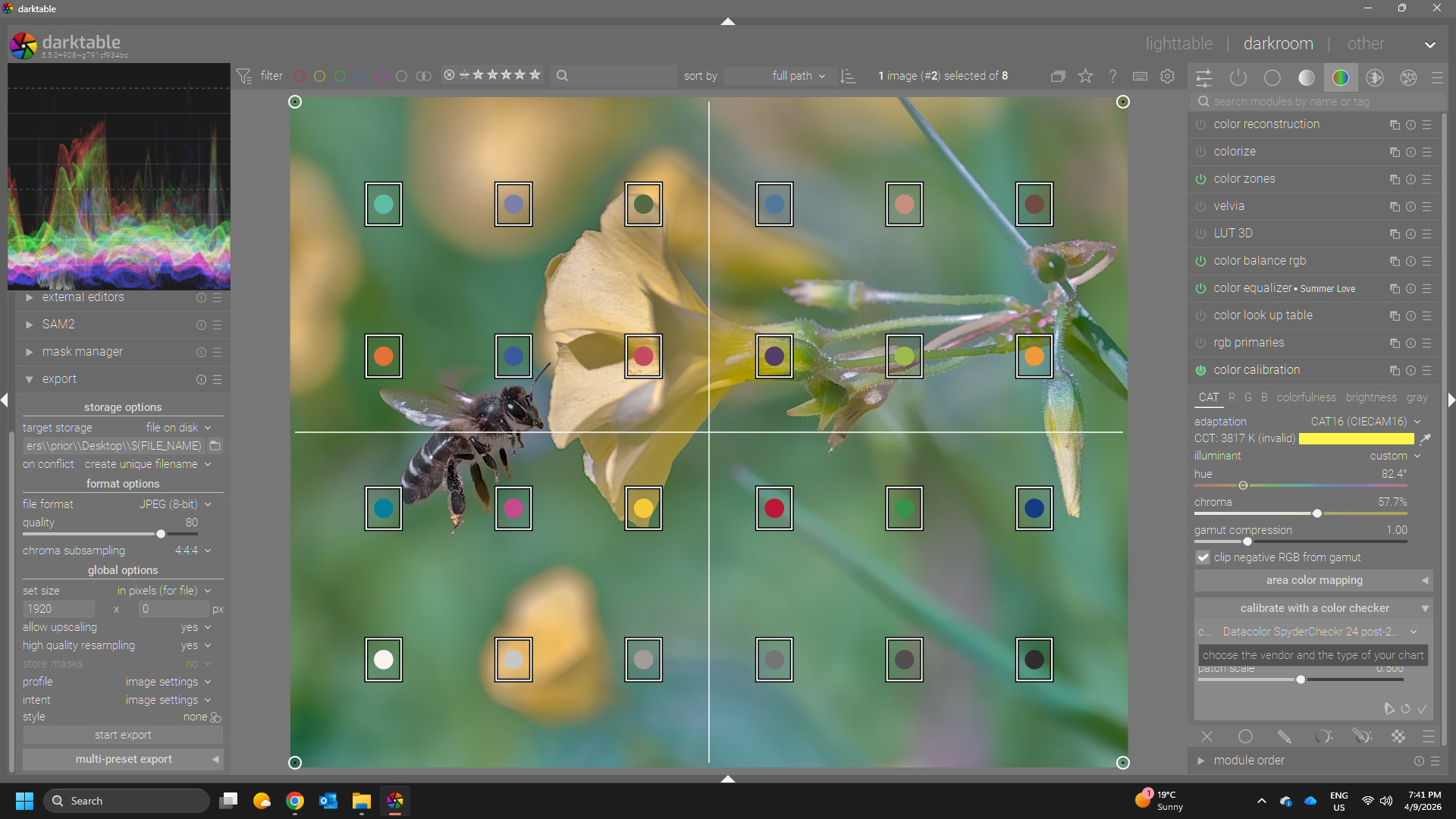
I just spent a day trying to get a dt style that would work for OM-3 raws (not that there hasn’t been a huge improvement in OM camera raw handling in 5.x, for which I thank the devs), but was ultimately unsuccessful at getting something useful. Some comments:
darktable-chart is rigid and uninformative about ‘errors’ in .cht files. As noted here, stray tabs on a ‘blank’ line will cause parse errors with no help.
one comment in the linked thread (or another, maybe) was that the 24 tile SpyderChecker chart wouldn’t be enough, and that may be correct - I can’t tell - but the output, while close wasn’t as bright or saturated in some areas, and my lame attempts to patch that and some color shifts just made it worse.
So, Olympus/OM color science can’t be contained in SpyderChecker24 charts, I guess, and I do like it.
On a side note, if anyone cares, the scene-referred default sigmoid, color calibration, and exposure settings are pretty good. I most often adjust exposure a bit, and always turn on local contrast, and that gets me very close to most OOC JPEGs.
Hi Todd, I blinked out there for a while. I don’t know what CC is.
As for the matching to JPG or chart, I tried both, because it wasn’t clear which I should do. Now I can’t remember which made more sense, but the end result was still a nope.
I think I’m in the ‘I can live with it’ phase of dt handling of OM System ORFs, and am not looking to go down another rabbit hole, but thanks for the pointer.
CC was the color calibration profiling…its somewhat like profiling to make an icc but it creates a matrix in the cc module to improve color accuracy based on the current input color profile…it can help with wb and color cast too…
Obviously you would use your colorchecker shot…I just didn’t have the time to find one…