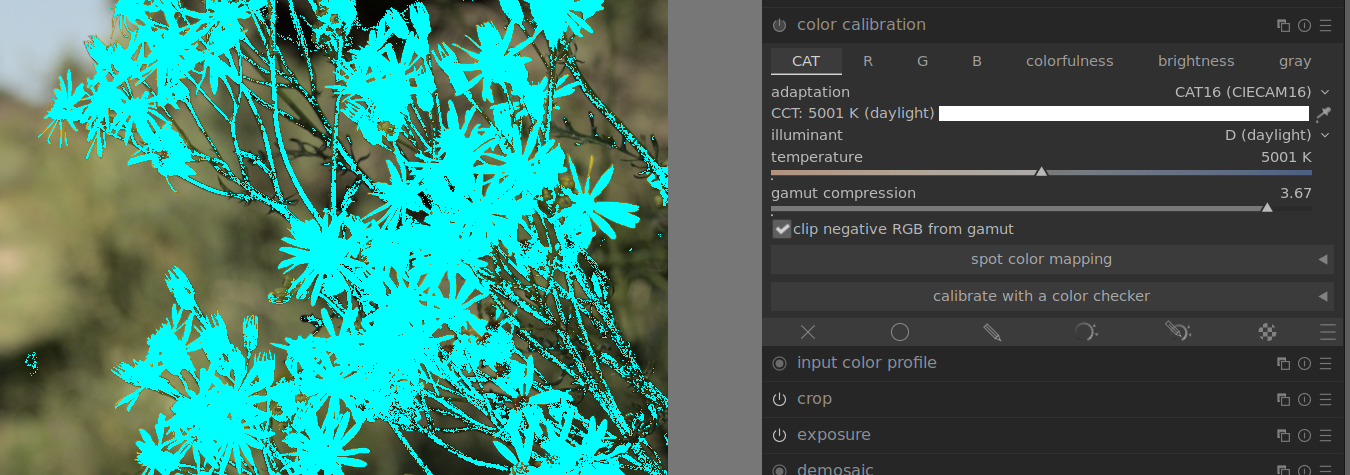
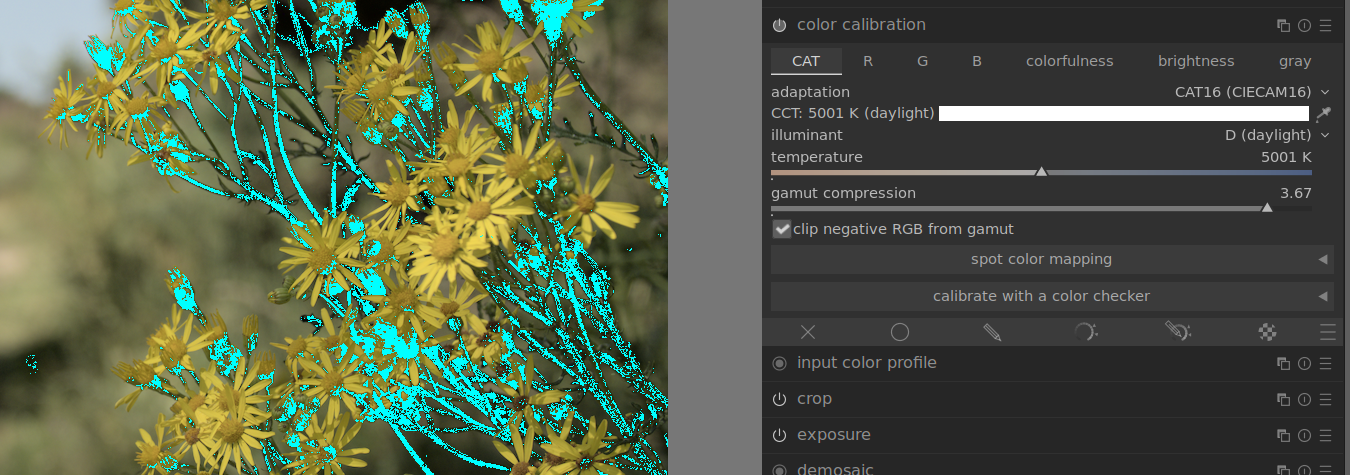
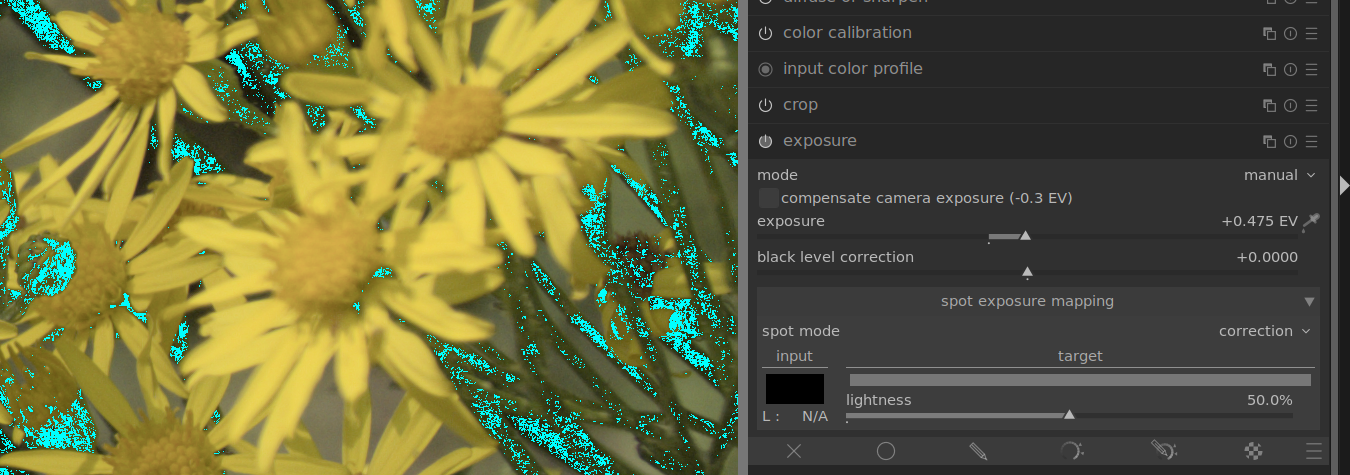
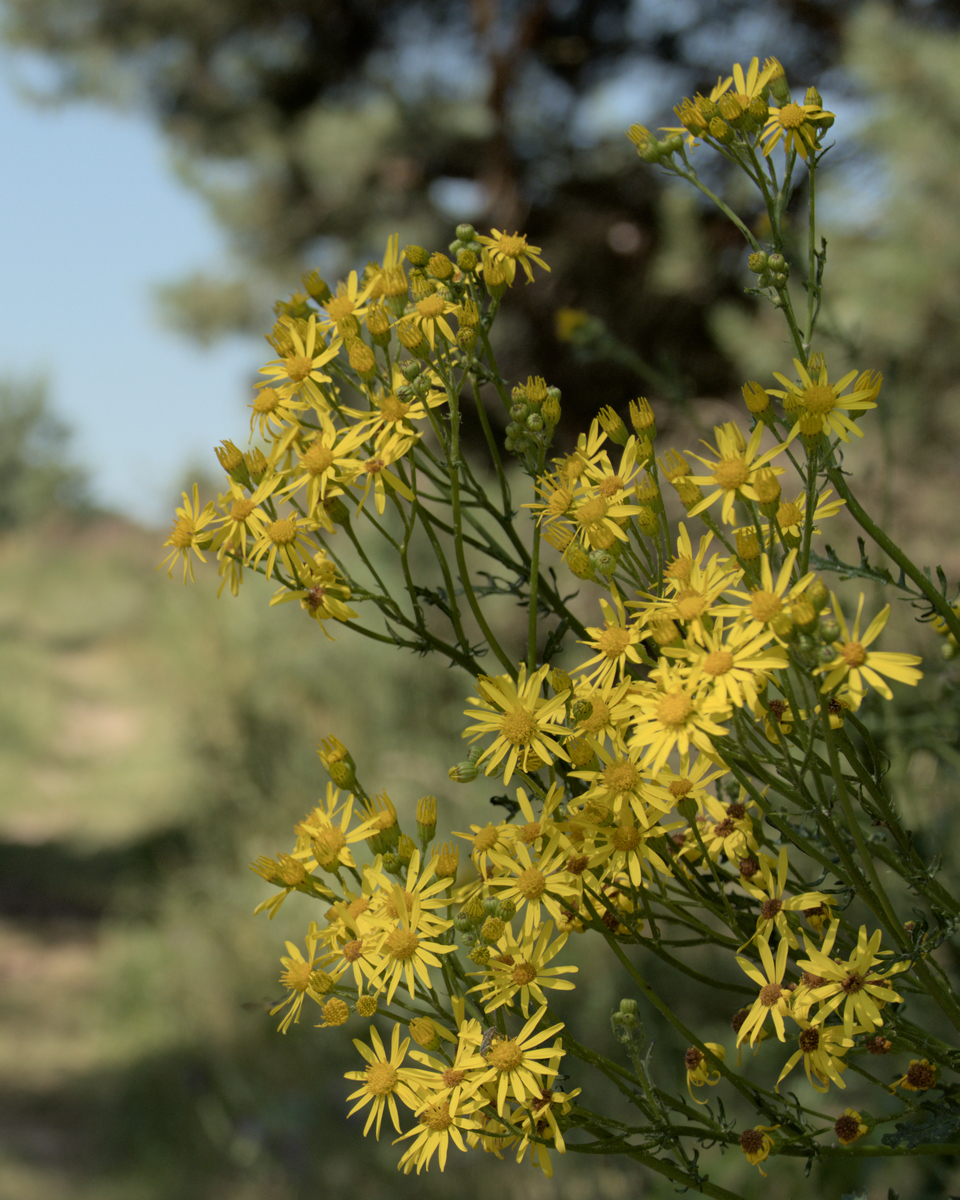
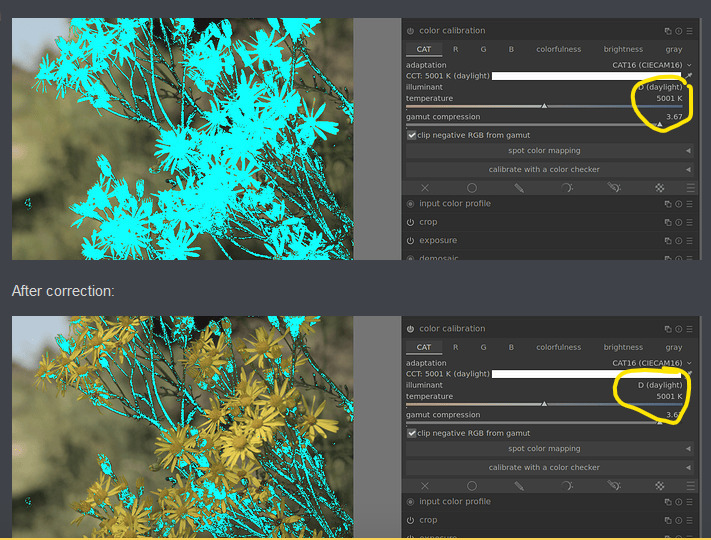
Pretty dramatic difference! After that was made, the biggest issue here is that the 2 flowers with the most luminance are also the 2 with the most motion blur. Hat tip to Panny’s algorithm here for balancing out the exposure, colors and sharpness.
After doing that, I went after the exposure which is backwards, but I tested color correction on AI mode and it had the same setting before or after exposure adjustment. Again using the out-of-gamut button, I pushed the exposure until the blurry flowers just started to run out room and arrived here: +0.47 EV.
I slid the filmic module around a bit for a base setting. I am finding that it’s better to not use filmic to set in too much global contrast or saturation, using it to try and get a somewhat flat yet tonally correct look before using. other modules. Note that I configured the contrast options both to “safe”.
If the illuminant is determined to be very close to 5000 K, it usually means the ‘AI’ modes failed. It’s not in the documentation, but was either mentioned by Aurélien here on the forum, or in one of his YouTube videos.
!!! thanks for that. I guess there is no free lunch, is there
edit: in fact all of the gamut correction here came from yanking “gamut compression”. I’ll have to update my post a bit later. Thanks for sharing this - I need to hang out here more often!
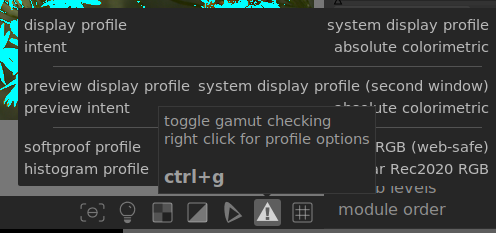
You need to be careful also how you assess gamut… the actual gamut indicator uses what you have set for your softproofing profile and you can also use the overexposure indicator and set it for full gamut and it uses the working profile… Depending on your comfort and needs you could get out of gamut using one but not the other… and you could be happy the if you are not out of gamut in your working profile then the output profile will map it down without too much of and issue… Its a bit of a nuance with DT and no one mentions it too much…
yep. I was trying to keep it simple for the OP. I use Adobe RGB for display and sRGB for softproofing on a pretty basic benq IPS monitor.
I think it’s not such a great thing to have the color spaces exposed everywhere in Dark Table as they are, but I understand that it goes against the ethos of the tinkerer mindset of the bulk of users. </controversial opinion>
Oh my laptop display is dog water :^) But to answer your question, yes - basic color mgmt is enabled for both my laptop display and my external monitor at the OS level via Ubuntu (I’m on 22.04 LTS).
One quick thing to note about displays is to make sure that you’re not editing in a reduced “blue light” / eye safe mode. My Benq has a little hotkey that lets me select between eye-care mode (which is great for programming) and a “Photography” mode which gives the full range of colors.
I was just curious as setting the display profile randomly to Adobe for your display might skew color representation and hence your edits… I may have missed something in your exanation…
I recently learned that a lot of in-camera profiles do double hue-shifts.
Most often all colors get shifted in one direction, then one color gets shifted into the opposite direction. This leads to stretch and compression in the transition areas.
Getting all the parameters right might be really hard.
you need little cms enabled in preferences, which I have. My monitor is limited to to sRGB so they don’t make much difference, really. I was trying to do a print of some artwork of my wife’s a couple of years ago and compiled lcms from source. I’m guessing that my flatpak version of DT is ignoring it.
tbh I don’t usually pay it much attention; when I export I tend to use perceptual for jpg, and relative for png/tifs to export to gimp. I’ve never bothered to set an icc profile for my cameras, either. they just use the defaults for input & output color profile.
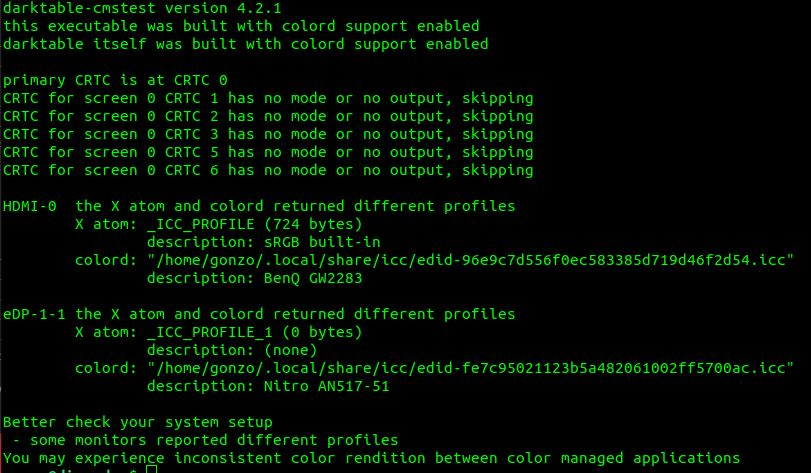
why we’re all here, what do you make of this output from darktable-cmstest?
I’m still not real clear on whether or not darktable / gimp will ignore the X atom profile. I had thought that colord would always be used if configured. does anybody know?
Correct and good point but even when it is enabled the profile might not have the lut or information to handle the rendering intents… sorry not a linux person so I am not sure what that output really equates to…
Yep. I look at it and it looks logical. I read about it and it makes sense. I try to use it and the results confuse me. I guess I’ve not yet locked on the fundamentals. Time to keep reading…
@patdavid has an old post that is one of the best I can recall about the channel mixer and what it does, If you missed that one I highly recommend it also I have a great cheat sheet I will dig up and attach in case you or someone else cares to pursue that tool for colour
I feel like there is some nuance to the channel mixer and interaction with the display profile and the pipeline… there is channel crosstalk when there shouldn’t be … maybe its the source file I tested with and my display profile but I think some others have mentioned this before… maybe its an interaction with some gamut mapping
After reviewing, what was throwing me off was… I fell into the trap of thinking I was adding another color to the channel, instead of basically selecting where (pixel-wise) the change in that channel was going to happen.