Hello to all,
straight to the point: does anyone think these LUTs from a github repository could be made compatible with DT? I’ve tried, but when using the raw cube file, darktable complains about “there being 35987 lines instead of 35986”. The next logical step was to just delete a line from the cube code, this allows the preset to be used but causes the whole thing to glitch, especially in the shadows. Same result after converting the whole file to PNG via vertopal.
I included the Pat David LUT collection into my workflow and am having great success with that. I’m of course always on the lookout for new ones and seeing that this is an open-access repository, it could turn out to be a valuable resource. However, I know next to nothing about how these work and can’t “fix” them on my own, if there indeed is any fixing (they are 8yo and probably meant for video software).
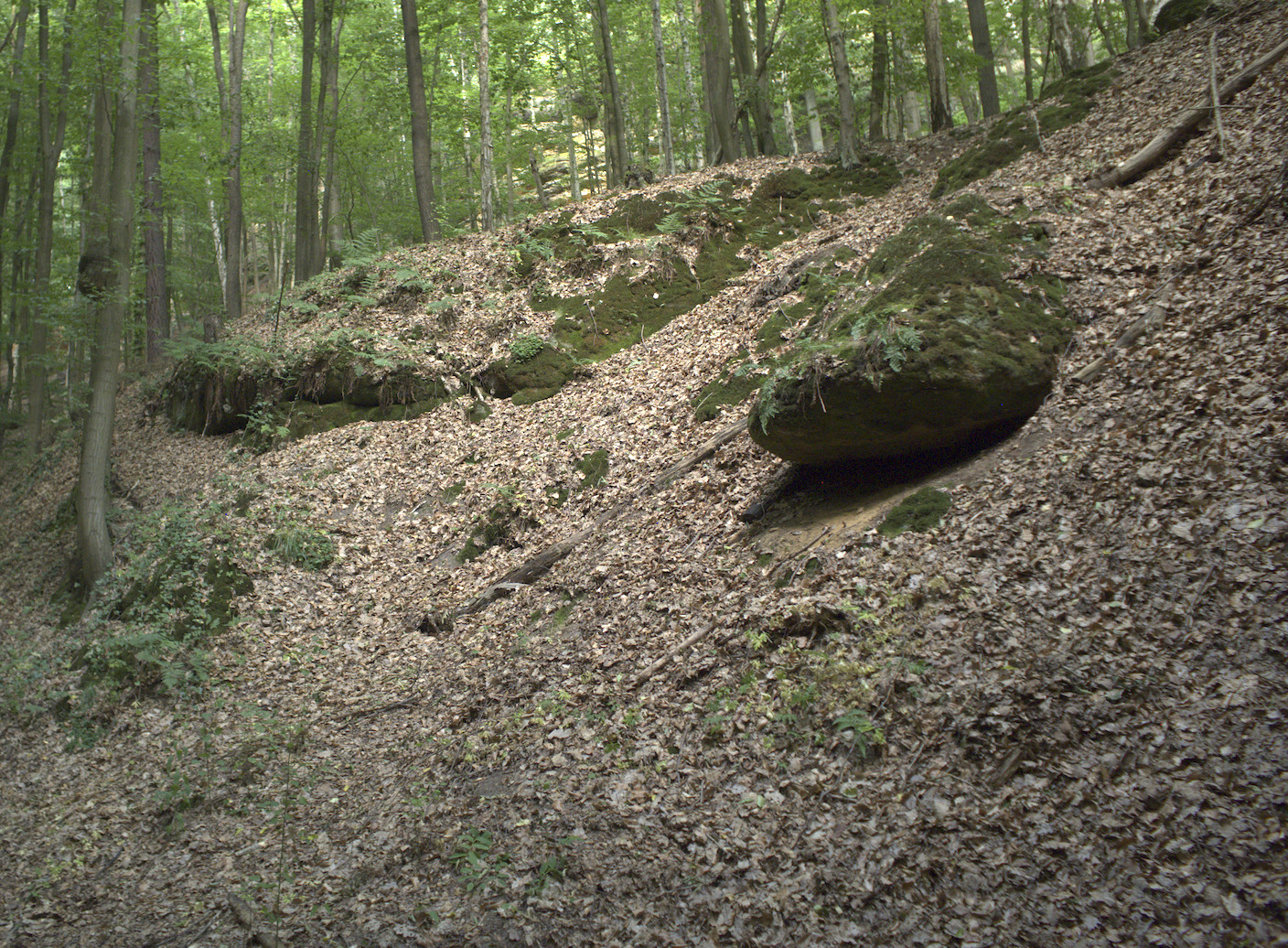
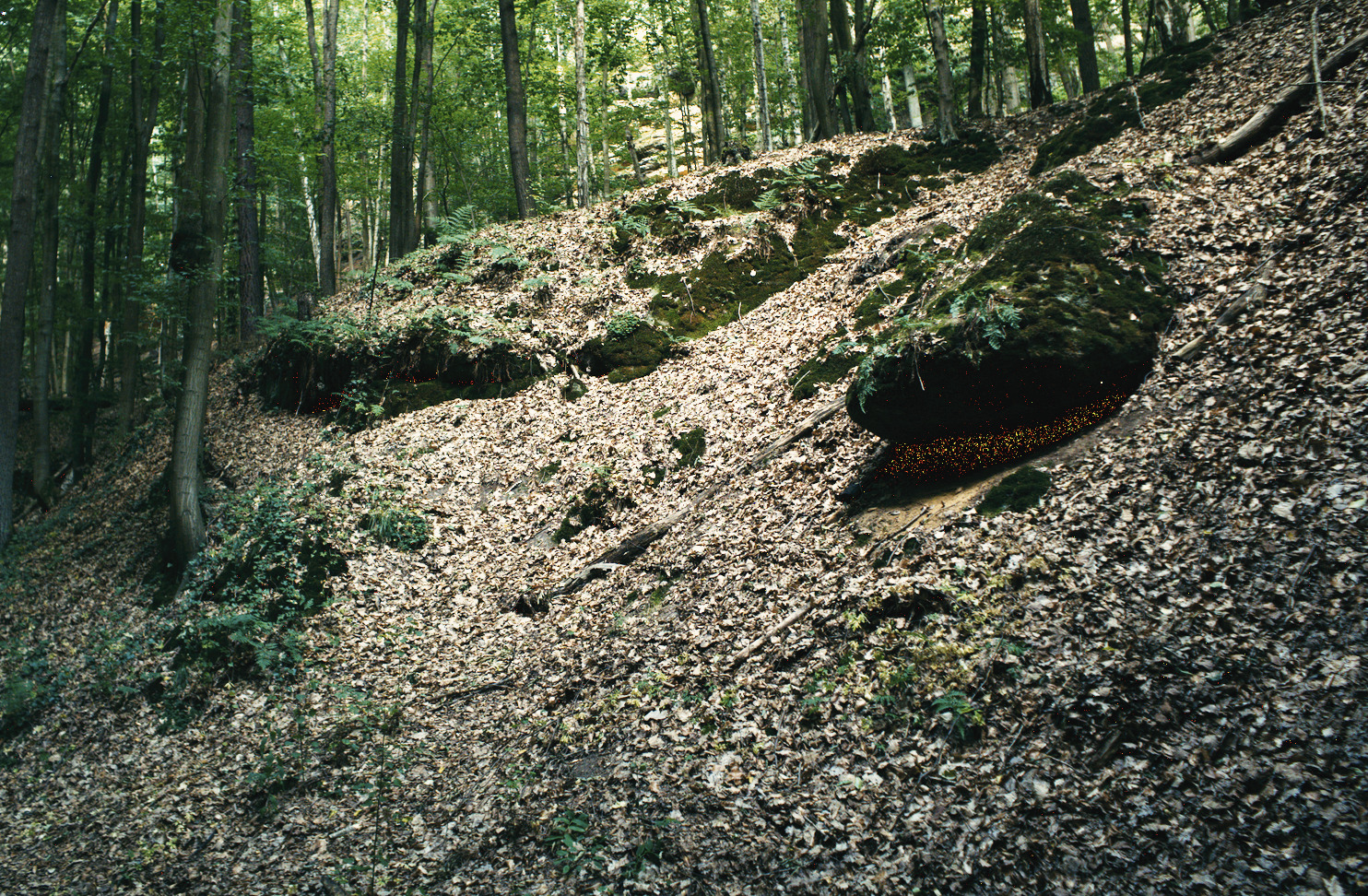
It looks as if these LUTs may have been designed for another application like DaVinci Resolve. There, LUTs are commonly applied in a color/tone space called Cineon film log. They do two things: change color/contrast etc., and transform from Cineon log to R709 (the display space).
It is likely the transformation that make these LUTs appear to be “too strong” in dt, where by default LUTs are applied after the tone curve.
I do not have a proper tone conversion process for dt, sorry.
I haven’t looked but if as Doug says these luts are for log footage…one solution or possible one evolved from this thread and some work to hack it together by @Xavier_Bourque
Wow, that looks like a big effort just to use someone’s LUTs! 
I was guessing about Cineon log, since that is the default for film LUTs in Resolve, but there are a number of log variants, including those from camera manufacturers (Arri, Canon, Panasonic etc.). So this could become quite a rabbit hole. 
The GitHub repo from the OP is not well-documented. I suggest looking elsewhere. The LUTs from Pat David are a very good start. You may find that you need to carefully adjust color balance, exposure, and contrast for best results with LUTs.
I mean, they appear to be well-made sims that are not that easy to get otherwise. And the big thing is that they’re legally free.
Up to you, of course.
You may want to consider another approach given here:
The author provides a very quick method for simulating Fuji-camera film emulations.
There is some interesting and very advanced film emulation being discussed elsewhere in the forum.
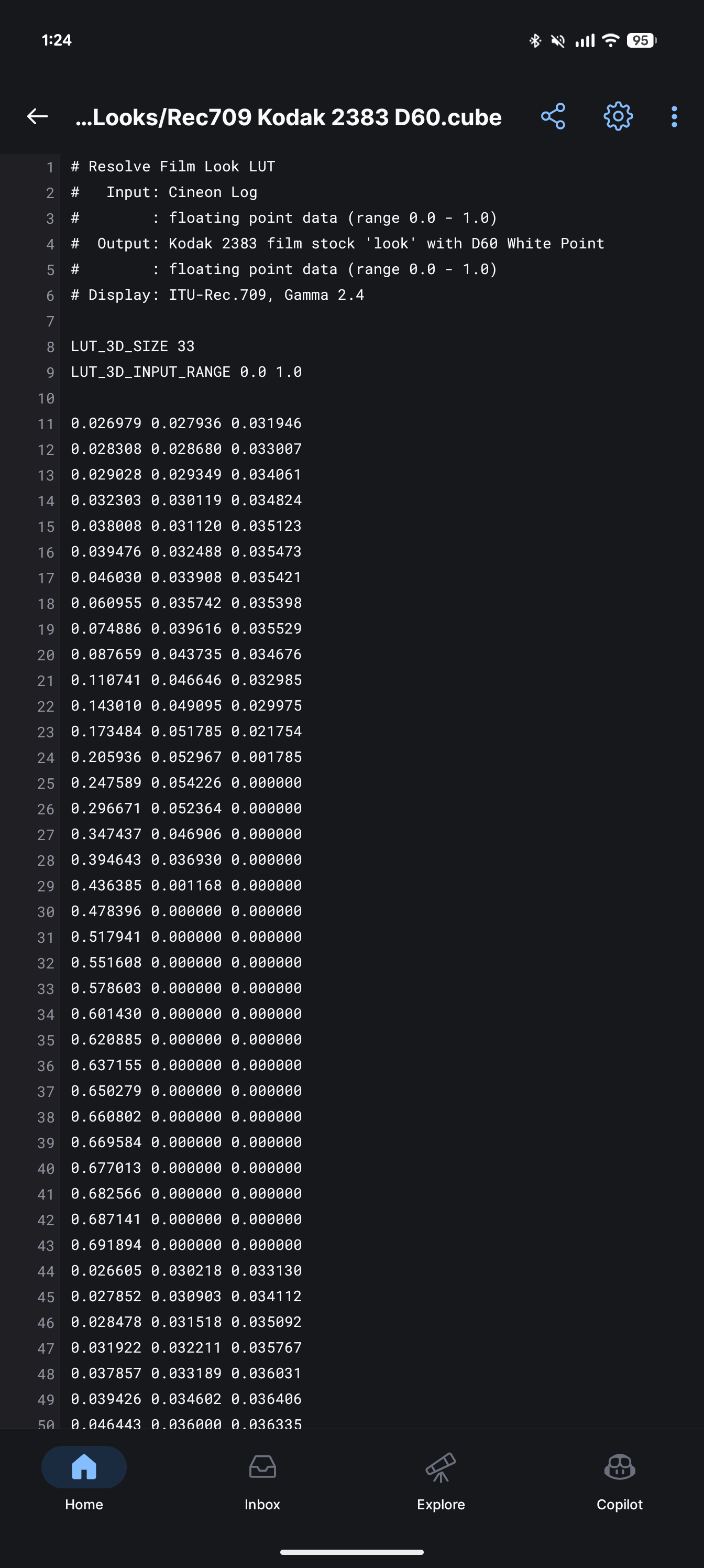
Guys luckily
It says what it needs to be🙂
You were right, it’s cineon. these are print Luts. You would have a look in your negative space and then you use these to go from your negative space to display referred space (basically from your log/working space to delivery space). Resolves ships these for free so I’m not sure why not just use them.
You can probably add a CST in resolve with rec2020 as color space and linear transfer function as as input, add rec709/cineon as output> on the next node apply the lut you want and you can export that as a .cube from resolve itself. It’ll be usable with darktable. I’ve done this crude approach before but I’m sure the other suggestions are much better in terms of quality assurance.
This is just the easiest method for me to report luts as a resolve user.
Ah, If I had only looked, @Yogansh_Bhatt ! Thank you.
Bu at least my eyes did not deceive me. 
Yes, the process flow in Resolve is well-known, and I happened to learn about it from some YT videos.
But, to me, making an equivalent to the CST in darktable does not seem worth the bother. There are so many other options. But hey, a user can try to do whatever they want here.
Thanks
So you are saying that these could be made to work? And can you make them so or provide a method I could follow?
I don’t understand any of this, I’m afraid 
Doug, thank you for your suggestions, I sense that you don’t see this as very necessary given that there are adequate options elsewhere. From what you’ve suggested, the Pat David sims are, again, part of my daily routine, I edit most of my Nikon D800 shots with a dab of these in LUT3D. However, they are starting to look a bit too programatic to me since I use them so often, and I haven’t found anything of the same quality freely available on the internet (I recently scraped a bunch of websites, so that statement may change).
Thank you for mentioning this, I will take a look. However, I already own a fujifilm camera and if I wanted their film sims (of which I’m not a huge fan on the X-t20), I could always just shoot that camera However, if you have other suggestions, please share them.
Hi @Honzi
If you want to transform input color space* for a 3DLUT to make it display-referred, there are options, but I don’t personally have the experience. You could try DaVinci Resolve (video editor with a free tier), a specialized program like Lattice, or find some specialized code. Looking at the files, I would expect it is possible to write some code in e.g. python.
Resolve has a learning curve. There is a color tab for work on color and tone. There are many (many) video tutorials online, plus some excellent tutorial documents from BlackMagic. Resolve requires a GPU to run, I believe.
Lattice is not free and I haven’t tried it.
One random thought - if you could find a transform LUT somewhere, compatible with dt, that converts from R709 to Cineon log, then you could stack that before one of these LUTS. I think that might work. You would probably want to turn off the tone curve (AgX, Sigmoid, or filmic).
*Tone curve or gamma.
In case it’s relevant, when I use a display-referred LUT in dt my process is essentially:
Set exposure, color balance, adjust AgX, and generally edit the photo to taste with “neutral” colors. Turn on LUT and assess, maybe go back to AgX to adjust saturation. If the LUT effect is too strong, then set a uniform mask and turn down opacity. To change the look I might then go to rgb primaries and rotate colors and adjust color purity. One could do the same in AgX or Sigmoid, but I prefer using another module.
A number of folks here do their color grading without LUTs, as there are great tools in dt. But I find that LUTs can be a convenient shortcut when grading, and help to define a look for a specific collection of photos.
I think the only work around for DT was that hack in Resolve or similar…its not going to handle the log cs…the module itself has a colorspace setting which is limited and that you would set to match up with your lut and then the conversion is made back to the working space in DT… I think the abiltiy to handle log spaces in the 3d lut module would need to be available to have a result that is faithful or close to the intended look of the LUT…
This is a nice tool too…
Ya, you are probably right there. That’s the approach one takes in Resolve.
Cool site! Thanks.
As an exercise I thought I’d vibe-code a little script to make these luts available to darktable. It runs, but something is way off. I needed to substantially reduce exposure and make a few changes in AgX. So I didn’t handle the tone curve mapping properly.
But if anyone wants to play around, here is the code:
convert_lut_cineon_to_rec709.tar.gz (3.5 KB)
And a sample image with K2383 D60 after some adjustments:
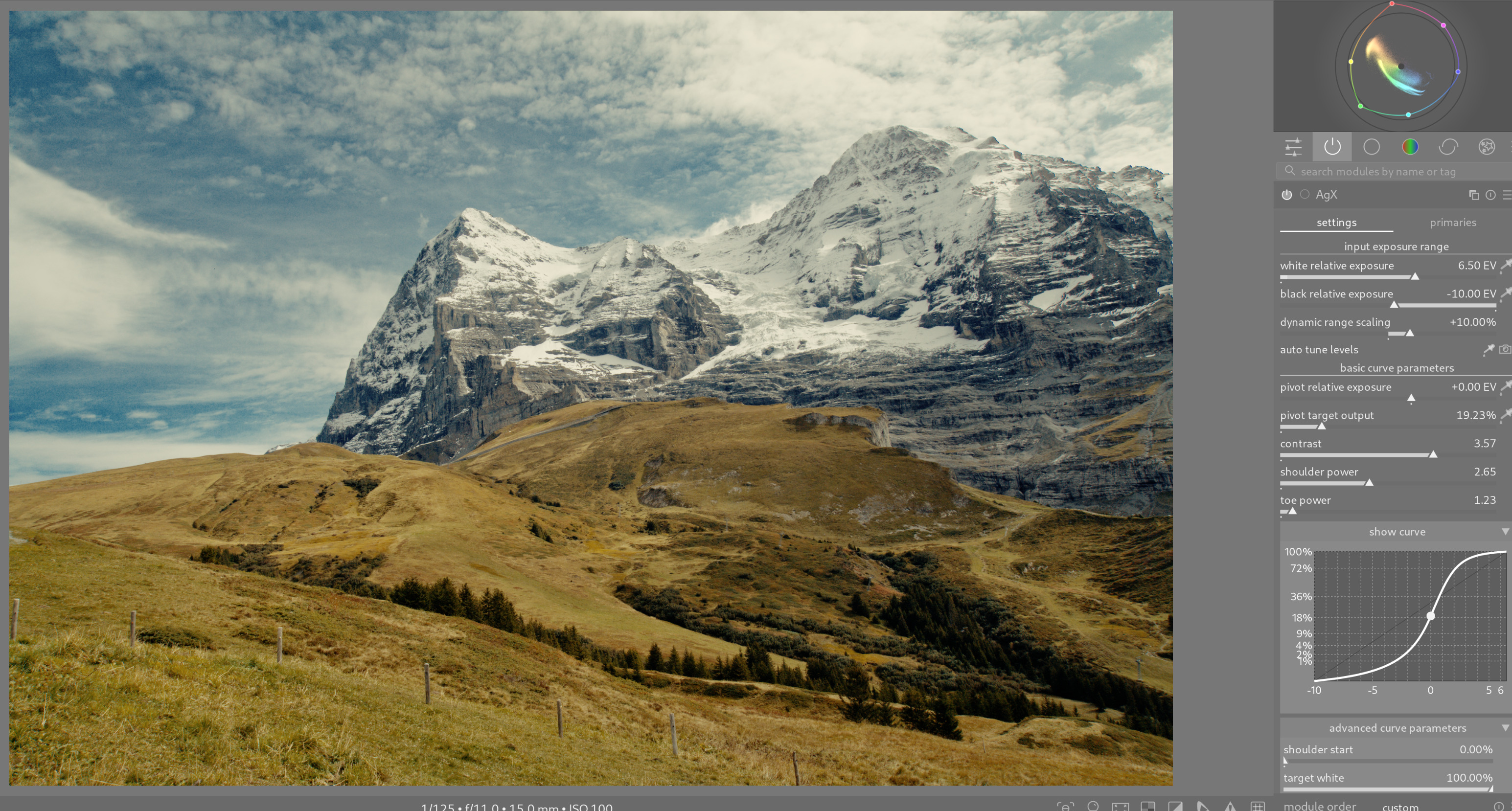
I don’t see anything special here. It does look like similar luts I’ve seen with Resolve, and I didn’t like them there either. To each his/her own…
That is great! Looks like you found a way to make them compatible, which is what I wanted (even though they require tinkering), without the weird artifacts. I don’t know how to run that script and convert them for myself, could you do it and somehow share the results with me? I would like to try them out.
The githib repo did not provide a license as far as I can tell. So technically I might run into issues by repackaging and distributing these luts. Besides, these repackaged luts are not very good.
Do you run linux? if so, in the terminal run:
python --version
I have python 3.14.4. I think it’s up to date. You need version 3.
I can’t check Windows or MacOS but I think the command is the same.
If all is well, extract the python file I provided and place it in your lut folder. Make a subdirectory for converted luts.
Then run:
python3 convert_lut_cineon_to_rec709.py ~/path/to/luts/
I have another option for you. You can find some K2383 LUTs here:
You will need to provide an email address, and expect some solicitations for training etc. Consider using an email alias if that bothers you.
You will be emailed a link to a Google drive folder with his LUTs. There is a set for Rec 709, and those appear to work well in darktable.
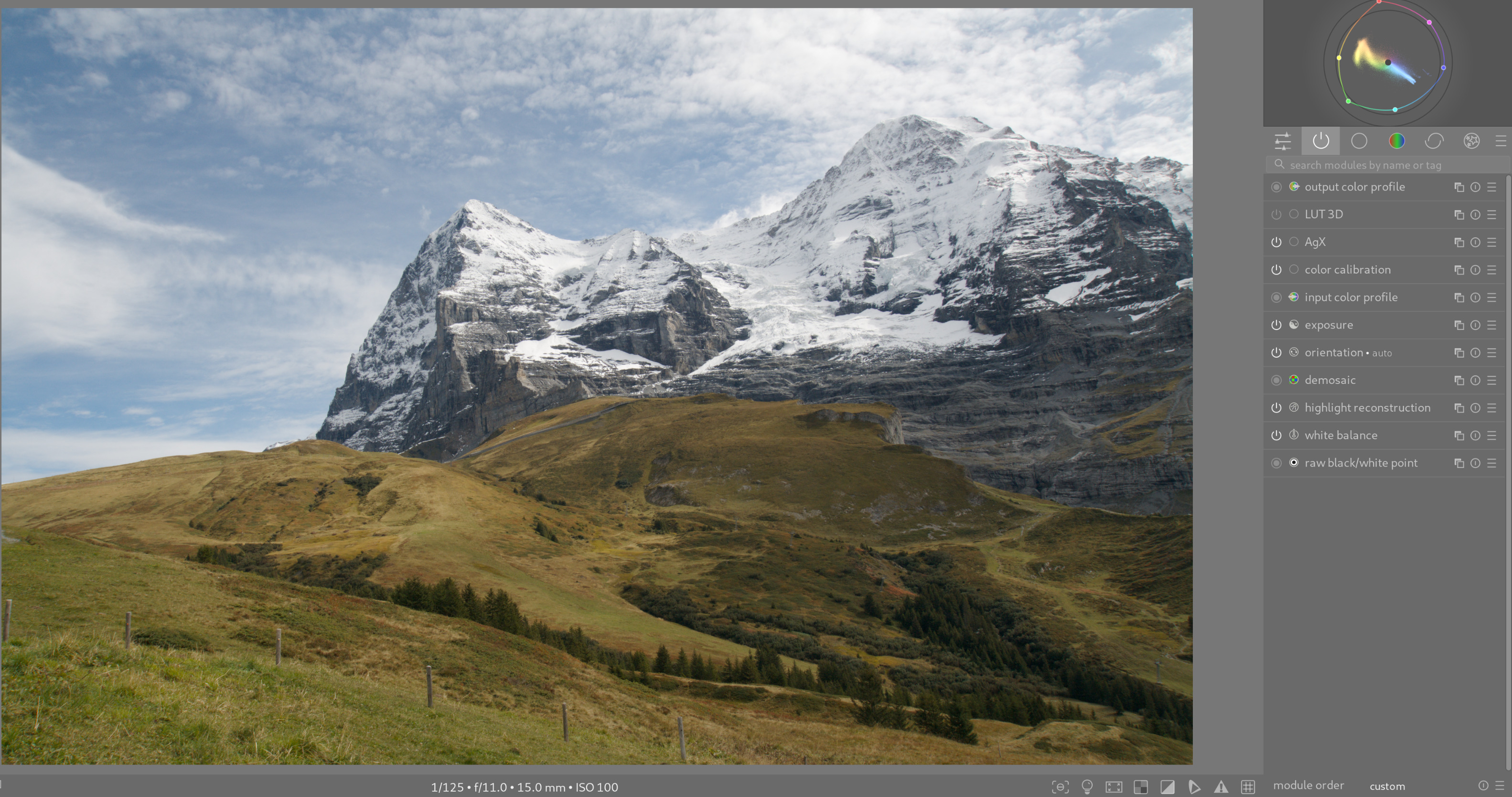
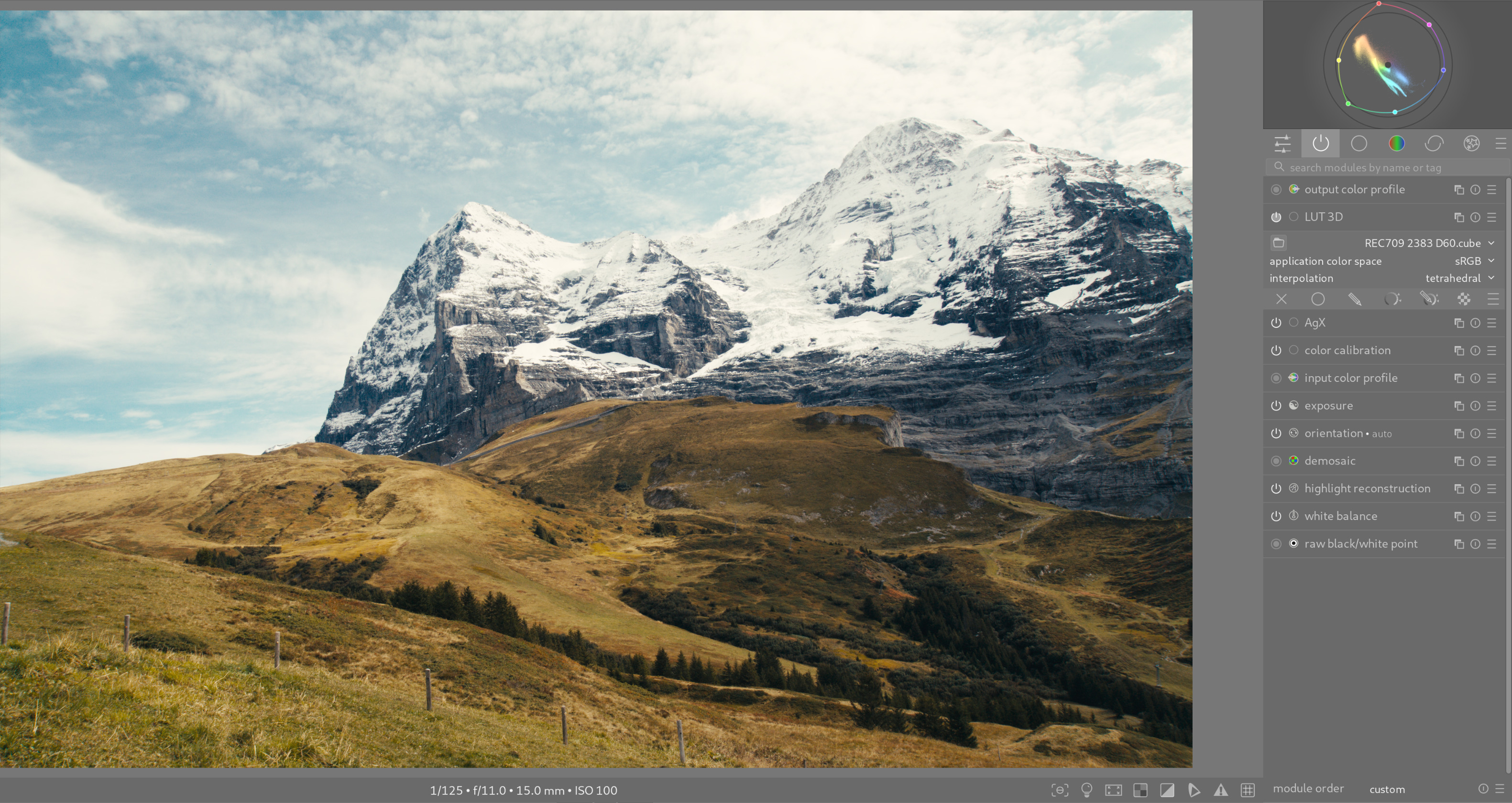
For the same photo and exposure, AgX settings:
No LUT:
K2383 D60 R709 LUT:
Hey, thanks a lot! I think these will work well for me, I tried them out and they appear OK. I certainly didn’t want you to get into trouble… Should’ve thought about that, sorry. Thanks for the help and assistance, guys!
Glad you are happy.
In retrospect use of these LUTs is subject to clipping. So if you run into problems e.g. with blown highlights that could be the reason.
One thing you might consider, as an alternative, is tweaking the results from applying the Fijufilm styles. Tweak exposure if needed, then AgX contrast (which also changes saturation), then rgb primaries (first instance below AgX). With a little practice it becomes intuitive and quick. And it’s not nearly as constraining as dealing with LUTs.