Hi! I think I made a mistake. I have installed rawrefinery before installing rawforge. The script is in dt but I get this error advice:

Sorry, I don´t know how to upload an image.
What can I do? Can you help me? Thank you in advance!
Hi! I think I made a mistake. I have installed rawrefinery before installing rawforge. The script is in dt but I get this error advice:
Sorry, I don´t know how to upload an image.
What can I do? Can you help me? Thank you in advance!
it seems you didn’t defined a Model name (eg. TreeNetDenoise)
you need to run darktable -d lua from terminal to get proper messages what exactly failed
There may also be an issue with pidng, which has some issues on windows. Next on my to do list is to add in an openexr/tiff option to solve this for windows, I’ll let you know when that is implemented.
If anyone does have pidng working on windows, let me know if you had to do anything specific.
First of all @RawRefinery the output of the denoiser looks promising (tried the TreeNetDenoiseSuperLight model), so thanks for your effort to provide this denoiser for testing here 
But I still need some help, please… I don’t know who to address here, @RawRefinery or perhaps @MStraeten?
So I’m on Linux Mint 22.2 and python 3.12.3, using VSCodium…
venv for the installation of rawforge (because I have several python environments that I want to keep separated from each other), activated it and installed rawforge successfully into this venv.tmpfs ran full and succeeded by setting TMPDIR. So finally I successfully installed the package.rawforge.py, just a bin/rawforge. But I’m able to successfully run e.g. python bin/rawforge TreeNetDenoiseSuperLight <pictureIn> <pictureOut> from within VSCodium. The output looks good, so everything seems to work.matplotlib is claimed, which I also installed then. And I got an error message, that EXIF data couldn’t be written to the output file.rawforge_refinery.lua from @MStraeten’s PR (thanks also to you for providing such a helper  ), added some code to activate the
 venv prior to calling python, and successfully activated rawforge_refinery.lua in darktable.darktable -d lua always shows that the command cannot be found. Error 32512 is given in the toast message in the lighttable.Do you have any hints or thoughts? And thanks in advance for any help provided 
Distrobox does not create virtual machines, that would pretty quickly tank the GPU performance and make denoising terribly slow so I wouldn’t have bothered, it creates containers, and those containers provide userlands from your distribution of choice, which is great for me because it lets me use the package managers from mutable OSes when my HOME directory is immutable (therefore I can only utilize atomic package managers like Snap and Flatpak, and maybe Nix if I want to extend the system)
To all, but particularly windows users, I made a new test branch that uses the library tifffile instead of pidng, which should work in windows.
If you want to test it out (it’s only CLI based at the moment, so suitable for the Lua script or potentially power shell, you can try it out like so:
python3.12 -m venv test_tiffile
. test_tiffile/bin/activate
git clone -b feature_save_with_tifffile https://github.com/rymuelle/RawForge.git
pip install RawForge/.
rawforge TreeNetDenoiseSuperLight test.CR2 test.dng --cfa
I am realizing that I do not know how to do any of that in windows (sorry), but I aim to move that to the GUI version shortly. If you do try it out, let me know if it works, and I’ll look to merge it in with the main branch
However,
Hmm, that’s interesting. I would suspect that there may be some issue with the venv, despite activating it first. e.g. Darktable might not be using the environment you set up. A simple test might be to use pipx to install it in a venv but still have the command in the global path.
Gotcha, I’ll try that out in a bit.
if this is a script for including RawRefinery into Darktable, it might be possible to use it as an extension for a Darktable FlatPak
Apologies for being a dunderhead, but I am on Windows and realise I have installed the lua script but have not installed rawforge. Can someone link me to the download for rawforge that will work on windows and where do I need to install that? Thanks and sorry for what might be a stupid question to some.
Here is the link:

Blegh, GNOME.
Update: it seems to have… not worked, pipx claims to create a directory that is not present on my system, and there is no global availability, has anyone tried + can confirm that maybe it works in other distros better? I used debian:stable which is Debian 12 Trixie as far as I know, pulling all the dependencies through sudo apt install
Trying to install with pip and pidng causes it to fail at this point for me …running win11
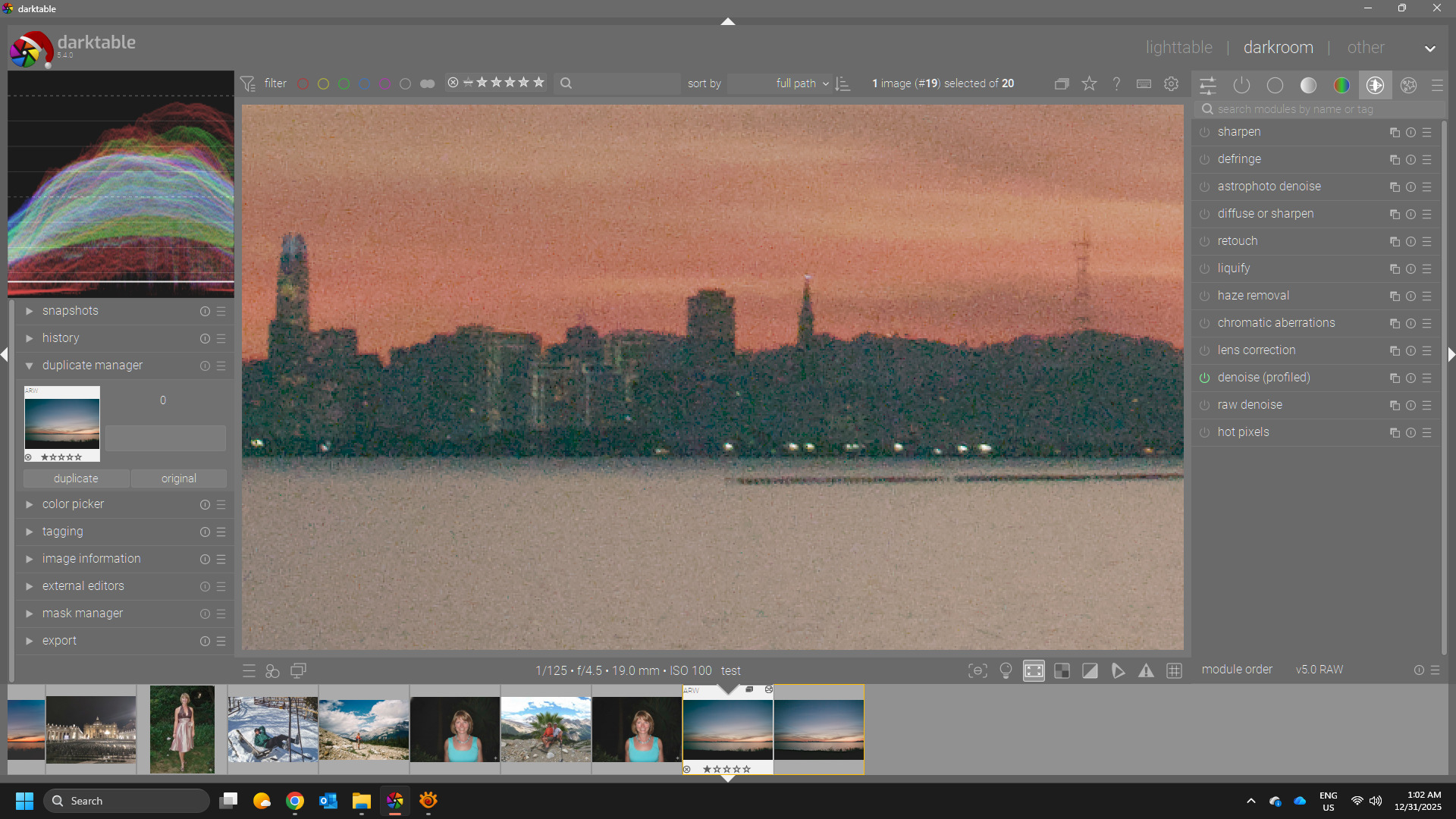
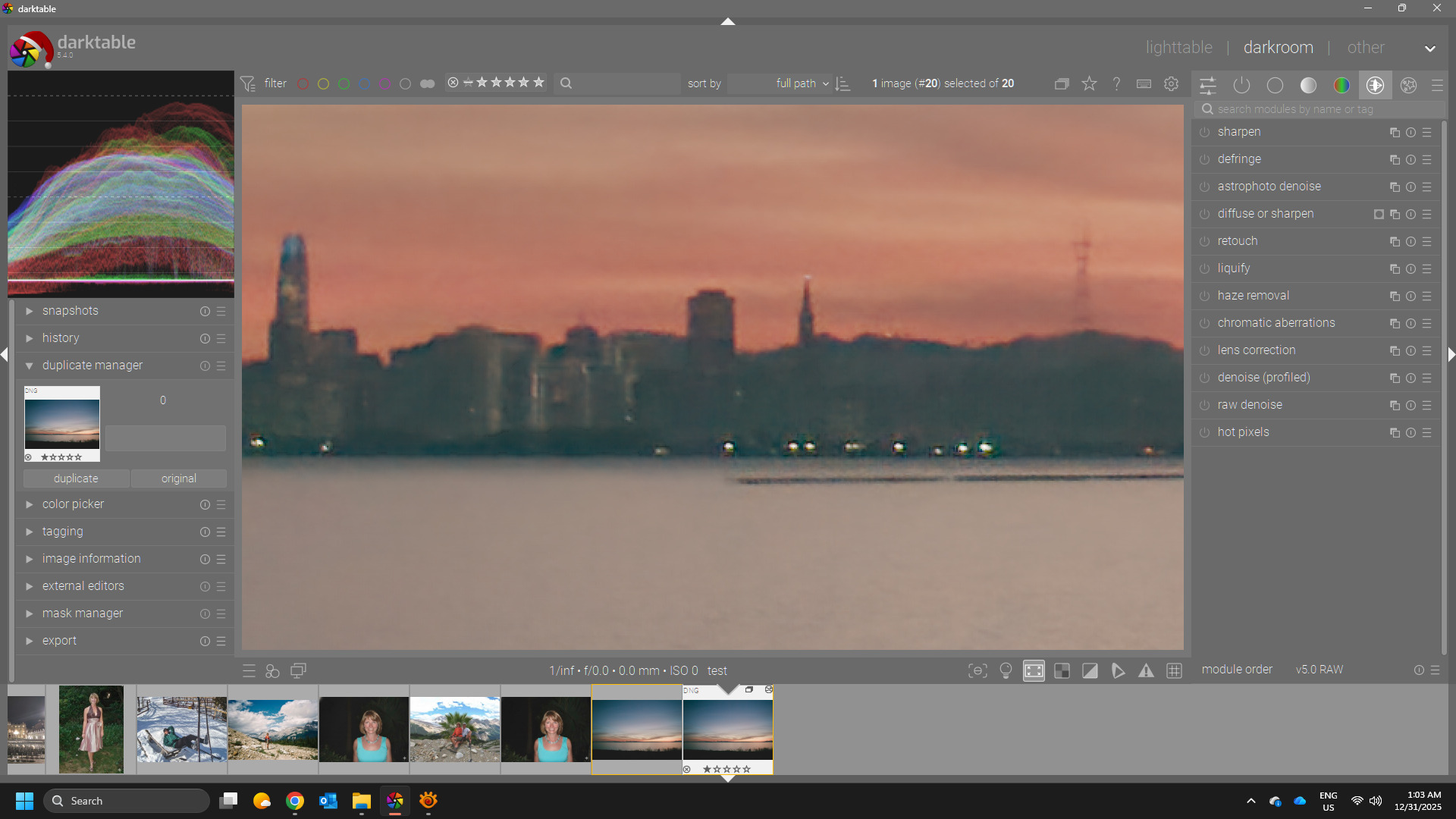
Edit Sorry I was not far enough down the thread. I just tried your updated feature version… it worked… I tested it on a randow ARW file…it was about 24 MB…the DNG was 48Mb…It opened fine in DT…
EDIT2
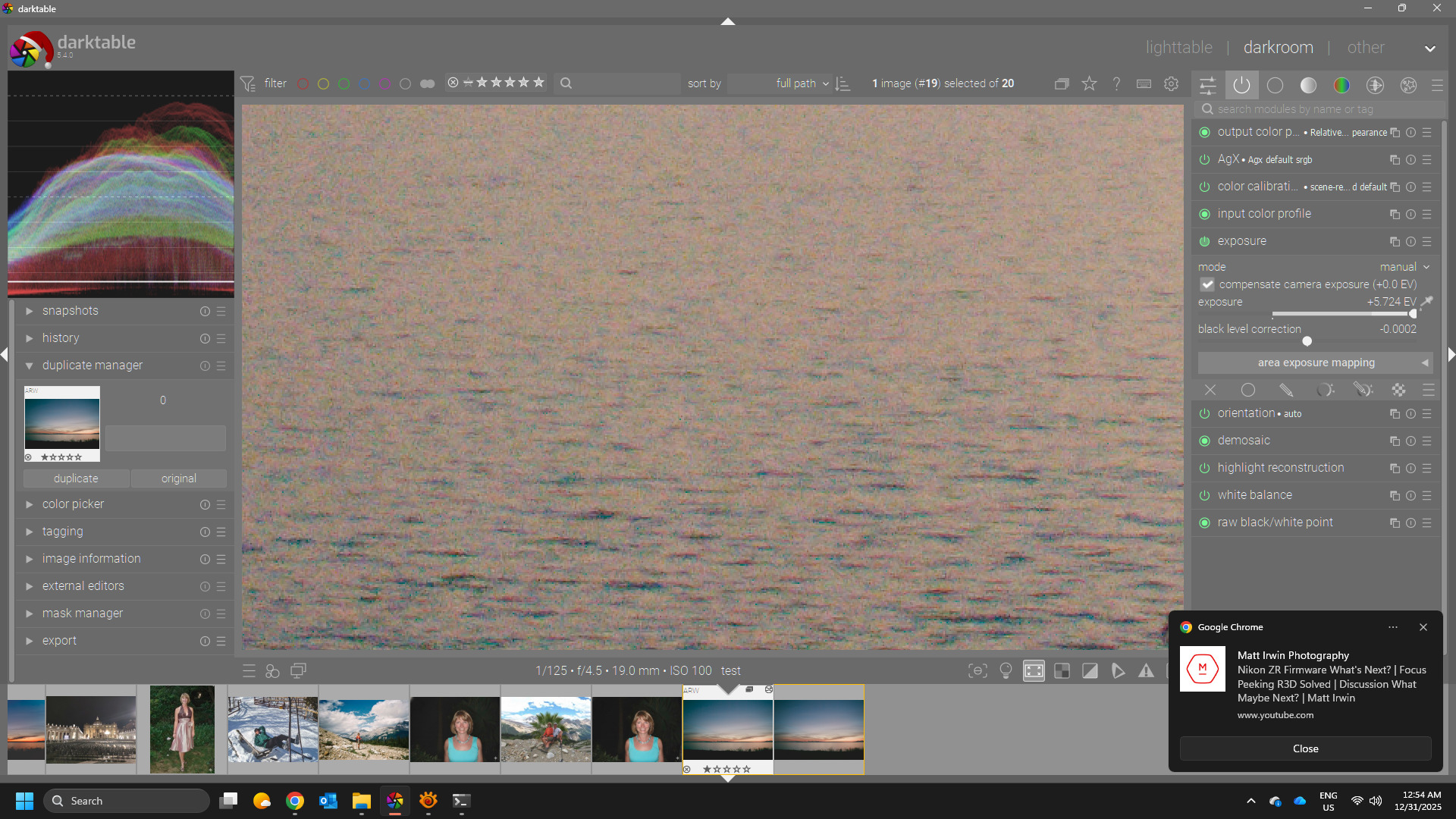
Loading the ARW…autopicker on the image for exposure…
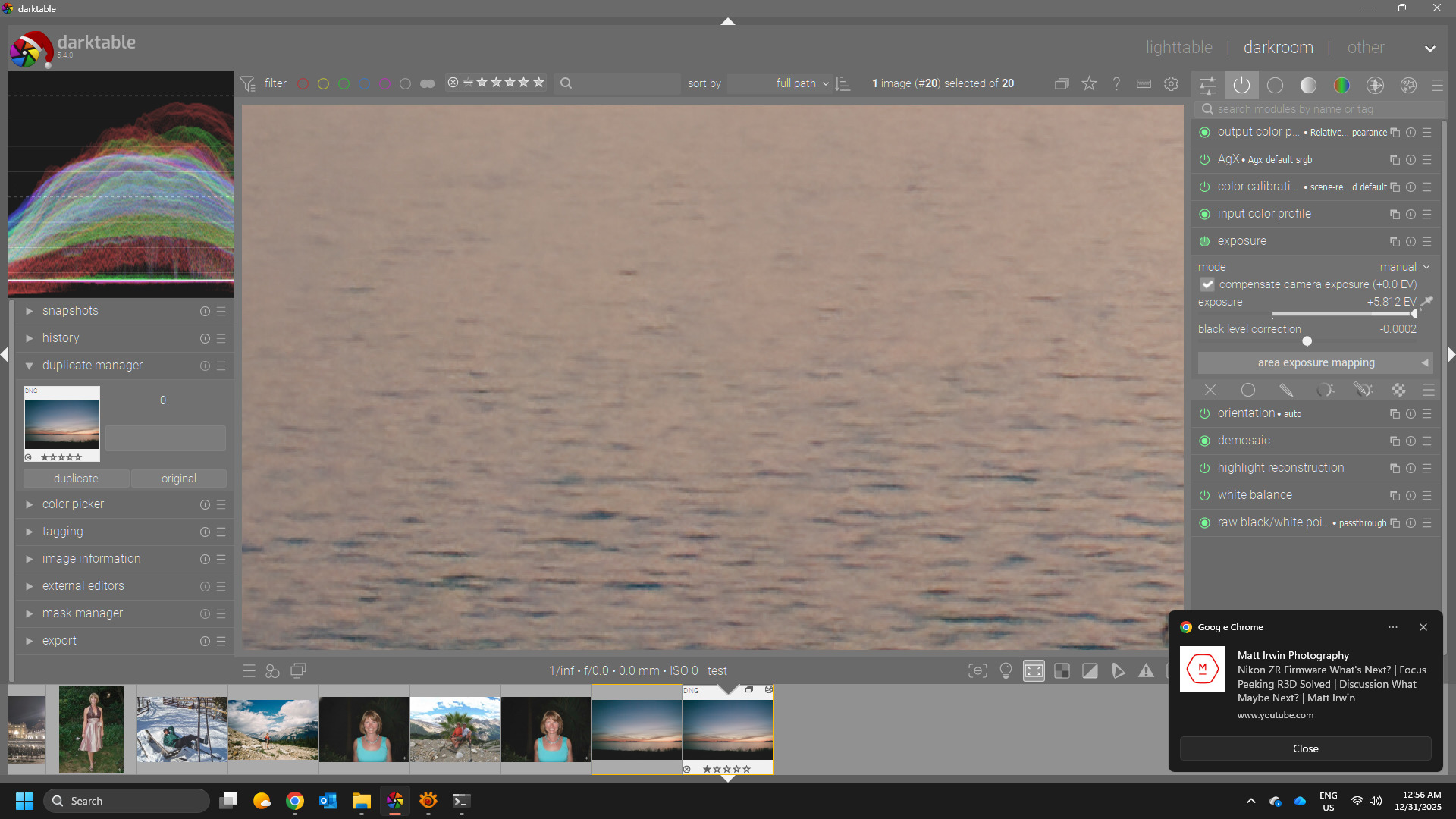
Same for the DNG
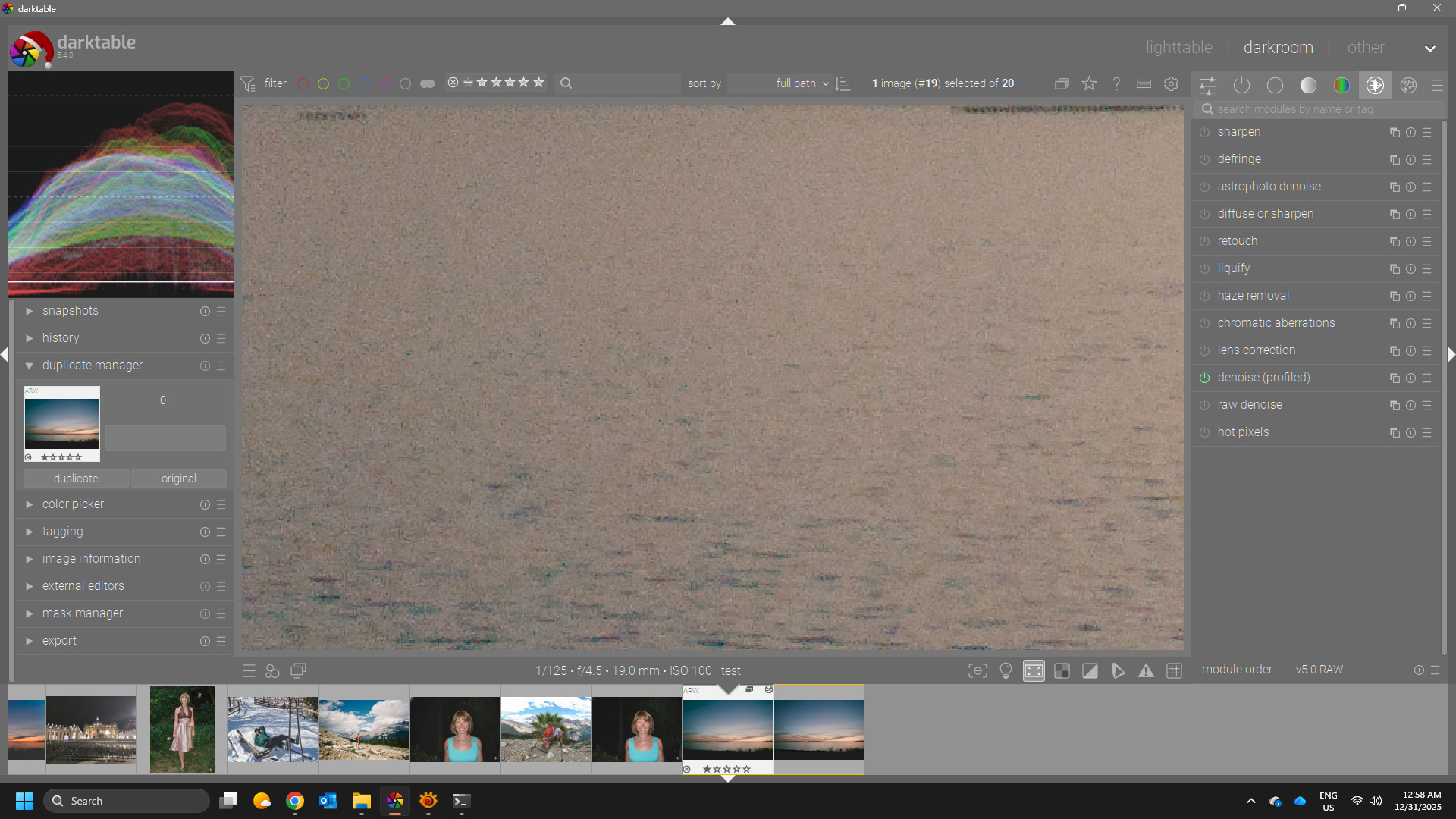
Raw with ProfDN applied
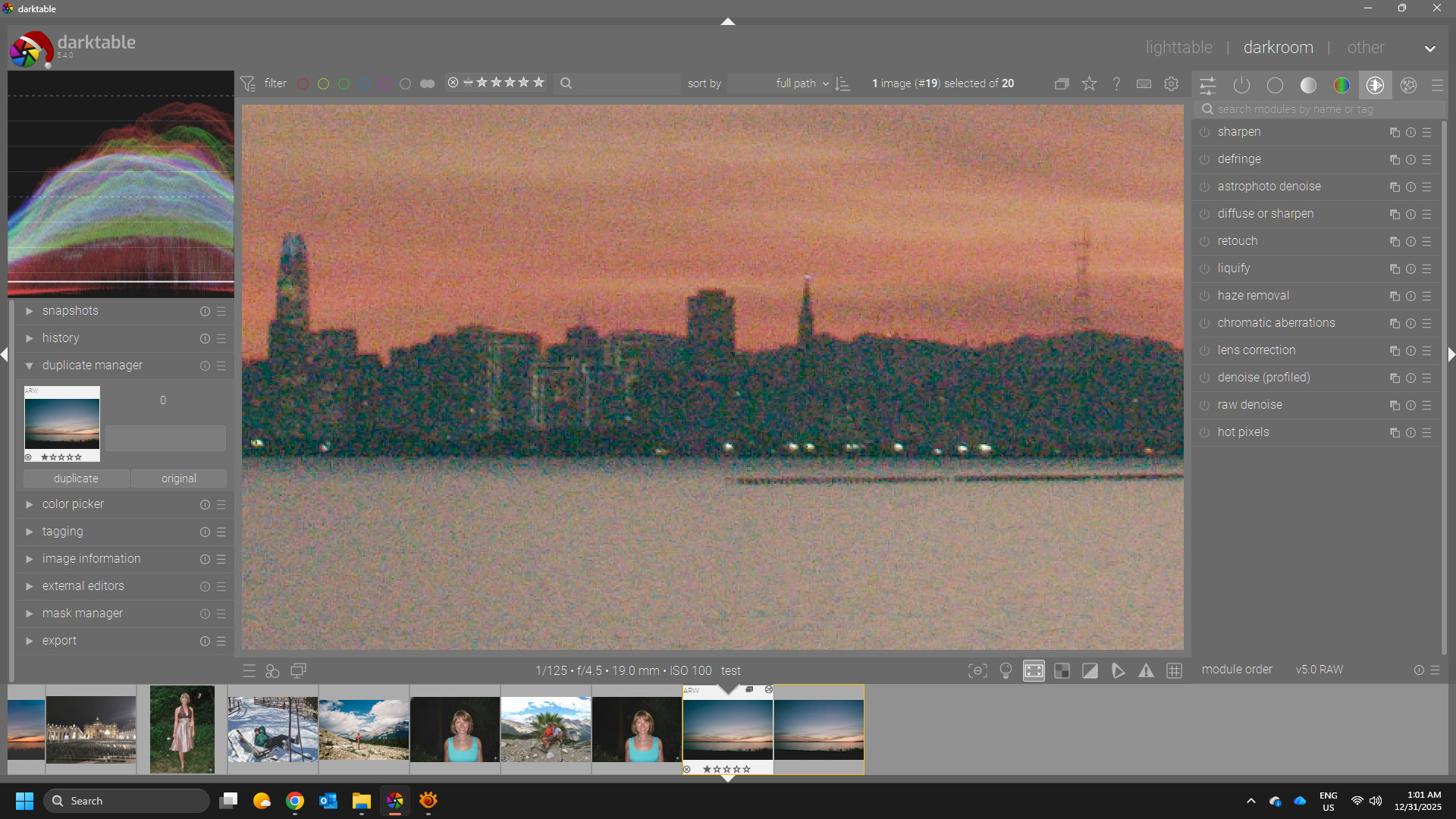
Another section also at 200% ( no denoising, profiled, Rawrefined)
@priort and @RawRefinery I have just scrolled through this long thread and still am unsure about the links I need to follow to install everything to get the lua script working on Windows 11. I did look, but it is a long thread and I just could work out what I needed to do.
Torch is a few GB to download. There is also a verbose option for pipx to check where it hangs. I also noticed pipx will download everything to /tmp first - for which I had to increase its size…
Hi,
It would be nice if there was an option to adjust the noise level to RawForge.
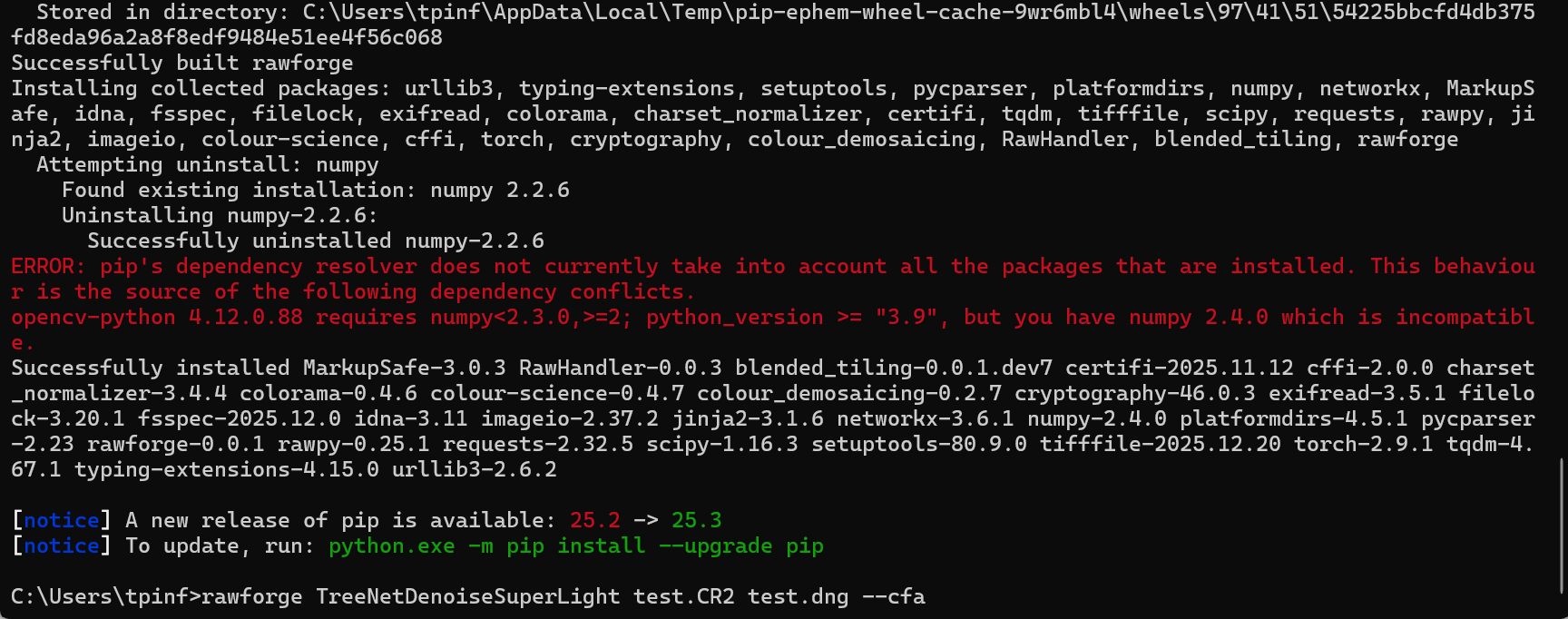
I entered this into the command line for windows and it went through all the motions of downloading and installing but came up with the error shown at the start of this post. I am unsure if anyone can advise me how to resolve the issue/s?
python3.12 -m venv test_tiffile
. test_tiffile/bin/activate
git clone -b feature_save_with_tifffile GitHub - rymuelle/RawForge: A ML compute backend for RawRefinery and command line tool.
pip install RawForge/.
rawforge TreeNetDenoiseSuperLight test.CR2 test.dng --cfa