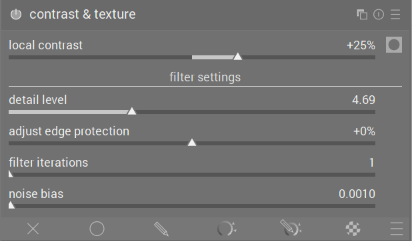
A new module was merged to darktable master yesterday, contrast and texture, a scene referred local contrast module! Its a first step in merging the previous work of @Wilecoyote and @Christian-B which started experimenting with this new approach.
We now have a minimal version in that can get a lot more testing by the community while I continue to extend its functionality with inspiration from those two previous efforts and with feedback from you. The two things I will look at first are.
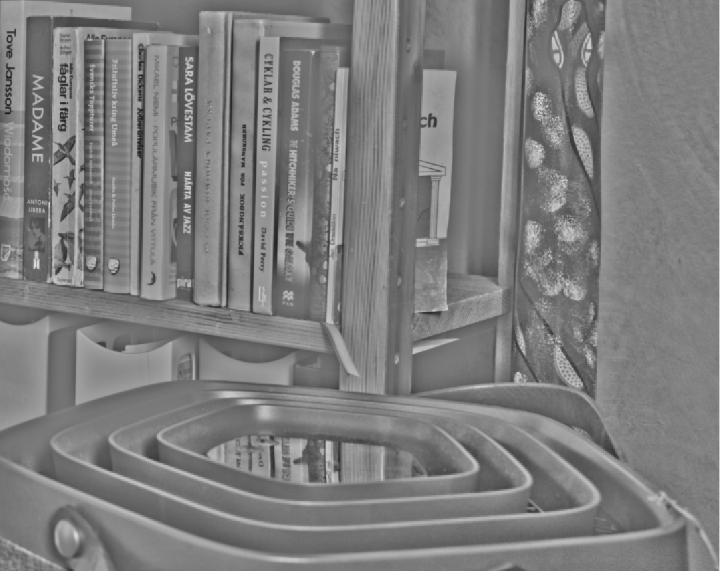
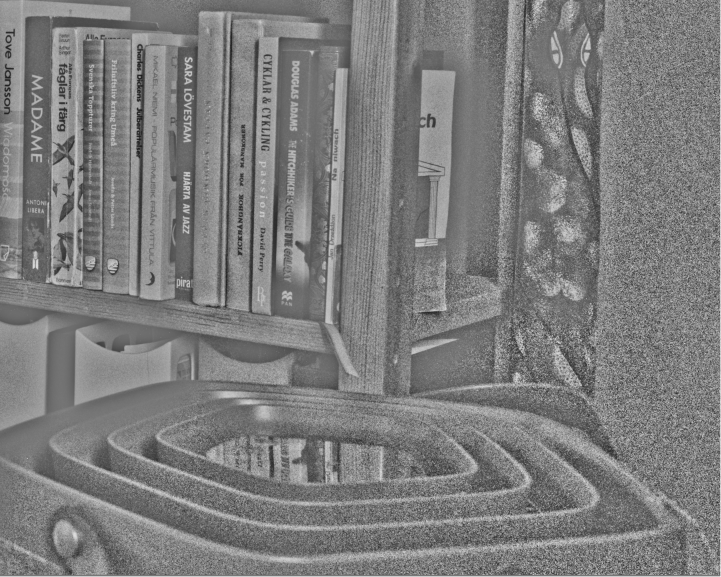
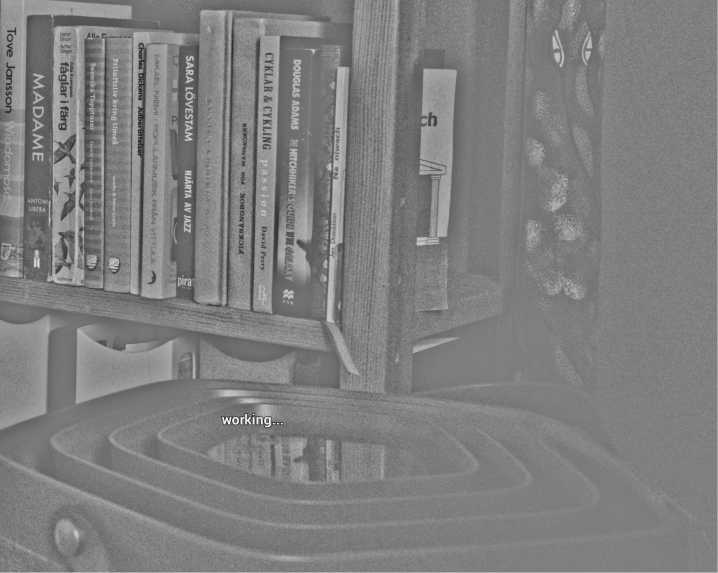
The noise suppression is new compared to earlier attempts. The effect now previews in the “mask” and it adds a offset to the luminance estimate before filtering and log conversion which is quite effective in reducing the effect of dark noise in log space.
The module is simple and does what it’s supposed to do well.
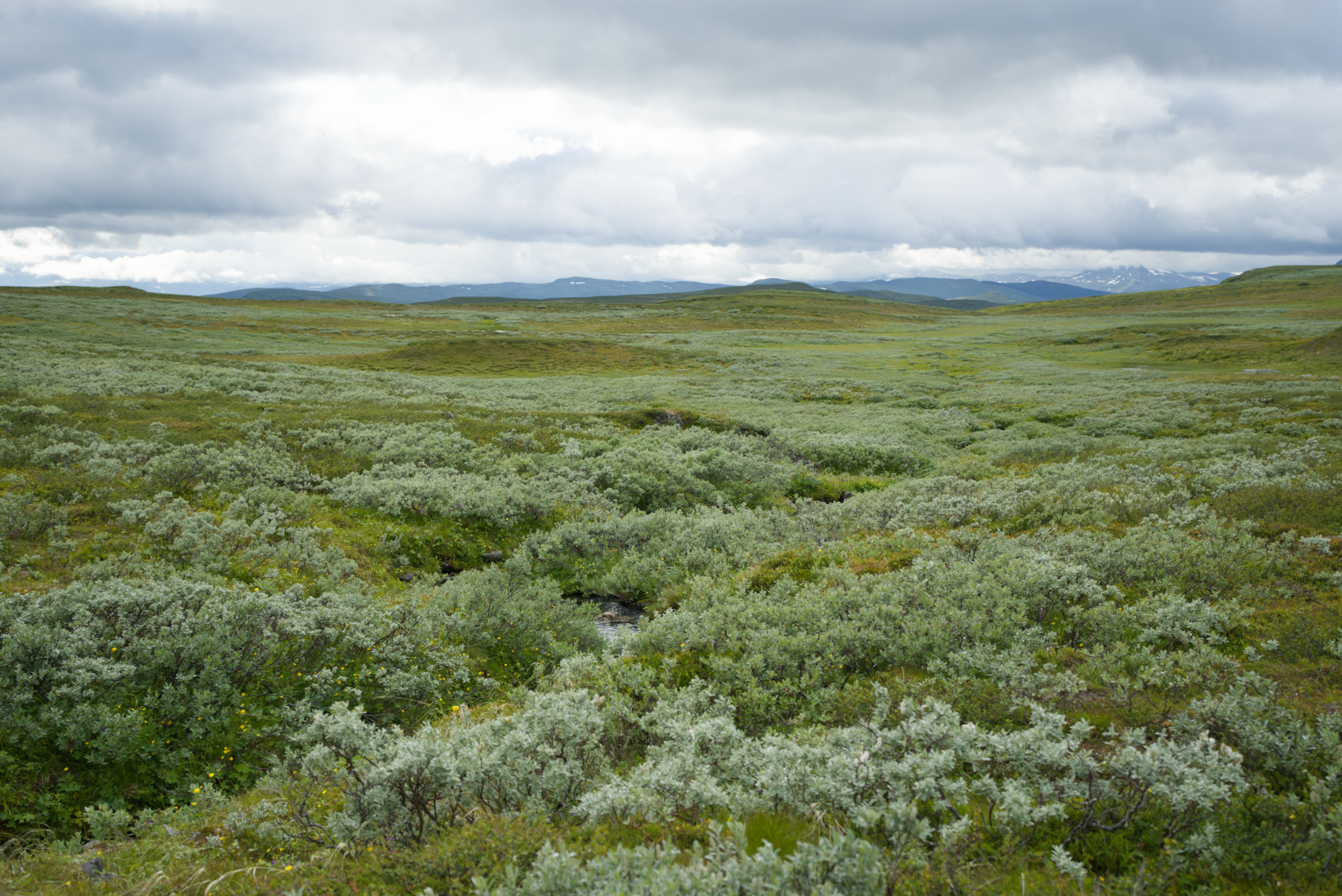
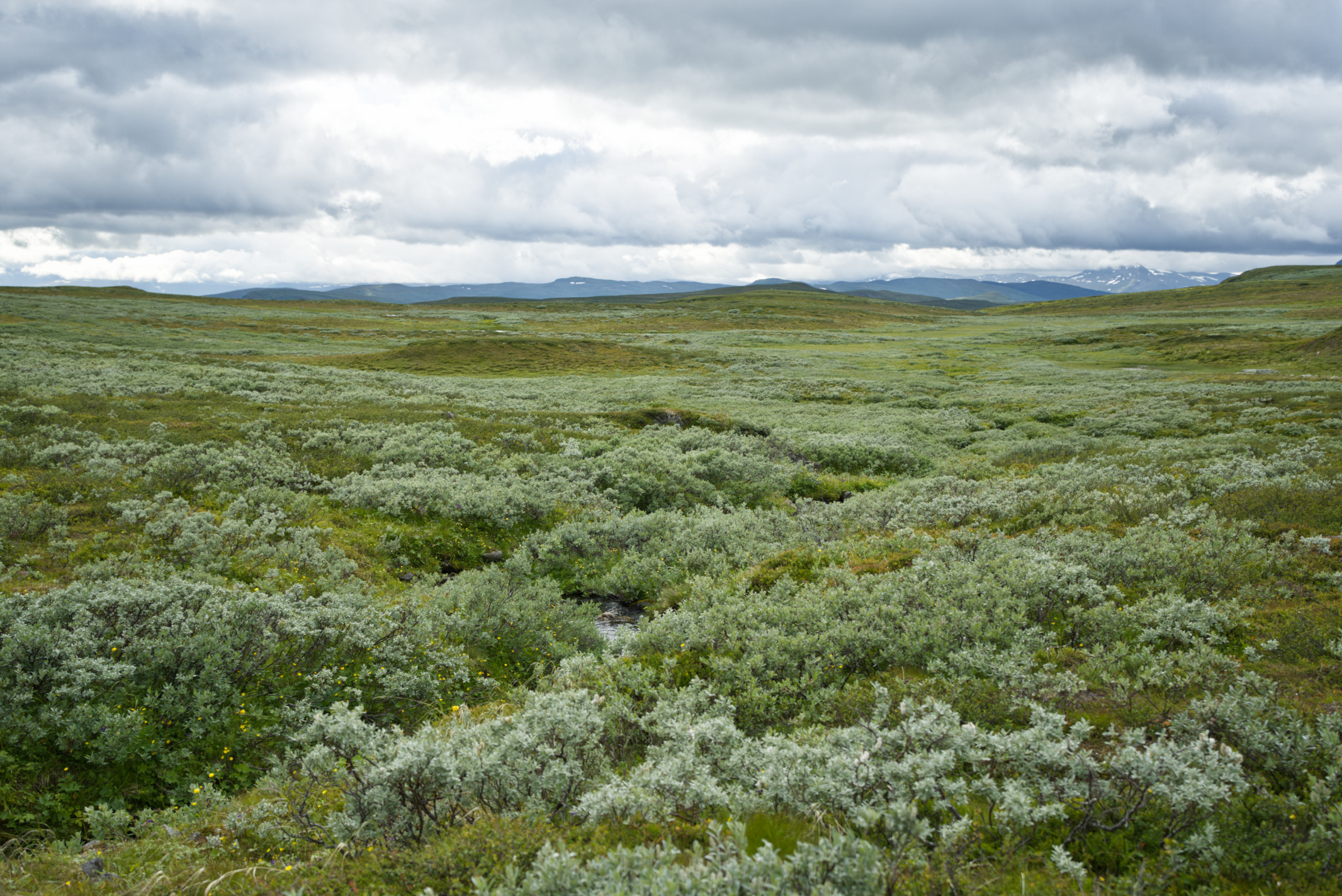
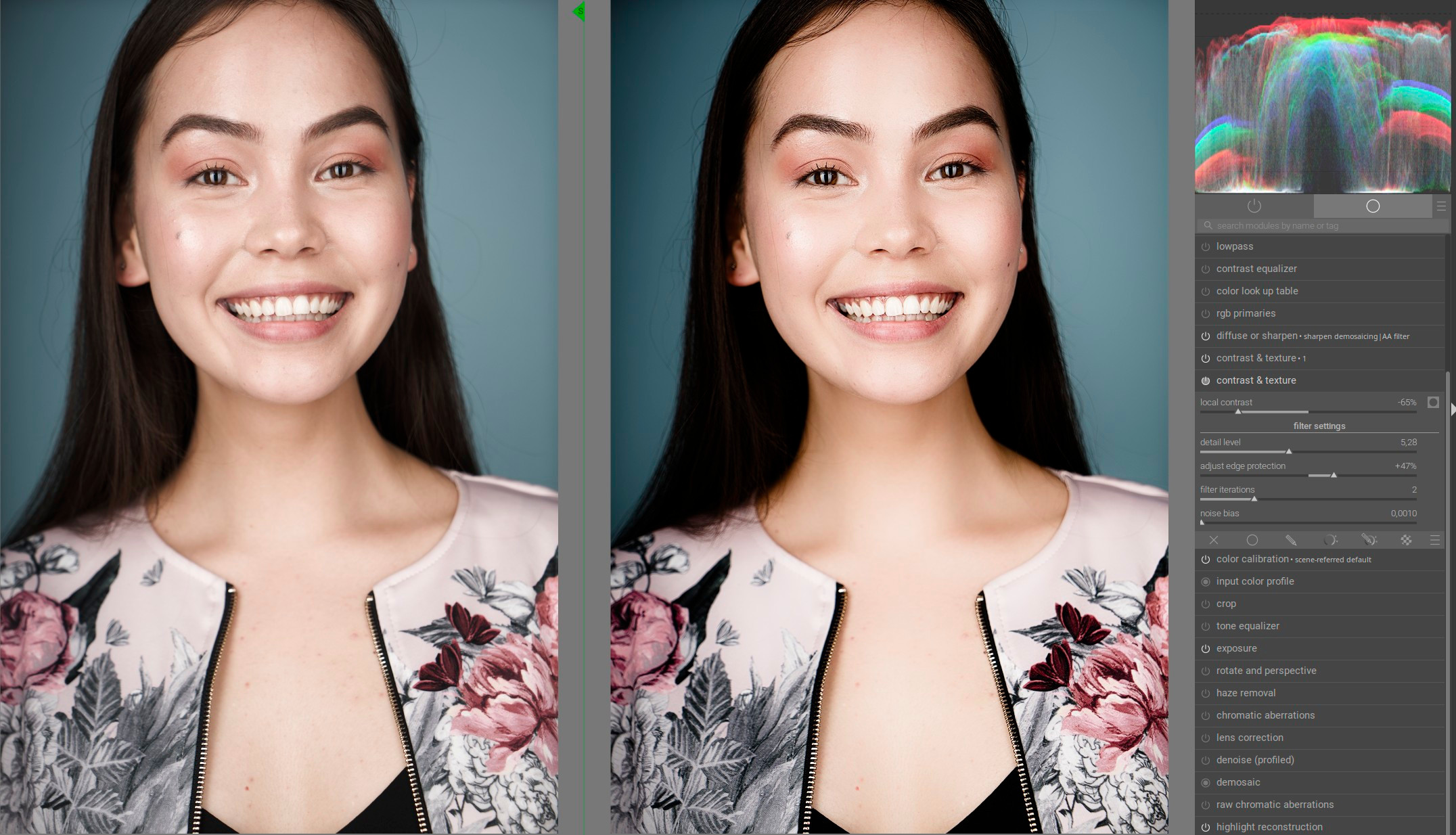
I’m particularly interested in being able to reduce the coarse local contrast. This can be very helpful, for example, in portraits to make the skin look smoother. Here’s a slightly exaggerated example for demonstration purposes. Coarse local contrast has been reduced and fine local contrast has been enhanced using a second instance:
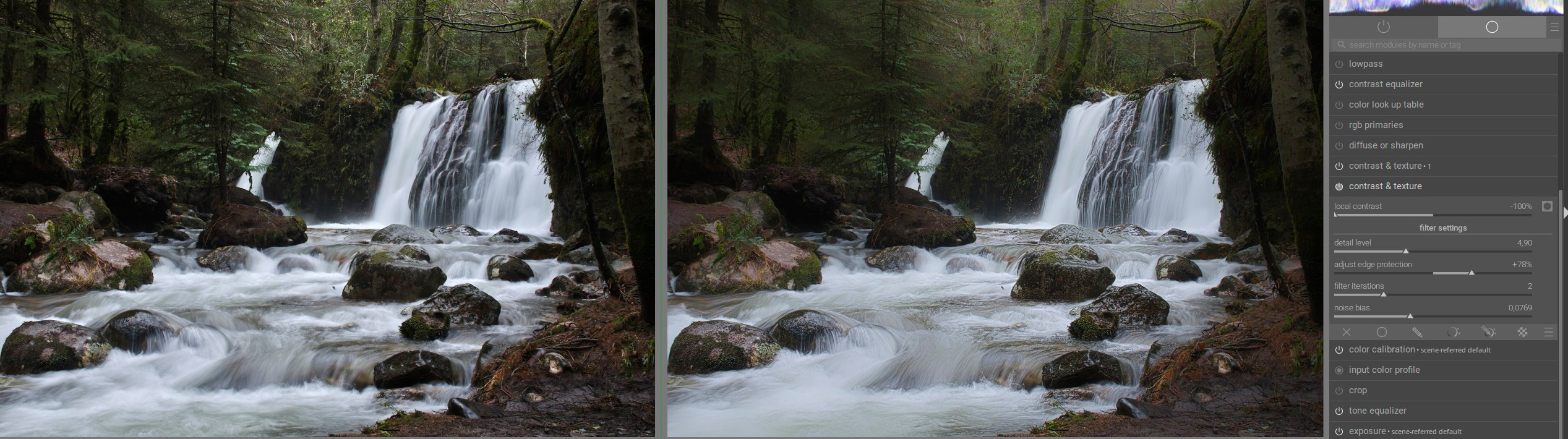
Thanks for the nice example, DoS is very slow on my computer, so I use the local constrast module and the contrast equalizer for most of my images. This could be a new way. Could you maybe elaborate a bit, what you did with the new module and what was the purpose of CE in the landscape picture?
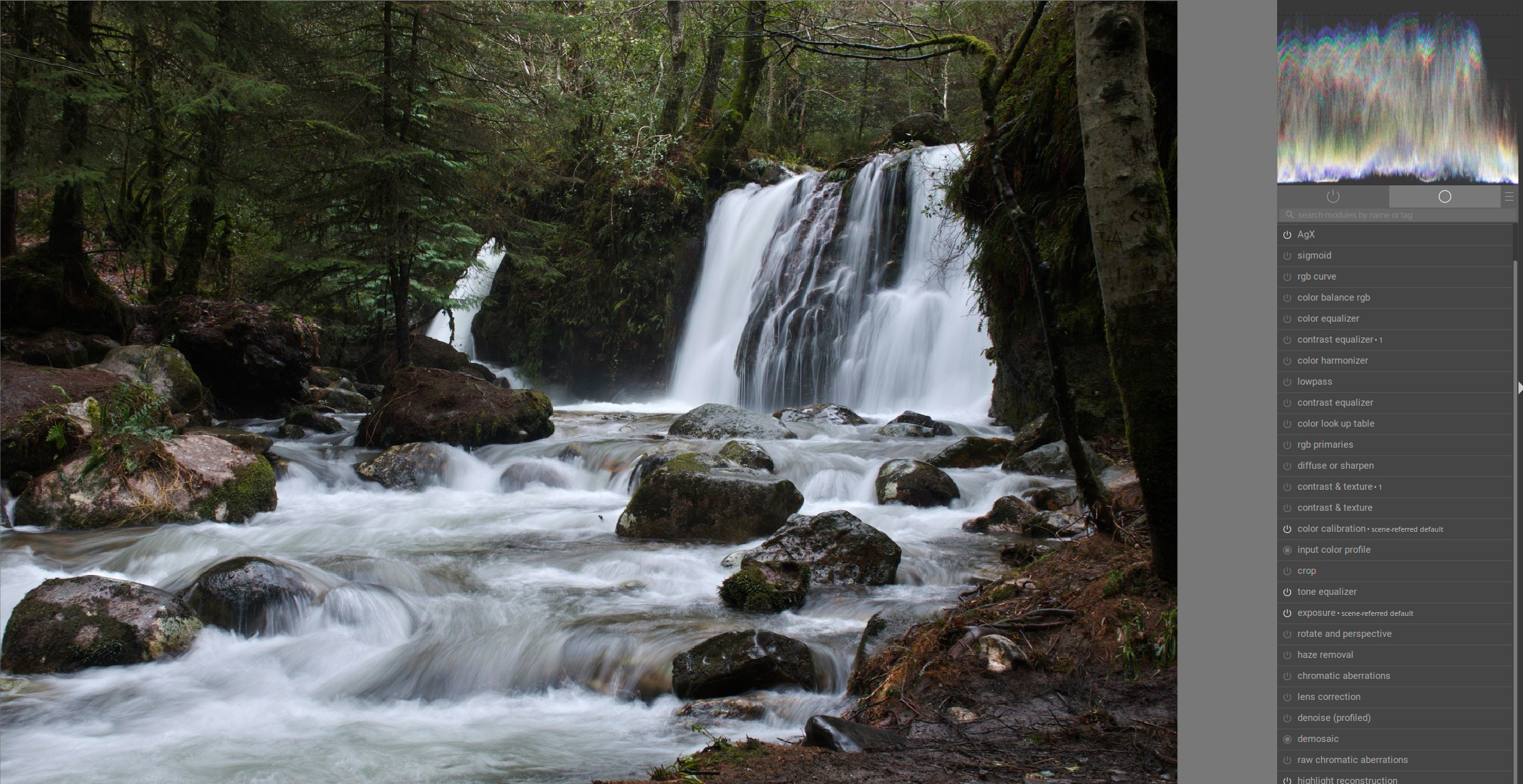
The harsh local contrasts—especially in the trees and other areas around the water—make the entire scene look very cluttered and distract from the waterfall, which is the focal point of the image.
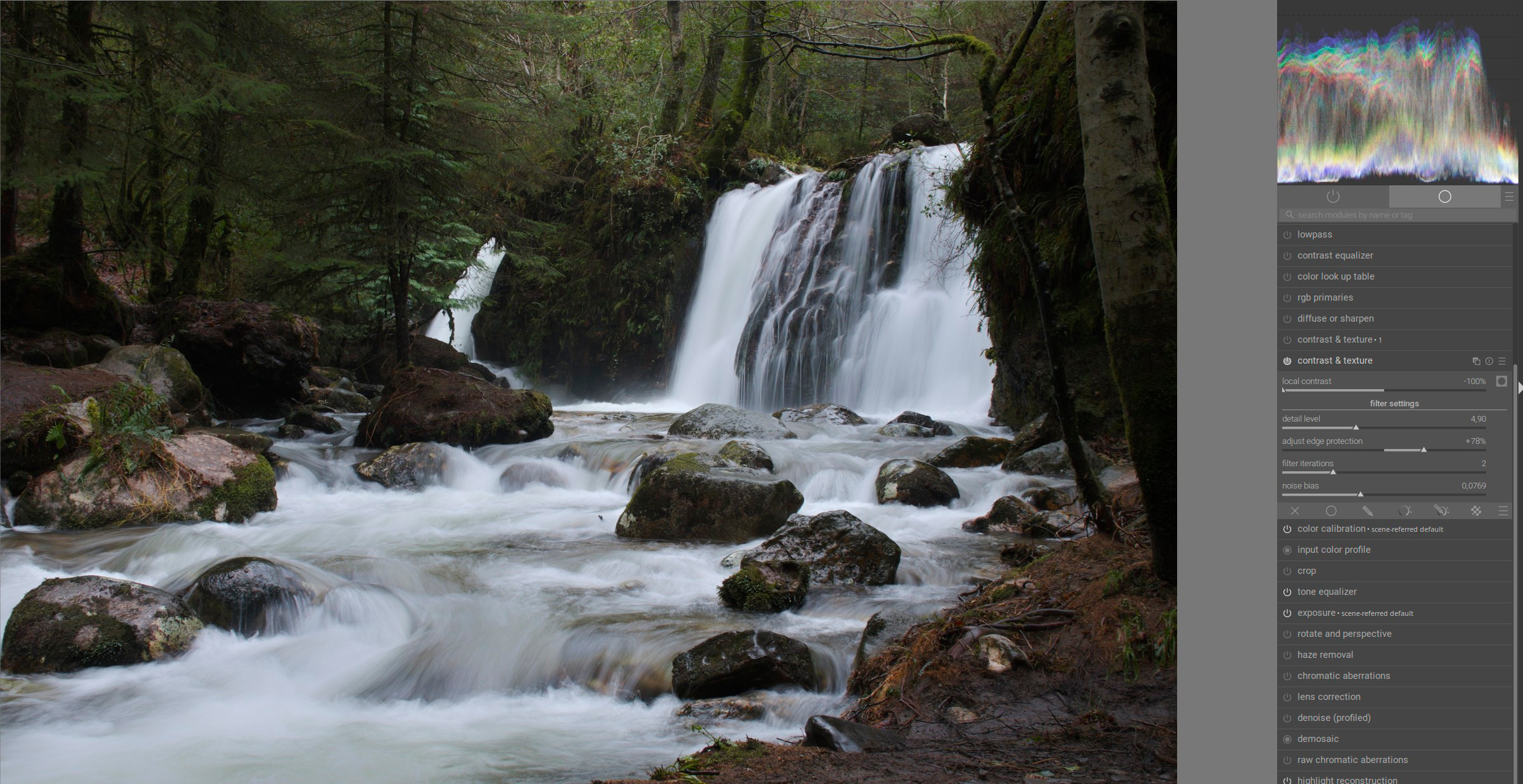
Using the first instance of the new C&T module, I reduced the contrasts at this level of detail. Now you can see how the texture appears much smoother in the trees and other areas of the image. This is particularly evident in the areas with highlights:
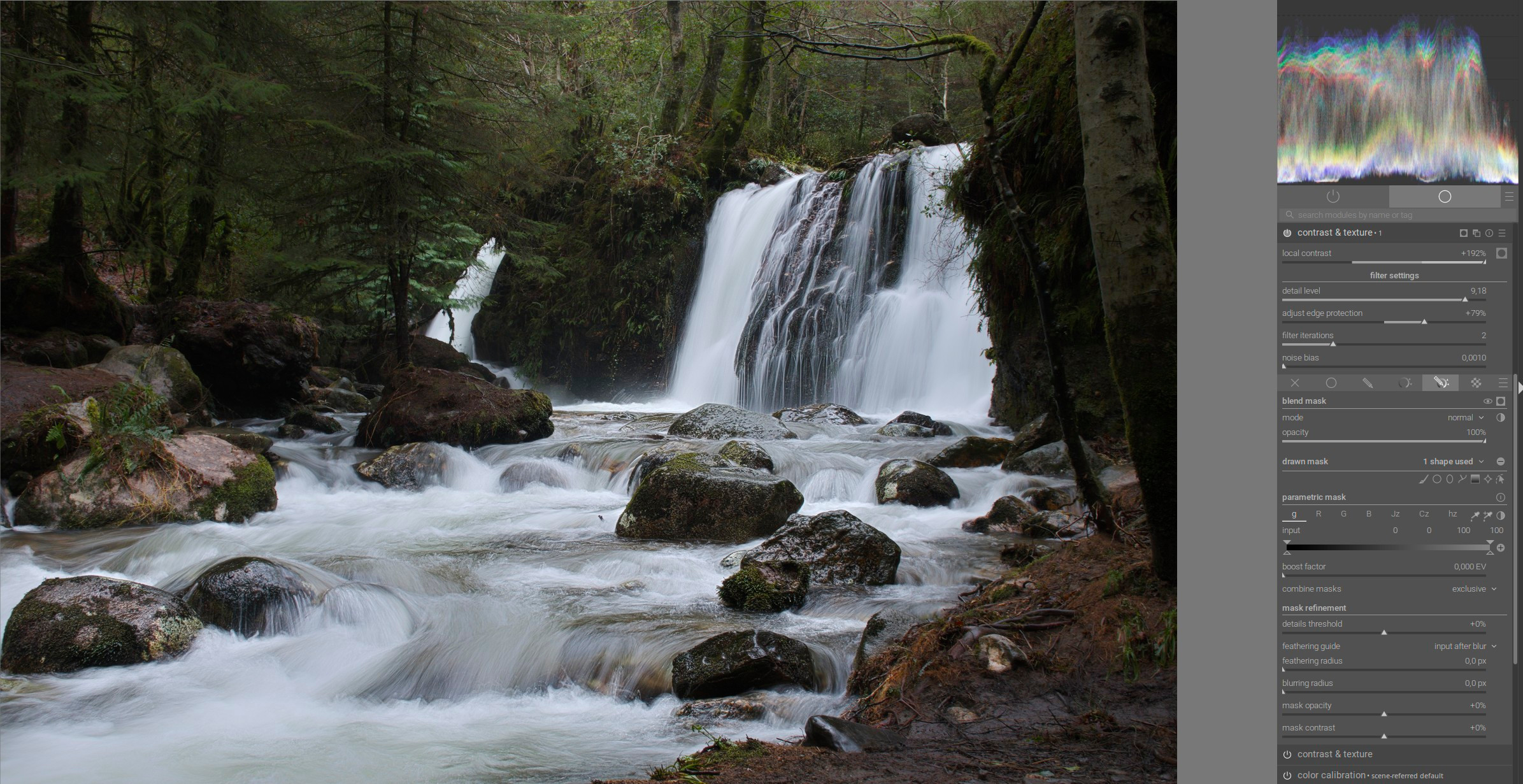
With the second instance, I increased the detail level to enhance local contrast in the fine details. I applied this using a mask only to the water and waterfall as the central elements of the image:
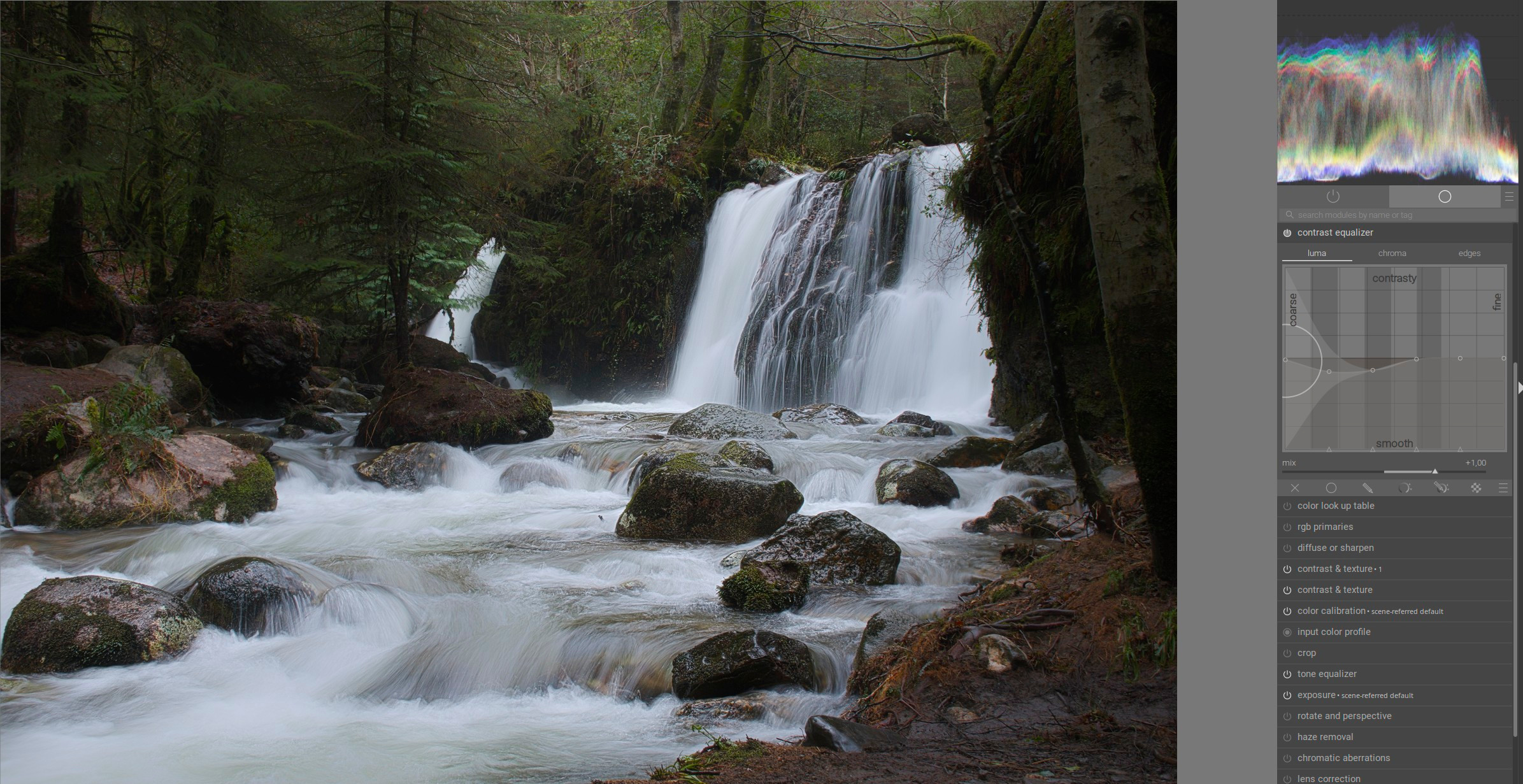
And with the Contrast Equalizer, I reduced the coarser local contrasts just a little more. I could have done this earlier with another instance of the C&T module, but I simply wanted to try it with the CE to see how these two modules complement each other:
The idea is basically to give the entire photo a soft look to smooth out/diffuse the busy texture so that the main subject is easier to recognize and stands out more clearly.
Thought from testing: I think the “local contrast” control could be a bit more aggressive; I find myself applying quite high numbers to get the result I want.
I like this module very much. Quite a while back, I used to use local contrast module because it brought out faces (more punchy? That’s what I mean but it sounds bad) Then I found it too much, and abandoned the module completely.
This new module is very good for making very subtle changes. The sliders and mask are easy to understand. Many thanks to those involved
Testing on Mac intel, better (for my taste) results in highlights when replacing contrast equalizer and diffuse and sharpen modules. As mentioned in past above, I am also using high values of local contrast (over 90 %).
Thanks for the collaborative work you guys have done advancing this module!
Hi Jakob … first of all congrats that your module made it into the " merged " status of DT .
Overall it does work well and it´s doing what it should do … adding or removing local or even broad contrast in scene referred WF , which is really cool !!!
For the most part … i do find it useful , apart from skin smoothing … the results look more like a plastic mess than a naturally skin . Well just my opinion .
Now comes the tricky part for me , to explain why I will not use the module …
if I want to make adjustments to different scales of the details in the image , I have to use numerous instances of the same module … which I do not like that much , personally .
I do rather prefer the " original " idea of having a " five band equalizer " to do it all in one go … for the most time .
As good as this module seem to work … I just felt too much in love with @Christian-B module , which does give all and more I do need for most of the time .
I hope you all accept my honesty … and that there is no competition amongst you guys !!!
There is absolutely no rivalry. @Jandren has undertaken a complete rewrite of the module, step by step, and I thank him for that. He is in the very early stages, and unless I’m mistaken, he plans to add the other scales later, once the code is perfected for the reference scale.
@s7habo thanks for the examples! Keep them coming!
@rgo hmm a similar error is reported on Github but I can’t make out a lot from. Have you tried do a clean build? There is nothing fancy or new added more than the module so don’t have very good insights.
@mino I think we can start, at least the filter settings should stay pretty constant.
@helgeschneider thanks for trying! As @Christian-B pointed out this is just the first step of developing something like his effort. I encourage you to provide examples where you need multiple instances to get the effort you want, with the settings for all of them. Would be very helpful! Examples where even multiple modules doesn’t work even when you feel it should is also of interest.
I’m looking forward to your continued testing and feedback


 .
.