Hello,
This is still an automatic function, but I want to point out that you must select a part of the scene that includes a medium gray.
I’ve planned a few tests to fine-tune the various coefficients corresponding to different contrast levels.
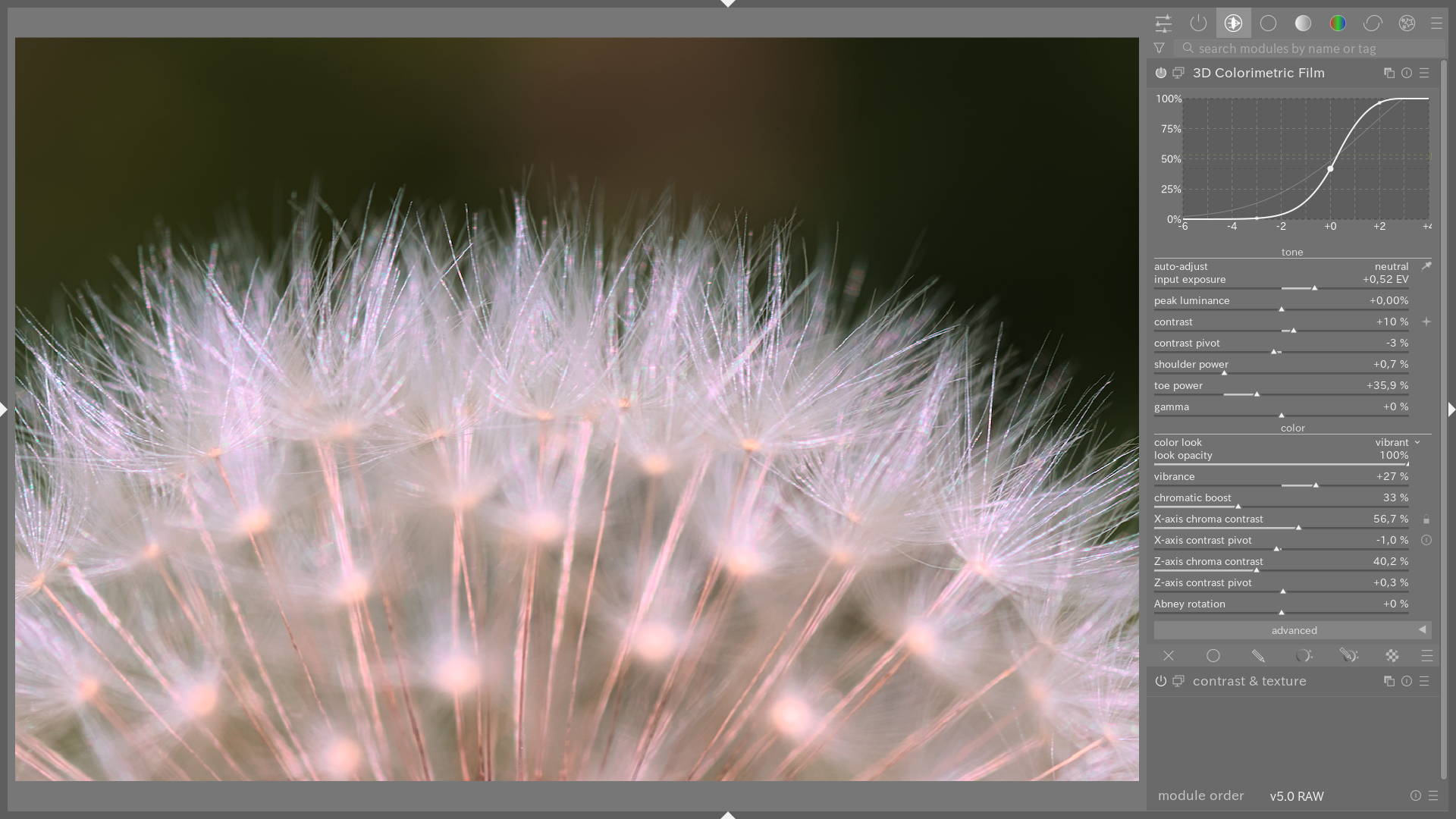
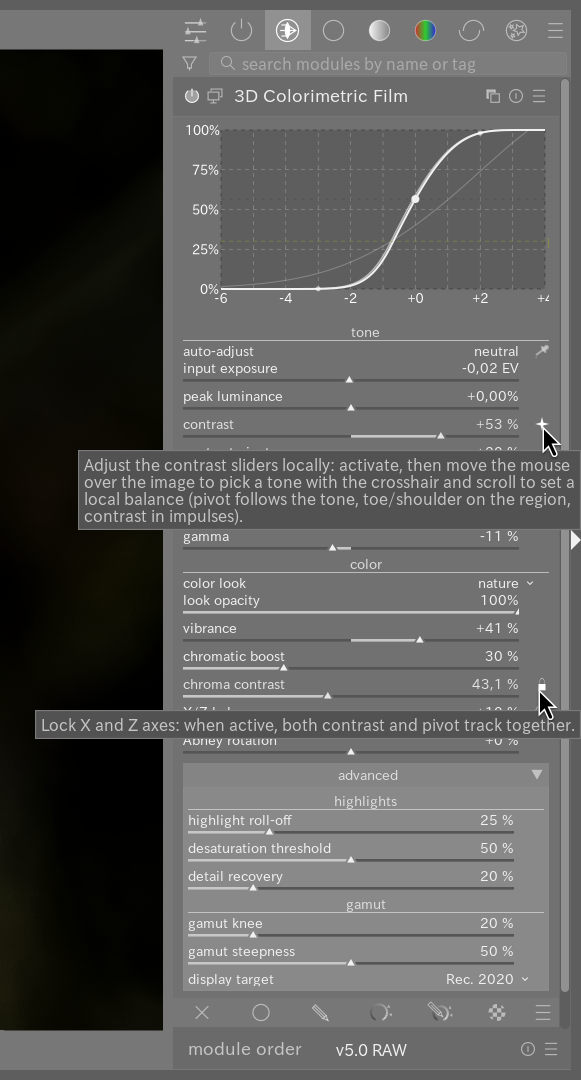
To fine-tune the overall contrast setting, I’ve implemented a “mouse-over” feature, similar to the tone and color equalizer modules. There’s a small icon to the right of the contrast slider.
I also drew inspiration from @yasuo plugin to implement a color contrast adjustment (X/Z).
I think that with these latest additions, we now have a very comprehensive tone mapper for creative rendering.
And as usual, the latest version is on GitHub.
Greetings from the Luberon,
Christian