agriggio
December 6, 2018, 7:53am
22
Hi,
Yes, sort of. We have changed the spline interpolation procedure. It seems this is catching a lot of people off-guard, so we are trying to fix this for the final release. See also:
Hello everyone,
I’ve noticed that the curves tool in custom mode has changed in behaviour. In V5.4 stable release, it behaves like any other curves adjustment tool I’ve used, most notably Photoshop. When I place a control point in the shadow region (<50%) and raise it, the upper section of the curve gets pushed upwards a lot and one has to watch out for highlights getting clipped and usually will have to add another control point in the highlight section to roll off the curve there.
I’m also p…
Beep6581:release-5.5 ← Beep6581:curves-restore-old-add-new
opened 09:01PM - 05 Dec 18 UTC
Hopefully this will make everybody happy. The new curve type (which I simply cal… led "Custom new" in the GUI -- better names are welcome) is used only for histogram matching by default. Existing pp3's should pick up the old cubic splines without issues.
I coded this in about half an hour, so please test before merging (if you decide to merge)
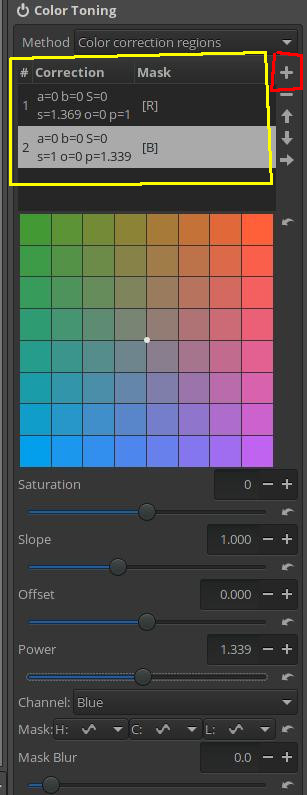
2: When messing with the colour channels in the tint section, once I am done with that channel and switch to another, the changes go away. Practically only All channels at once, or just one of the three can be altered.
You need to use different regions for modifying different channels:
this is neither a bug nor a regression.
1 Like