That is not the problem that I am trying to solve. Maybe some other time.
2 Likes
Hi, Daniele. Thanks for the update. I think when mask visualization is turned on and solo mode is on
- a solo layer should be rendered in union+group union mode
- a solo group should be rendered in group union mode
Because I want to see that part of the mask, rather than (in the case of subtract mode) nothing at all. Would this break some other use case or confuse people?
Also, with your change to the triangles, the functionality of clicking above or below the gradient strip is broken. It should cause the nearest point on the same side (top or bottom) to snap to the position that was clicked. Now it moves the nearest point (regardless of top or bottom). This removes my ability to aggressively change the range (no interpolation) with a single click.
1 Like
Thanks for the new round of feedback!
I am not sure what you mean. It is already the case that a group is shown in “union” mode when it is soloed. The within-group operator is not changed on purpose. I.e., if I want to intersect the elements in that group I need to see how the intersection looks, changing that to union would not help me model the mask.
Maybe I did not get what you mean, do you have a concrete example?
Good point, fixed. It will be in the next release.
1 Like
New release
Mostly focused on optimizing real estate and polishing the UI:
-
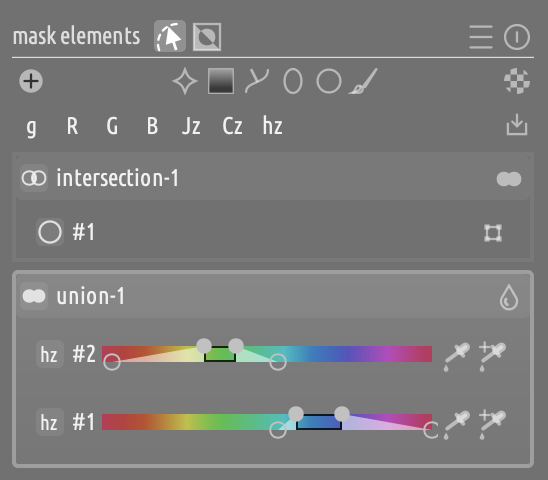
Dropped the generic “parametric icon”, and use the channel code (hz, Cz, etc.) as the badge to shave H space (thanks @martinus)
-
Remove the “arrow” icon to expand properties. Use SHIFT+Click instead to expand/collapse a row’s properties
-
When a parametric channel’s properties are collapsed, put the slider on the row header so that it consumes less vertical space:
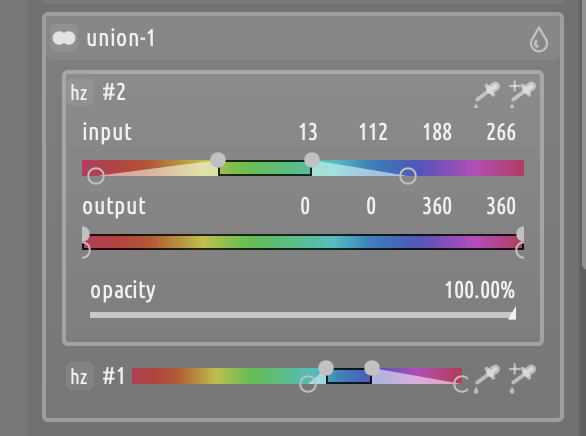
When the element is expanded, input and output sliders are aligned:
New features
-
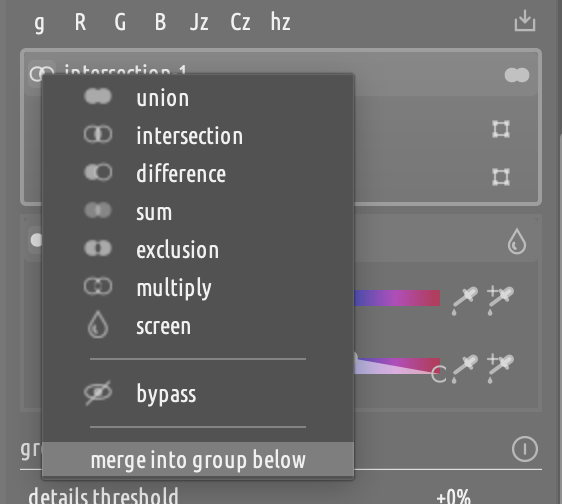
Added option to merge a group into the group below:
(Actually, this was already there via SHIFT+Click, but it was undocumented)
Other fixes
-
Prioritize side (above/below) over x-distance when selecting the parametric handle (thanks @finestructure)
-
Better handling of group/shape selections:
- Acting on a row always selects it
- Clicking on the header of a row always selects/deselects it
-
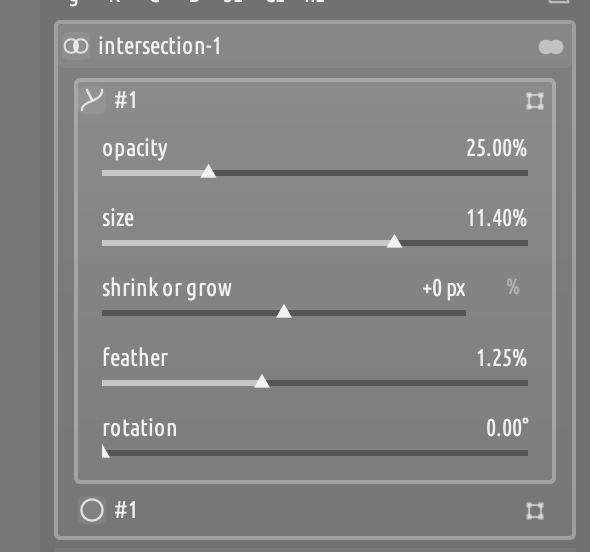
Added grow/shrink slider to the properties, which got lost at some point after rebasing onto master:
-
Fixed thumbnails not properly refreshing on all mask editing operations
New build is in progress.
5 Likes
Discount my comment because I am yet to try this new panel, but I like the arrow icon to expand properties in DT. I feel Shift+Click will be unknown to most users.
2 Likes
There is a fundamental tension between (lack of) clutter and discoverability. darktable’s tradition is to err on the side of less clutter, and I am trying to follow the same paradigm. Everything is documented in the tooltips, so it’s not really hidden.
Anyways, I am considering showing all options on click on the row header, which then would function as a context menu (without being one!) to strike a better compromise.
3 Likes
I must have made a mistake with my masks. Having finished setting up the masks on a difficult image, I can no longer see any problem. Thanks!
1 Like
New release
-
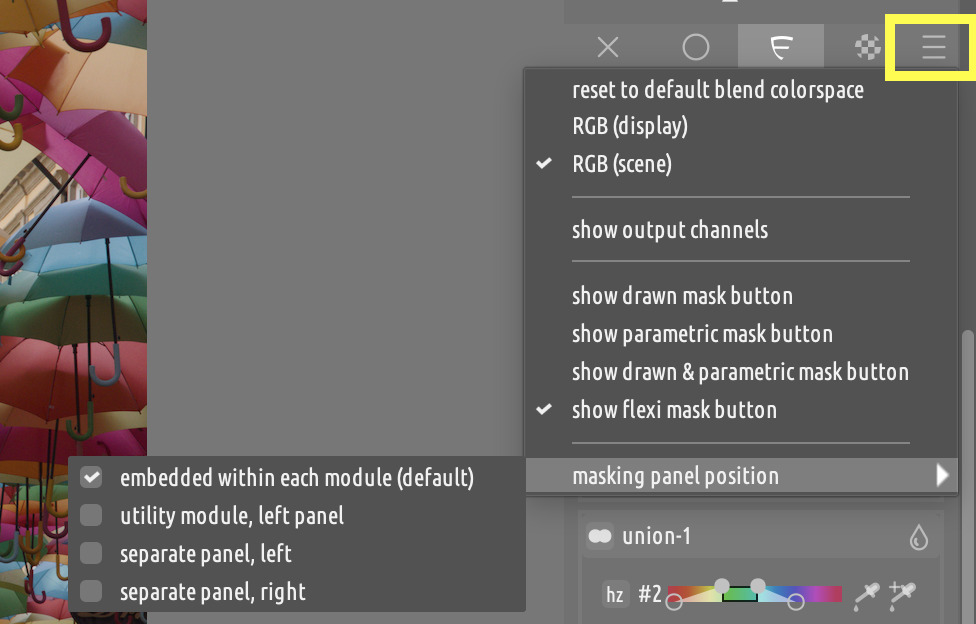
The masks panel can be docked in 4 different places:
- Embedded in the module (default darktable behavior)
- In a separate utility module in the left panel (called “mask editor”)
- In a dedicated panel to the left of the canvas
- In a dedicated panel to the right of the canvas
Shoot out to @martinus, @s7habo and @Pascal_Obry who had requested this functionality.
-
The position can be selected from the masks panel header hamburger menu:
-
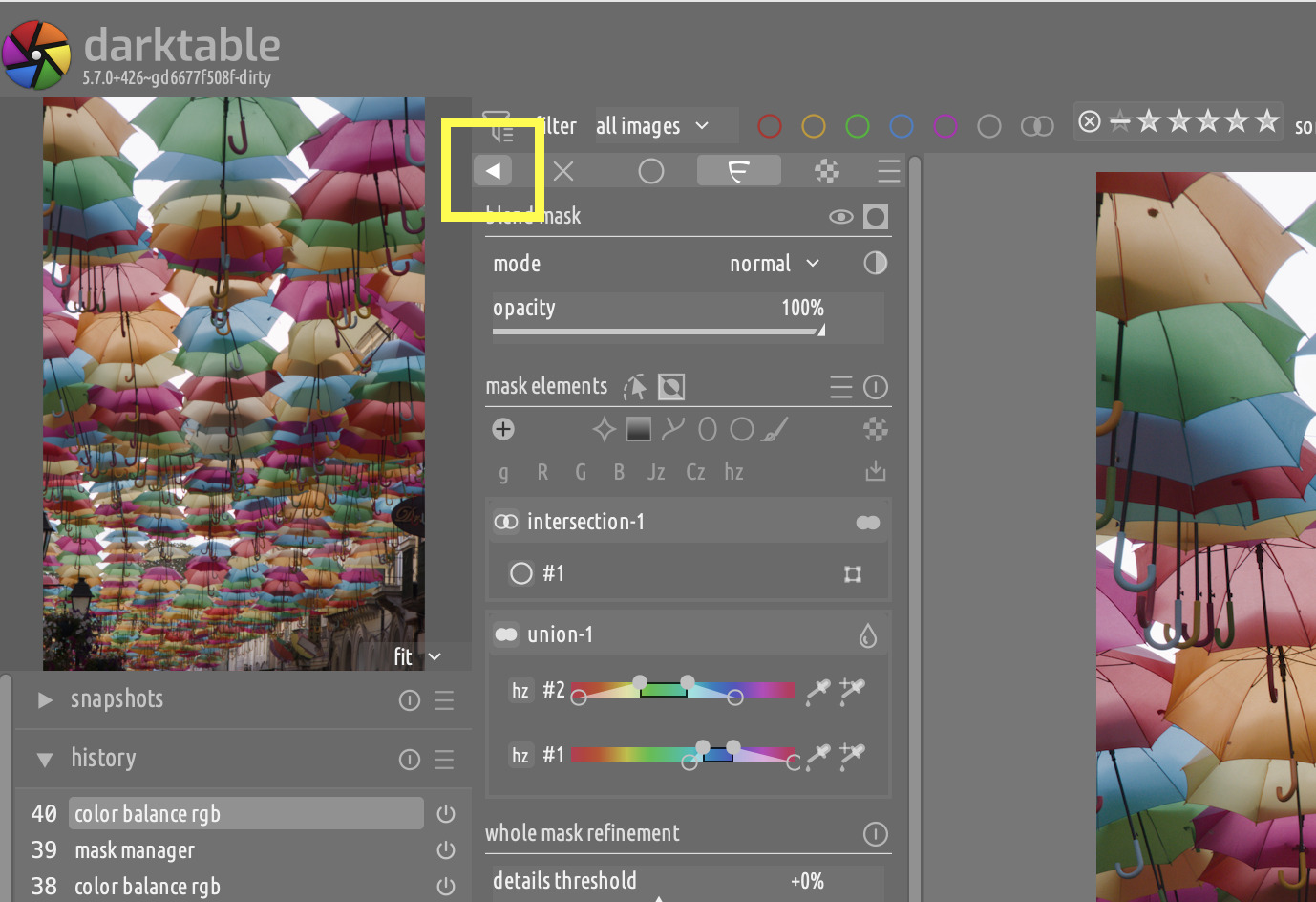
The dedicated panels can be collapsed to get out of the way when they are not needed:
-
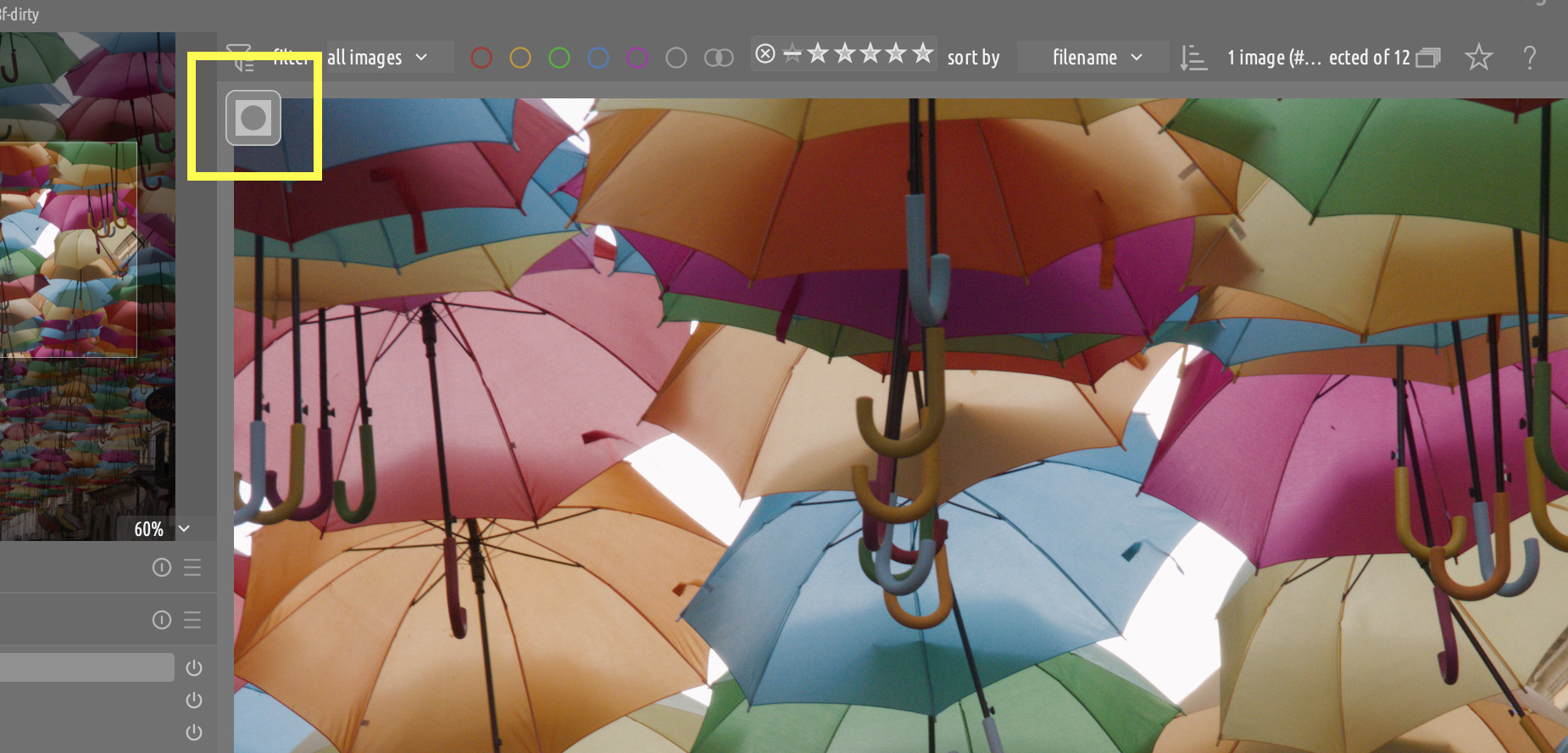
When it’s collapsed, the masks panel is rendered as a tiny overlay in the corresponding corner. Clicking on the overlay restores the panel.
-
The extra panel / overlay are only shown if a module is selected.
Demo
Builds
New builds (freshly synced to master) are here.
6 Likes
Just back from 2 weeks away and I’m delighted to see this proposal. As some of you may know, I have been wanting a revamp to DT masking for a long time, and this seems to be very close to what I had envisaged.
My no.1 request had always been to decide the operator at the time of creating the mask (e.g. create mask in union mode, add mask in intersect mode, etc.), as opposed to the previous approach of creating masks in a module and then using the mask manager to combine them afterwards. I also just didn’t like the Mask Manager in general.
Anyway, I have just downloaded and will play with it later tonight. Feedback will be given in a day or two once I’ve given it a good testing. Currently jetlagged so not sure if I’ll manage much tonight, come to think of it!
2 Likes
I can’t download an updated build for Windows 64 by clicking the “here”. FYI, I am not able to compile or whatever needed to install a nightly build Windows 64 darktable version.
By the way, I have been enjoying Flexi Mask Panel via darktable 5.3.0+3081. And I read through user documentation. I’d appreciate it if you add detailed explanations on the “bypass” and “merge into group below” options among the “between-group operators”. I couldn’t find any description about those two operators in the user doc. Thanks!
Discourse let me know the link to the releases page with these builds was already posted in the topic
1 Like
Thanks! I’ve installed it successfully.
1 Like
I’ve noticed that the “difference” operator disappeared from the between-group operator selector options in the new build. At this moment, I have no idea whether this disappearance would affect any masking efforts.
The difference operator is not available for the bottom group, because it is needs something to be composed with. The groups above can use it. This is documented.
You can use exclusion for the bottom group instead
.
Will do. Bypass temporarily disables a group, so you can see how the mask looks like without that group. Merge below moves all the elements to the group below and deletes the group.
This sounds a great solution because real estate could get very crowded in some models like diffuse or sharpen. Thanks for the effort.
3 Likes
Thank you for clarification. I will revisit the user documentation so that I can take advantage of Flexi panel.
Just remember you are testing…if this changes or doesn’t become part of the code I suspect if will void your edits…
2 Likes
Yes, I am testing this Flexi panel. As I believe darktable is the best raw developer because of the most powerful masking capability. I’d like to understand Flexi as much as possible. Happily, I will take a risk for testing. Anyway, thank you for your caution.
Yep all good…when you said take advantage of, rather than “test” or some other way of saying it, it sounded more like the assumption that it was a new feature to begin using as a daily tool… hence my comment of caution but you are on top of it… 
I am absolutely certain after testing for a couple of days that Flexi panel will be a daily tool. At this moment of time, I am learning masking via trial and error. Although my masking process is not smooth, but getting the targeted results day after day. I appreciate your attention to my approach.