messing with 4-lut topology today gave me an idea.
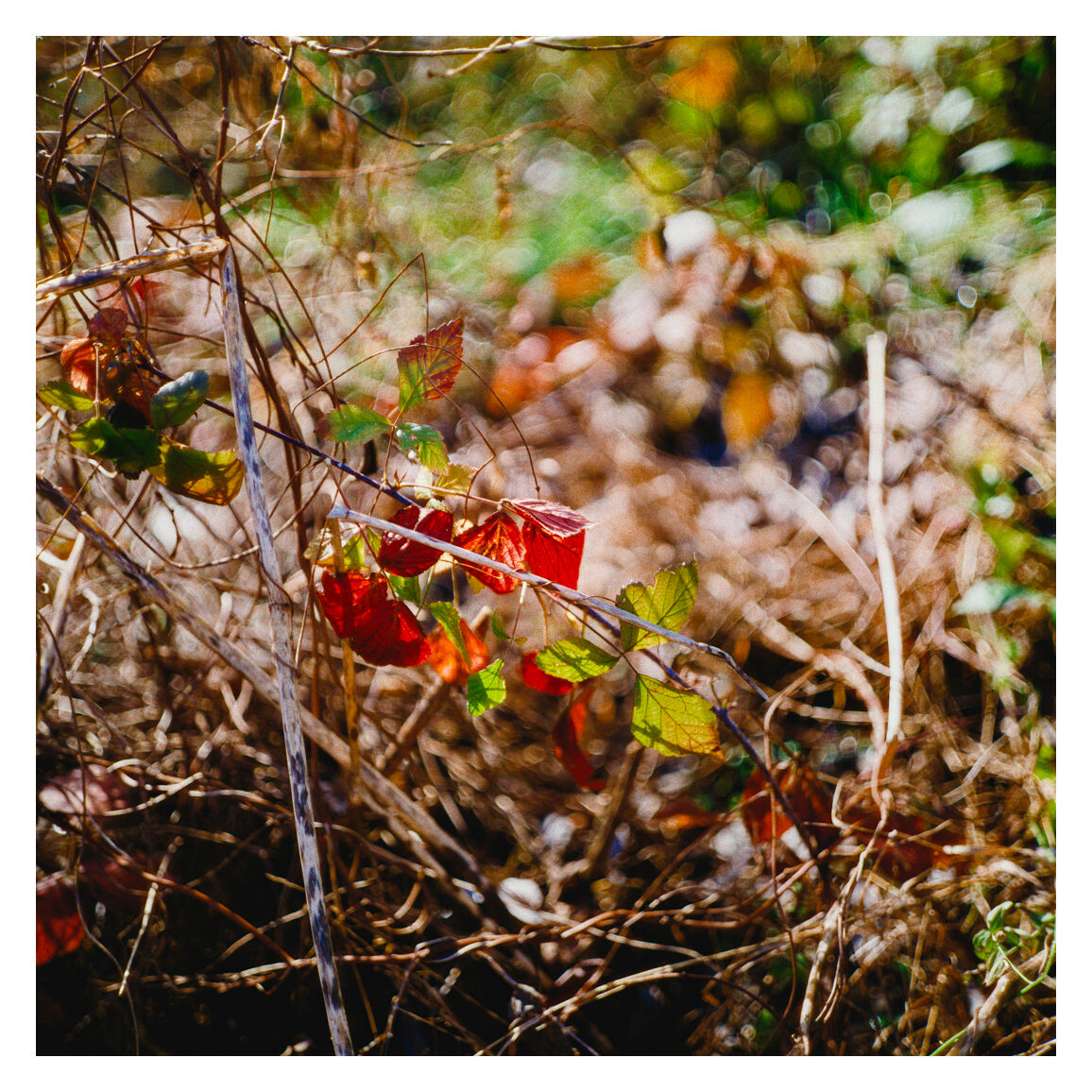
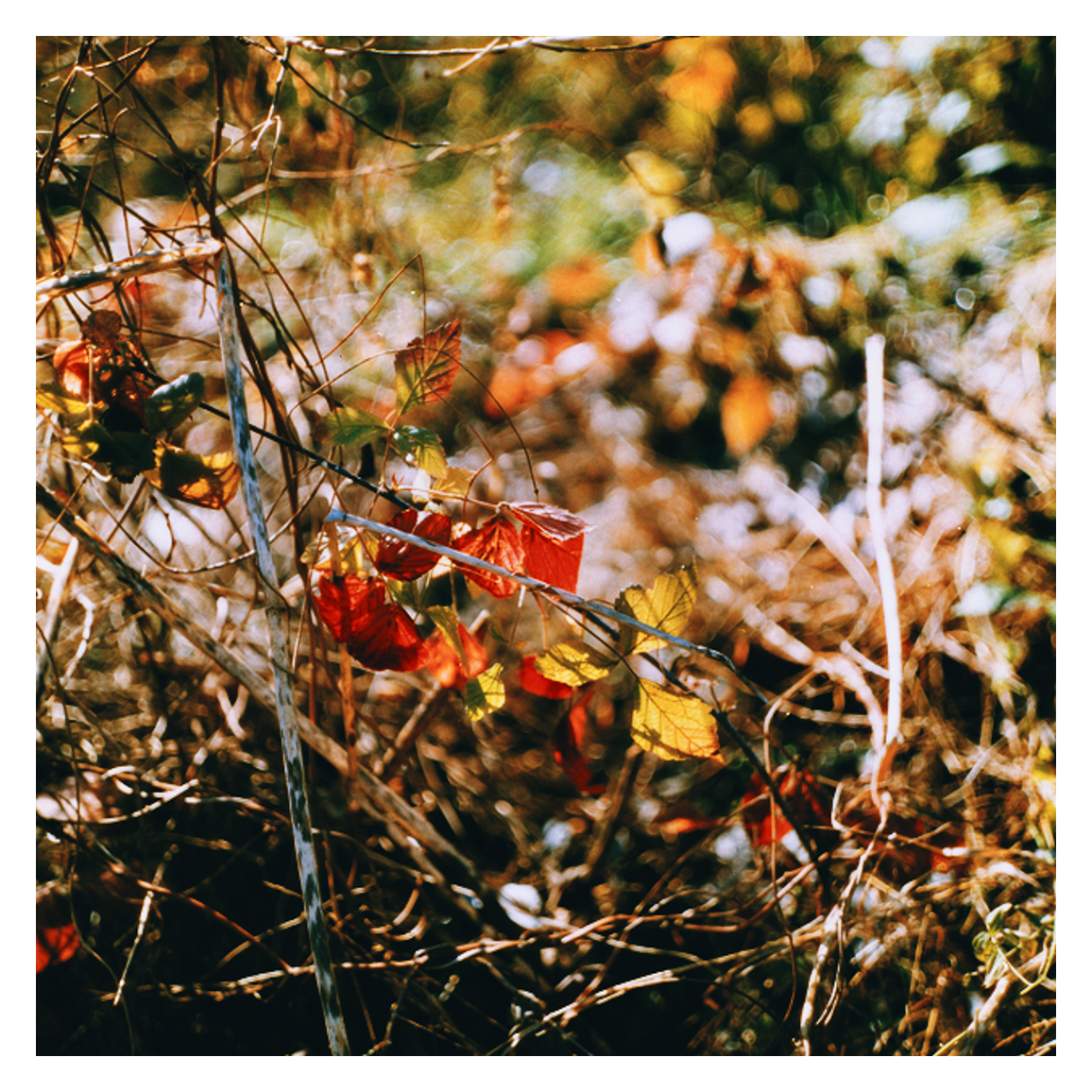
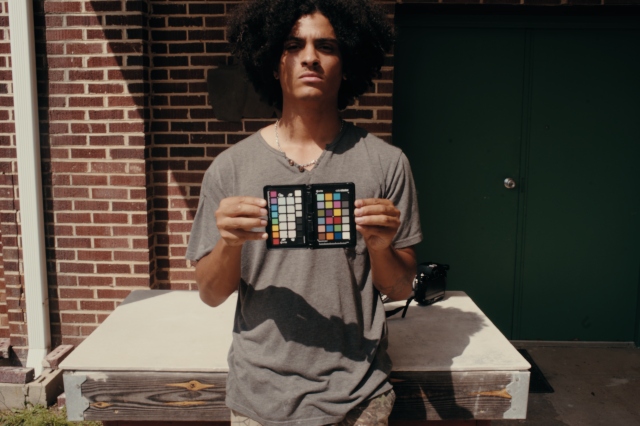
Since footage after the first 3 luts applied looks like film negative, I decided to import one of my dslr scans into the newest Davinci Resolve beta version that supports .RW2 files from panasonic.
I decoded the raw file into ACES AP0/Linear, then used CST to convert that to davinci intermediate, adjusted black and white point, applied only lut-4 from spektrafilm
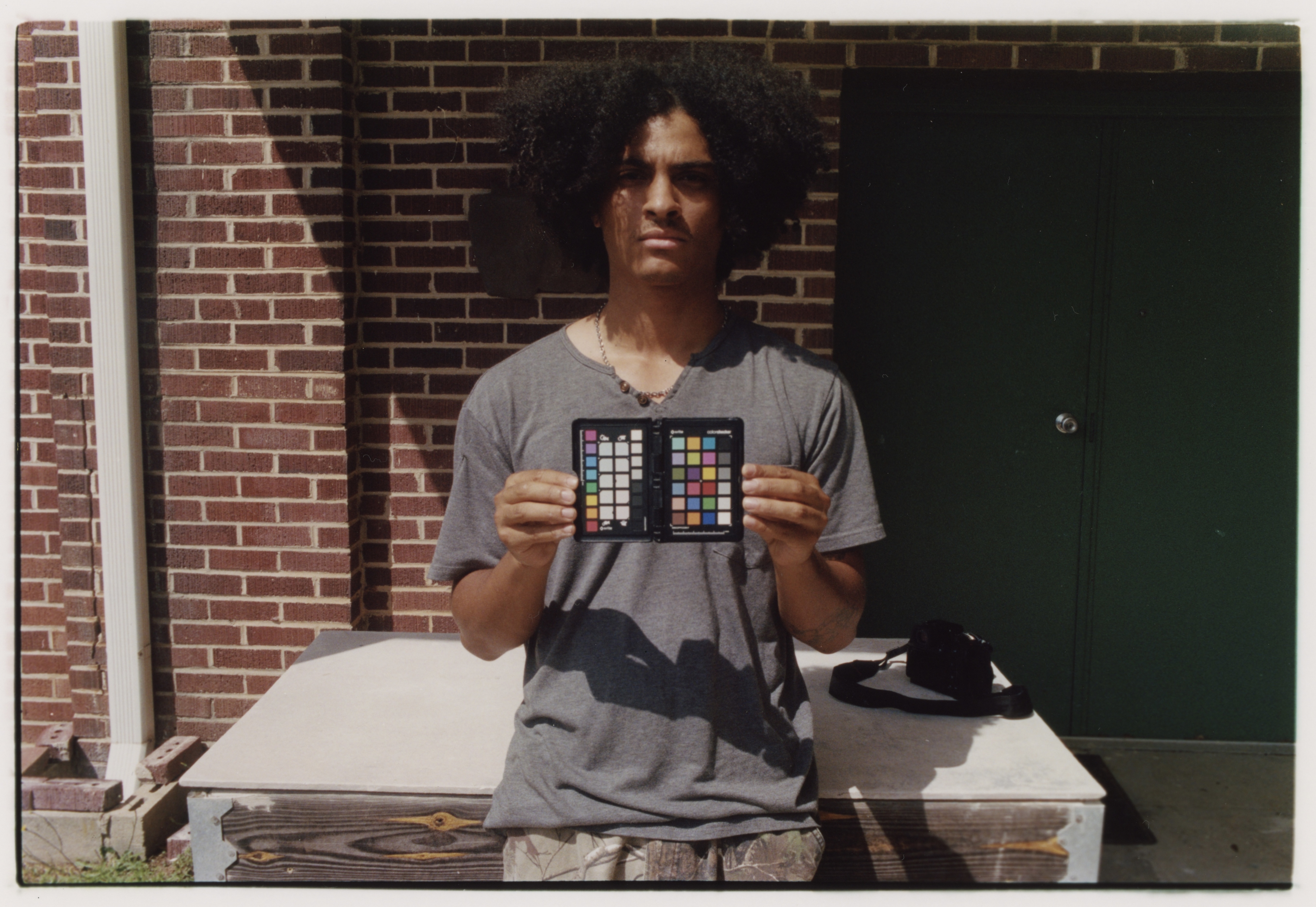
Here is the original edit from Lightroom/Negative Lab Pro:
Hello there! I’m following the topic for a while now and decided to give a try to the macos version of spektrafilm. First of all thanks to everybody for the great job and for the contribution. Some context: I’m an ex documentary photographer, now working as a cinematographer and colorist in Italy.
I must admit that I understand 1/10th of the stuff packed in spektrafilm but i’m trying to wrap my head around it.
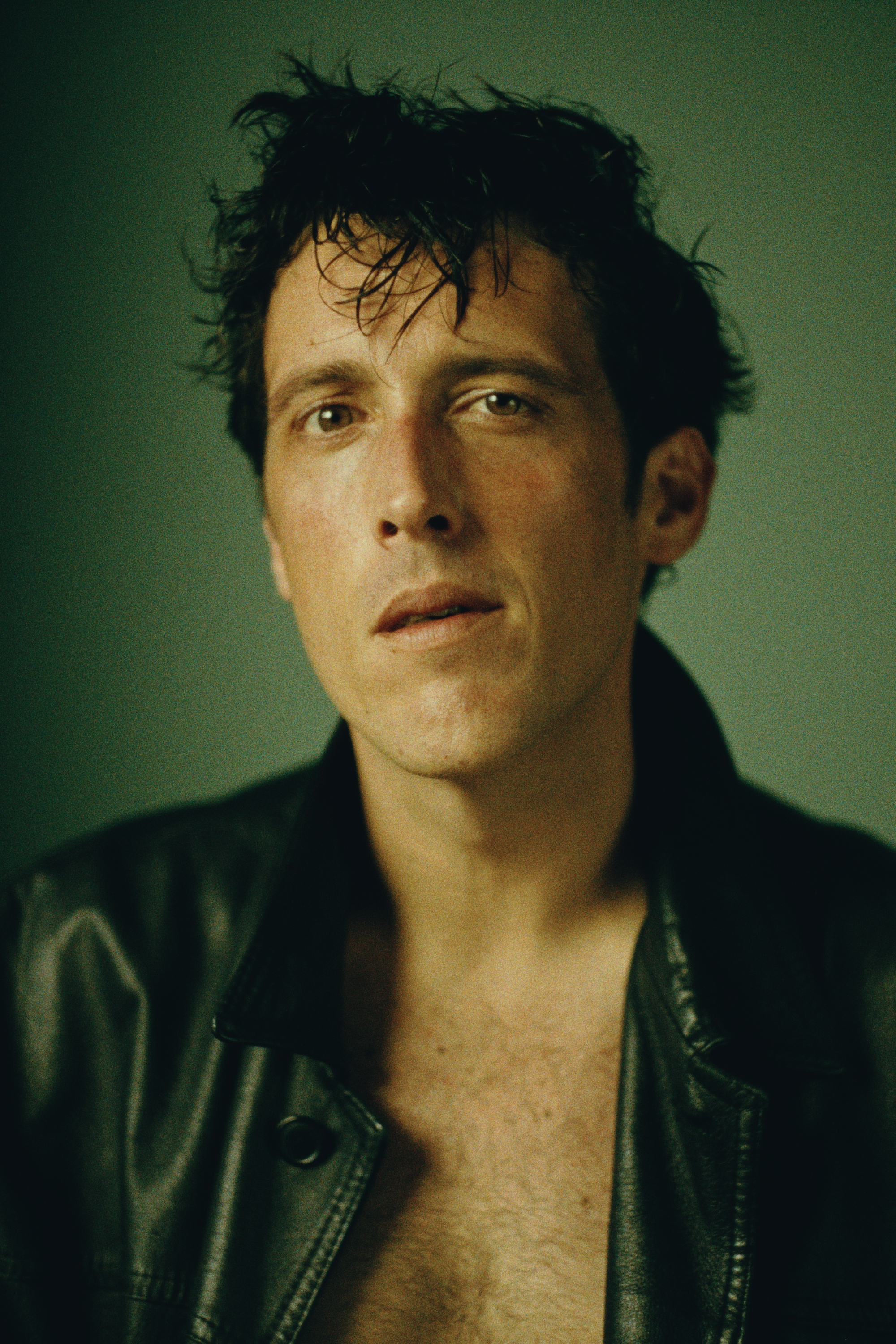
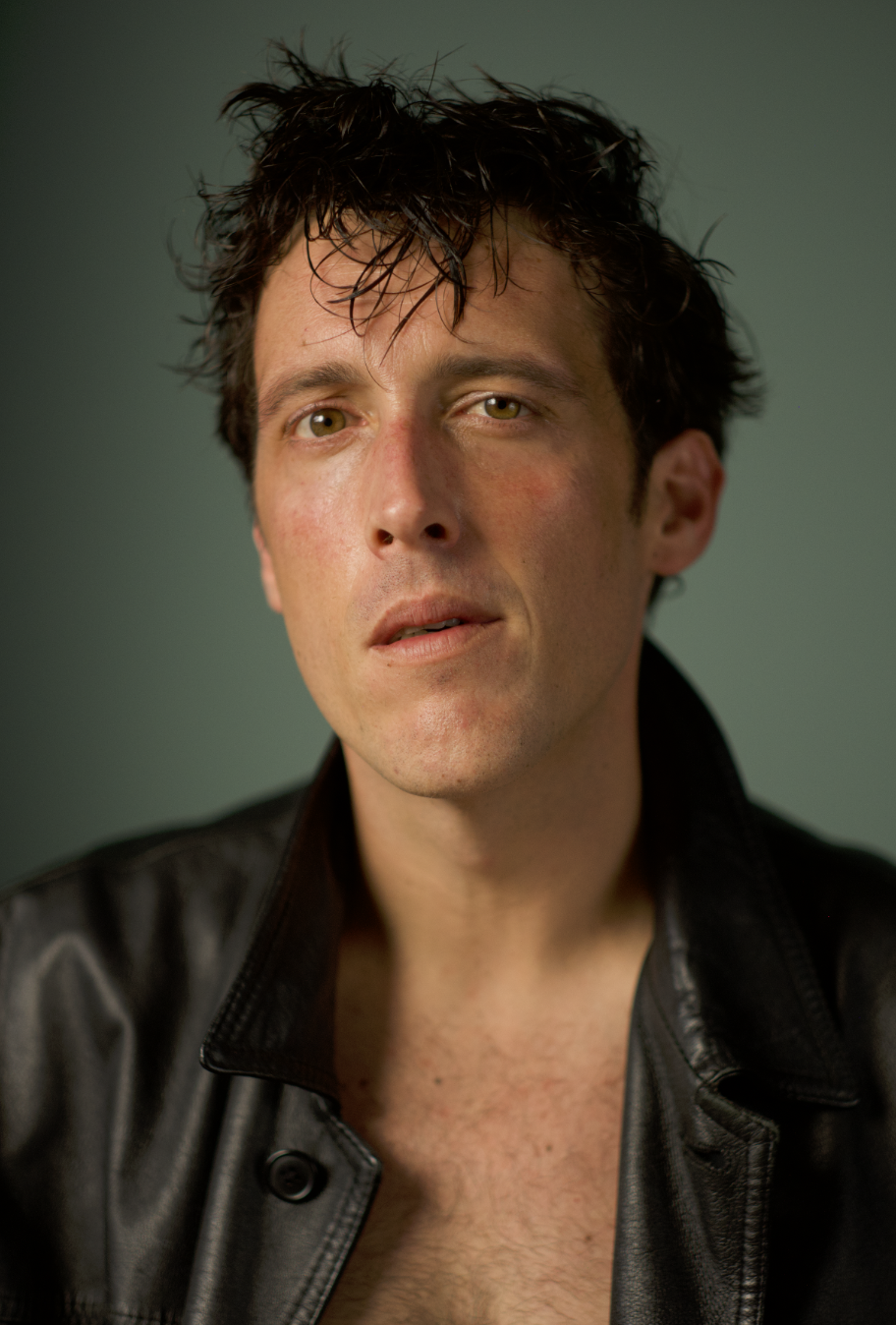
I wanted to share my attempt from some pics i took yesterday of an actor friend.
Hello again, just a quick and maybe dumb question. I can see that there’s no grain in the darkest part of the picture i attached in the last post. Is this a normal behavior? Am I missing something?
hey @Jackrrm! welcome to pixls.us, an amazing moody photo!
i questioned myself on the topic several times, and a few people asked the same question before. i guess @Anthonygansauer is probably one of the knowledgeable people here on the topic, with direct RA-4 printing experience.
the simulation in spektrafilm just adds grain at the negative level. i believe grain at the print level is so fine that is not worth to add. anyway, when printing, the toe of the print will generates the blacks even if more detail might be available there in the negatives (including grain).
i wonder if the expectation of finding grain in the blacks comes from being used to “digital inversions” of the negatives (including noritsu and fujifilm scanners), while in true RA-4 prints this is not the case. any comments on this @Anthonygansauer?
Yeah, I am pretty sure majority of us “knows” film scans more than we know print scans.
Anyway - you can get the grain in the shadows if you use a negative film stock and check the “scan film” box, then invert the negative yourself, just like you would a film scan - you bypass the print part, therefore the shadows dont get “crushed”.
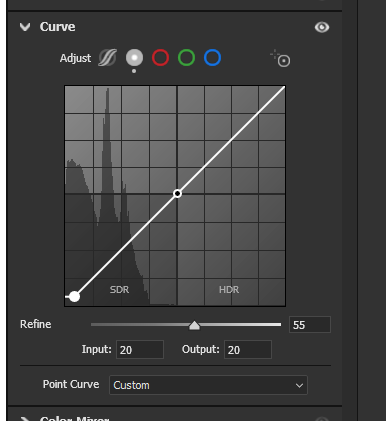
I also, when preprocessing my raw files, apply a bit of crushing to the bottom part of the curve - that makes sure that spektrafilm doesnt get all the information in the shadows.
After reading your message I went to check some old prints i printed myself few years ago and I noticed that the grain is never in the darkest shadows… To double-check I grabbed some of my favorite books (eg. Capitolio from Christopher Anderson and Encerrados from Valerio Bispuri) and I noticed the same thing: no grain in the blacks.
So, yes, I was mislead by years of being accustomed to digital scans!
I went right away and noticed that the grain is indeed in the negative, thanks for the hint
Thanks, will try!
I’m testing it in these days!
thanks again @arctic for your incredible work and also @chaert-s for the port!
going to be adding some new examples today, almost there! The density of some hues are so hard to correct, thinking of maybe correctly in dark table then into spectra?
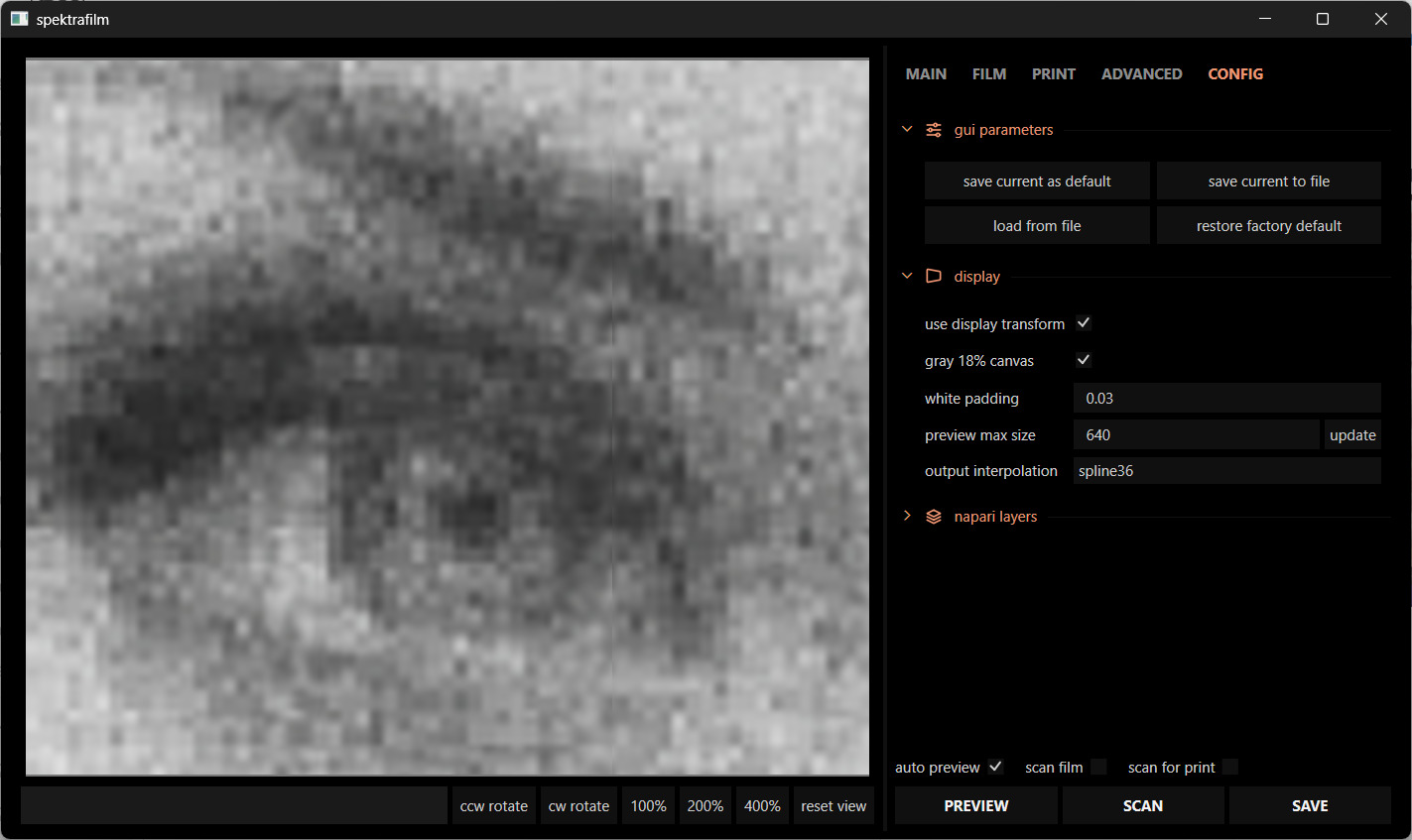
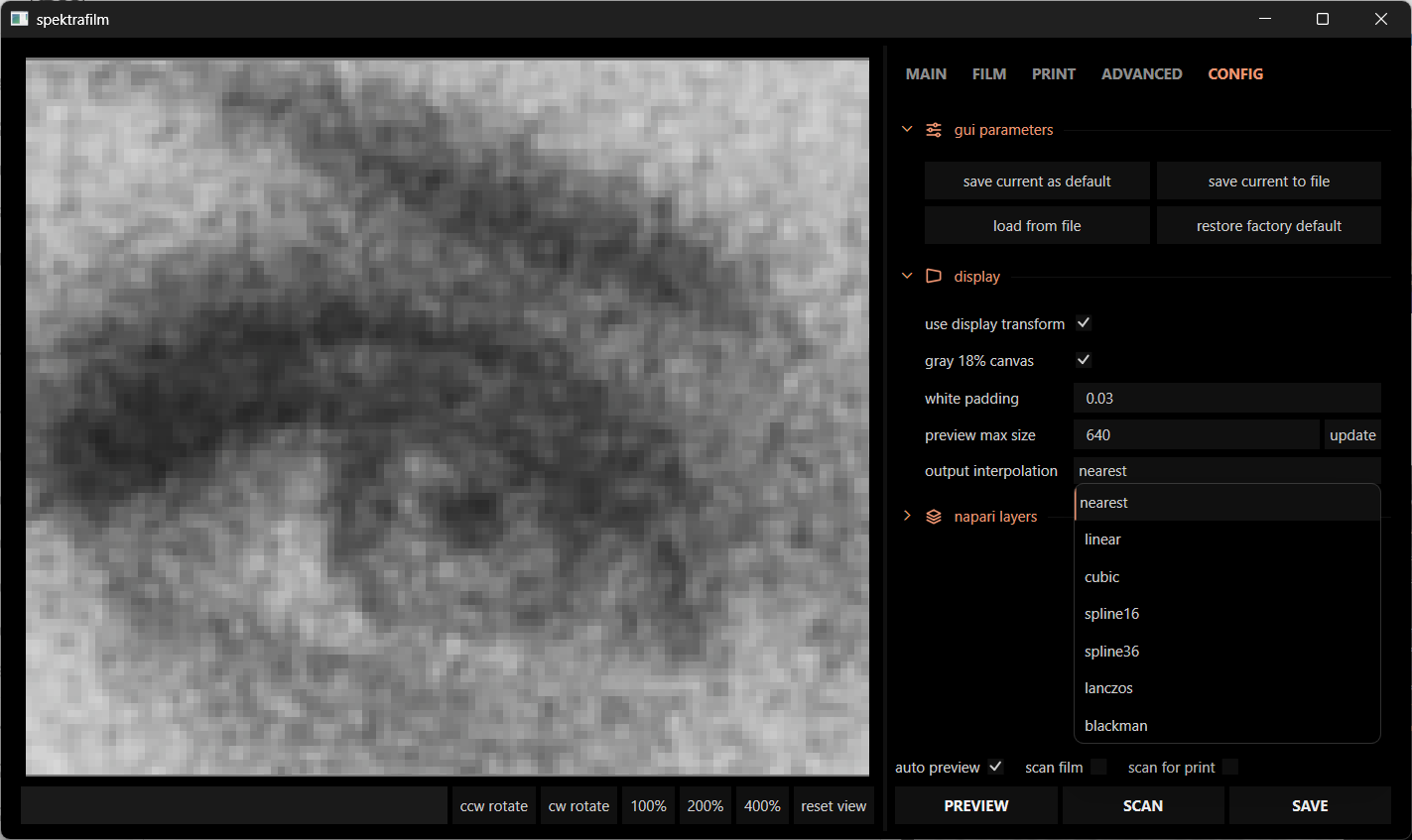
i believe the problem is the output interpolation of napari. i didn’t program them myself and i am using whatever default they are shipping. if really critical zoomed in inspection is necessary, swap to nearest (so you can see the real pixels).
going through the todo list.
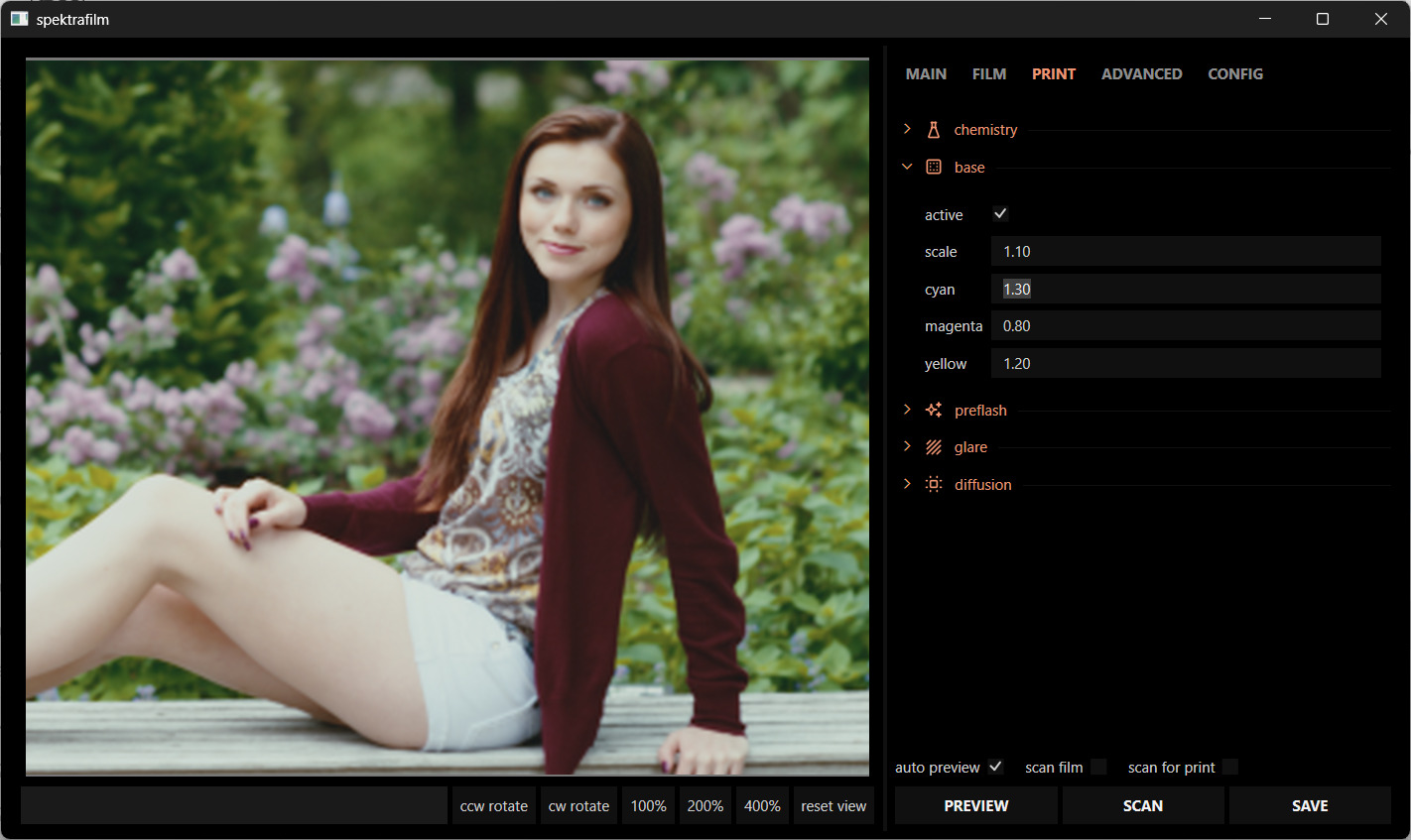
i added back the custom base settings and added the possibility to morph the tint with CMY paramters. available in dev.
the base scale is just scaling the base spectral density. CMY parameters push smoothly the spectral base density model to achieve the desired tint. white balance of the print will be slightly affected, but it is very easy to retune it to you liking with the printer lights.
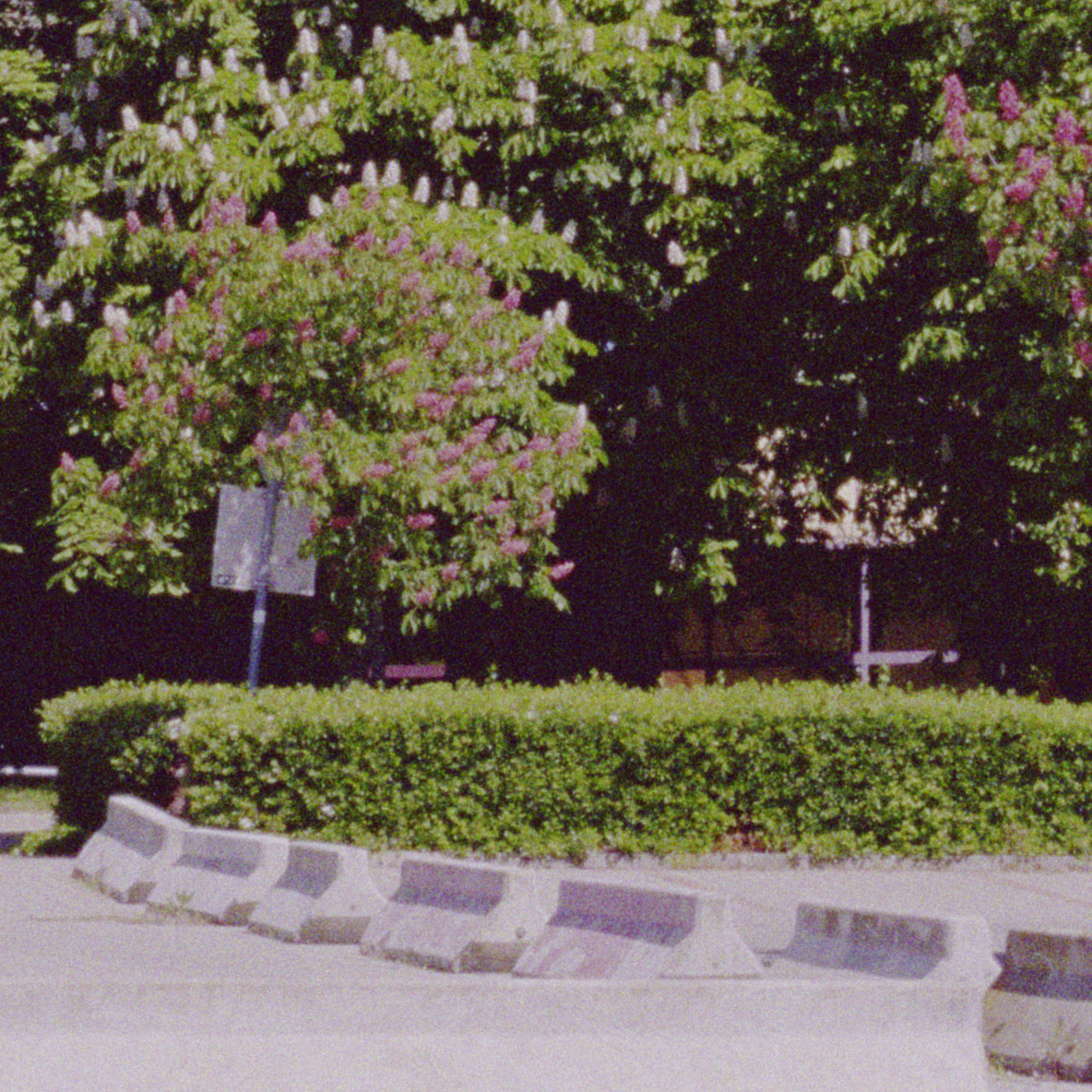
Twin Falls Trail Finally got out in nature to shoot some tests! Huge thanks to you for the help (and inspiration!) Also huge thanks to @arctic for all their work building this and to @chaert-s for porting it to OFX.
this looks beautiful! i never expected people would achieve such great results with spektrafilm when I first started it. big props to @chaert-s for making it so nicely usable in OFX form.
@arctic thank you for the latest upgrades in spektrafilm, I have stunning result with the new addition of base CMY.
I have a request to make if it is possible. Can you implement a way to straithen the horizon line and make some basic crops to the photos? (like 1:1, 16:9, etc)? It is possible? I know the goal of this project it’s not to be a raw processor but it would be very helpful to be able to do this. Right now I do all my edits in spektrafilm but sometimes I need to crop the photos. Thanks.