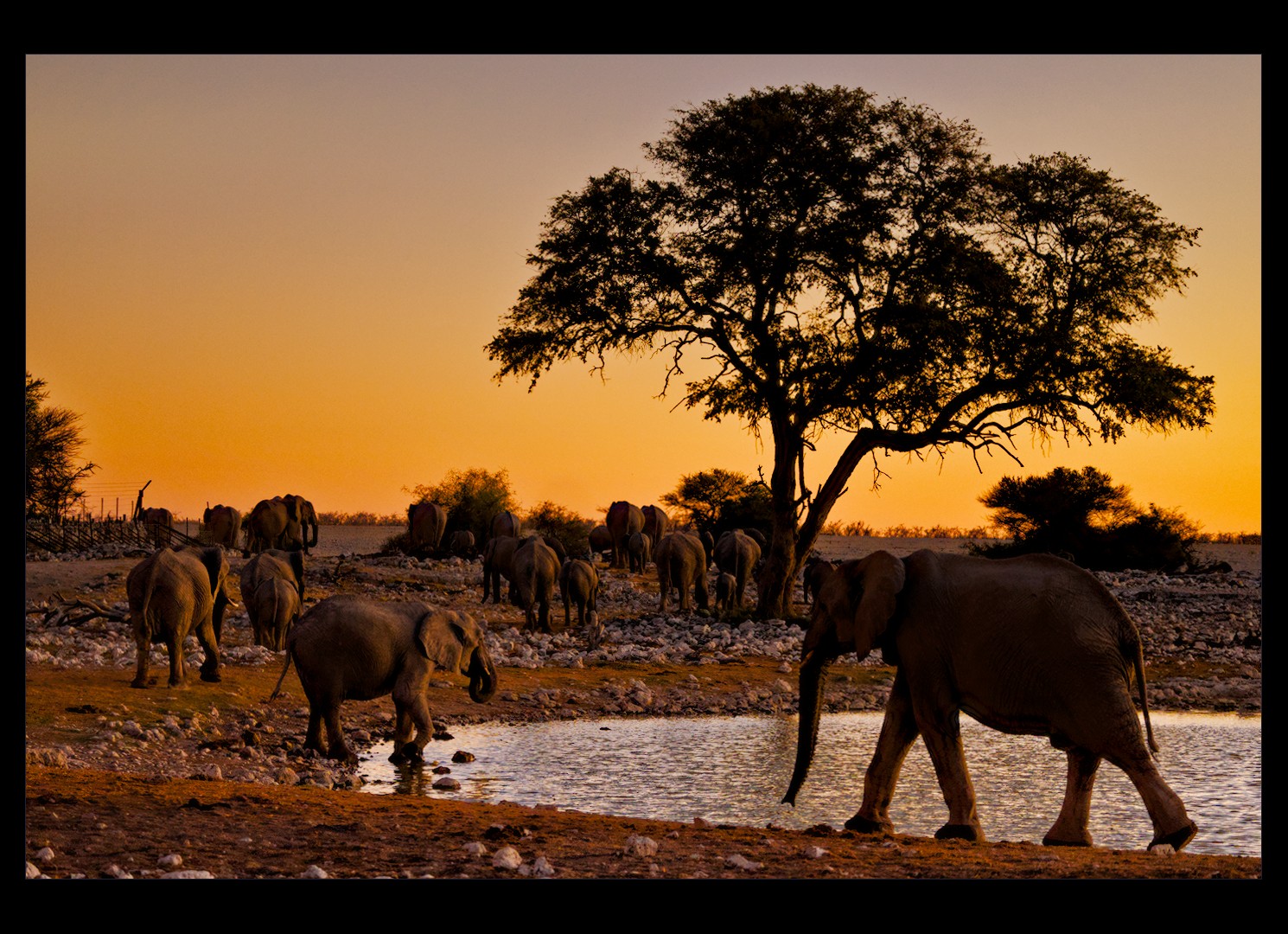
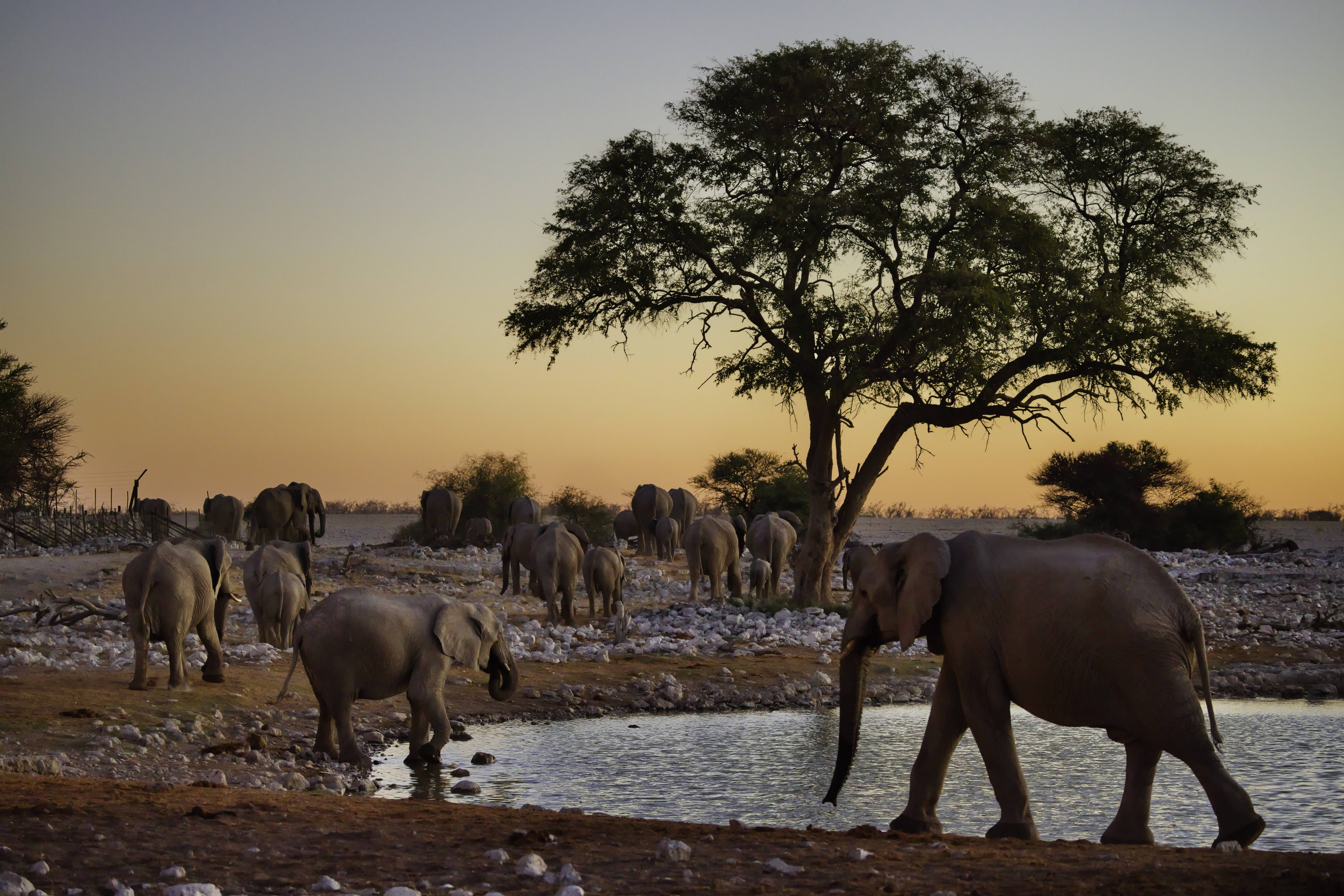
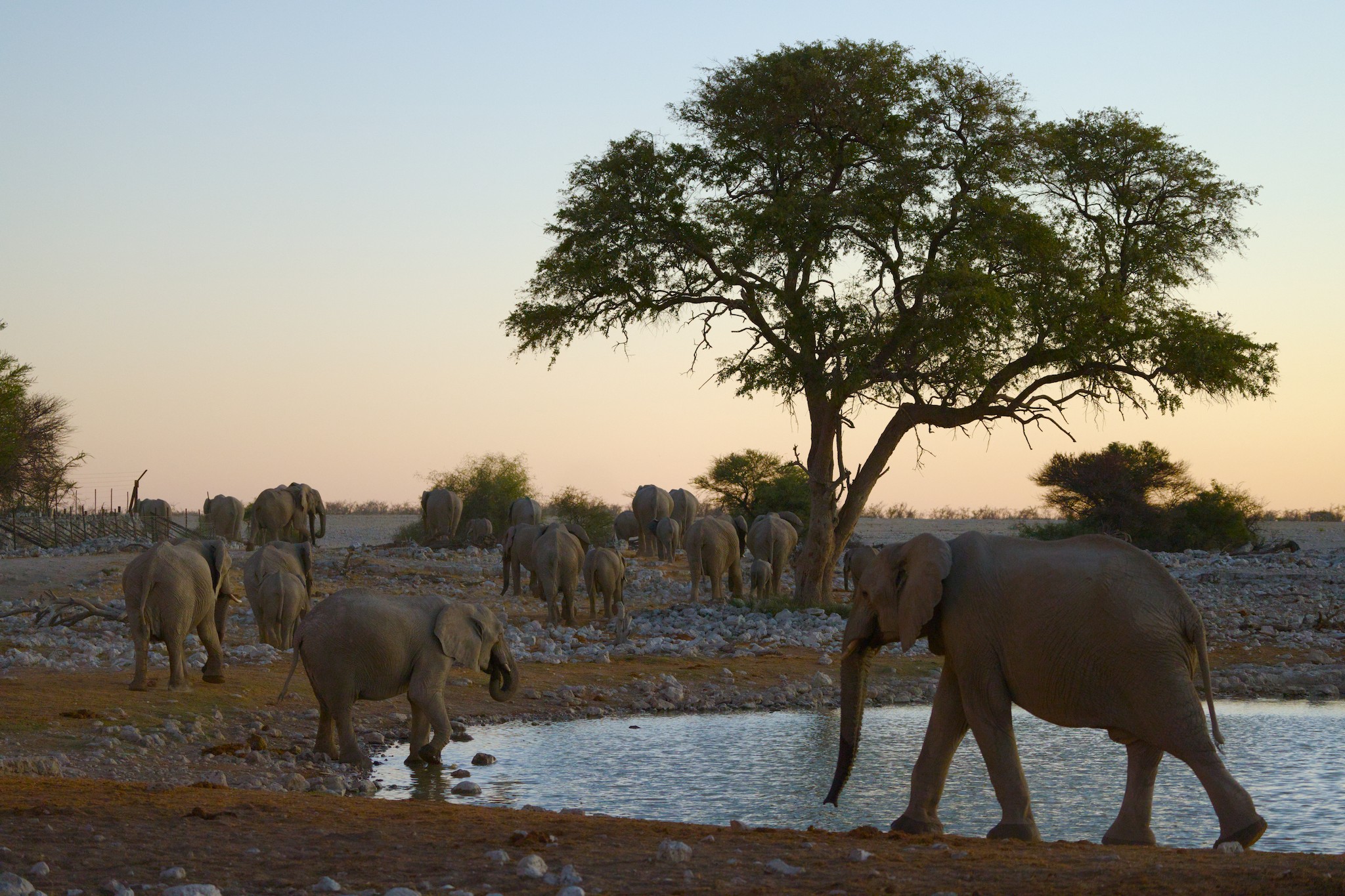
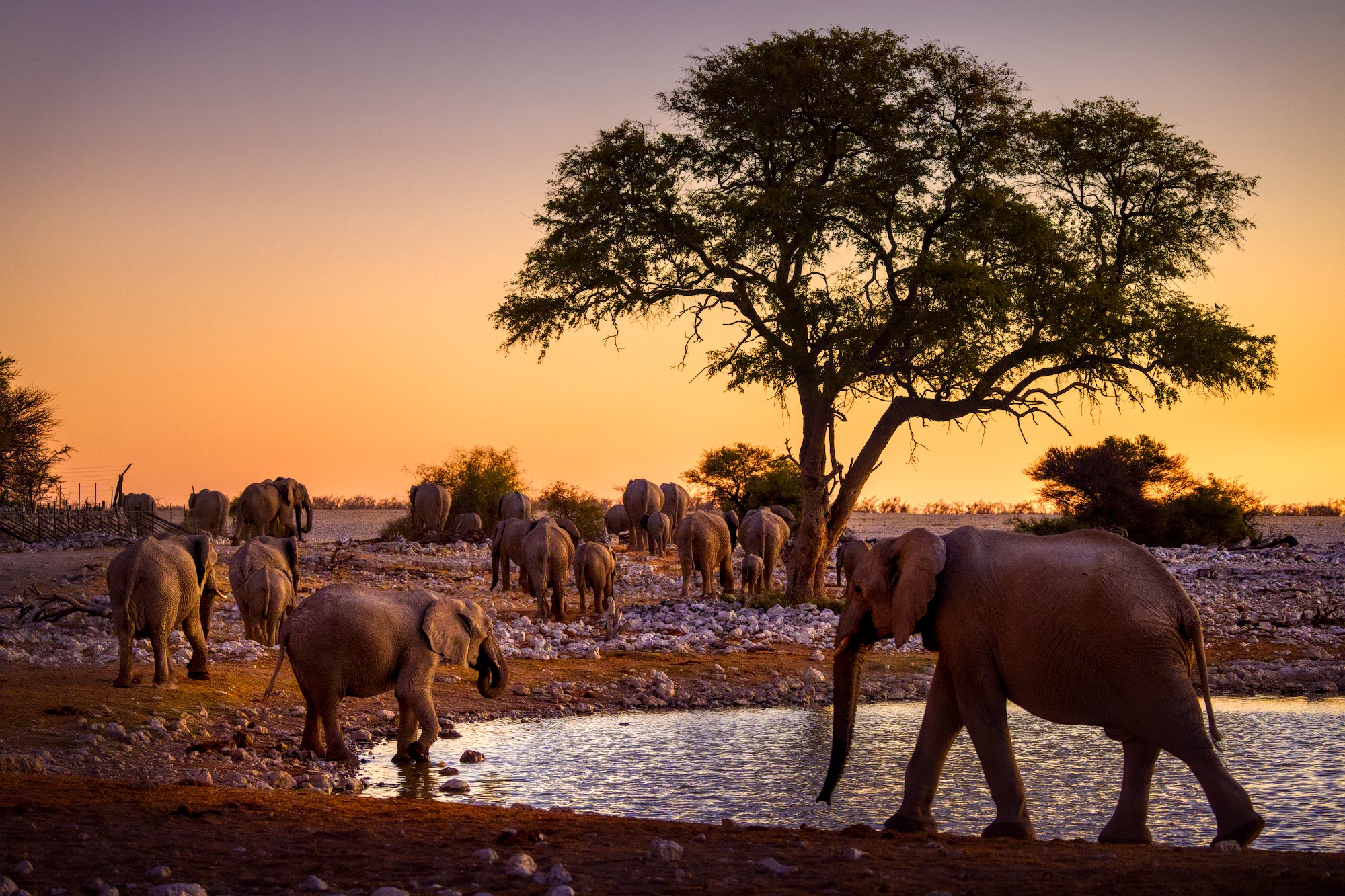
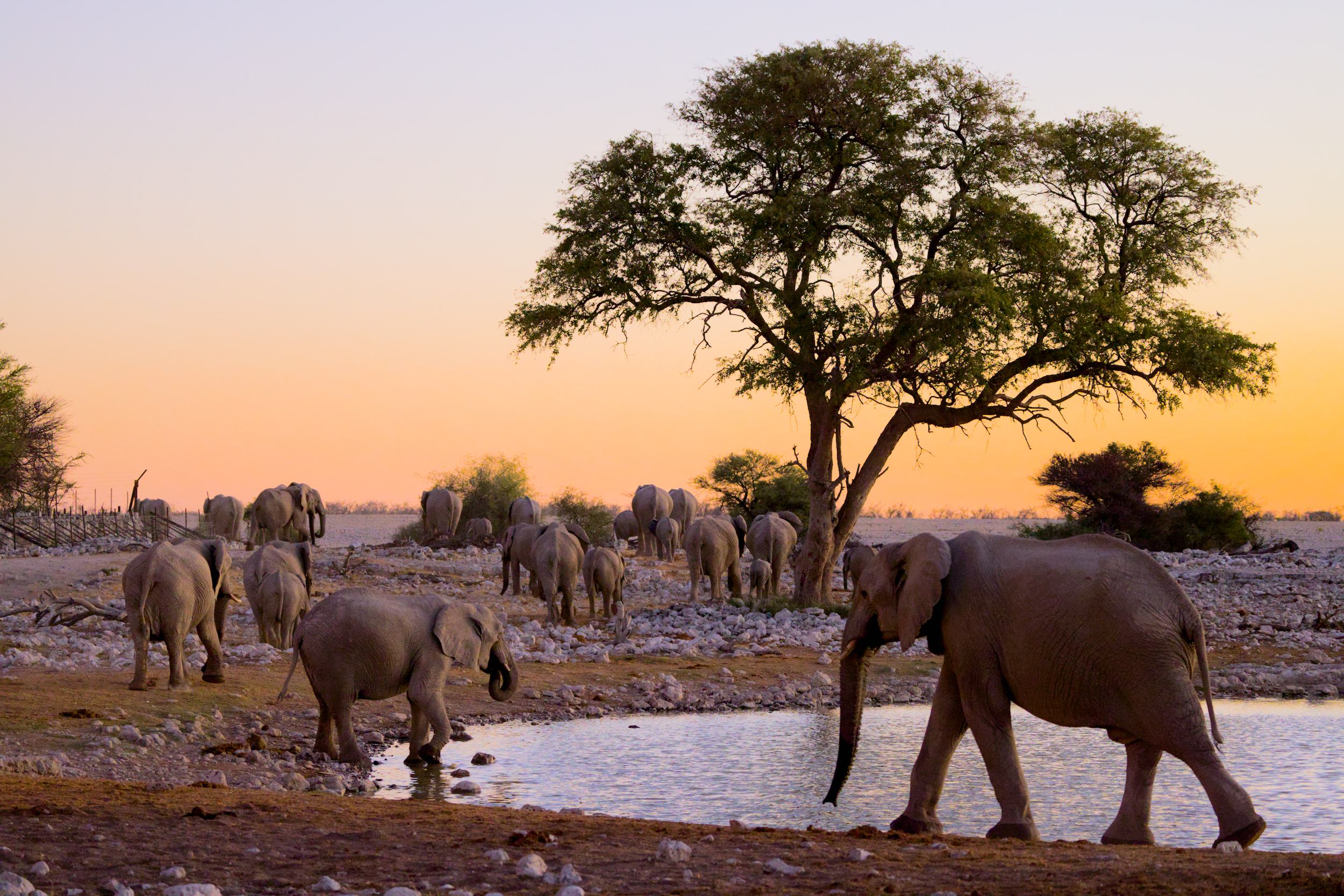
Sunset in Africa "struggling" with colors

Hello,

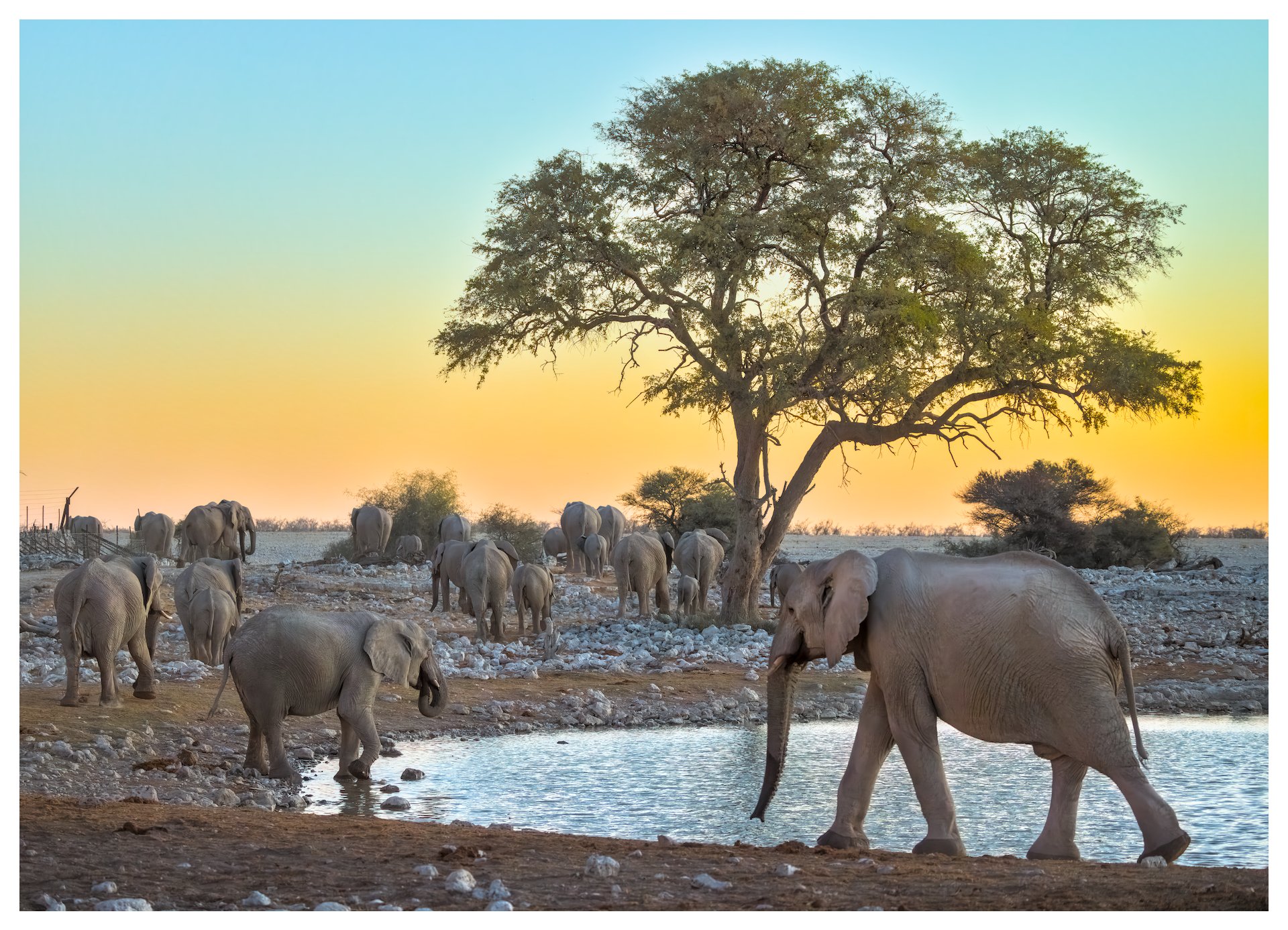
I’ve been using Darktable for two weeks now (with help from the manual, this forum and videos). An older photo from my only trip to Namibia always gave me trouble in LR. The RAW file looks gray, but the atmosphere was vibrant. I tried it again in DT, and I like the result better than in LR, where I saw artifacts around the tree. I’m still a bit unsure about the color balance. But so far, I’m very happy with DT. The image is ISO 5000 and I denoised it with nind_denoise. It’s not strictly necessary, only visible when you zoom in, but it works quite well, although nind doesn’t perform as well on elephant skin as it does on bird feathers :wink: The latter is more important to me, though, since I shoot more birds than elephants…

Edit:
6W4A5041.CR3 (36.6 MB)
6W4A5041.CR3.xmp (36.4 KB)

Sorry, I copied the License in the Metadata. So here now: The above file is licensed Creative Commons, By-Attribution, Share-Alike.

10 Likes

Hi @Haematopus

Welcome to dt. It’s great that you are already using nind-denoise!

If you want to see how others handle colors, you could add “Play Raw” to the category, attach a copy of your raw file, your sidecar, and include a license such as:

This file is licensed Creative Commons, By-Attribution, Share-Alike.

Play Raw
6W4A5041.CR3 (36.6 MB)
6W4A5041.CR3.xmp (36.4 KB)

Added it as a reply, because I cannot eddit my post. It really interests me, what others would do about the colors.

Looking foward to looking at your raw but you are still missing the license: E.g. like this: This file is licensed Creative Commons, By-Attribution, Share-Alike.

(editing is locked until you reached a certain trust level for spam-preventing reasons)

Sorry, I copied the License in the Metadata.
So here now: The above file is licensed Creative Commons, By-Attribution, Share-Alike.

3 Likes

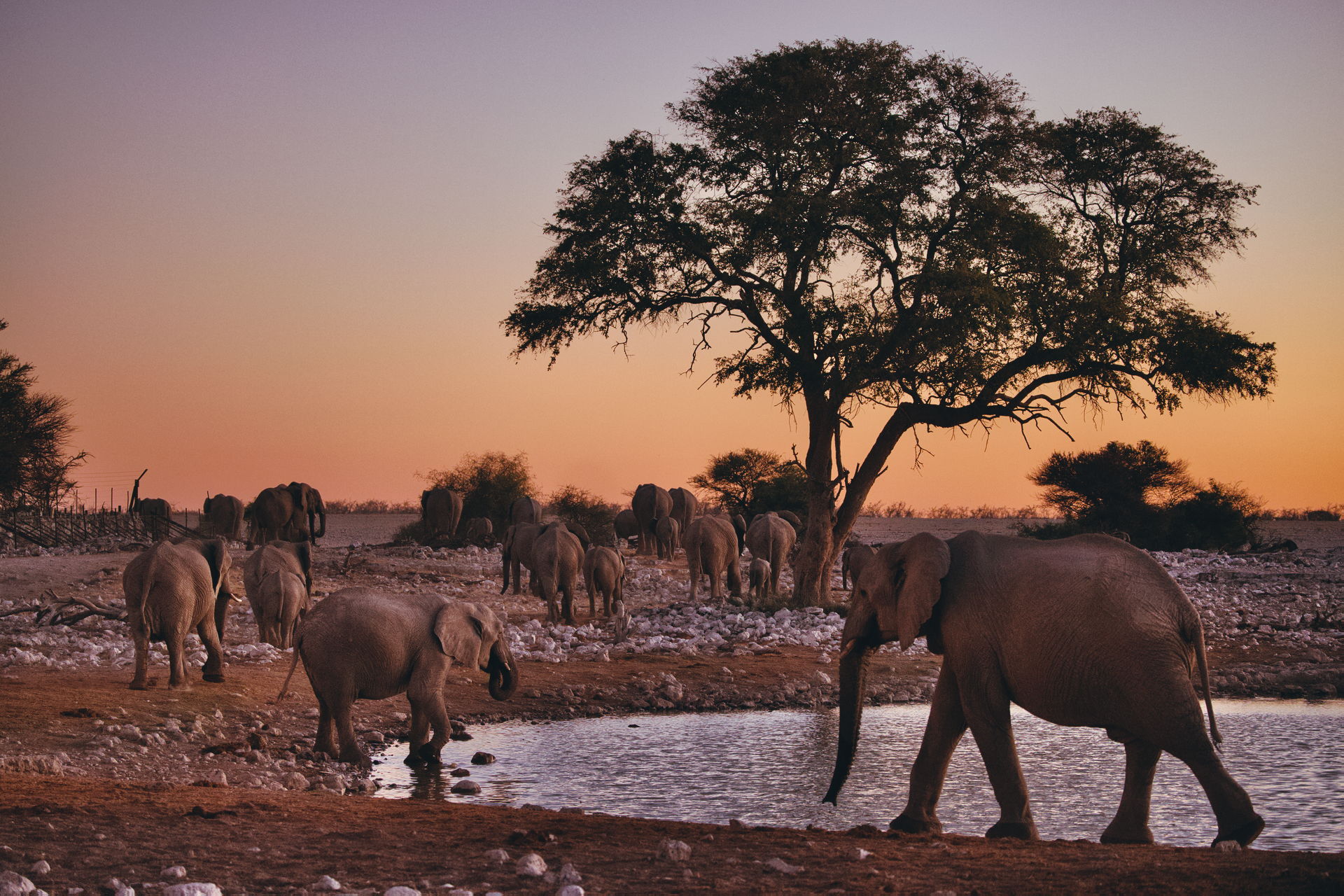
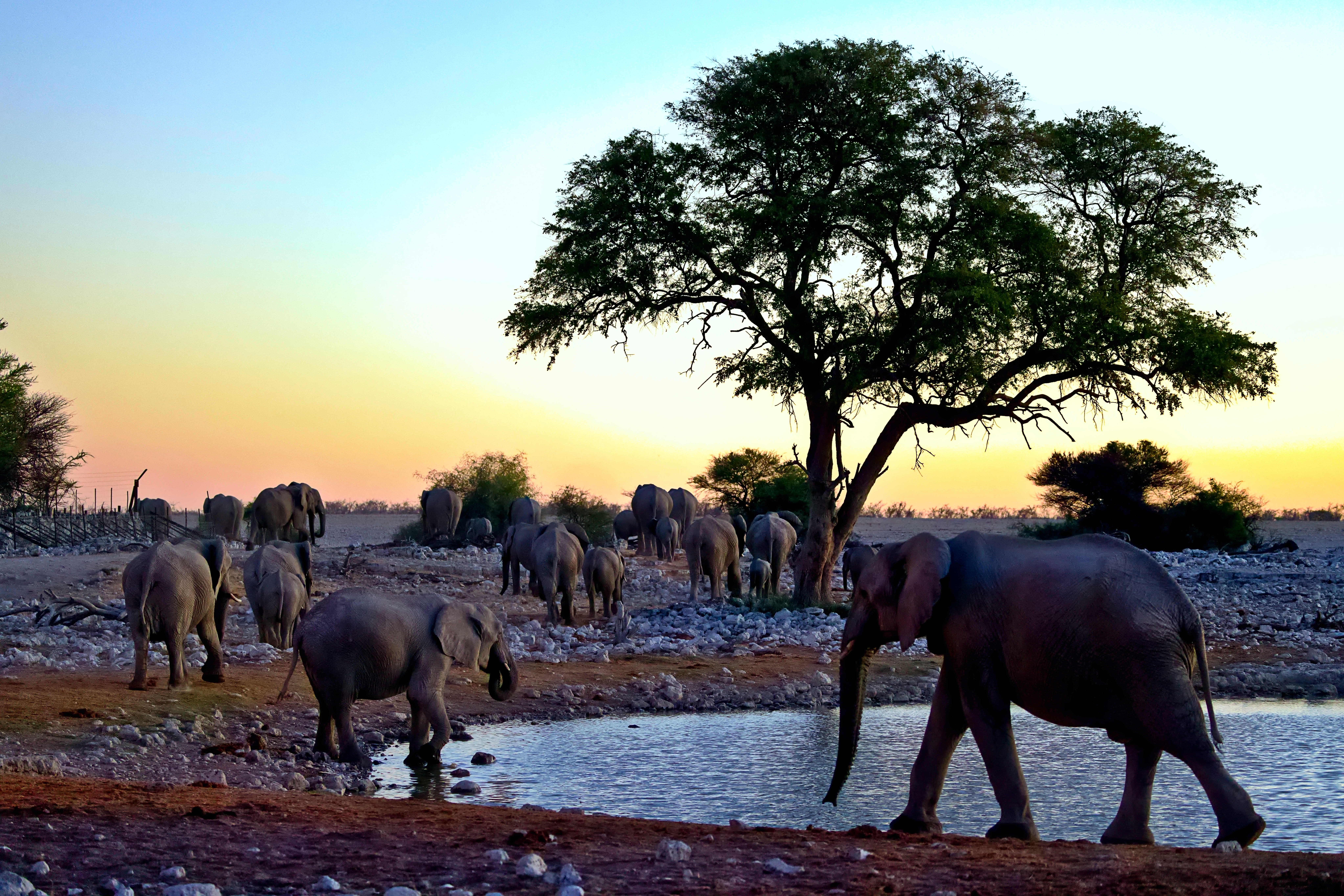
Quick edit in ART: Spectral Film Simulation (Kodak Gold 200 / Kodak Endura Premier) + Dynamic Range Compression + Tonal Equalizer + Noise Reduction).


6W4A5041.CR3.arp (12.2 KB)

10 Likes

I like it, looks more like a sunset than mine :slightly_smiling_face:

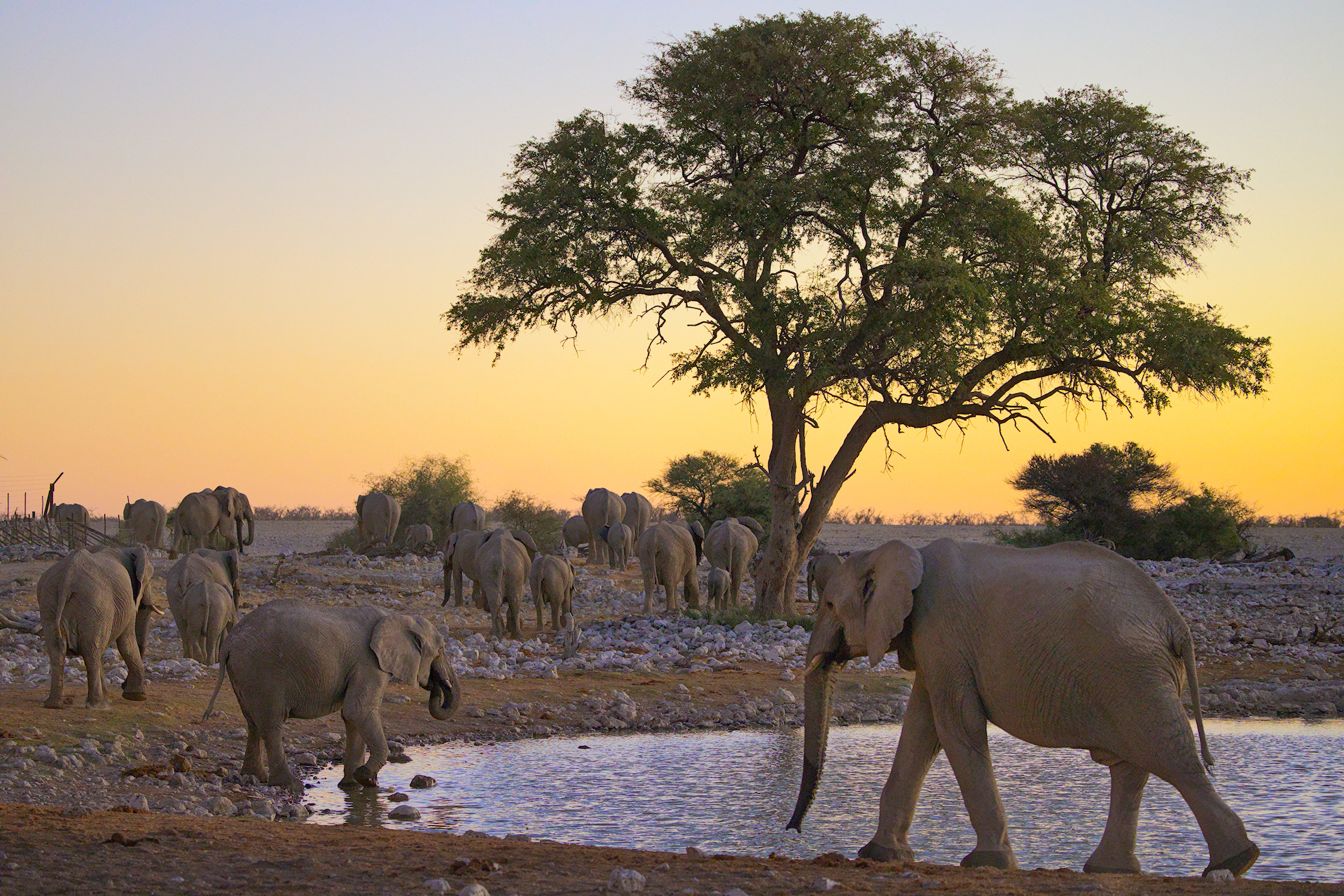
I had to use Sigmoid. FilmicRGB went way too contrasty.


6W4A5041.CR3.xmp (8.2 KB)

6 Likes

6W4A5041.CR3.xmp (17,9 KB)

5 Likes

My version…

6W4A5041.CR3.xmp (22,0 KB)

4 Likes

With ART 1.25.11
6W4A5041.CR3.arp (12.8 KB)


Greetings. Roberto

10 Likes

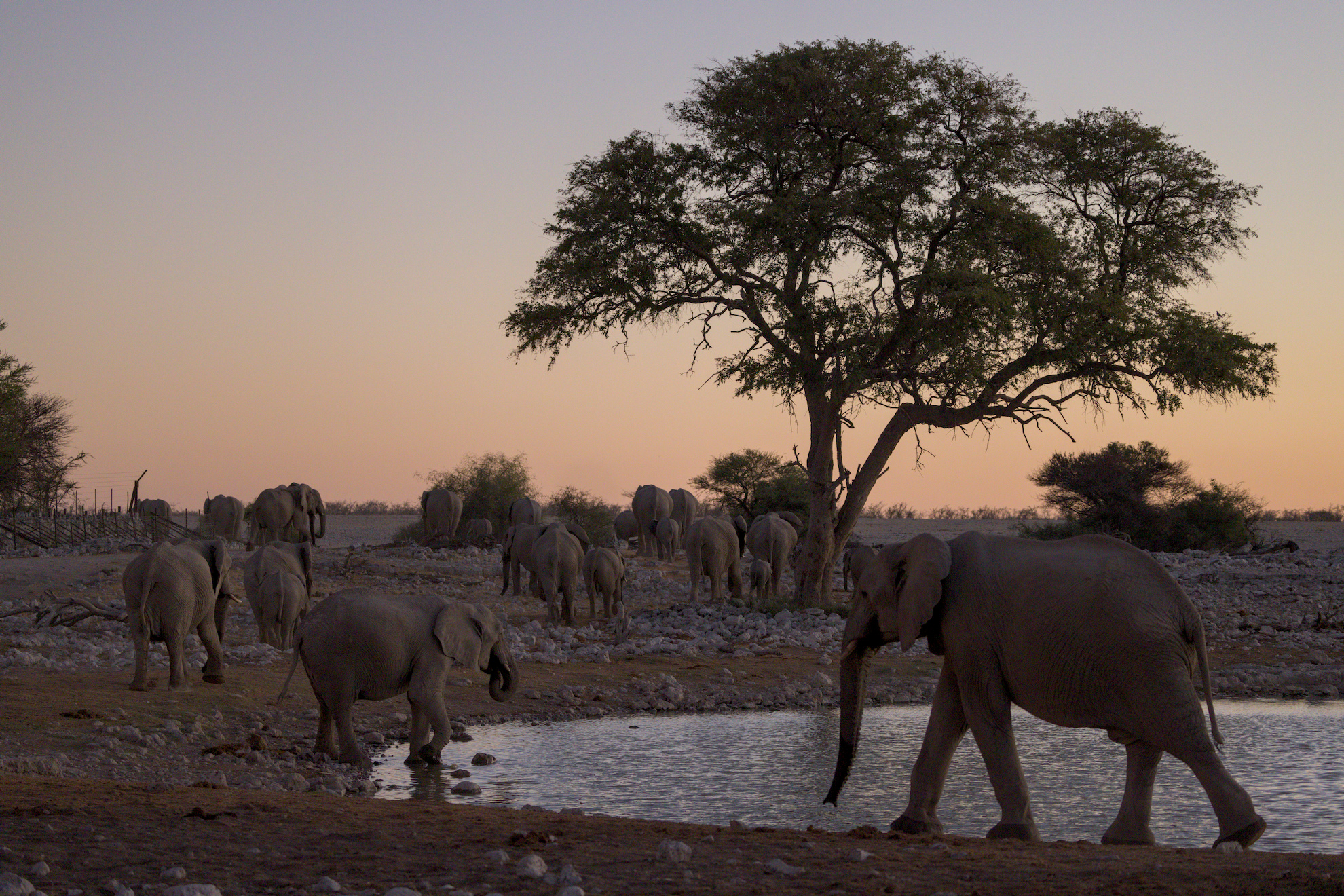
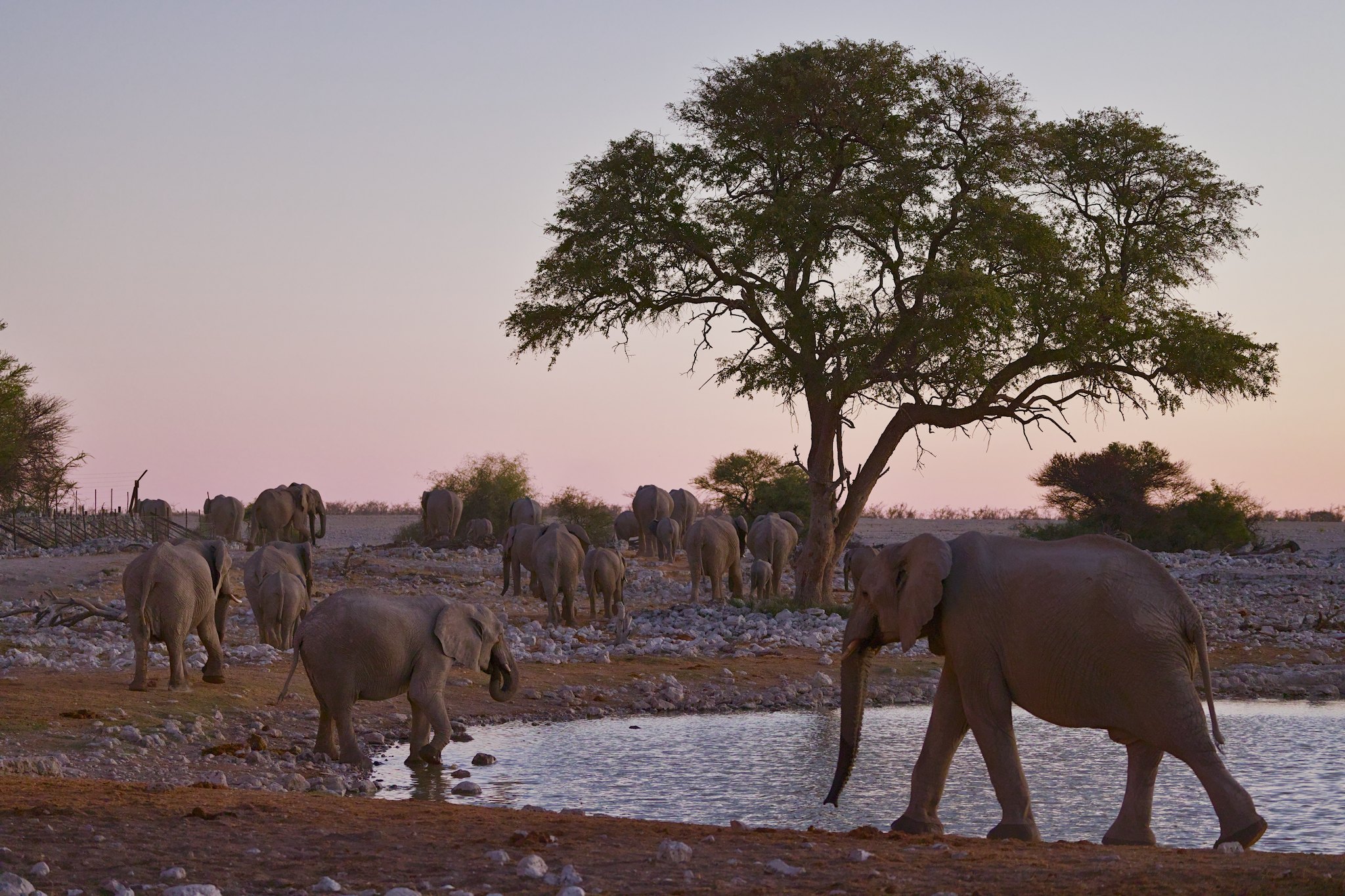
I wanted to keep the mood of dusk: no strong contrasts, either in light or in colour.

6W4A5041.CR3.xmp (8.3 KB)

7 Likes


6W4A5041.CR3.xmp (18,3 KB)

5 Likes


6W4A5041.CR3.xmp (16.0 KB)

7 Likes

That is beatiful too.

ART and GIMP

2 Likes


6W4A5041_01.CR3.xmp (20.6 KB)

2 Likes

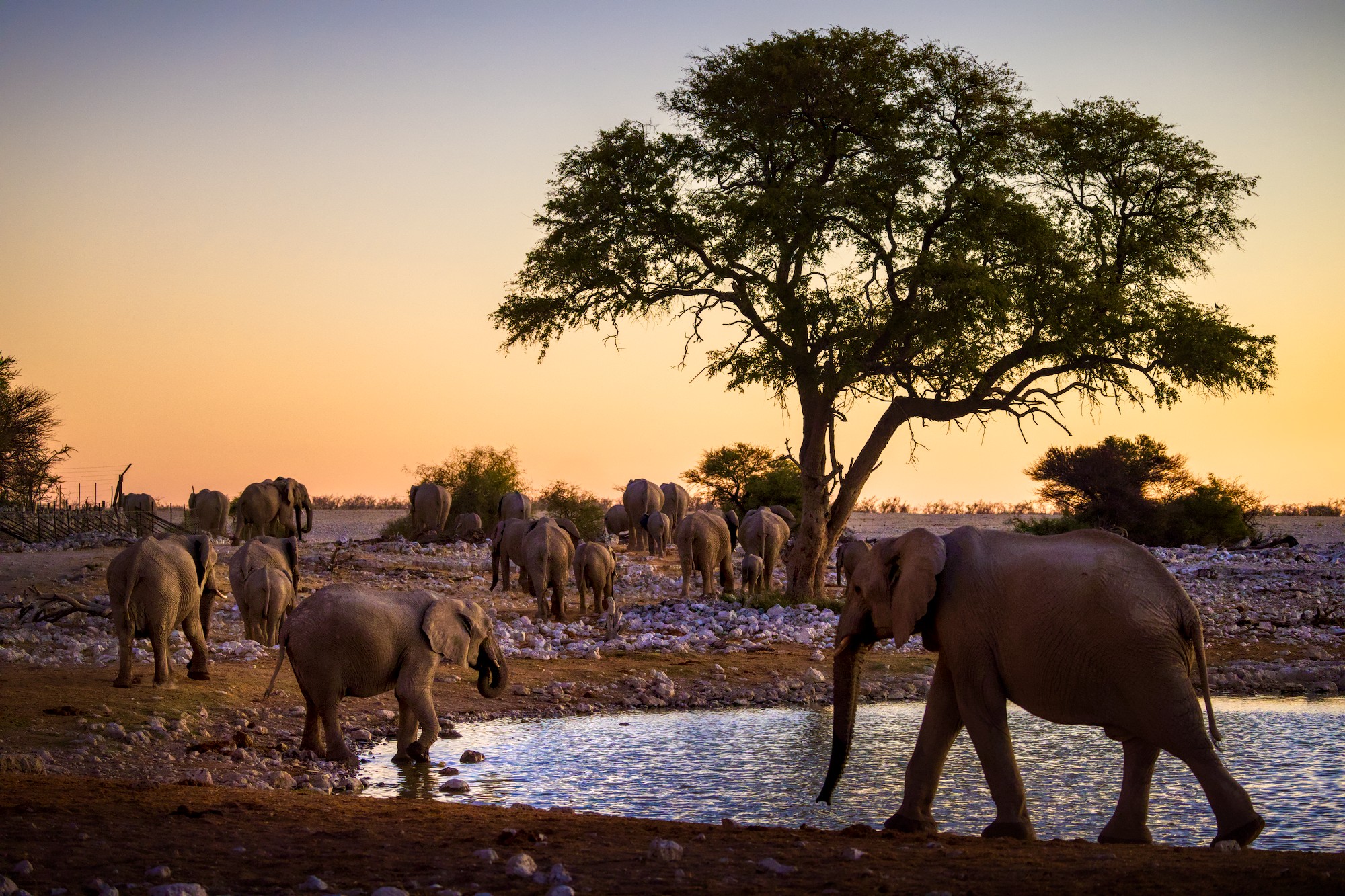
My take. I tried to bring out some of the sunset colors in the darker sections of the scene, without pushing it very far. I did try to take out some of the yellow in the sky using color look up table.

I see what you meant about noise. I didn’t work too much on that. Nice image!


6W4A5041.CR3.xmp (18.3 KB)

1 Like

You can always set the curve transitions to safe in filmic in those circumstances too… It will be less crunchy…

I have done that, but it looks like it was WAY too much in this case. I will go check, though …

It made very little difference. Thanks for the tip, though.