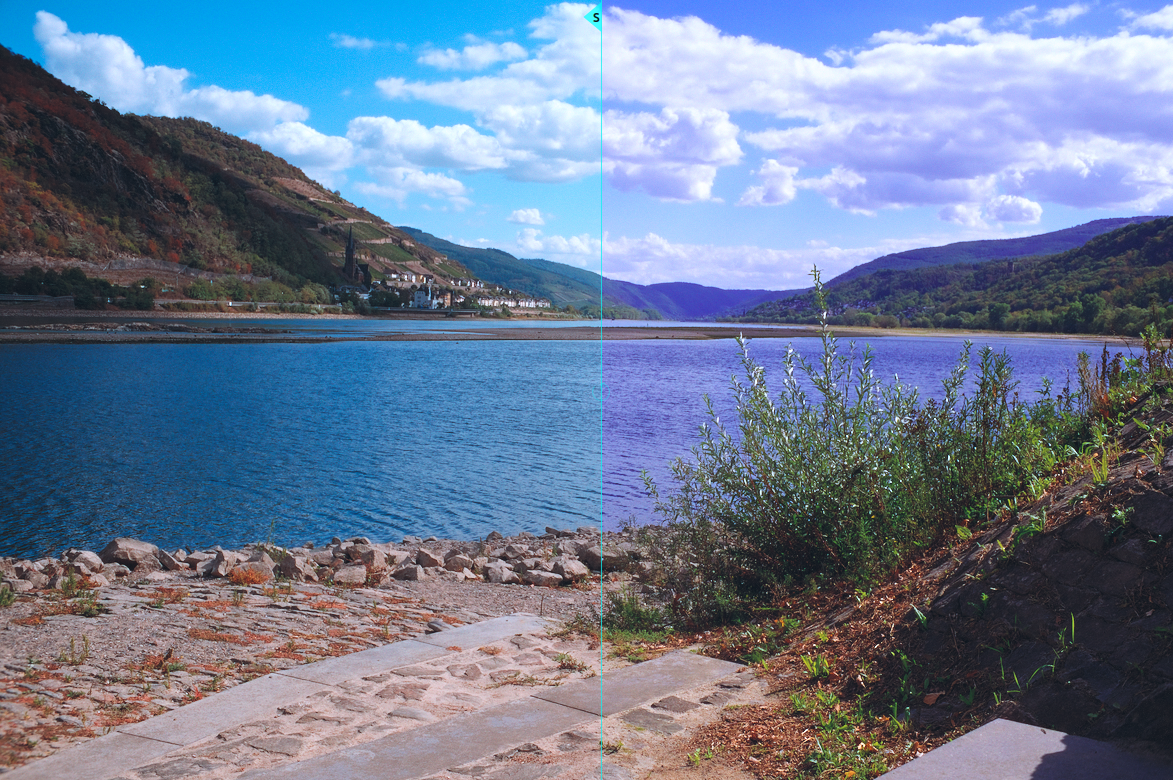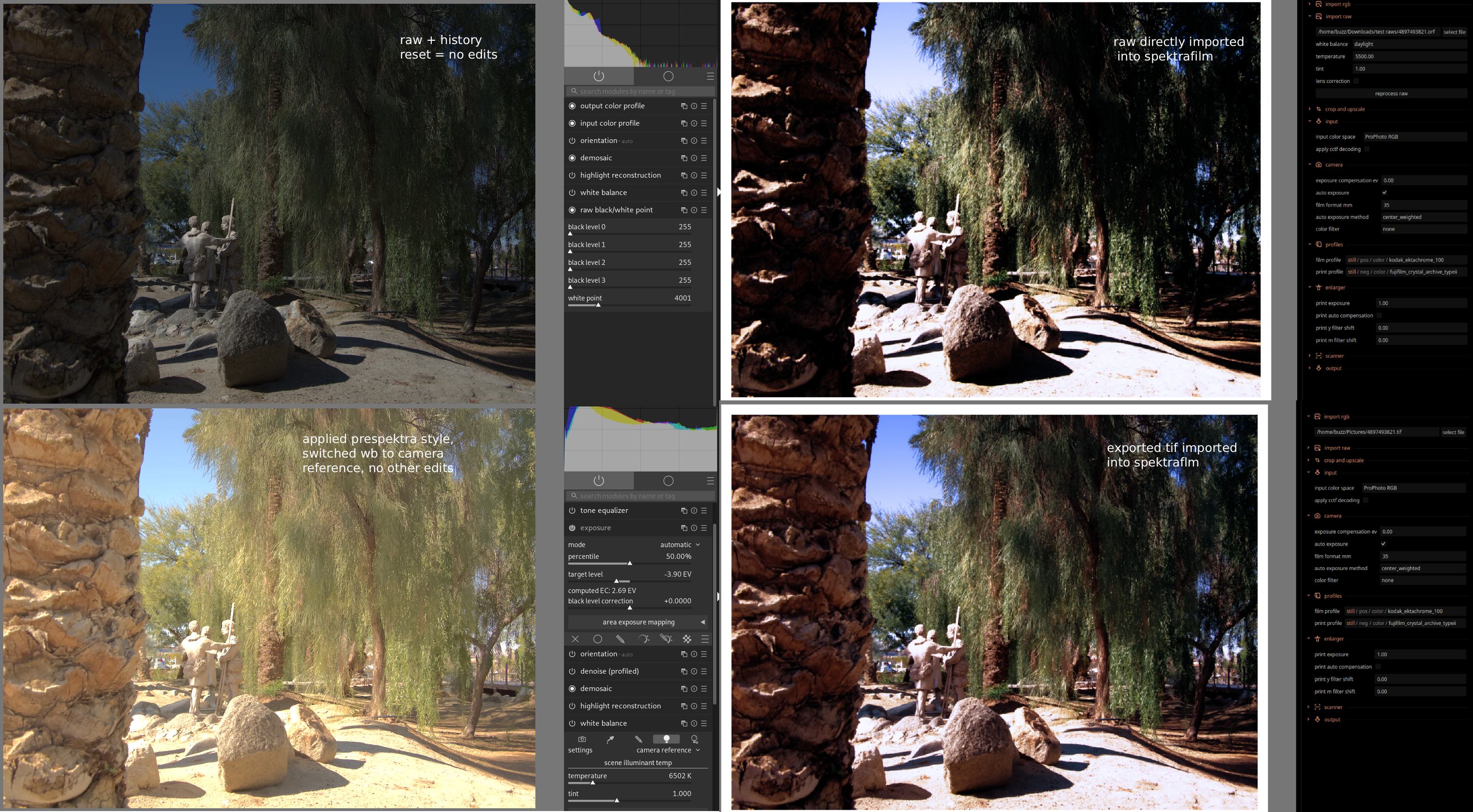
Hope this image helps. If youre still having issues, hit me up in the PMs, were gonna figure it out! No other edits in spektrafilm, the presets should work out of the box, I only touch the camera exposure compensation.
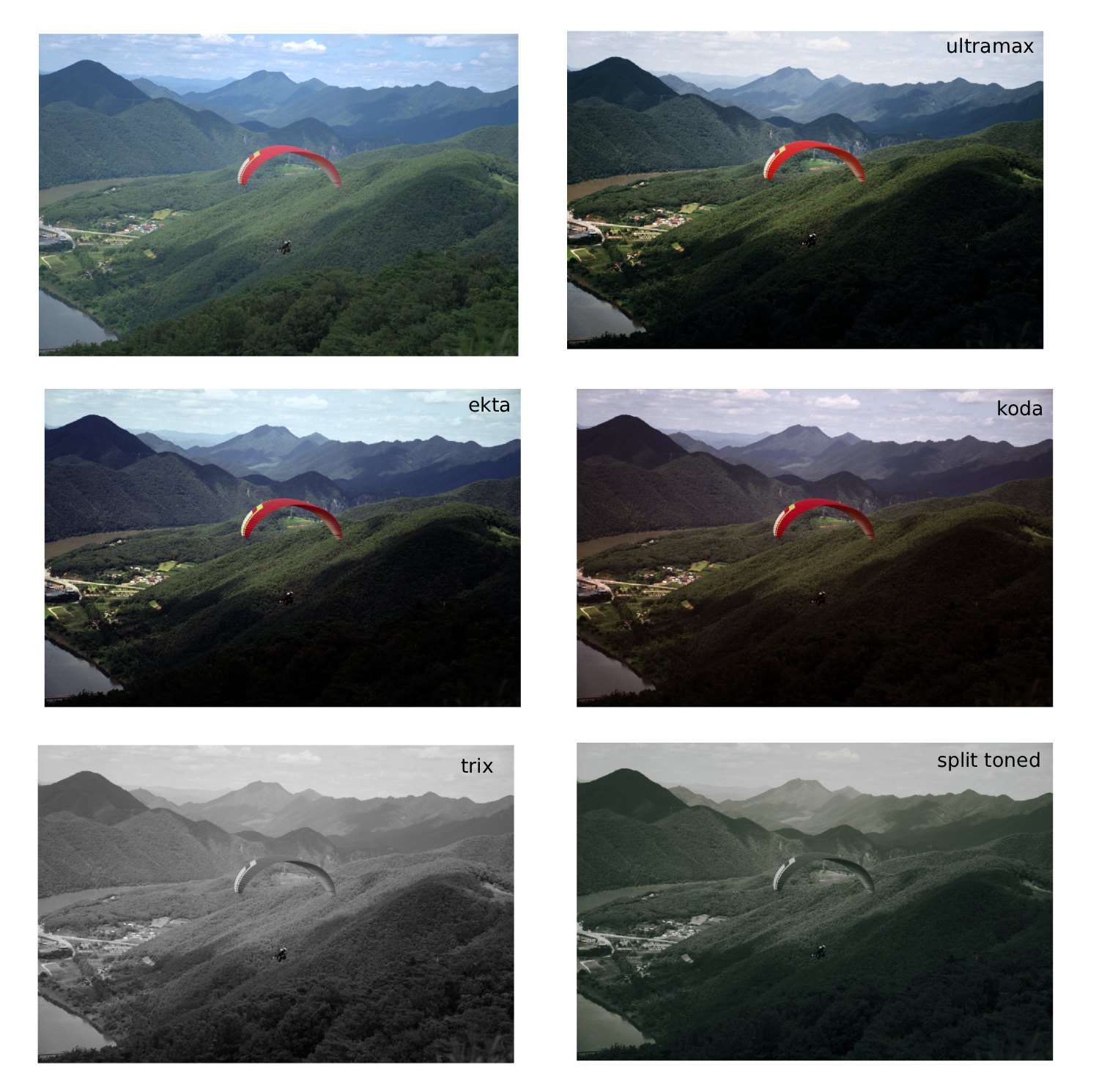
Just a quick update of the two koda/ekta presets and the ultramax preset from this thread, and two “new” black and white presets - one is essentially the same as the split toned one here [Darktable spektrafilm presets] Calling all the creative minds - #21 by bazdesh, the other is just a “smooth” Tri-X.
These are built to be lower contrast than the ones I posted before, they should work with direct raw files or without having to do the tone equalizer trickery - you can use the gamma settings to increase contrast if you feel like they are not punchy enough - I guess its a better option compared to having to reduce the contrast and losing all the color in the process, this way you just gain more 
Clean fixed.zip (8.9 KB)
(had to re-do these - switching between the various versions of dakrtable I left a wrong export setting unnoticed so they were a little bit busted - they are now fixed)
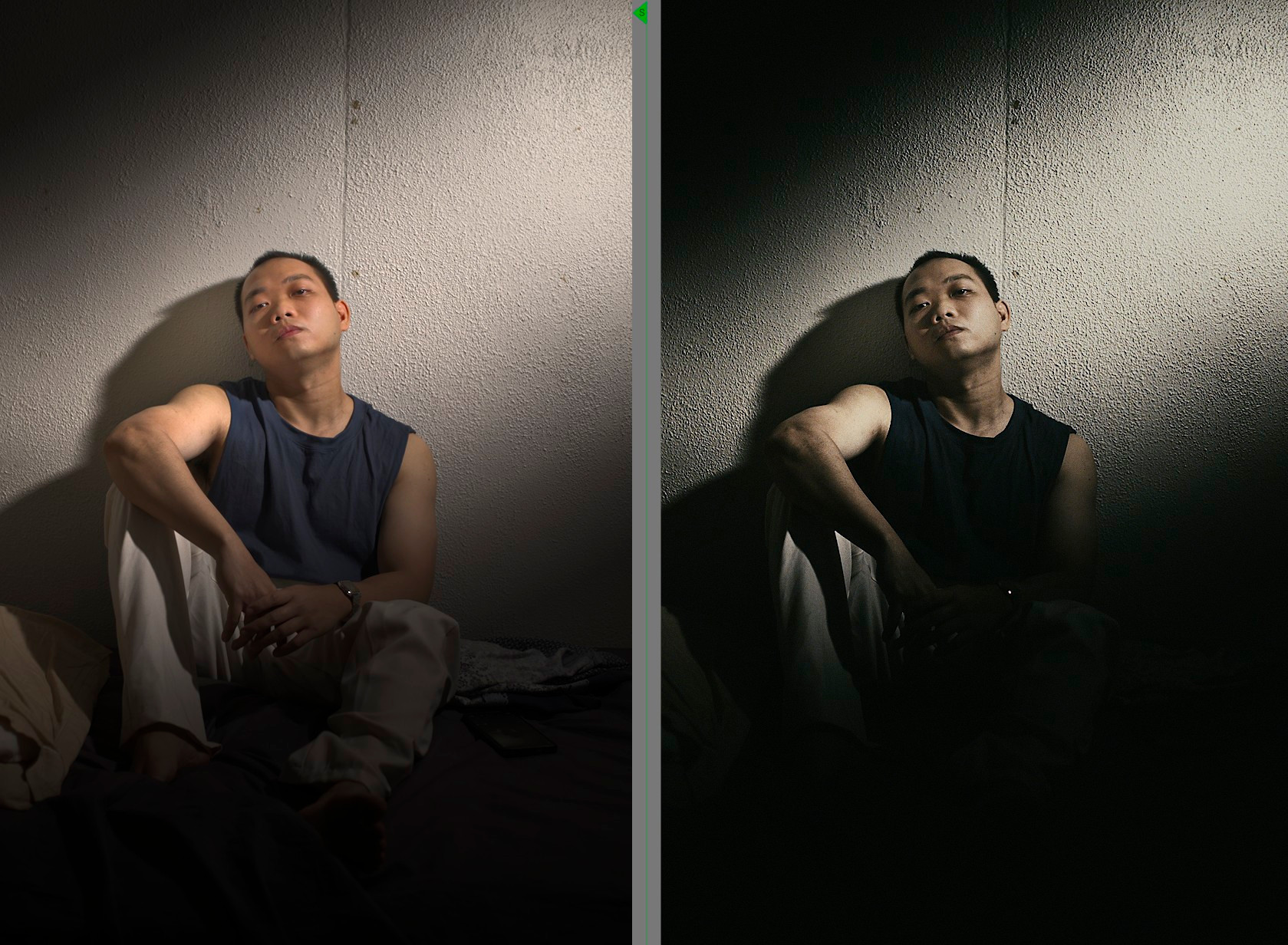
Bleach bypass
Background:
The preset is based on the analog color grading technique often used in feature films like famous Saving Private Ryan by Steven Spielberg.
Bleach bypass practically keeps the raw sharpness and deep contrast of black-and-white film while muting the color palette to a cool minimum, which strips away cinematic polish and conveys a raw reality.
Usage:
This preset is suitable for photos that aren’t very colorful and are more akin to documentary-style shots. Color photos that work well as black-and-white images can also benefit from this preset.
The photo should already have good contrast and accurate colors, and tone mapping should not be used. spektralfilm handles this function.
If necessary, the global contrast and brightness can be adjusted using the film exposure and push/pull sliders in the film tab of the spektralfilm module.
The filtration M and filtration Y sliders in the print tab can be used to adjust the color tone.
Since I haven’t found a way to adjust the color saturation in spektralfilm, I recommend using color balance RGB for certain subjects to adjust this beforehand. Depending on the scene, it’s sometimes worth reducing the overall saturation—or at least the saturation in shadows and highlights.
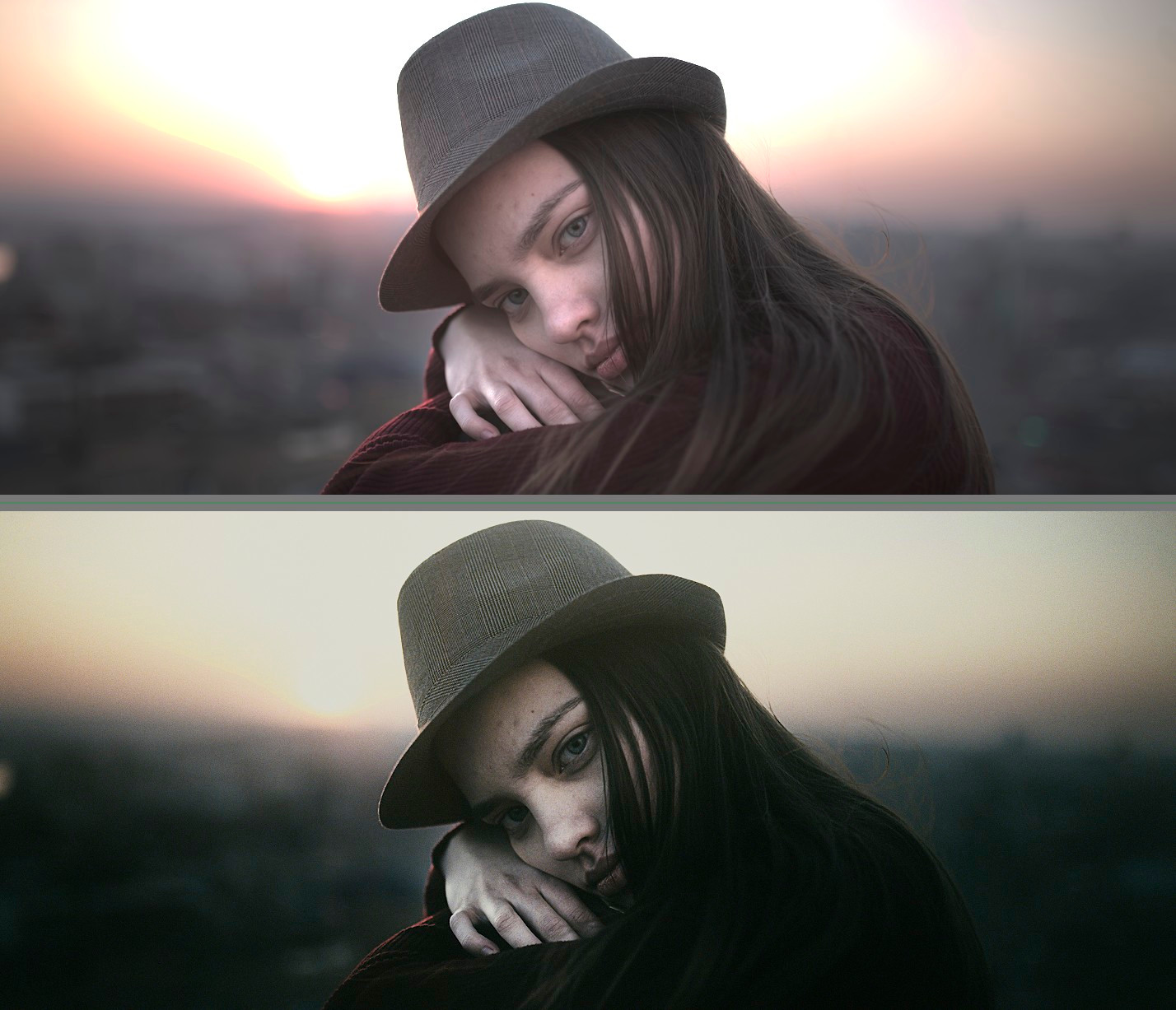
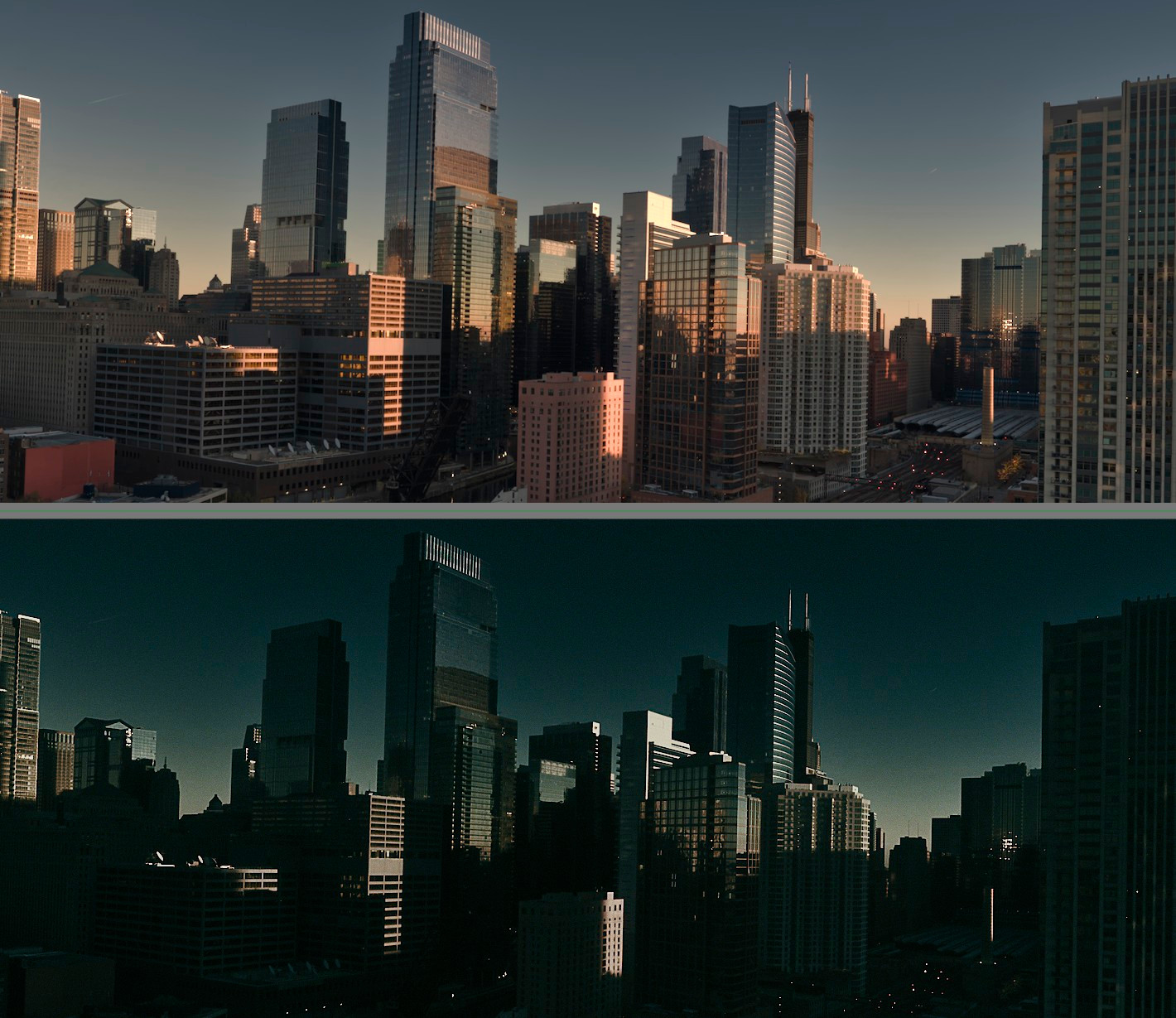
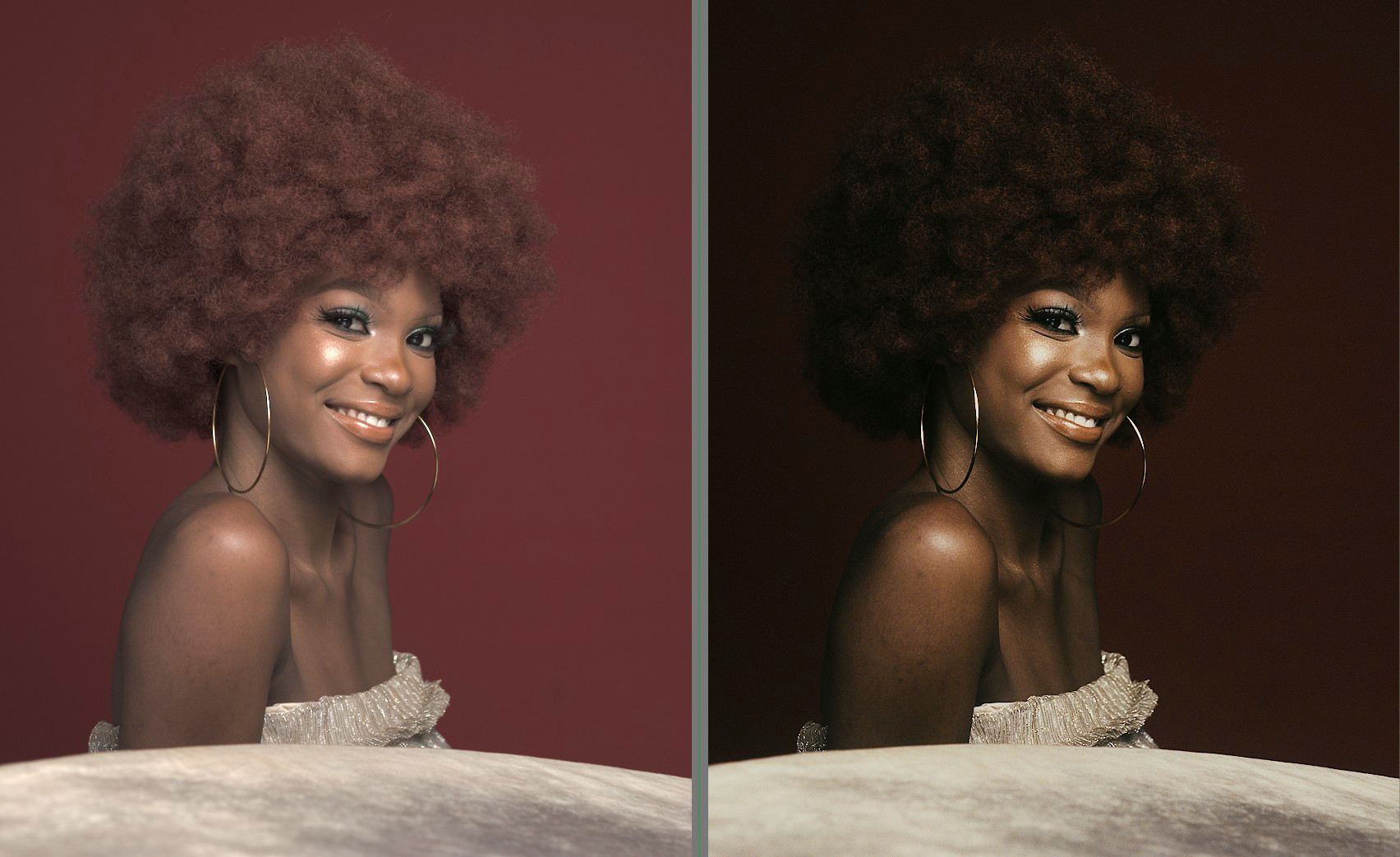
spektrafilm_bleach bypass.dtpreset (1,2 KB)
5 Likes
Great!
Can you also share it here?
This thread died down a bit because I moved to the DT spektrafilm module, thanks to the work of @piratenpanda, and now we also have the Arctic spectral upsampling available, so - new looks for Darktable! (not for the python version)
Pre-requisities - nigthly darktable (02/10/2026+) with the new test spektrafilm data pack (see Spektrafilm darktable module implementation discussion - #924 by piratenpanda), set to scene-referred (AgX) (I use it to quickly go back to a very clean edit and reality check my versions, instead of reseting to spektrafilm)
The styles here are very simple and quite unified. One thing they all use is a “fade” tone curve. If youre not a fan the film-like limited DR, disable the tone curve module, I use it to cut down on the shadow info spektrafilm gets. I recommend you start with disabling the color balance rgb + negadoctor + spektrafilm modules and adjust the exposure target level (or just exposure if thats more comfortable, or if youre running converted DNGs - no idea why auto exposure doesnt work with those?) so that the “crushed” stuff by the fade curve looks right/realistic to the scene. Use the tone equalizer if you need some extra space.
The slide ones are basically just ~4000K color calibration + spektrafilm + some corrective color balance rgb, all the negative ones use no print profile, some placebo dynamic range expansion using the post-compression scale and negadoctor - which I just cant get enough, such a powerful tool. I recommend playing around with the sliders, just using D max can get you so far…
styles1.zip (22.1 KB)
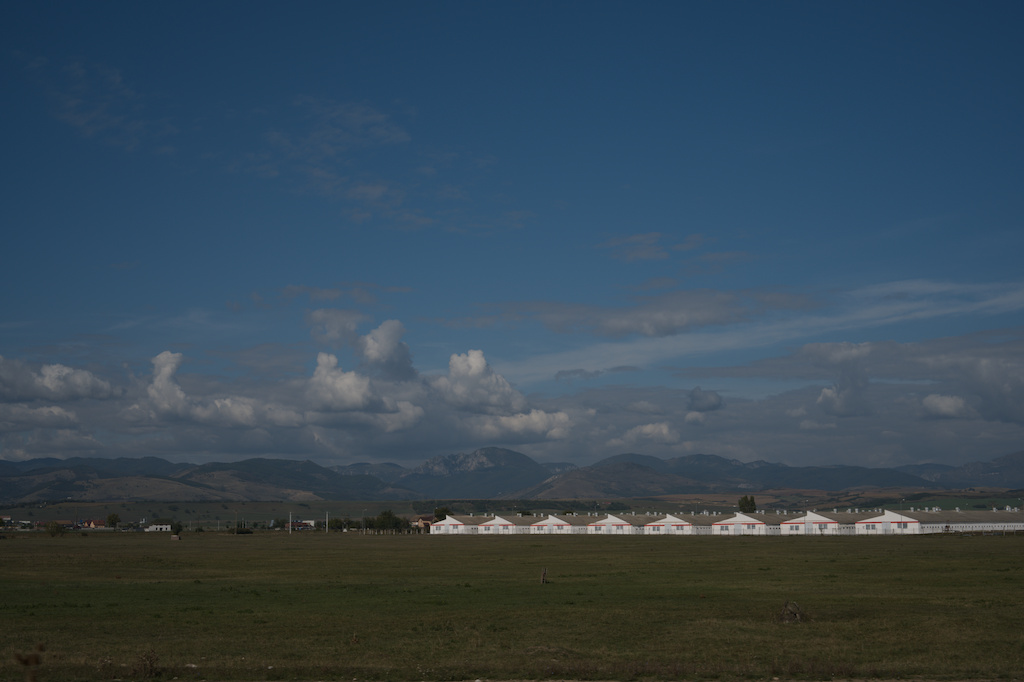

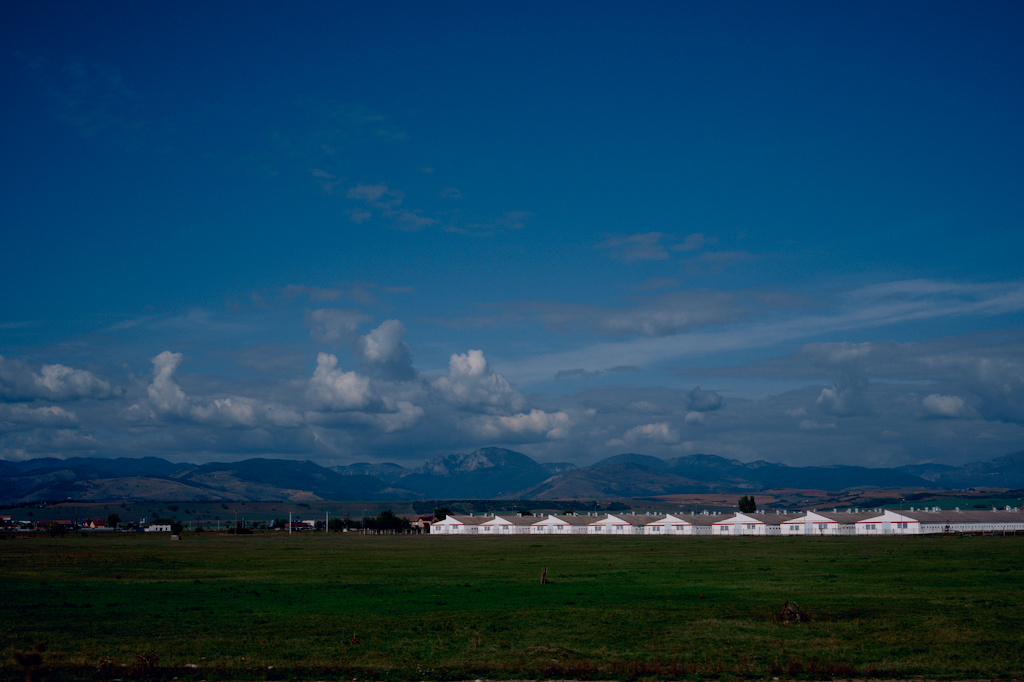
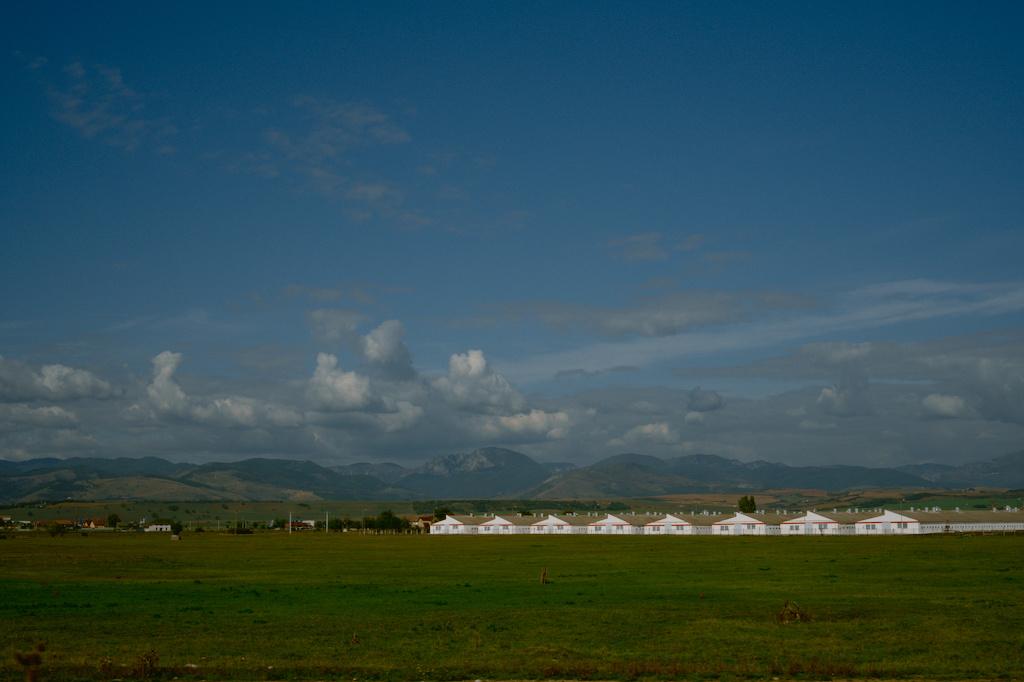
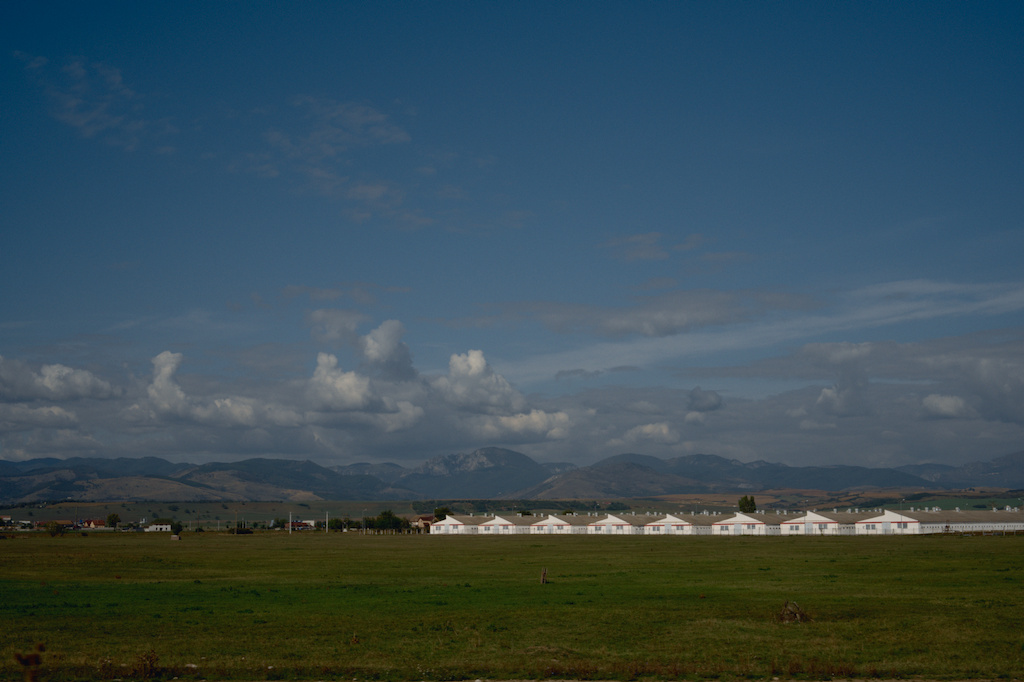
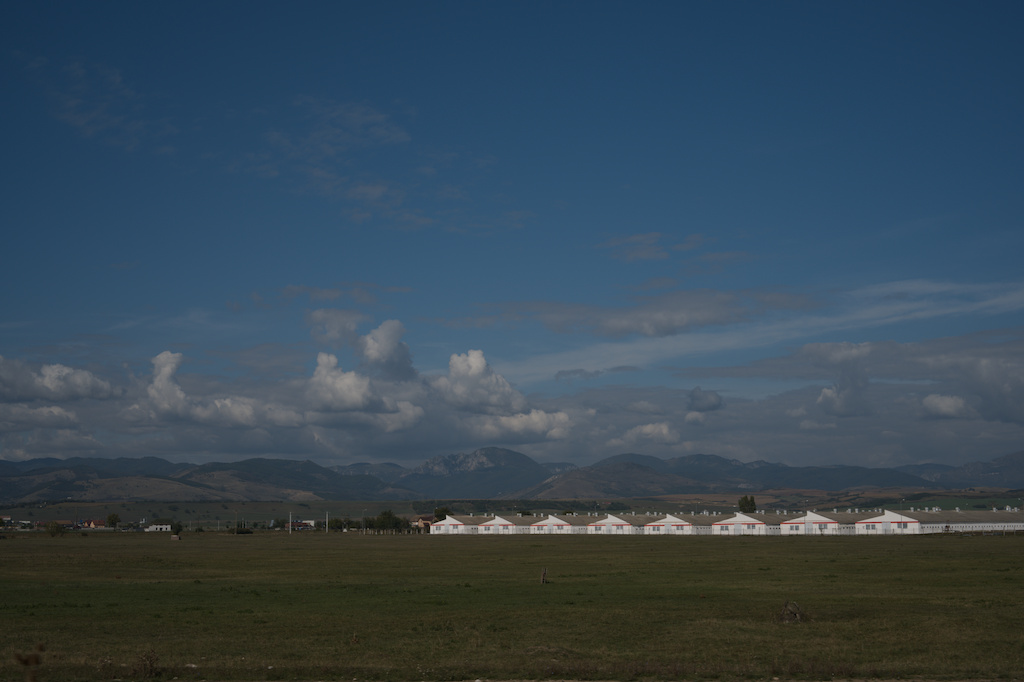


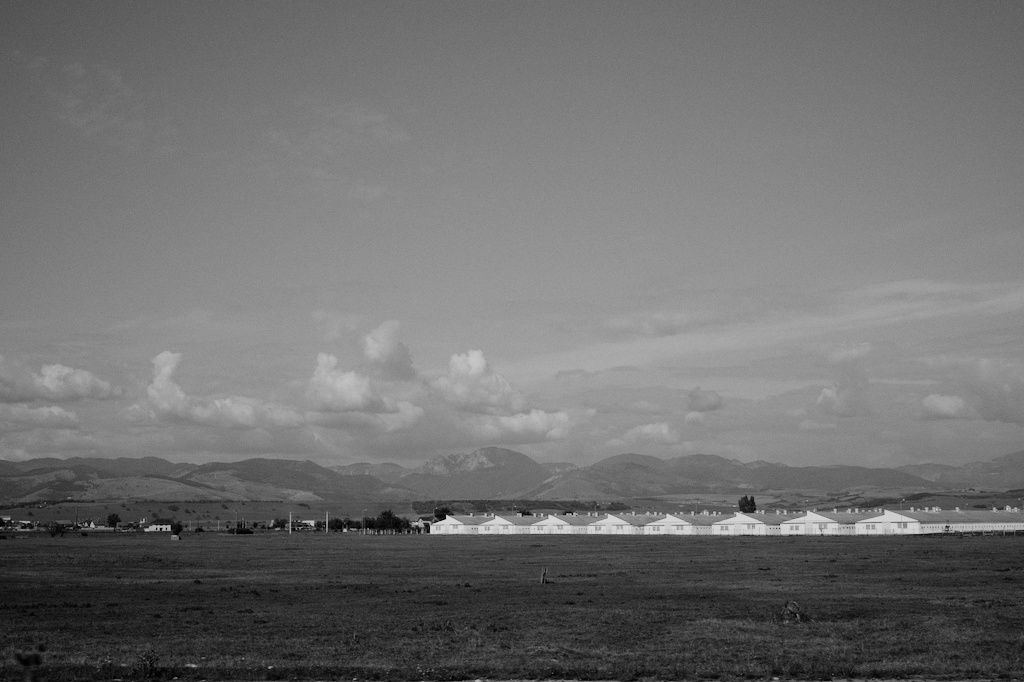
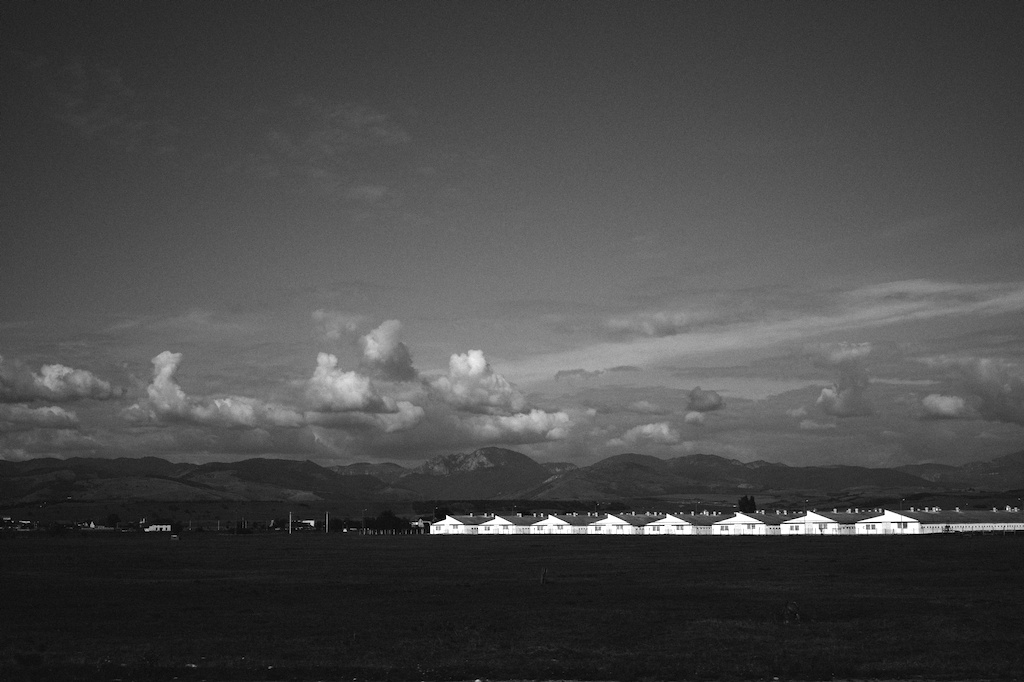
One thing - another quick reality check - cause Darktable keeps effing up my module order when I transfer my styles. This is what you should see once you apply any of the negative presets.
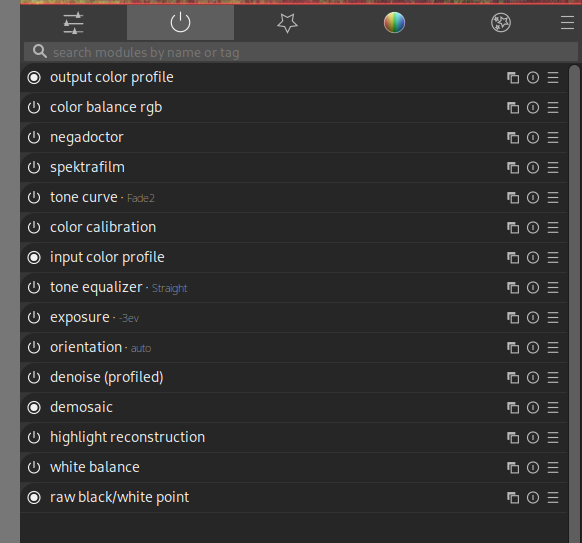
Also a quick note - these are not really too detail-oriented, as in, they basically use the same settings for halation/grain, I will leave those to you 
4 Likes
I would love to use this but i don’t understand what to install and where, i don’t use darktable but i would love to use it for spektrafilm. Can you explain a bit better what i have to disable from the starting image preset? I don’t see the things you do in the image
-
Download nigthly darktable - Release Darktable nightly build 20261009 · darktable-org/darktable · GitHub
-
Run it once so it builds all the local files, then exit
-
Find the darktablerc file (on linux its located in /home/yourusername/.config/darktable/, on mac/winslop… no idea), open it in your favorite text editor and search for “spektrafilm”, look for two lines saying
plugins/darkroom/spektrafilm/ref=xxxxxxxxx
plugins/darkroom/spektrafilm/repository=xxxxxxxxxxx
change those to this
plugins/darkroom/spektrafilm/ref=arctic_upsampling
plugins/darkroom/spektrafilm/repository=piratenpanda/darktable-spektrafilm
-
Start darktable again
-
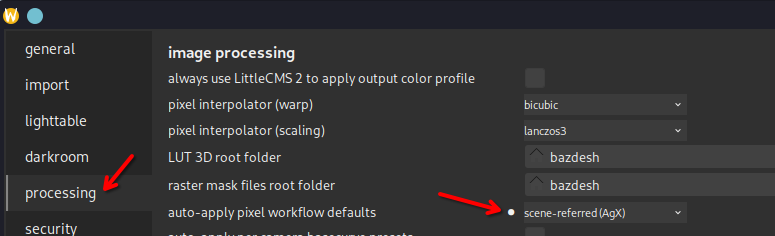
Open the settings menu and set your default darktable settings to this - it most likely will already be set like this, AgX is the default one afaik, but double check.
(this is actually not 100% necessary, you can be in AgX or stay in spektrafilm here, these styles disables the running AgX module, but they wont add it if youre in a spektrafilm workflow. if you want to stay in filmic/sigmoid, you will need to disable the running filmic/sigmoid module once the style is applied), -
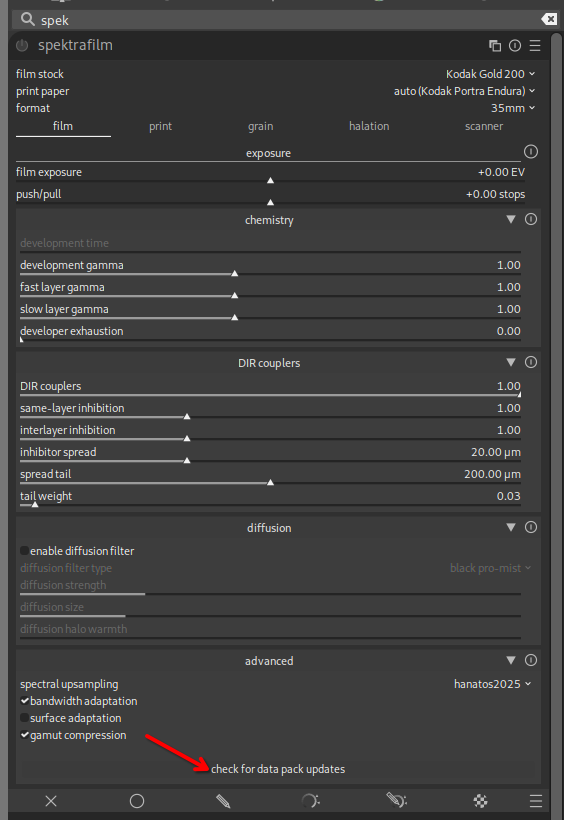
Import an image, open it in the darkroom mode (double click from the library/lighttable), in the right pane search for spektrafilm module, open it, and click on this
-
After the new pack is updated/downloaded, use this option in the left pane to import the styles you downloaded from my post
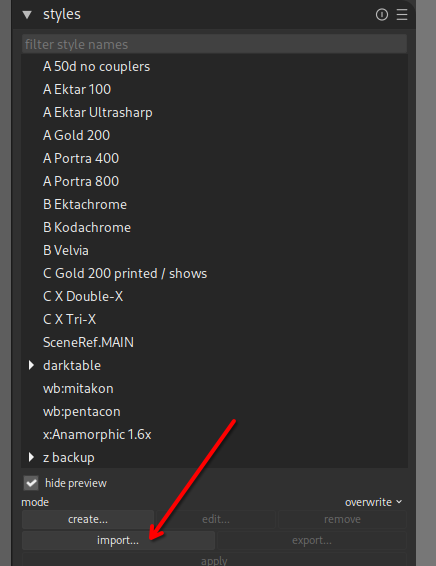
(if you dont see the styles module there, right click into an empty space in the left pane and check styles)
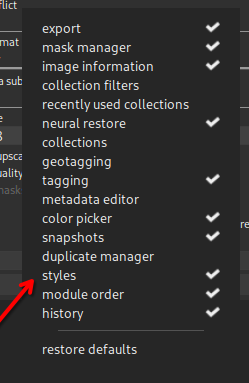
Once you have this done and see the styles in the style menu, you dont have to disable anything in the image, just open one and reset it via this button
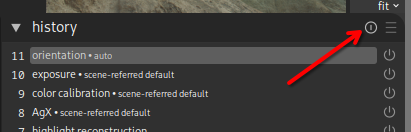
and then double-click one of the styles, or select + click apply.
If youre new to darktable it can be overwhelming and I am not sure at which point you got stuck, this should cover all bases. I hope
6 Likes
Not sure if this is the right thread for this one, but… Inspired by fotufilms infrared film inclusion, here is a darktable color calibration preset that turns the colors towards a sort of aerochrome vibe, with a mask that isolates the skin tones.
I tried it on a couple of raws from different cameras so it should work fine on most, hopefully
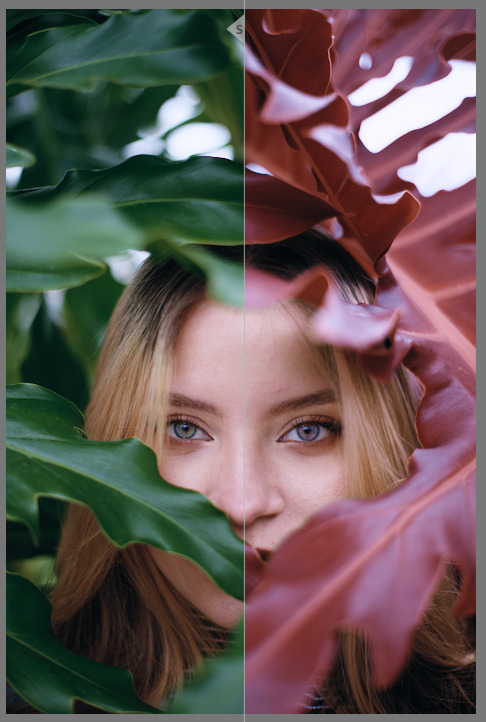
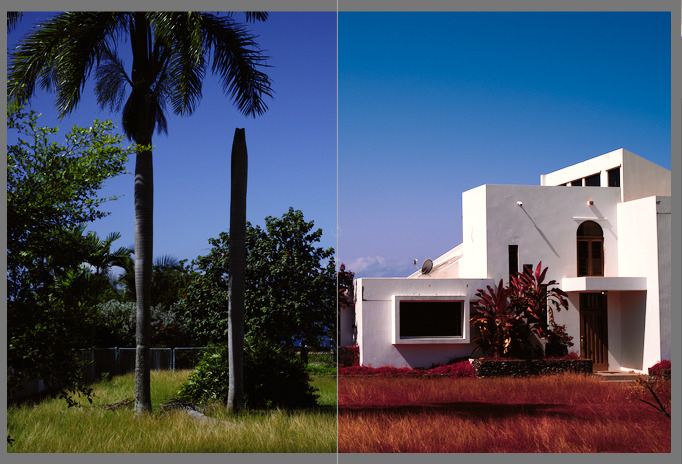
channelmixerrgb_Infra mask.dtpreset (1.2 KB)
Import the preset and apply it on the default color calibration module.
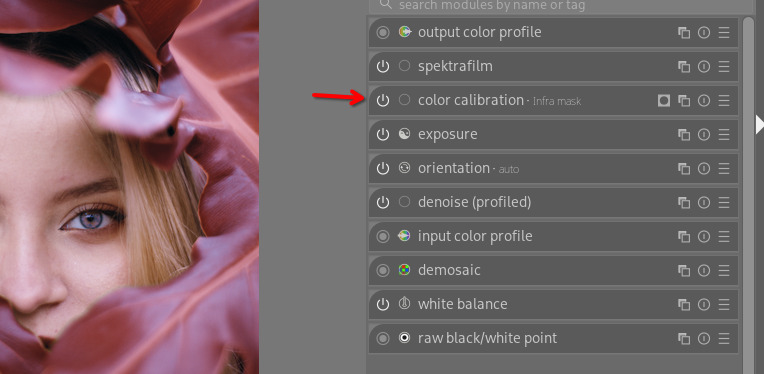
6 Likes
Hello, short question here. Is “scene-referred(AGX)” different from "scene-reffered(Spektrafilm) ? I use scene_referred(Spektrafilm) so I don`t have to disable AGX every time and Spektrafilm is enabled by default.

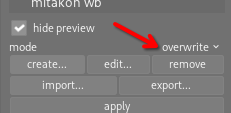
Well, yes, in a way - I still use the scene-referred (AgX) setting as my default - to have a step to quickly see the photo in a very neutral look - so the styles I posted are built on top of the AgX workflow, even though they disable the AgX module.
Thinking about it now though - the styles will work if youre in the scene-referred (spektrafilm) setting without any issues too. I would, just to be sure, set the mode to overwrite when applying the style - but testing it now, it works even with append. I thought it might add a second instance of spektrafilm and not replace the original one, but it is one step ahead in this case… I still think having the mode set to overwrite here is probably a good practice for this sort of styles anyway.
I will edit the original post
1 Like
thanks for clearing this up. I did not notice this “overwrite” funktion till now .
Styles working great, I like them a lot! Is there a chance in having Fujifilm Superia?
1 Like
Nice!
Superia isnt in Spektrafilm, so not at this time. (edit - there is the Xtra 400 variant, I can try to whip something out, do you have any sample shots on the stock at hand?)
A thing to note - the styles I post arent really ‘scientific’, they are just looks that might be comparable to some photos taken on the stock, but they are mainly just styles named after the active film profile in Spektrafilm - the actual resemblance to film always needs more work and is shot specific.
I am saying this to weasle my way out of crafting a style with a random film profile and faking it with color eq adjustments and calling that Superia - while it is possible, it breaks the illusion
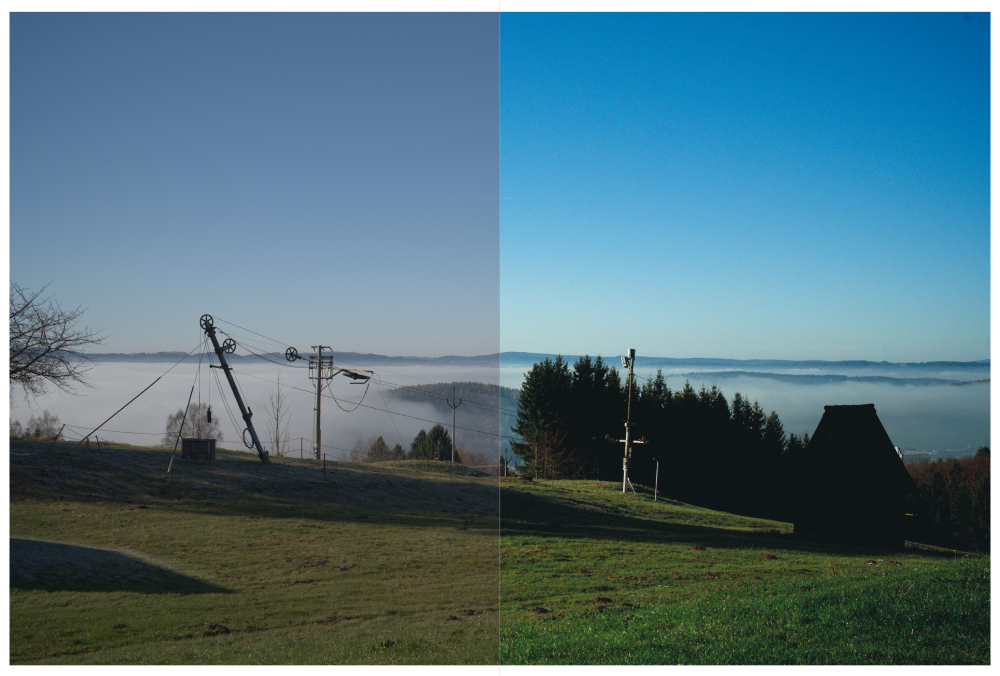
Xtra test.dtstyle (7.5 KB)
How does this look? Comparable at all? The usual rules apply (use the latest nightly and start with AgX/spektrafilm workflow defaults), adjust the exposure/exposure comp in the exposure module after applying the style on a reset photo, use the spektrafilm - DIR couplers slider to adjust the amount of colors (I think it actually looks good with less couplers, the greens feel more accurate to what I saw on flickr, but you know, film scans have so many variables, who knows what the development process was, what post-scan edits were done…), disable the tone curve module if youre not into the faded look, perhaps change the color calibration to the daylight illuminant, cool it down a bit…
The Sky looks promising. Good starting point Thank You! Only reference I have in the moment is a screenshot out of youtube.
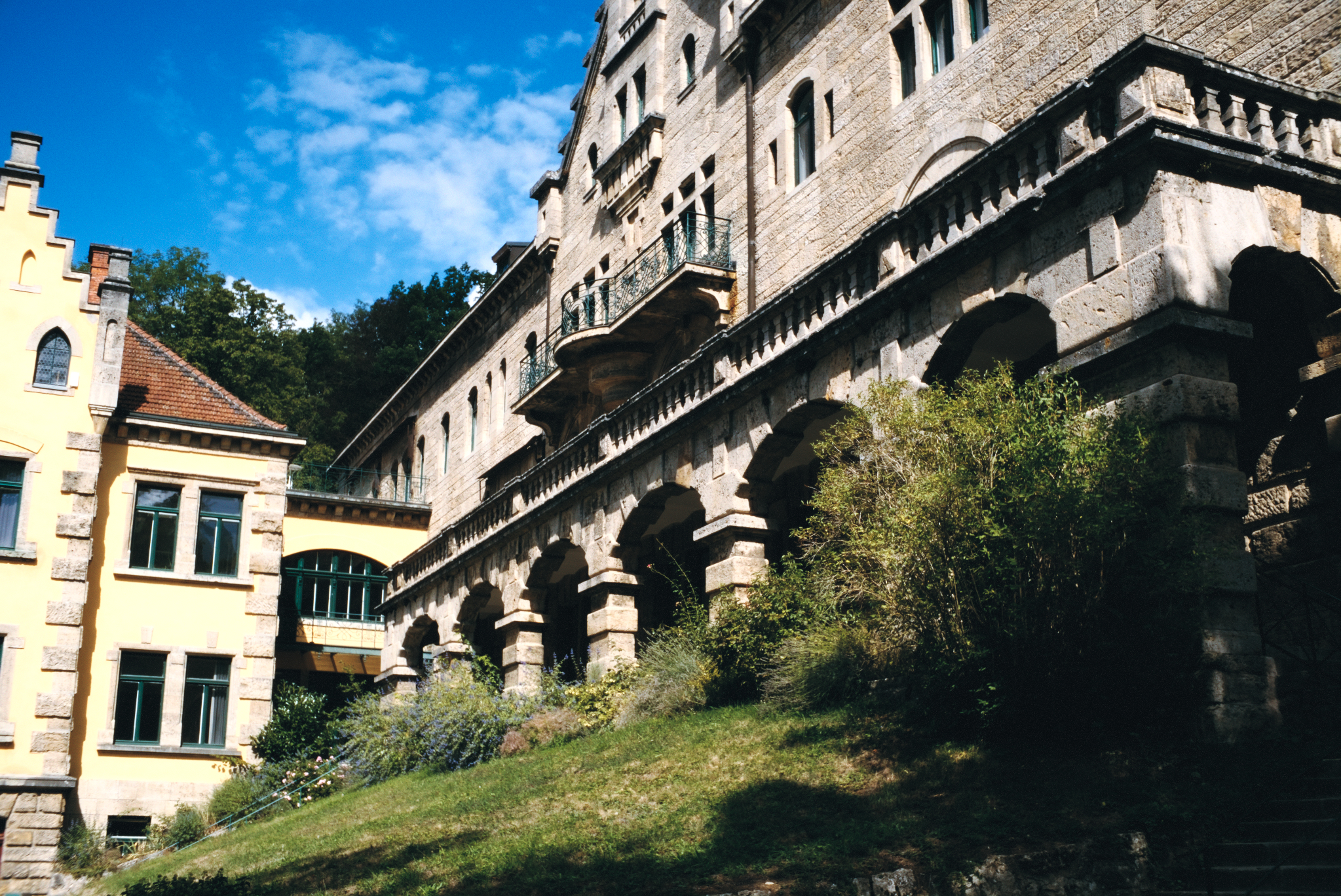
Im̀ using a desatirated (DIR Coupler) X-TRA400 on standard paper. What I miss is a more cyan looking sky. like on this one
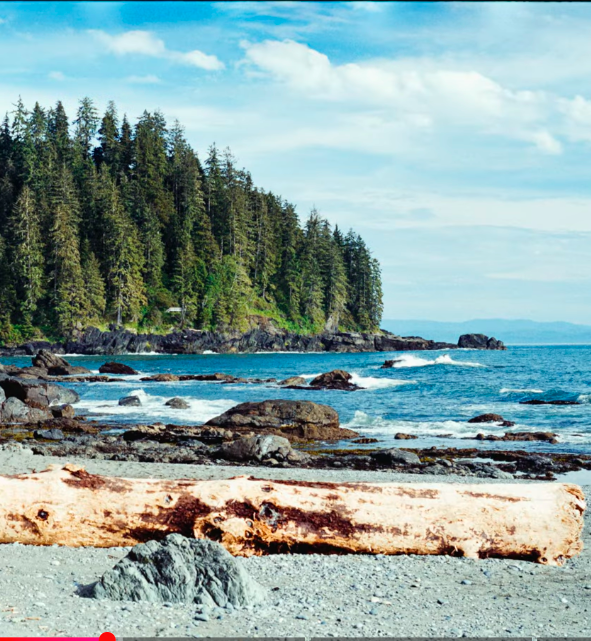
this is a screenshot of Youtube, the photo is taken with supera

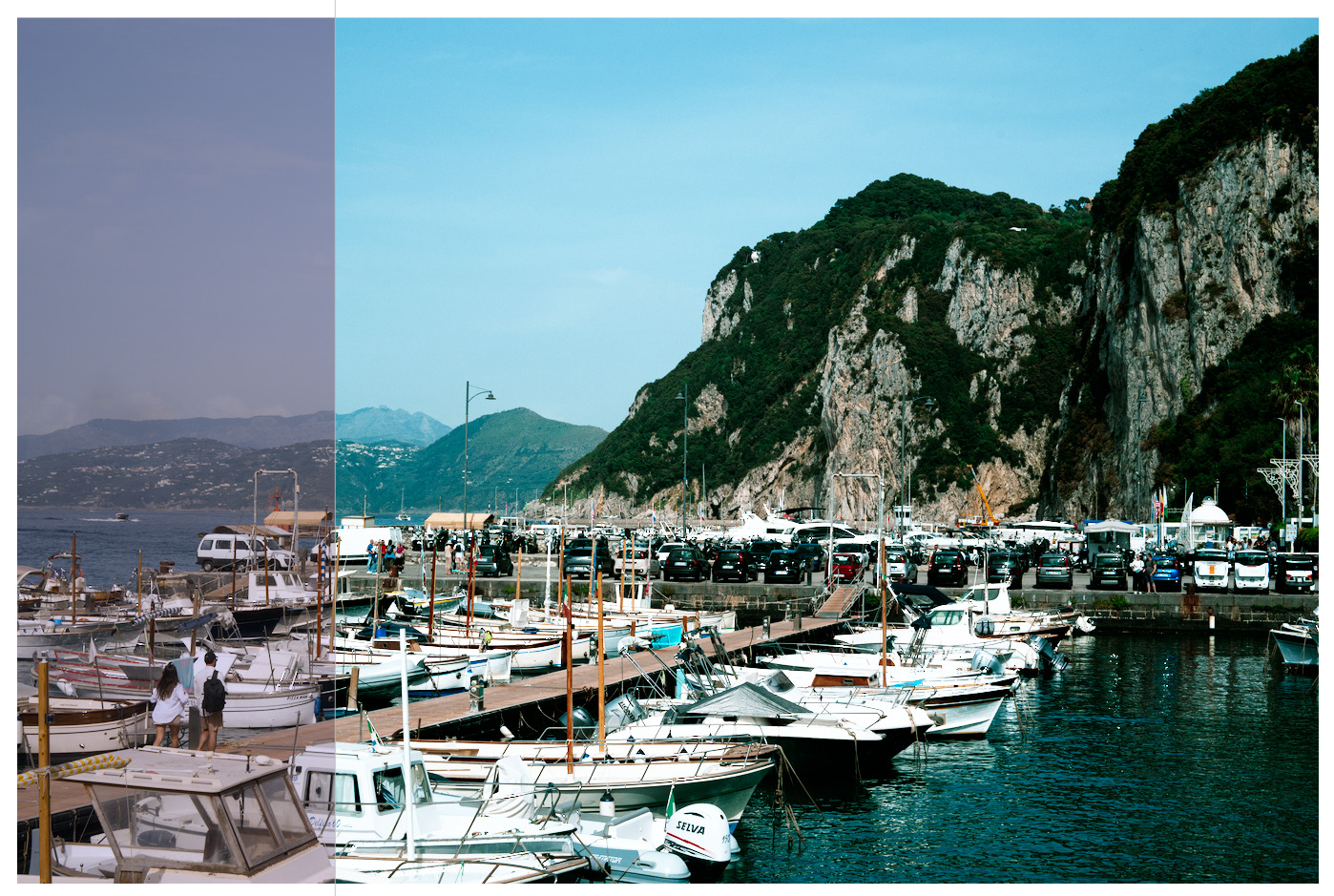
Xtra test 2.dtstyle (7.5 KB)
Something like this? It does break very easily though - this one uses a different input color profile setting (linear Rec2020 instead of the usual camera matrix one), which carries its own many issues, but seems to help the greens. (thats something I read about here, negadoctor and input profiles…)
1 Like
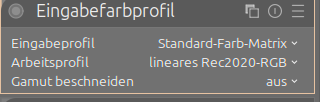
Yeah, thats the idea. Its mentioned here - Negatives and color profiles
1 Like